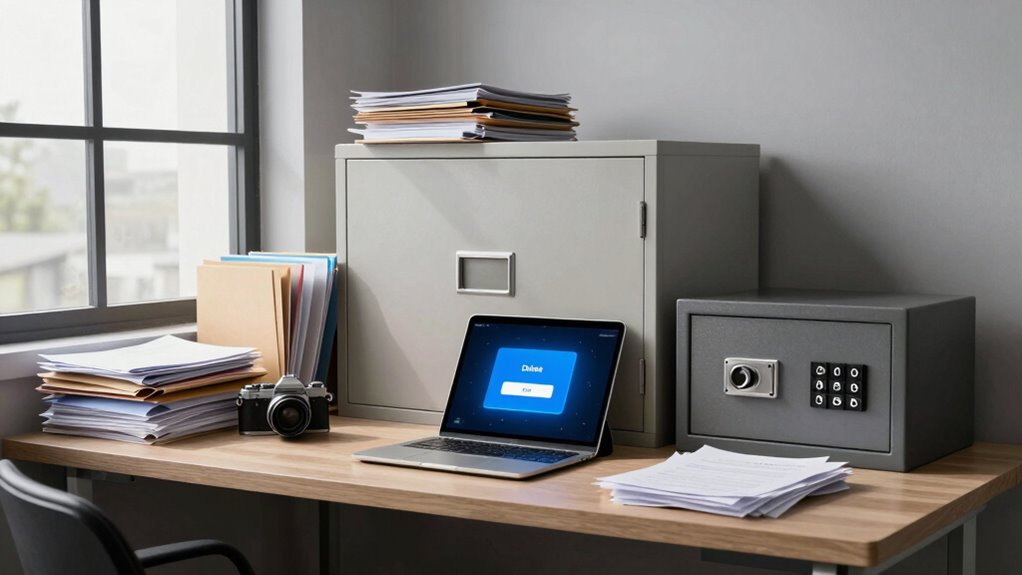

You should archive data you might need later but no longer actively use, like old project files or past reports, storing them securely on cloud or external drives. Delete outdated, unnecessary, or duplicate files to free space and protect your privacy. Lock down sensitive information, such as financial or personal data, with encryption and access controls. If you want to learn how to balance these strategies effectively, keep exploring ways to manage your digital data securely.
Key Takeaways
- Archive inactive but valuable data securely to free space and ensure future access.
- Delete outdated, duplicate, or unnecessary files to reduce clutter and protect privacy.
- Lock down sensitive information with encryption, restricted access, and secure storage methods.
- Regularly review and update your data management, security, and privacy settings.
- Prioritize safeguarding personal, financial, and confidential data over less sensitive files.
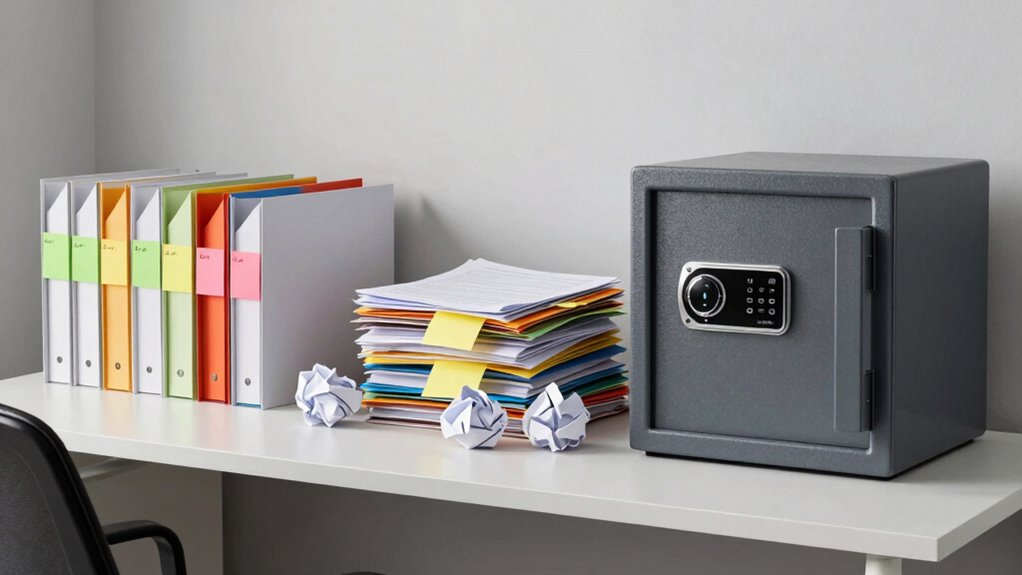
Have you ever wondered how to effectively manage outdated or sensitive data? It’s a common challenge in today’s digital world, where digital clutter can quickly accumulate and threaten your privacy. Knowing what to archive, delete, or lock down helps you stay organized and protect your information. When dealing with digital clutter, start by identifying files or data that are no longer active but might be useful in the future. These are prime candidates for archiving. Archived data should be stored securely, perhaps in cloud storage or external drives, but out of your immediate reach. This frees up space and reduces visual clutter, making your digital environment cleaner and easier to navigate.
As you decide what to delete, consider the importance and sensitivity of the data. Delete anything that’s unnecessary, outdated, or duplicates. This not only declutters your digital space but also minimizes the risk of exposing sensitive information. When deleting, be mindful of privacy settings; ensure that your data isn’t accessible to unintended viewers. Regularly reviewing your privacy settings on social media, email accounts, and cloud services is crucial. Tightening these settings helps prevent unauthorized access, especially for personal or confidential information. Think of privacy settings as your digital lockbox, keeping sensitive data secure and limiting access to only trusted individuals.
Locking down data is particularly important for sensitive information that you want to retain securely but prevent from accidental exposure. This might include financial records, legal documents, or personal identifiers. Use encryption or password protection to lock down files, and consider moving them to secure folders with restricted access. Implementing cybersecurity best practices can further enhance your data protection efforts. Being proactive about managing permissions and access controls across your devices and online accounts is essential to maintaining your digital security. This ensures that even if someone gains access to your device or account, they won’t be able to open or misuse your most sensitive data. Additionally, understanding the importance of content management can help you implement effective strategies for organizing and safeguarding your files. Regularly staying informed about the latest security threats and updating your security measures can significantly reduce vulnerabilities and strengthen your digital defenses.
Ultimately, managing your digital clutter isn’t just about freeing up space; it’s about safeguarding your privacy and keeping your digital life organized. Knowing what to archive helps you retain valuable information without cluttering your active workspace. Deleting unnecessary files reduces the risk of data leaks and simplifies your digital environment. Locking down sensitive data adds an extra layer of security, giving you peace of mind. To effectively protect your data, it’s important to understand the various methods and tools available to enhance your security. By regularly reviewing your data management practices—considering your privacy settings, archiving wisely, and deleting what’s no longer needed—you take control of your digital footprint and create a safer, more streamlined online presence.

Seagate Portable 2TB External Hard Drive HDD — USB 3.0 for PC, Mac, PlayStation, & Xbox -1-Year Rescue Service (STGX2000400)
Easily store and access 2TB to content on the go with the Seagate Portable Drive, a USB external…
As an affiliate, we earn on qualifying purchases.
As an affiliate, we earn on qualifying purchases.
Frequently Asked Questions
How Often Should I Review My Archived Data?
You should review your archived data at least once a year to guarantee it remains relevant and well-organized. Incorporate data categorization and archiving best practices during these reviews to keep everything manageable. Regular reviews help identify outdated information and ensure your archives support your current needs. Staying proactive prevents clutter and guarantees your data stays secure, accessible, and useful for future reference.
What Legal Considerations Influence Deletion Decisions?
Legal considerations heavily influence your deletion decisions because you must adhere to data retention and compliance requirements. You’re responsible for retaining data as mandated by laws like GDPR or HIPAA, and failing to delete data when required can lead to penalties. Regularly review your policies to guarantee your data handling practices align with evolving regulations, preventing legal risks and ensuring proper data lifecycle management.
How Can I Securely Lock Down Sensitive Information?
Locking down sensitive information is like locking a treasure chest—secure and unbreakable. You should implement strong encryption protocols to scramble data, making it unreadable without the right key. Combine this with strict access controls, ensuring only authorized individuals can view or modify the information. Regularly update your security measures and monitor access logs to catch any suspicious activity, keeping your sensitive data safe and secure.
What Tools Assist in Automated Archiving and Deletion?
You can use tools like automated archiving and deletion software that leverage automated tagging and cloud integration. These tools automatically identify sensitive data, tag it appropriately, and move or delete files based on your policies. Cloud-based platforms like Microsoft 365, Google Workspace, or specialized data management solutions offer seamless automation, making it easier to keep your data secure and compliant without manual effort.
How Do I Prioritize Data for Locking Down Versus Deleting?
You should prioritize data for locking down based on sensitivity and access control measures, while less critical data can be deleted. Follow your data retention policies to determine what must be kept secure versus what can be safely removed. Think of it as putting your eggs in the right basket—secure sensitive info first, then assess what’s safe to delete. This approach guarantees compliance and minimizes risks.
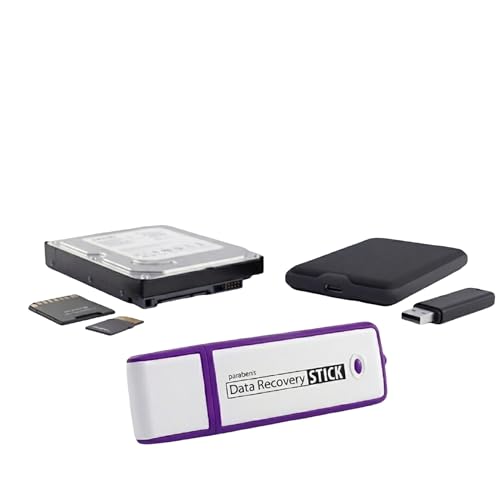
Data Recovery Stick | USB Data Recovery Device | Windows Data Recovery Software | Recover SD Card, Photos, Files
The Data Recovery Stick requires no technical skills — simply plug it into your Windows computer, click Start,…
As an affiliate, we earn on qualifying purchases.
As an affiliate, we earn on qualifying purchases.
Conclusion
Remember, over 60% of data breaches stem from avoidable human errors like mishandling sensitive info. By carefully archiving what’s valuable, deleting what’s unnecessary, and locking down critical data, you protect yourself and your organization. Don’t let complacency be your downfall—stay vigilant. Taking these steps now could save you from devastating losses later. Secure your data today, because in the digital world, prevention is your best defense.

BTSFTOGET Refillable Password Book Binder with Alphabetical Tabs and Lock, 576 Passwords Large Print, 316 Pages Password Keeper for Computer & Website Logins & Phone, Blue PU Hardcover, 7.5in x 5.5in
Stylish and Secure: Our password book features a premium blue leatherette hardcover, adding a touch of elegance while…
As an affiliate, we earn on qualifying purchases.
As an affiliate, we earn on qualifying purchases.

Caine Computer Forensics Bootable USB Flash Drive – Digital Investigation, Data Recovery & Cybersecurity Toolkit for PC – Professional Linux Environment for IT & Law Enforcement
Dual USB-A & USB-C Bootable Drive – compatible with most modern and legacy PCs or laptops. Ideal for…
As an affiliate, we earn on qualifying purchases.
As an affiliate, we earn on qualifying purchases.