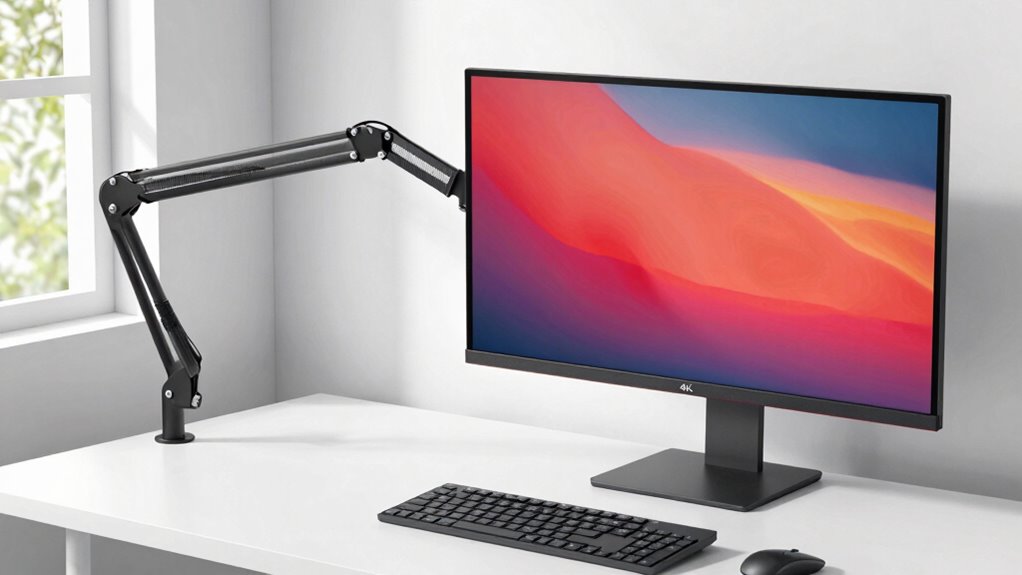

To choose the right monitor arm for your home office desk, consider ergonomic benefits like adjustable height, tilt, and swivel to promote good posture and reduce strain. Guarantee the arm fits your monitor size and weight, and check compatibility with your desk setup—clamp or grommet mounts. Look for easy adjustments and cable management features to keep your workspace tidy. Considering aesthetics and durability helps create a comfortable, organized space; explore more tips to find your perfect fit.
Key Takeaways
- Ensure compatibility with your monitor size, weight, and desk thickness for safe and stable installation.
- Prioritize ergonomic features like height, tilt, and swivel adjustments for comfortable viewing.
- Choose between clamp or grommet mounting options based on your desk setup and stability needs.
- Incorporate cable management features to keep your workspace organized and clutter-free.
- Select a design that complements your home office decor while offering durability and ease of use.
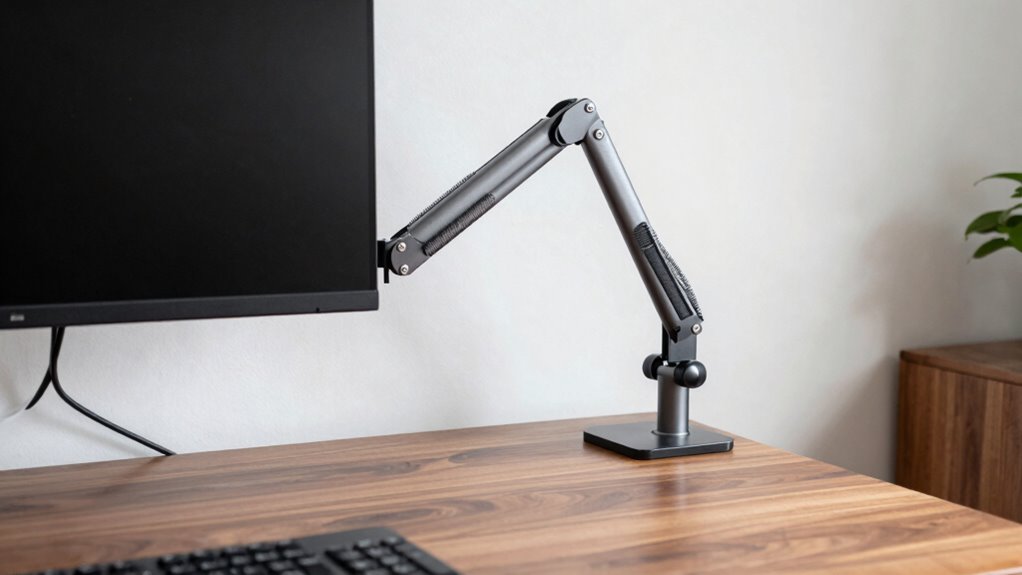
Are you tired of neck strain or cluttered desk space? Choosing the right monitor arm can markedly improve your home office setup, providing ergonomic benefits and creating a cleaner workspace. When selecting a monitor arm, it’s vital to consider how it will support your posture and ease of use. The right arm should allow you to adjust your screen to eye level, reducing neck and back discomfort, especially during long working hours. To maximize ergonomic benefits, look for a monitor arm with adjustable height, tilt, and swivel options. This flexibility ensures you can find the perfect viewing angle, encouraging better posture and decreasing strain. Additionally, selecting a monitor arm that is compatible with your workspace setup is essential for seamless integration and optimal functionality.
Installation tips are equally important to guarantee your monitor arm functions smoothly and securely. First, check the compatibility of the arm with your desk and monitor size. Many monitor arms attach via a clamp or grommet mount; a clamp is generally easier to install if your desk has a sturdy edge, while a grommet mount may require drilling a hole but offers a more permanent solution. Before attaching, measure your desk thickness and verify the mounting mechanism can accommodate it. Once installed, tighten all screws securely to prevent wobbling or slipping, which could compromise your monitor’s stability. Remember that proper installation ensures long-term durability and safety of your setup. Incorporating ergonomic considerations can further help you select a monitor arm that promotes better health and comfort during extended use. Being aware of monitor weight capacity** is crucial to avoid overstressing the arm and damaging your equipment. Additionally, understanding mounting options can help you choose the most suitable setup for your desk and workspace. Moreover, choosing an arm with adjustable tension** can contribute to easier repositioning and improved stability over time.
Another key aspect to think about is the weight capacity of the monitor arm. It must support your monitor’s weight without sagging or risking damage. Most arms specify the maximum weight they can handle, so double-check your monitor’s weight before making a choice. If you have a larger or heavier screen, look for a heavy-duty arm designed for robust support. Additionally, think about cable management features, which help keep cords organized and prevent clutter. Well-designed cable clips or channels integrated into the arm can make your workspace look tidier and prevent tangling.
Ease of adjustment is vital for a comfortable work experience, so test how smoothly the arm moves. Some models have friction or gas lift mechanisms that allow effortless repositioning. Also, consider the range of motion—your monitor should extend, retract, and rotate easily to cover your preferred viewing angles. Finally, think about the aesthetic of the monitor arm, aiming for a design that complements your home office decor while offering durability and functionality. By carefully weighing ergonomic benefits and installation tips, you’ll find a monitor arm that enhances your comfort, productivity, and workspace organization.
adjustable monitor arm for home office
As an affiliate, we earn on qualifying purchases.
As an affiliate, we earn on qualifying purchases.
Frequently Asked Questions
Can Monitor Arms Support Dual or Multiple Monitors?
Yes, monitor arms can support dual or multiple monitors, providing ergonomic benefits by allowing you to adjust each screen for ideal comfort. They also enhance aesthetic appeal by reducing clutter and creating a clean, organized workspace. When choosing a monitor arm for multiple screens, ensure it has a sturdy mounting system and adjustable joints, so you can position each monitor perfectly for your workflow.
Are There Monitor Arms Suitable for Curved Screens?
Yes, there are monitor arms suitable for curved screens. Look for models with curved screen compatibility, which are designed to support the unique shape and weight distribution of curved displays. When choosing, prioritize monitor arm flexibility, ensuring it can adjust height, tilt, and rotation to optimize your viewing comfort. This way, you’ll get a secure fit and smooth movement, enhancing your home office setup with a curved monitor.
How Easy Is It to Install a Monitor Arm?
Installing a monitor arm is straightforward and typically takes just a few minutes. The process involves attaching the mount to your desk, which usually requires minimal tools like a screwdriver or Allen wrench—most come with these included. You simply follow the instructions, secure the clamp or grommet mount, and then attach your monitor. Overall, the installation process is user-friendly, making it easy for you to set up your workspace efficiently.
Do Monitor Arms Affect Monitor Warranty?
Like a knight in shining armor, a monitor arm can seem mighty, but it won’t void your monitor’s warranty if installed properly. It actually offers ergonomic benefits, reducing neck strain and improving posture. Plus, it enhances aesthetic appeal by creating a clean, organized workspace. Just double-check your monitor’s warranty terms to guarantee compatibility, and you’ll enjoy the ergonomic and visual perks without worries.
Can Monitor Arms Be Adjusted for Standing Desks?
Yes, monitor arms can be adjusted for standing desks, offering ergonomic benefits by allowing you to set the monitor at eye level, reducing strain. Many models are versatile and compatible with various desk types, ensuring aesthetic compatibility with your workspace. Adjustable monitor arms make it easy to switch between sitting and standing positions, promoting comfort and productivity while maintaining a sleek, organized look in your home office.
ergonomic monitor mount with cable management
As an affiliate, we earn on qualifying purchases.
As an affiliate, we earn on qualifying purchases.
Conclusion
Choosing the right monitor arm transforms your workspace from chaos to clarity—think of it as the compass guiding your ergonomic journey. When you prioritize adjustability, stability, and compatibility, you’re not just buying a tool, but investing in your comfort and productivity. Remember, a good monitor arm isn’t just an accessory; it’s the silent guardian of your well-being. So, make your choice wisely and watch your home office flourish—your future self will thank you.
heavy-duty monitor arm for large screens
As an affiliate, we earn on qualifying purchases.
As an affiliate, we earn on qualifying purchases.
desk clamp monitor arm with tilt and swivel
As an affiliate, we earn on qualifying purchases.
As an affiliate, we earn on qualifying purchases.