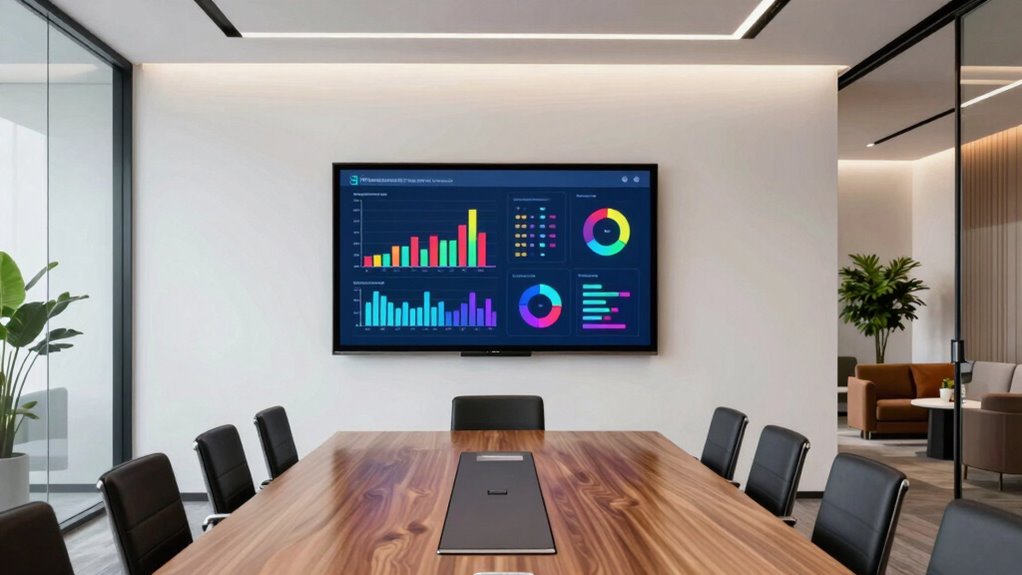

A great conference room display for your small business offers clear visuals with high resolution, making data easy to see and understand. It should feature interactive tools like touchscreens for brainstorming and real-time collaboration. Easy connectivity options guarantee seamless device integration, while a size that fits your space keeps meetings comfortable. Durable, upgradable hardware helps your investment last. Keep exploring to discover how the right features can boost your team’s productivity even further.
Key Takeaways
- Interactive features like touchscreens and collaboration tools enhance engagement and streamline decision-making during meetings.
- An appropriately sized display (55-75 inches) ensures clear visibility without overwhelming the room.
- High resolution and image quality improve clarity for detailed data and compelling visuals.
- Multiple connectivity options and user-friendly interfaces facilitate seamless device integration and easy operation.
- Durable, upgradable hardware extends display lifespan, offering long-term value for small business needs.
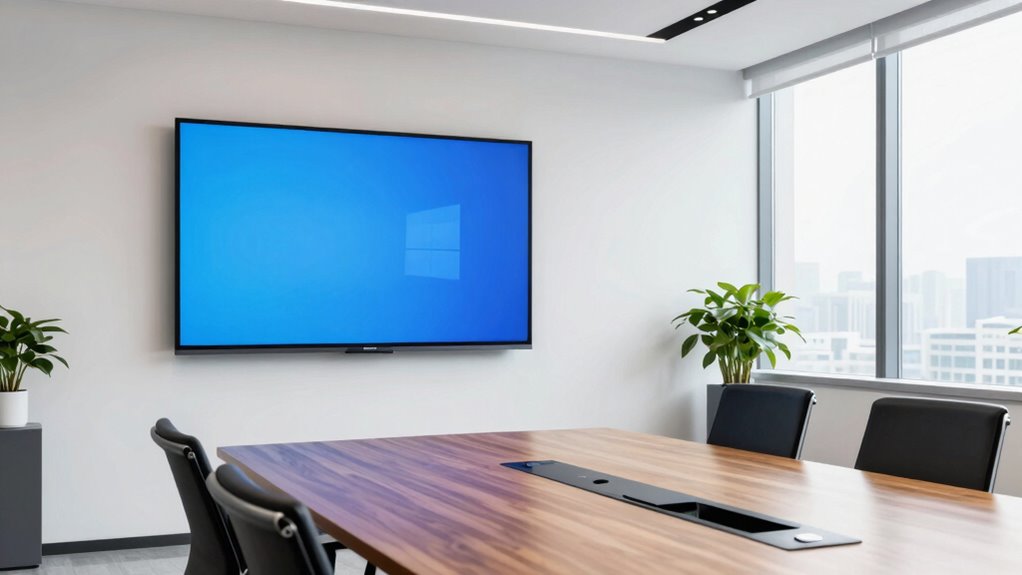
A well-designed conference room display can transform the way your small business conducts meetings, making communication clearer and more efficient. When choosing the right display, two key factors to evaluate are interactive features and display size. Interactive features like touchscreens, digital whiteboards, and real-time collaboration tools allow your team to engage directly with content during meetings. These features eliminate the need for multiple devices or manual note-taking, helping everyone stay focused and involved. With interactive capabilities, you can easily annotate documents, brainstorm ideas, and share updates instantly, which speeds up decision-making and enhances collaboration. Additionally, technological features such as software updates and compatibility can extend the lifespan and functionality of your display, ensuring it remains a valuable asset for your business. Considering display longevity is also important, as investing in durable and upgradable hardware can save costs in the long run. Furthermore, understanding the role of resolution** can significantly impact how effectively your content is communicated during presentations. A high-quality resolution ensures that detailed visuals remain crisp and clear, which is especially important for data-heavy presentations or detailed graphics. Incorporating display calibration can help maintain consistent image quality and color accuracy over time, further enhancing your visual presentations. Display size is equally significant because it affects how well your team can see and interact with content. A display that’s too small might hide details or make it difficult for everyone in the room to view the presentation comfortably. Conversely, a display that’s too large can overwhelm the space or seem unnecessary if your meeting room is small. The ideal display size strikes a balance, ensuring clarity without overwhelming the room. Typically, for small to medium-sized conference rooms, a display between 55 and 75 inches works well, providing ample viewing angles** and detail visibility without dominating the space.
Choose interactive features and the right size to boost collaboration and clarity in your conference rooms.
Beyond interactive features and size, the overall resolution of the display plays a fundamental role in clarity. High-definition screens ensure images, videos, and text appear sharp and vibrant, which is essential during presentations or video conferences. You’ll want a display with good connectivity options too, such as HDMI, USB, and wireless streaming capabilities, so you can easily connect your devices, laptops, or smartphones. This flexibility minimizes disruptions and keeps meetings running smoothly.
Another aspect to evaluate is ease of use. The display should be user-friendly, with intuitive controls and simple setup processes. If it requires extensive technical knowledge or frequent troubleshooting, it can hinder your meetings rather than improve them. A good conference room display should integrate seamlessly with your existing communication tools and software, streamlining your workflow rather than complicating it. Incorporating user-friendly interfaces can further enhance the efficiency and ease of operation for all team members.
55 inch interactive touchscreen display for conference rooms
As an affiliate, we earn on qualifying purchases.
As an affiliate, we earn on qualifying purchases.
Frequently Asked Questions
What Is the Ideal Screen Size for Small Business Conference Rooms?
The ideal screen size for small business conference rooms is typically between 55 and 75 inches. You should consider ambient lighting, ensuring the display isn’t washed out or difficult to see. Ergonomic placement is key—mount the screen at eye level to prevent neck strain. A larger, well-placed display enhances visibility, fosters engagement, and makes meetings more productive, regardless of room size or lighting conditions.
How Does Display Resolution Impact Meeting Quality?
Higher display resolution enhances resolution clarity, making images and text sharper during meetings. This improved clarity boosts visual engagement, ensuring everyone can easily see details and understand presentations. When your display has crisp resolution, it creates a more professional and effective environment for collaboration. Ultimately, investing in a higher resolution display helps you communicate ideas more clearly, making meetings more productive and engaging for all participants.
What Are the Best Connectivity Options for Conference Room Displays?
You should prioritize wireless streaming and interactive touchscreens for your conference room display. According to recent surveys, 75% of businesses prefer wireless options to reduce clutter and increase flexibility. Wireless streaming allows seamless content sharing from multiple devices, while interactive touchscreens foster engagement and collaboration. These connectivity choices make meetings more dynamic, efficient, and easier to manage, ensuring your small business stays productive and innovative.
How Can I Ensure Privacy During Video Calls on the Display?
To guarantee privacy during video calls, you should use privacy filters on your display to block sensitive visuals from prying eyes. Additionally, implement soundproofing measures like acoustic panels or door seals to prevent audio leakage. These steps help protect confidential information and create a secure environment, allowing your team to communicate freely without worries about eavesdropping or visual breaches during important meetings.
What Is the Typical Lifespan of a Conference Room Display?
A typical conference room display lasts around 3 to 7 years with proper maintenance. To prolong its lifespan, you should regularly clean the screen, check connections, and update firmware. Consider upgrade options like newer models with better resolution or energy efficiency as technology advances. Staying proactive with maintenance tips ensures your display remains reliable, functional, and visually appealing, helping your small business make a lasting impression during meetings.
high resolution conference room monitor 75 inch
As an affiliate, we earn on qualifying purchases.
As an affiliate, we earn on qualifying purchases.
Conclusion
So, when choosing a conference room display, think about your specific needs, ease of use, and how it fits your space. A great display can boost collaboration and make meetings more productive. Are you ready to upgrade your small business’s meeting experience and leave a lasting impression on clients and team members alike? Investing in the right technology isn’t just a choice—it’s a step toward a more efficient, connected future for your business.
business collaboration digital whiteboard
As an affiliate, we earn on qualifying purchases.
As an affiliate, we earn on qualifying purchases.
conference room display with multiple connectivity options
As an affiliate, we earn on qualifying purchases.
As an affiliate, we earn on qualifying purchases.