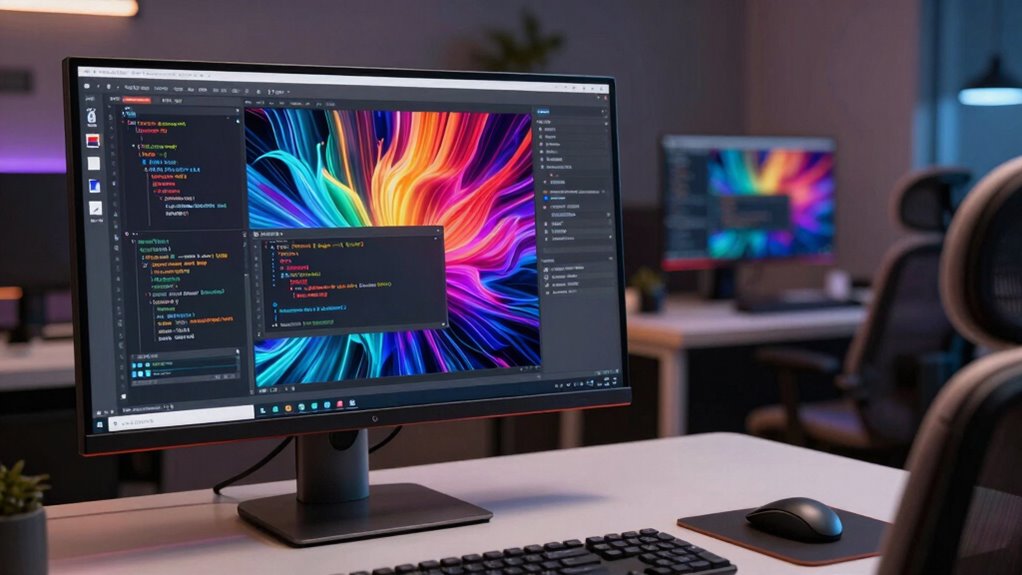

To excel as an AI builder, you need a monitor with high resolution (4K or higher) to see detailed visualizations and debug accurately. A well-organized layout with enough workspace helps you multitask smoothly and stay focused. Ergonomic design reduces fatigue during long sessions, maintaining comfort and productivity. Proper color calibration guarantees data accuracy, which is vital for debugging and analysis. If you want to learn how each aspect impacts your work, keep exploring these key monitor needs.

Get business pricing on tech for your team
- Business-only prices and quantity discounts
- Tax-exempt purchasing
- Multiple users, one account, clear invoices
Key Takeaways
- High-resolution screens (4K or higher) ensure detailed visualization and accurate data analysis for AI model debugging.
- Adequate monitor layout and workspace design improve multitasking and real-time performance monitoring.
- Consistent color calibration maintains visual data accuracy essential for debugging and data verification.
- Ergonomic accessories and proper setup reduce eye and neck strain during extended AI development sessions.
- Optimal monitor choices enhance workflow efficiency and support precise troubleshooting in AI projects.
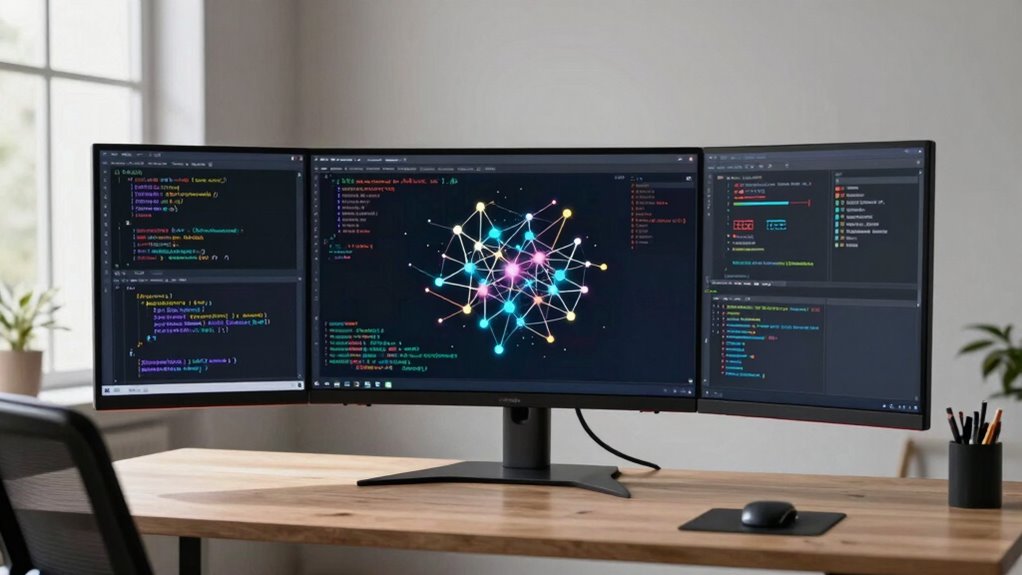
Building AI systems requires more than just sophisticated algorithms; it demands reliable monitoring tools to guarantee performance and accuracy. Your monitor is a vital part of this setup, serving as the window through which you observe data, assess model behavior, and fine-tune outputs. When choosing a monitor, resolution is key. High-resolution screens—preferably 4K or higher—allow you to see intricate details in data visualizations, complex graphs, and code without squinting or misinterpreting subtle differences. This clarity helps you identify issues early, ensuring your AI models perform reliably across various tasks. Equally important is the monitor’s layout and screen size. A well-designed workspace with an appropriately sized monitor reduces eye strain and boosts productivity. You want enough screen real estate to display multiple windows side by side—such as code editors, logs, and visual outputs—without clutter. This setup enables you to switch seamlessly between tasks and maintain focus on the bigger picture, which is essential when monitoring AI system performance in real-time. Ensuring consistent color calibration across your monitors is also crucial for accurate visual data analysis. Additionally, selecting monitors with hardware calibration support can help maintain precise color accuracy over time, especially when working on detailed visual tasks. Incorporating ergonomic accessories further enhances comfort and reduces physical strain during long working hours. Proper ergonomic setup, including adjustable stands and anti-glare screens, helps you maintain good posture and prevent fatigue. An ergonomic monitor setup minimizes neck and eye strain, allowing you to work efficiently over extended periods. Proper color calibration is another aspect that can’t be overlooked. When you’re analyzing visual data or performing tasks that depend on accurate color representation, a calibrated monitor ensures that what you see matches real-world colors. This accuracy is vital for debugging visual outputs, training models that interpret images, or verifying data integrity. Poor color calibration can lead to misinterpretation of results, potentially compromising your entire project. Regularly updating your display settings can further enhance your visual accuracy and performance. In addition, you should consider monitors that support consistent color profiles and have features like hardware calibration. Using advanced calibration tools can further refine your visual settings for the most precise results. This way, you maintain the same color standards across different sessions and devices. Good monitor ergonomics, combined with precise color calibration, creates an ideal environment where you can monitor AI systems effectively. You’ll reduce physical discomfort and improve the accuracy of your visual assessments, which ultimately enhances your overall workflow. In the fast-paced domain of AI development, having the right monitor setup isn’t just about comfort—it’s a strategic tool that keeps you sharp, precise, and ready to troubleshoot complex models at a moment’s notice.
Products Worth Considering

LG UltraGear 34GX90SA-W 34-inch WQHD Curved OLED Gaming Monitor

Logitech MX Master 4 for Mac Wireless Ergonomic Mouse, Space Black

LG UltraGear 27GX704A-B 27-inch QHD OLED Gaming Monitor
As an affiliate, we earn on qualifying purchases.
Frequently Asked Questions
What Is the Ideal Monitor Size for AI Development?
You should opt for a 27-inch monitor for AI development. It provides ample screen real estate for multiple windows and code, boosting productivity. Look for high screen resolution, like 1440p or 4K, to see details clearly, and guarantee good monitor brightness for comfortable long hours. This size balances workspace and comfort, helping you focus on complex tasks without straining your eyes or feeling cramped.
How Does Monitor Refresh Rate Affect AI Training Tasks?
A higher refresh rate improves your experience during AI training tasks involving neural networks by providing smoother visuals and reducing motion blur, especially in interactive environments. While training neural networks primarily relies on processing power and data, a good refresh rate can help you monitor progress more clearly and catch issues quickly. Aim for at least 60Hz, but 120Hz or higher offers even better responsiveness during real-time adjustments and visualizations.
Are Curved Monitors Better for Long Coding Sessions?
Like a knight donning his armor, curved monitors shield your eyes during long coding marathons. They’re better for extended sessions because they improve visual ergonomics by reducing eye strain and neck fatigue. Curved screens wrap around your field of view, offering a more immersive experience that minimizes distortion and glare. If comfort and sustained focus matter, a curved monitor is your trusty steed for tackling those marathon coding adventures.
What Color Accuracy Specifications Are Important for AI Visualization?
For AI visualization, focus on color calibration to guarantee accurate color representation, which is essential for precise data analysis. Look for monitors with a wide display color gamut, like Adobe RGB or DCI-P3, to capture a broader range of colors. Accurate color calibration and a high-quality display color gamut help you interpret visual data correctly, making your AI work more reliable and visually consistent across different projects and displays.
How Can Monitor Ergonomics Improve AI Builder Productivity?
Imagine opening your full potential—how? By optimizing your workspace. Ergonomic posture and eye strain reduction are key. When your monitor supports proper alignment, you stay comfortable and focused longer. This boost in comfort minimizes fatigue, sharpens your concentration, and accelerates your AI projects. A well-designed monitor setup isn’t just about comfort; it’s about unleashing efficiency and creativity, helping you build smarter, faster, and with less distraction.
Conclusion
As you finalize your setup, remember that your monitor isn’t just a screen—it’s a gateway to innovation. The right resolution, layout, and comfort can open your full potential, but the true challenge lies ahead. Will your current choice elevate your AI projects or hold you back? The answer might surprise you—because the next breakthrough could depend on what you see, and how you see it. Are you ready to take that leap?