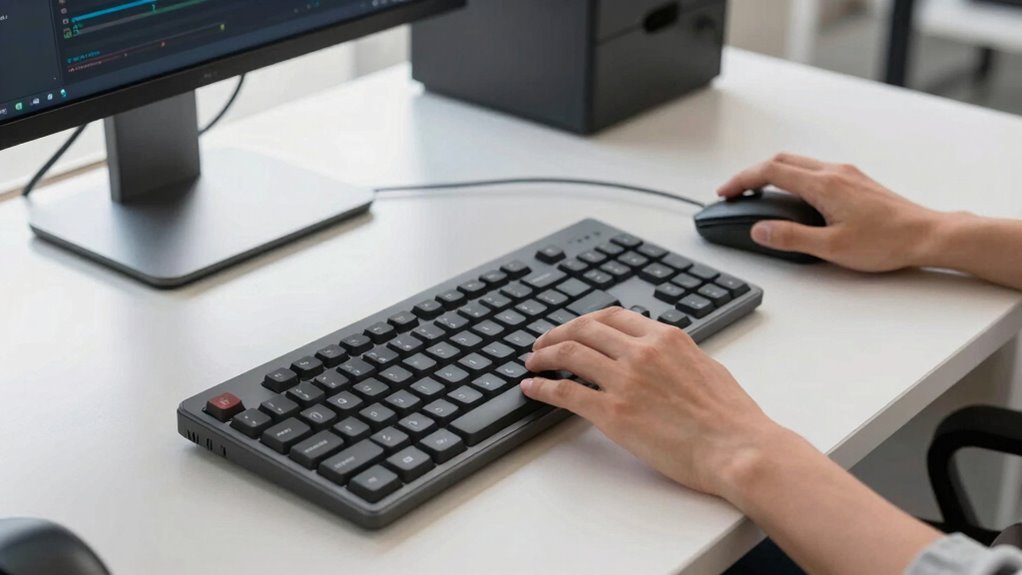

Using split keyboards and vertical mice helps you maintain a more natural hand and wrist position, reducing strain during long coding sessions. These ergonomic tools keep your joints aligned, minimizing discomfort and preventing injuries like carpal tunnel syndrome. Setting up your workspace with your monitor at eye level and supporting your lower back further enhances comfort. Keep practicing these habits, and you’ll discover more ways to stay comfortable and healthy while coding.

Get business pricing on tech for your team
- Business-only prices and quantity discounts
- Tax-exempt purchasing
- Multiple users, one account, clear invoices
Key Takeaways
- Split keyboards promote natural hand positioning, reducing wrist twisting and strain during extended coding sessions.
- Vertical mice support neutral wrist posture, minimizing pressure and preventing repetitive strain injuries.
- Proper workspace setup, including monitor height and ergonomic accessories, enhances overall comfort and posture.
- Combining split keyboards and vertical mice encourages healthy, ergonomic habits for long-term coding health.
- Regular adjustments and ergonomic practices prevent discomfort, fatigue, and chronic issues like carpal tunnel syndrome.
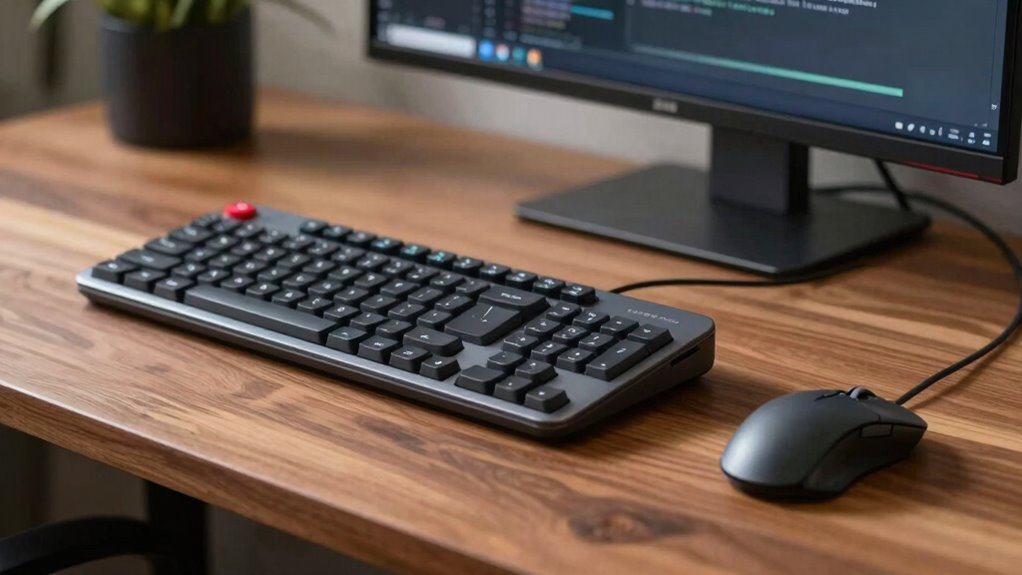
If you spend long hours coding, prioritizing ergonomics can make a vital difference in your comfort and productivity. One of the most effective ways to do this is by adopting an ergonomic posture, which helps reduce strain and fatigue. Proper posture involves keeping your shoulders relaxed, elbows close to your sides, and wrists in a neutral position. This alignment minimizes unnecessary stress on your joints and muscles. Incorporating tools like split keyboards and vertical mice can greatly enhance your ergonomic setup. Split keyboards are designed to divide the keys into two sections, allowing your hands to rest naturally at shoulder width. This reduces the tendency to twist your wrists or hunch your shoulders, promoting a more neutral wrist position. As a result, you’re less likely to experience wrist pain and repetitive strain injuries. Using a split keyboard encourages wrist pain prevention by supporting a more natural hand posture, which is vital during long coding sessions. Additionally, ergonomic design principles emphasize the importance of customizing your workspace to support healthy movement and posture habits. Paying attention to proper workspace setup can further improve your overall comfort during extended periods of coding. Creating a workspace that aligns with ergonomic principles can help maintain proper posture and prevent discomfort. Incorporating adjustable features, such as height and tilt, can help you find the most comfortable position and reduce strain even further. Regularly monitoring your posture and making small adjustments throughout the day can prevent the development of discomfort or injuries over time.
Vertical mice are another excellent addition to your workspace. Unlike traditional mice, vertical mice are designed to fit comfortably in your hand, with your palm facing inward in a handshake position. This ergonomic posture helps reduce forearm twisting and minimizes pressure on your wrist joints. When you use a vertical mouse, you naturally maintain a more neutral wrist angle, which can markedly decrease the risk of wrist pain and fatigue. Both split keyboards and vertical mice work together to create a more comfortable, health-conscious environment, especially if you spend hours typing or clicking. These tools not only improve your physical comfort but also boost your focus and productivity by eliminating discomfort that can distract or tire you out quickly. Remember, personalized workspace setup tailored to your specific needs can significantly enhance your ergonomic benefits and long-term health. Making sure your workspace is adaptable and suited to your body can promote consistent good posture habits.
Adjusting your workspace to incorporate these ergonomic tools is simple and effective. Make sure your monitor is at eye level to prevent neck strain, and your chair supports your lower back. When you set up your keyboard and mouse, ensure they’re positioned so your elbows stay close to your body and your wrists remain straight. The goal is to maintain a relaxed posture throughout your work session, avoiding unnecessary tension. Small modifications, like adjusting your desk height or using wrist supports, can contribute to better ergonomics over time. Remember, small changes can have a big impact on long-term health, especially when it comes to preventing chronic issues like carpal tunnel syndrome or tendinitis. By choosing ergonomic tools like split keyboards and vertical mice, you’re taking proactive steps to protect your wrists and maintain a comfortable, sustainable coding routine.
As an affiliate, we earn on qualifying purchases.
Frequently Asked Questions
Are Split Keyboards Compatible With All Operating Systems?
Split keyboards are generally compatible with most operating systems, but compatibility considerations matter. The benefits of split keyboards include ergonomic comfort and customizable layouts, making them popular among coders. To guarantee seamless use, check if your specific model supports your OS, like Windows, macOS, or Linux. Most modern split keyboards use standard USB or Bluetooth connections, so compatibility is usually straightforward, but verifying this prevents potential issues.
How Do Vertical Mice Impact Long-Term Wrist Health?
Vertical mice can considerably reduce wrist strain because their ergonomic design encourages a natural hand position, minimizing discomfort over long-term use. By avoiding twisting motions common with traditional mice, you decrease the risk of repetitive strain injuries. Regular use of a vertical mouse helps promote better wrist health, especially if you work long hours at a computer, making it a smart choice for maintaining long-term wrist comfort and preventing strain.
What Is the Ideal Ergonomic Setup for Multiple Monitors?
Think of your ergonomic setup as a symphony; each element must harmonize. Position your monitors at eye level, forming a gentle arc that beckons your gaze without strain. Adjust your ergonomic chair so your feet rest flat and knees are at a 90-degree angle, creating a stable foundation. Keep your keyboard and mouse within easy reach, ensuring your wrists stay relaxed and your posture remains balanced, preventing fatigue.
Can Ergonomic Accessories Improve Coding Productivity Significantly?
Yes, ergonomic accessories can considerably boost your coding productivity. By maintaining ergonomic posture and proper wrist alignment, you reduce discomfort and fatigue, allowing you to focus better. Items like split keyboards and vertical mice encourage natural hand positions, preventing strain during long coding sessions. When your body feels comfortable, your concentration and efficiency improve, leading to more effective work and less risk of repetitive strain injuries.
Are There Specific Ergonomic Practices for Laptop Users?
Yes, there are specific ergonomic practices for laptop users. You should focus on maintaining good laptop posture by keeping your back straight and shoulders relaxed. Adjust your screen height so the top of the screen is at eye level to reduce neck strain. Use a separate keyboard and mouse if possible, and take regular breaks. These habits help prevent discomfort and improve overall comfort during long coding sessions.
As an affiliate, we earn on qualifying purchases.
Conclusion
Think of your workspace as a finely tuned orchestra, where every instrument must be perfectly aligned. By choosing split keyboards and vertical mice, you’re tuning your posture and movements for harmony. Small ergonomic adjustments can transform your coding sessions from a rough, discordant noise into a smooth, symphonic flow. Prioritize comfort, and you’ll find your productivity and well-being playing in perfect concert—making every line of code a masterpiece.
adjustable ergonomic workspace accessories
As an affiliate, we earn on qualifying purchases.
As an affiliate, we earn on qualifying purchases.
split keyboard and vertical mouse combo
As an affiliate, we earn on qualifying purchases.
As an affiliate, we earn on qualifying purchases.
Fall Picks
fall essentials
As an affiliate, we earn on qualifying purchases.