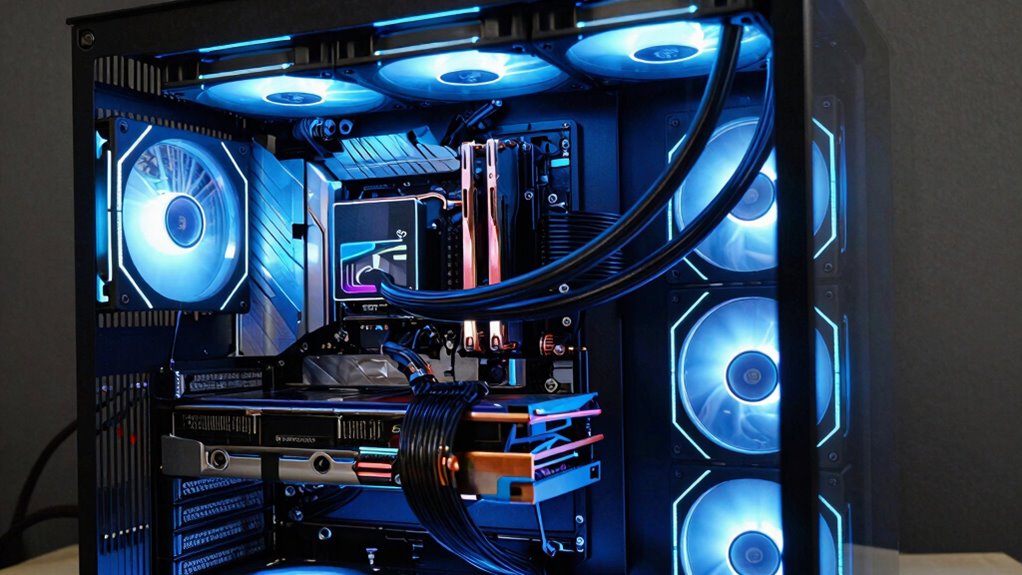

Liquid cooling is worth considering for your AI PC if you need better thermal management, quieter operation, and more stable overclocking during intense workloads. It excels at maintaining lower temperatures and preventing thermal throttling, especially with demanding AI models. While setup and maintenance are more involved, the benefits can totally justify the effort when performance and system longevity matter most. Keep exploring to discover when liquid cooling is right for your setup.

Get business pricing on tech for your team
- Business-only prices and quantity discounts
- Tax-exempt purchasing
- Multiple users, one account, clear invoices
Key Takeaways
- Ideal for high-performance AI workloads requiring superior thermal management and stability.
- Justified when hardware demands exceed traditional air cooling capabilities.
- Necessary for aggressive overclocking and prolonged intensive AI tasks.
- Benefits outweigh maintenance efforts in systems prioritizing consistent, peak performance.
- Proper installation and maintenance ensure system longevity and reliable operation.
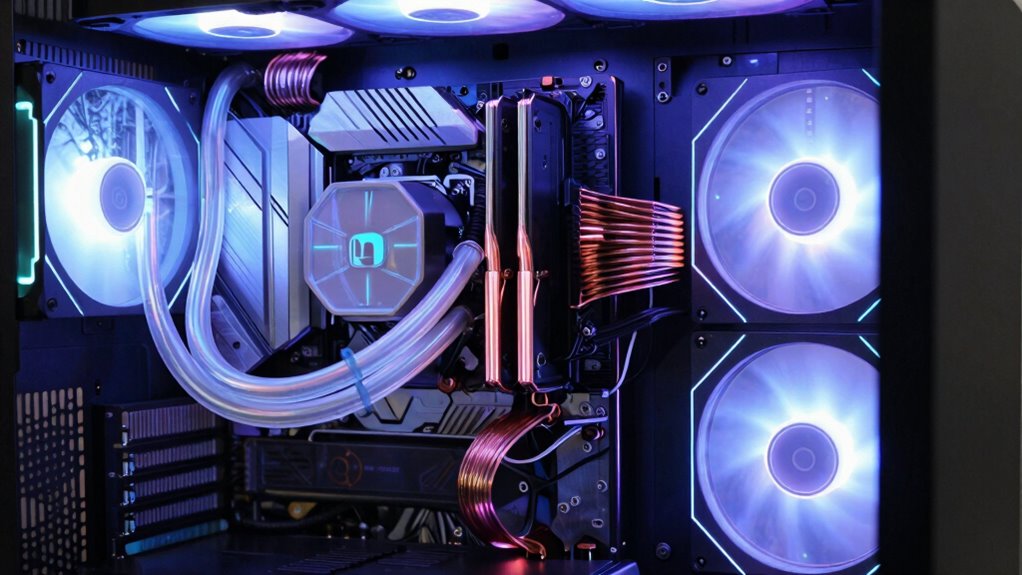
As artificial intelligence workloads grow more demanding, keeping your AI PC cool has become a critical concern. When you push your hardware to its limits, especially through overclocking, maintaining overclocking stability becomes a priority. Overclocking can substantially boost performance, but it also increases heat output, making traditional cooling methods less effective. That’s where liquid cooling comes into play, offering superior thermal management to keep your components running smoothly under heavy loads.
Liquid cooling systems excel at dissipating heat more efficiently than air coolers, which means your CPU and GPU stay cooler, even during intense AI computations. This improved thermal performance translates into better overclocking stability, allowing you to push your hardware further without risking crashes or thermal throttling. If you’re aiming for consistent, high-level performance, liquid cooling provides the headroom you need, especially as AI models grow larger and more complex. Proper thermal management is essential to prevent overheating and maintain system reliability during prolonged AI training sessions. Additionally, liquid cooling can help reduce system noise, creating a quieter environment for extended workloads.
However, it’s important to recognize the maintenance challenges that come with liquid cooling. Unlike air coolers, liquid cooling systems require regular checks for leaks, coolant levels, and pump function. Over time, coolant can degrade or become contaminated, leading to reduced cooling efficiency. You’ll need to periodically flush and refill the system, which can be more involved than cleaning dust from air coolers. If you’re not comfortable with routine maintenance, the added complexity might outweigh the performance benefits. The use of specialized components can help mitigate some risks, but proper care is still necessary to ensure longevity.
Another consideration is the installation process. Setting up a liquid cooling loop demands careful planning and precision. You have to ensure proper tube routing, secure fittings, and leak testing before powering up. Mistakes during installation can cause leaks or damage, resulting in costly repairs. Once installed, though, a well-maintained liquid cooling loop provides quieter operation and more consistent temperatures, which are essential for sustained AI workloads. Proper system setup and follow-up are crucial to prevent issues and ensure longevity. With the right knowledge and tools, the installation process can be straightforward for those willing to invest the effort.
Choosing liquid cooling for your AI PC makes sense when your system demands peak performance and thermal management. It’s worth the extra effort if you’re pushing hardware to its limits, overclocking aggressively, or running long, intensive AI tasks. While maintenance challenges are real, they’re manageable with routine checks and proper setup. Moreover, preventative maintenance can significantly extend the lifespan of your cooling system and keep it operating efficiently. Ultimately, if you prioritize stability, quieter operation, and the ability to sustain high performance, liquid cooling offers a compelling solution—just be prepared for the complexity and commitment it requires.
As an affiliate, we earn on qualifying purchases.
Frequently Asked Questions
How Long Does a Liquid Cooling System Typically Last?
A liquid cooling system usually lasts about 3 to 5 years, depending on how well you maintain it. You keep temperature regulation ideal and coolant longevity in check by regularly checking for leaks, cleaning, and replacing the coolant when needed. Proper maintenance helps prevent corrosion and buildup, extending the system’s life. If you stay on top of these tasks, your liquid cooling setup can perform efficiently for several years.
Is Liquid Cooling Suitable for Overclocked AI PCS?
If you’re overclocking your AI PC, liquid cooling is definitely worth considering for better thermal performance and overclocking stability. For example, a user overclocked their GPU with liquid cooling and saw consistent performance gains without overheating issues. The efficient heat dissipation helps maintain stable operation during intensive tasks. While complex, liquid cooling keeps temperatures low, ensuring your overclocked AI system runs smoothly and reliably under heavy workloads.
What Are the Maintenance Requirements for Liquid Cooling?
You need to regularly check your liquid cooling system’s coolant longevity to prevent corrosion or buildup. Reservoir maintenance involves cleaning or refilling the reservoir as needed, typically every 6 to 12 months, depending on usage. Keep an eye on coolant levels and look for discoloration or debris. Regular inspections guarantee your AI PC stays cool efficiently, and maintenance becomes simpler, helping prevent potential overheating or hardware damage.
Can Liquid Cooling Reduce Noise Levels Effectively?
Imagine whispering secrets to your machine—that’s what liquid cooling can do for noise reduction. It effectively minimizes fan noise by maintaining lower temperatures, preventing fans from ramping up loudly under load. With superior cooling efficiency, liquid systems allow your AI PC to operate smoothly and quietly, even during intensive tasks. If you crave a quieter workspace without sacrificing performance, liquid cooling is a smart choice that delivers both quietness and efficiency.
Are There Safety Concerns With Liquid Cooling Leaks?
Yes, there are safety concerns with liquid cooling leaks, but proper leak prevention measures considerably reduce risks. You should prioritize high-quality components with durable materials that resist corrosion and wear. Regular maintenance and careful installation help prevent leaks, ensuring your system stays safe. While leaks can cause damage, investing in reliable parts and monitoring your cooling system minimizes safety hazards, making liquid cooling a safe choice when managed properly.
As an affiliate, we earn on qualifying purchases.
Conclusion
If you’re running high-performance AI PCs, liquid cooling can substantially improve thermal management, often reducing temperatures by up to 20%. While it adds complexity and cost, the benefits—like quieter operation and potentially longer hardware lifespan—may outweigh the downsides for demanding workloads. Ultimately, consider your specific needs and budget; for instance, a recent survey shows 30% of AI enthusiasts prefer liquid cooling for its efficiency. When pushing hardware to its limits, liquid cooling might just be worth the investment.
As an affiliate, we earn on qualifying purchases.
high performance liquid cooling for gaming PC
As an affiliate, we earn on qualifying purchases.
As an affiliate, we earn on qualifying purchases.
Fall Picks
fall essentials
As an affiliate, we earn on qualifying purchases.