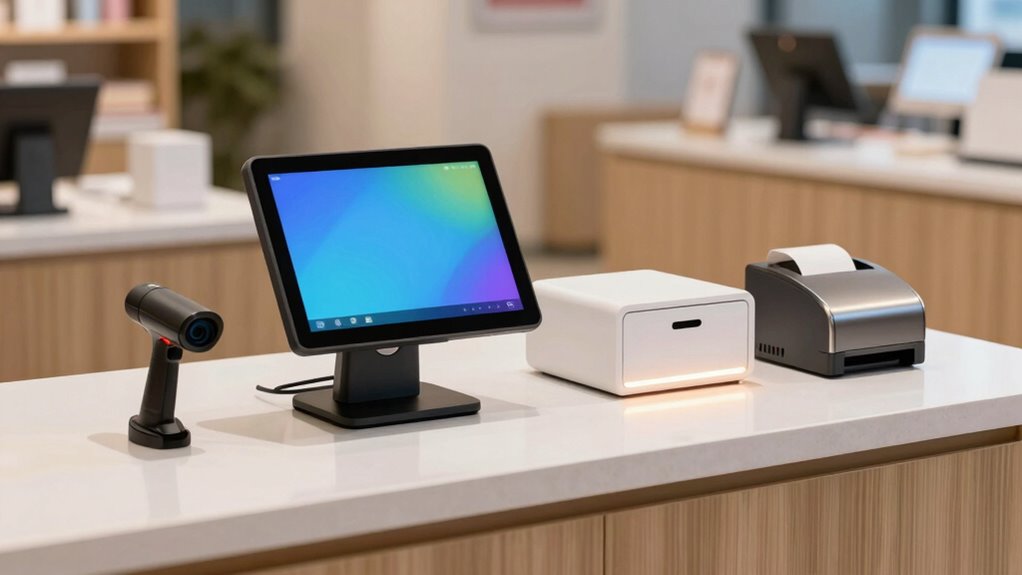
Start by choosing reliable, compatible hardware like a POS terminal, barcode scanner, receipt printer, cash drawer, and payment device that can support your current needs and future growth. Focus on quality over cost to avoid frequent repairs, and consider leasing or refurbished options to save money. Prioritize cloud-ready devices for easier updates and maintenance. Balancing affordability with features ensures scalability, and planning for easy upgrades helps keep your system future-proof. Keep exploring to learn more about building an optimized POS setup.

Get business pricing on tech for your team
- Business-only prices and quantity discounts
- Tax-exempt purchasing
- Multiple users, one account, clear invoices
Key Takeaways
- Prioritize reliable, compatible hardware that meets current needs and supports future growth, avoiding unnecessary features.
- Focus on cloud-ready devices to streamline updates, maintenance, and data management without extra costs.
- Balance quality and affordability by choosing reputable brands and considering refurbished or leasing options.
- Plan for scalability with open standards and upgradeable components to prevent frequent replacements.
- Ensure all hardware components integrate seamlessly for smooth operation and minimal technical disruptions.
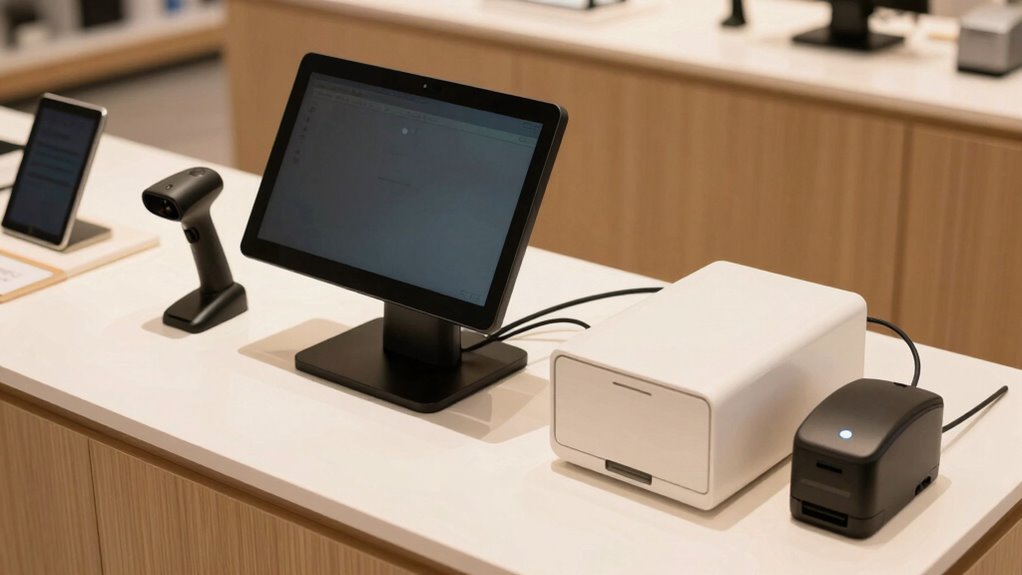
Planning your first POS hardware stack can seem overwhelming, especially when you’re trying to balance quality with budget. With so many options available, it’s easy to get caught up in the details and overspend. To make smart choices, you need a clear strategy that focuses on both your current needs and future growth. Start by identifying the core components: a reliable POS terminal, barcode scanner, receipt printer, cash drawer, and payment processing device. As you evaluate these, keep in mind that hardware compatibility is essential. All your devices should work seamlessly together, so check for compatibility before making purchases. This prevents costly errors or the need for unnecessary upgrades down the line.
Plan your POS hardware carefully to ensure compatibility, scalability, and cost-effectiveness for smooth business growth.
Cloud integration is another key factor to weigh. Modern POS systems often rely on cloud technology for data storage, inventory management, and sales analytics. Choosing hardware that supports cloud integration can save you money by reducing the need for expensive local servers or complex setups. Plus, cloud-connected devices typically offer easier updates and maintenance, which can cut down on support costs over time. When selecting hardware, verify that it’s compatible with your chosen POS software and cloud services. This guarantees smooth operation and reduces the risk of technical issues that could disrupt your business. Additionally, understanding the importance of hardware compatibility can help you avoid costly compatibility issues later. Ensuring that your hardware supports standardized protocols can facilitate smoother upgrades and integrations in the future. A focus on interoperability standards can further streamline your setup process and future-proof your investment.
Budget considerations should guide your initial investments. While it’s tempting to buy the most advanced equipment, focus on quality and reliability instead. Cheaper hardware may save you money upfront but could lead to frequent breakdowns or slow performance, costing you more in repairs and lost sales. Look for reputable brands with good customer reviews, and consider leasing options or refurbished equipment for cost savings. If you’re unsure about future expansion, choose scalable hardware that can grow with your business. This way, you won’t need to replace everything as your needs evolve. Exploring cost-effective options can help maximize your budget without sacrificing essential features.
Considering long-term value when selecting equipment can help ensure your investment remains worthwhile over time. Finally, plan for support and upgradeability. Investing in hardware that’s easy to maintain and upgrade can save money in the long run. Keep in mind that technology advances rapidly, so selecting devices with open standards and flexible configurations allows you to adapt without major overhauls. By balancing these factors—cloud integration, hardware compatibility, scalability, and support—you can build a POS hardware stack that’s both affordable and effective. This approach helps guarantee your system is reliable, ready to grow, and aligned with your business goals, all without overspending.
POS terminal with cloud integration
As an affiliate, we earn on qualifying purchases.
As an affiliate, we earn on qualifying purchases.
Frequently Asked Questions
What Are the Essential POS Hardware Components for a New Business?
You’ll need a reliable POS terminal or tablet, a barcode scanner for inventory management, and a receipt printer to keep transactions smooth. Consider a cash drawer for cash handling and a customer display to boost engagement. These components support inventory management and customer engagement, helping your business run efficiently without overspending. Focus on essential hardware first, then expand as your needs grow, ensuring your setup remains cost-effective.
How Can I Future-Proof My POS Hardware Setup?
To future-proof your POS hardware setup, focus on hardware integration and software compatibility. Choose modular components that can easily upgrade or swap out as technology advances. Prioritize devices with open architecture and standard interfaces, ensuring they work smoothly with new software updates. Regularly review industry trends and vendor updates, so your system stays current without costly overhauls. This proactive approach keeps your POS flexible, scalable, and ready for growth.
Are There Affordable Options for Mobile POS Systems?
Yes, there are affordable options for mobile POS systems. You can find budget-friendly mobile POS devices that work with your existing smartphones or tablets, reducing costs. Look for vendors offering basic features without extra bells and whistles, and consider refurbished or secondhand devices for savings. Many providers also offer flexible payment plans, making it easier to incorporate mobile POS solutions into your setup without overspending.
How Often Should I Upgrade My POS Hardware?
You should upgrade your POS hardware when retail technology advances considerably or hardware longevity declines, typically every 3-5 years. Regularly assess performance, security, and compatibility to guarantee your system stays reliable and efficient. Staying current with hardware upgrades prevents slowdowns and security risks, helping you deliver better customer experiences. Prioritize durability and future-proof features, so your investment lasts longer and adapts smoothly to evolving retail technology.
What Are Common Mistakes to Avoid When Selecting POS Hardware?
When selecting POS hardware, avoid common mistakes like neglecting retail security features or overlooking customer engagement tools. Don’t choose hardware that’s incompatible with your existing systems, and skip hardware that can’t handle future upgrades. Focus on reliable, secure devices that enhance customer experience. Also, make certain your hardware supports essential retail security protocols and offers features that boost customer engagement, helping you grow your business without costly mistakes.
As an affiliate, we earn on qualifying purchases.
Conclusion
By carefully selecting your POS hardware, you’re building a sturdy foundation that won’t crumble under unnecessary expenses. Think of your setup as a finely tuned orchestra—each instrument, or piece of hardware, must work harmoniously without overshadowing the rest. With a clear plan and smart choices, you’ll strike the perfect balance between quality and cost, ensuring your business runs smoothly without overspending. Remember, a well-planned POS stack is the compass guiding your success.
receipt printer compatible with POS system
As an affiliate, we earn on qualifying purchases.
As an affiliate, we earn on qualifying purchases.
As an affiliate, we earn on qualifying purchases.
Halloween Picks
halloween
As an affiliate, we earn on qualifying purchases.