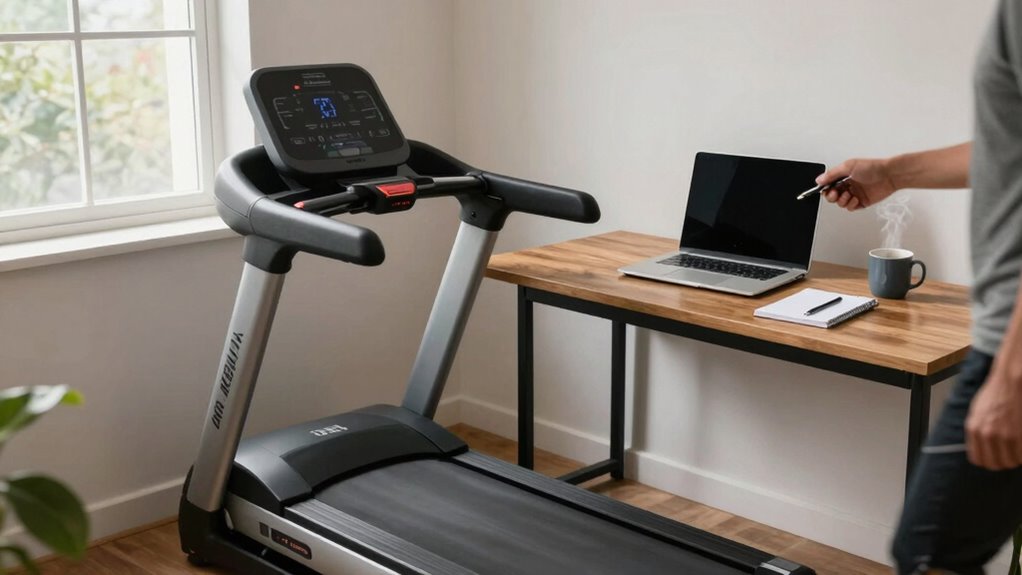

To use a desk treadmill without losing focus, start slow and find a comfortable pace that feels natural. Focus on routine, less demanding tasks like reading or checking emails during walks, and save intensive work for when you’re seated. Adjust your posture and treadmill speed to prevent strain, and incorporate short walking sessions throughout the day. Using ergonomic accessories can also help. Keep practicing, and you’ll discover more tips to stay productive while moving.

Get business pricing on tech for your team
- Business-only prices and quantity discounts
- Tax-exempt purchasing
- Multiple users, one account, clear invoices
Key Takeaways
- Start with a slow, natural walking pace to maintain focus and prevent distraction.
- Use treadmill mats or soft surfaces to minimize noise and avoid disturbing your environment.
- Choose tasks that require less concentration, like checking emails, during walking periods.
- Incorporate ergonomic accessories and proper posture to stay comfortable and focused.
- Practice short, frequent walking sessions to build routine without causing fatigue or loss of concentration.
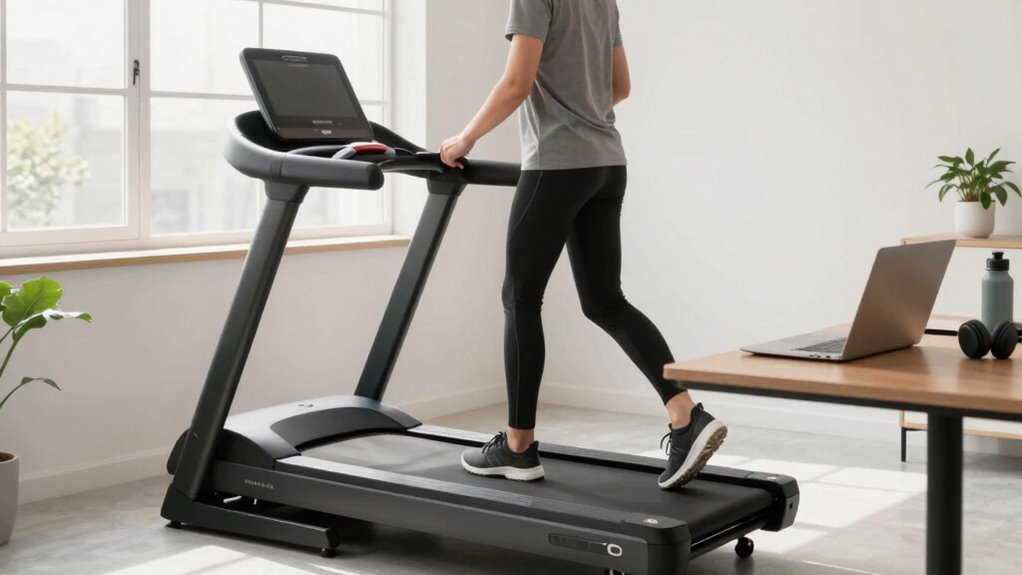
If you spend long hours at a desk, a desk treadmill can transform your workday by allowing you to stay active without leaving your workspace. It’s a smart way to combat the sedentary lifestyle many of us fall into, but using one effectively requires some focus. One of the biggest advantages is the ergonomic benefits it offers; moving while working can reduce strain on your back, neck, and shoulders, helping you maintain better posture throughout the day. However, to maximize these benefits without sacrificing productivity, you need to find a balance between movement and concentration.
Using a desk treadmill boosts ergonomics, reduces strain, and promotes movement without sacrificing focus throughout your workday.
Noise levels are a critical factor to contemplate when using a desk treadmill, especially if you work in a shared space or need to participate in calls. Many modern treadmills are designed to operate quietly, but some models still produce noise that can distract you or your colleagues. Before choosing a treadmill, test its noise levels to ensure they’re low enough not to interfere with your focus. If noise is an issue, you can also look into adding a treadmill mat or placing the device on a soft surface to dampen sound. Keeping noise minimal allows you to stay engaged with your tasks without feeling like you’re disturbing others.
Getting used to walking while working takes some adjustment, but once you find your rhythm, it becomes easier to concentrate. Start by setting a slow pace that feels natural, not rushed, so you can maintain your focus on tasks like typing, reading, or participating in virtual meetings. As you become more comfortable, you’ll discover ways to integrate movement seamlessly into your workflow. For example, you might walk during routine tasks that require less deep focus, like checking emails or browsing the web, while reserving more intensive work for when you’re sitting still. Additionally, being mindful of ergonomic design can help you optimize your setup for comfort and productivity. Incorporating techniques for focus can also enhance your ability to maintain concentration while on the move. It’s also helpful to be aware of the benefits of movement as part of your daily routine to stay motivated.
Practicing mindful movement can further prevent distraction and keep your workflow smooth. Consistency is key. Incorporate short walking sessions into your day rather than trying to walk for extended periods at once. This approach helps prevent fatigue and keeps your mind sharp. Remember to pay attention to your posture and adjust the treadmill’s speed to avoid slouching or strain. Using ergonomic accessories like a supportive chair or a standing desk can further enhance your experience and keep you comfortable.
Products Worth Considering

Logitech MX Mechanical Wireless Illuminated Keyboard, Tactile Quiet, Graphite

Logitech MX Master 4 Ergonomic Wireless Mouse with Haptic Feedback, Graphite

Jackery HomePower 3600 Plus Portable Power Station, 3584Wh, 3600W
As an affiliate, we earn on qualifying purchases.
Frequently Asked Questions
Are Desk Treadmills Suitable for All Office Environments?
Desk treadmills aren’t suitable for all office environments, especially if space or office ergonomics are tight. You need enough room for treadmill placement that allows comfortable movement and proper posture. Consider your workspace layout and noise levels, as some treadmills can be loud. If your office supports flexible setups and prioritizes health, then incorporating a desk treadmill could boost productivity without disrupting your work.
How Do Desk Treadmills Affect Overall Productivity?
Think of a desk treadmill as a spark that ignites your day. It boosts your energy levels and enhances ergonomic benefits, making you feel more alert and focused. With consistent movement, you’ll find your productivity flowing like a steady stream. Instead of draining your energy, it invigorates your work, turning mundane tasks into a dynamic dance. Embrace this tool, and watch your overall productivity soar like a kite in a lively breeze.
What Safety Precautions Should I Take While Using a Desk Treadmill?
To stay safe on a desk treadmill, make sure your ergonomic setup supports proper posture, keeping your monitor at eye level and wrists neutral. Always familiarize yourself with emergency procedures, like how to quickly stop the treadmill if needed. Keep your workspace clear of obstacles, wear appropriate footwear, and avoid distractions. Regularly check the treadmill’s safety features and follow manufacturer instructions to prevent accidents and maintain a safe, productive environment.
Can Desk Treadmills Help With Weight Loss?
Like a steady stream eroding a stone, your desk treadmill can carve away at fat reduction and boost calorie burning. Using it regularly helps you burn extra calories throughout your workday, supporting weight loss goals. While it’s not a magic solution, it’s a great tool to stay active, increase overall movement, and turn sedentary time into an opportunity for fat reduction and improved health. Keep moving, and see the difference.
How Loud Are Desk Treadmills During Operation?
Desk treadmills are generally quiet during operation, with noise levels often comparable to a soft background hum. To keep sound levels low, look for models with sound mitigation features like rubberized belts or noise-reducing motors. If noise is a concern, choose a treadmill designed for quiet operation, and consider placing it on a mat to further dampen sound. This way, you stay focused without disturbing your workspace.
Conclusion
Using a desk treadmill can boost your activity levels and enhance productivity. Remember, about 60% of desk treadmill users report increased focus and energy during work. To stay on track, set realistic goals and take regular breaks to stretch. With a bit of practice, you’ll find it easy to stay active without sacrificing concentration. Embrace this healthy habit, and you’ll enjoy both improved fitness and a more energized workday.