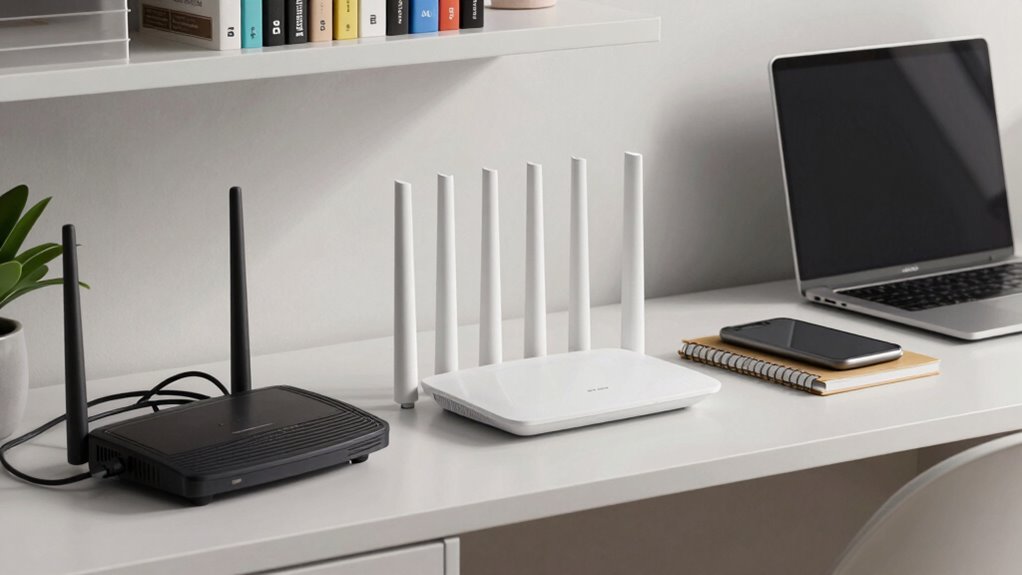

If you need reliable Wi-Fi coverage for your home office, a mesh system is often the better choice because it provides seamless, strong signals across larger spaces and multiple rooms. It’s easy to set up, scalable, and supports all your smart devices securely. Traditional routers might be enough for small, straightforward setups but may struggle with dead zones or signal drops in bigger homes. To discover which option best suits your workspace needs, keep exploring the details.

Get business pricing on tech for your team
- Business-only prices and quantity discounts
- Tax-exempt purchasing
- Multiple users, one account, clear invoices
Key Takeaways
- Mesh Wi-Fi offers seamless, whole-home coverage, ideal for large or multi-room home office setups.
- Traditional routers are simpler and more cost-effective for small or straightforward workspaces.
- Mesh systems provide easier scalability and setup, supporting multiple devices and future expansion.
- Modern mesh networks include advanced security features, enhancing data protection for remote work.
- Compatibility and performance are generally better with mesh systems, especially with smart home and modern gadgets.
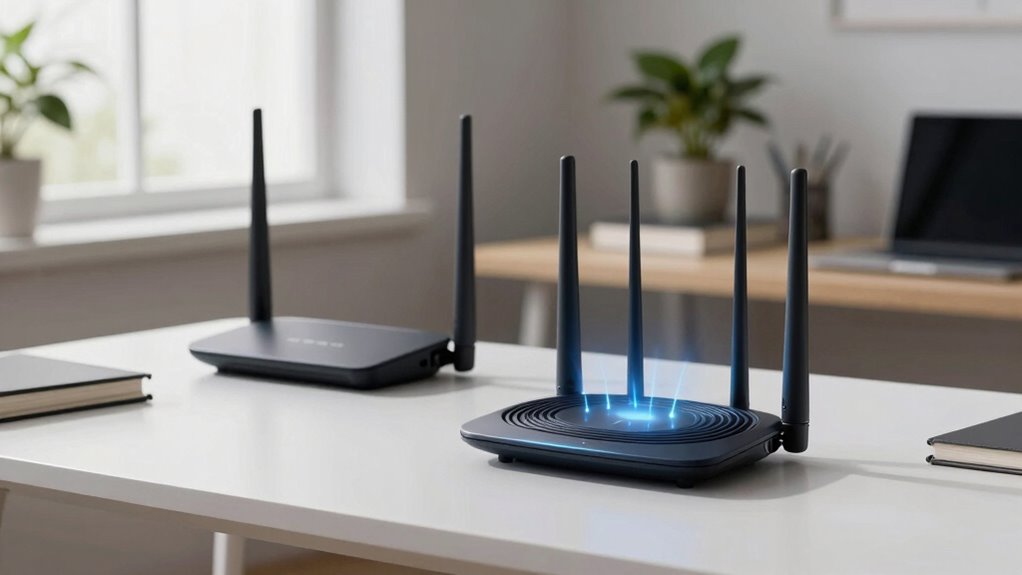
When setting up a home office, choosing the right Wi-Fi system can considerably impact your productivity and connectivity. If you’re weighing mesh Wi-Fi against traditional routers, understanding their differences can help you make an informed decision. Mesh Wi-Fi systems are designed to blanket your entire home with seamless coverage, making them ideal if your workspace is spread out or if you encounter dead zones. With multiple nodes working together, mesh networks eliminate the need to switch between different routers or deal with weak signals, ensuring a stable connection across all your devices. This consistency is especially valuable if your work involves video calls, large file transfers, or cloud-based applications that demand a reliable connection.
Mesh Wi-Fi provides seamless coverage and stable connections, ideal for busy, device-rich home offices.
Traditional routers, on the other hand, are typically single devices that serve as the central hub for your home network. They can be cost-effective and easier to set up initially, especially if your home has a small or straightforward layout. However, their performance can suffer in larger spaces or homes with thick walls and multiple floors, often resulting in dead zones or inconsistent speeds. Upgrading or adding range extenders can mitigate this, but it may complicate your setup and introduce issues with device compatibility. Many older or less advanced routers might lack the latest security features, potentially exposing your network to threats. That’s where the importance of network security comes into play—modern mesh systems often come with built-in security protocols, automatic updates, and guest networks, protecting your data and devices from vulnerabilities.
Device compatibility is another critical factor. Mesh Wi-Fi systems are usually designed to work seamlessly with a variety of smart home devices, laptops, smartphones, and tablets. They often support the latest Wi-Fi standards, ensuring compatibility with new devices as technology evolves. They also tend to feature easy setup processes, making initial configuration more straightforward for users who aren’t tech-savvy. Modern mesh systems generally incorporate advanced security features, providing an extra layer of protection for your network. Traditional routers vary more widely in compatibility; some older models might struggle with newer devices or require firmware updates to stay current. If you have multiple smart devices, security cameras, or work equipment, a mesh system can simplify setup and reduce compatibility issues. Plus, mesh networks tend to be more scalable—adding another node is straightforward, allowing you to expand coverage effortlessly as your needs grow. Furthermore, mesh systems often include network security features that help safeguard your entire network from cyber threats.
Ultimately, your choice depends on your workspace size, budget, and the importance you place on network security and device compatibility. If you need consistent, wide coverage with minimal fuss, mesh Wi-Fi is often the smarter investment. But if your home is small and straightforward, a reliable traditional router might suffice, especially if you’re mindful of security updates and device support.
Mesh Wi-Fi system for home office
As an affiliate, we earn on qualifying purchases.
As an affiliate, we earn on qualifying purchases.
Frequently Asked Questions
Can Mesh Systems Handle Multiple Devices Simultaneously Without Lag?
Yes, mesh systems can handle multiple devices simultaneously without lag, thanks to their high device capacity and distributed signal stability. They effectively manage traffic across many gadgets, preventing congestion and maintaining a strong, reliable connection. You’ll notice smoother streaming, faster downloads, and consistent video calls, even as your device count grows. This makes mesh systems ideal for busy home offices where multiple devices need seamless, uninterrupted internet access.
How Easy Is It to Upgrade or Replace Components in Each System?
Upgrading or replacing components in your network system is like tuning a finely crafted instrument—you want it to sing smoothly. Mesh Wi-Fi systems often have limited component flexibility and hardware customization, making upgrades trickier. Traditional routers usually offer more accessible options for swapping out parts or adding features. With traditional setups, you can often upgrade firmware or replace antennas easily, giving you more control over your home office’s network performance.
Do Mesh Networks Improve Security Over Traditional Routers?
Mesh networks often improve security over traditional routers because they typically support the latest network encryption standards and make firmware updates easier across all nodes. This guarantees your system stays protected against vulnerabilities. With centralized management, you can quickly apply security patches and firmware updates, reducing risks. Overall, mesh networks offer a more seamless and secure setup, especially for home offices needing consistent, strong security measures.
What Are the Energy Consumption Differences Between the Two?
Think of your network as a lively city; mesh Wi-Fi acts like a well-orchestrated highway system, while traditional routers are like a single main street. Mesh systems generally offer better power efficiency, spreading energy use across multiple nodes, reducing strain. In the energy comparison, mesh networks tend to consume slightly more power overall but operate more efficiently over larger spaces. Your choice depends on balancing energy use with coverage needs.
Are There Any Compatibility Issues With Smart Home Devices?
You might encounter some device compatibility issues with mesh Wi-Fi systems, especially with older smart home devices that rely on specific protocols. However, most modern mesh routers are designed to support a wide range of devices and regularly receive firmware updates, which help fix bugs and improve compatibility. To avoid problems, make sure your smart home devices are compatible and keep your router’s firmware up to date.
Traditional Wi-Fi router for small home
As an affiliate, we earn on qualifying purchases.
As an affiliate, we earn on qualifying purchases.
Conclusion
Choosing between mesh Wi-Fi and traditional routers depends on your home office’s size and layout. Think of mesh Wi-Fi as a web that catches every corner of your space, ensuring smooth connectivity everywhere. It’s perfect if you have a large or multi-room setup. Traditional routers work well for smaller spaces but can leave dead zones. Pick what fits your needs best, and you’ll enjoy a seamless online experience like a well-oiled machine.
Wi-Fi range extender for large home
As an affiliate, we earn on qualifying purchases.
As an affiliate, we earn on qualifying purchases.
Wi-Fi security router with guest network
As an affiliate, we earn on qualifying purchases.
As an affiliate, we earn on qualifying purchases.
Halloween Picks
halloween
As an affiliate, we earn on qualifying purchases.