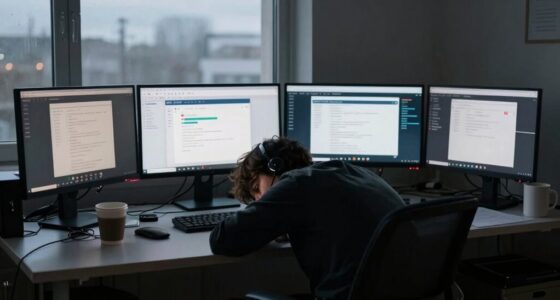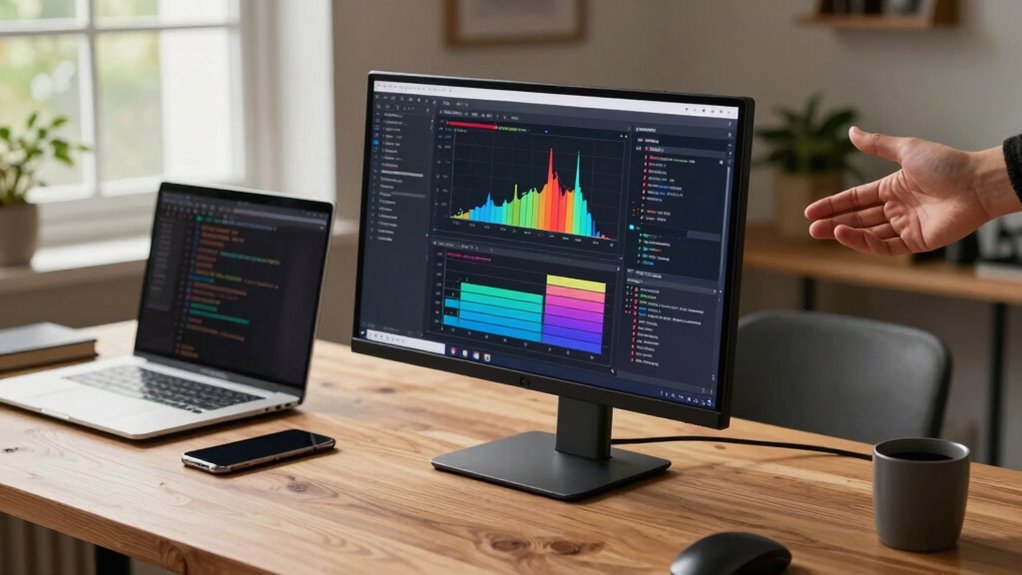

Portable monitors boost your productivity when you use them to expand your workspace, multitask efficiently, and work remotely with flexibility. However, they can hinder your workflow if ergonomic issues like poor posture or eye strain aren’t managed, or if battery life isn’t sufficient for your needs. To get the most out of your device, you’ll need to address these challenges with thoughtful adjustments. Keep exploring to discover more ways to maximize your portable monitor’s benefits.

Get business pricing on tech for your team
- Business-only prices and quantity discounts
- Tax-exempt purchasing
- Multiple users, one account, clear invoices
Key Takeaways
- Portable monitors boost productivity when providing extra screen space for multitasking during remote work or travel.
- Ergonomic challenges like poor posture can negate productivity gains if adjustable stands or supports are not used.
- Limited battery life restricts usage time, reducing effectiveness unless power management strategies are implemented.
- Overlooking setup and ergonomic adjustments may cause discomfort, decreasing focus and overall work efficiency.
- Properly integrating ergonomic features and power solutions ensures portable monitors enhance productivity without frustration.
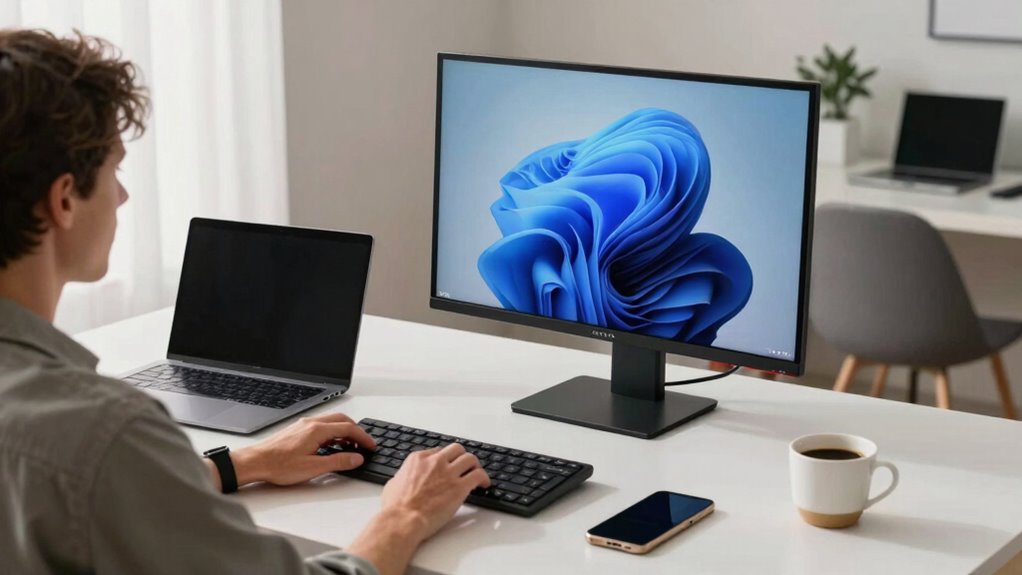
Portable monitors can boost your productivity when you need extra screen space on the go, but they don’t always deliver the benefits you might expect. One of the main issues you’ll encounter is ergonomics challenges. Since these monitors are often lightweight and designed for portability, they typically lack adjustable stands or ergonomic features found in traditional setups. This can lead to poor posture if you’re using them for extended periods, causing neck, shoulder, or eye strain. Without proper positioning, you might find yourself hunching over or craning your neck, which defeats the purpose of having a second screen to improve comfort and efficiency. To mitigate this, you’ll need to get creative with stands or supports, but that adds extra inconvenience and defeats some of the portability advantages.
Battery life concerns are another considerable hurdle. Many portable monitors rely on their own batteries or need to be connected to your laptop, which drains your device’s power faster. If you’re working remotely or traveling, limited battery life can become a real obstacle, forcing you to stay near power sources or carry additional chargers. This reduces the flexibility that makes portable monitors attractive in the first place. Furthermore, some models have modest battery capacities, meaning you might only get a few hours of use before needing to recharge, which isn’t ideal if you’re on a long trip or working away from outlets. Managing these battery concerns requires planning ahead, often leading you to carry extra accessories or adjust your workflow to conserve power. Understanding the battery capacity of your portable monitor can help you better plan your work sessions and avoid unexpected shutdowns. Additionally, power management techniques can extend usage time and improve overall efficiency.
While portable monitors can greatly enhance your productivity by expanding your workspace, they do come with some pitfalls. If you overlook ergonomics challenges, you might find yourself experiencing discomfort that hampers your focus and efficiency. Similarly, battery life concerns can abruptly cut your work short or force you to carry additional equipment, diminishing the device’s convenience. To truly benefit from a portable monitor, you’ll need to weigh these challenges against the advantages. Proper setup, ergonomic adjustments, and strategic power management become essential. Additionally, considering ergonomic features can help mitigate some of these issues. When used thoughtfully, they can streamline your workflow and make remote work or travel more manageable. But if you ignore these issues, the supposed productivity boost can quickly turn into frustration, making you wish you’d stuck with a traditional, stationary workspace.
portable monitor adjustable stand
As an affiliate, we earn on qualifying purchases.
As an affiliate, we earn on qualifying purchases.
Frequently Asked Questions
Are Portable Monitors Compatible With All Laptop Brands?
Portable monitors aren’t compatible with all laptop brands due to compatibility issues and brand limitations. Before buying, you should check if your laptop supports the necessary ports, like USB-C or HDMI, and whether it’s compatible with the monitor’s connection standards. Some brands might have specific drivers or software requirements, so confirm your laptop’s specs match those of the portable monitor to avoid any compatibility problems.
How Secure Are Portable Monitors for Sensitive Work Data?
Portable monitors can be secure for sensitive work data if you take precautions. Look for models that support data encryption to protect your information from unauthorized access. Be aware of privacy risks, especially when using public Wi-Fi or unsecured connections. Always enable security features, use strong passwords, and avoid sharing screens in public spaces. With these measures, portable monitors can safely handle sensitive data without compromising your privacy.
What Is the Typical Battery Life of Portable Monitors?
You might be surprised by the battery life of portable monitors. Typically, they last anywhere from 3 to 8 hours, depending on battery longevity and power efficiency. Some models maximize power efficiency, offering longer usage, while others drain quickly with intensive tasks. If you’re planning long work sessions on the go, choose a monitor with superior battery longevity to keep productivity seamless and interruptions minimal.
Can Portable Monitors Be Used for Gaming or Only Productivity?
You can definitely use portable monitors for gaming, but their gaming performance and display quality vary. If the monitor has a high refresh rate and low latency, it’ll handle fast-paced games smoothly. Look for features like full HD or 4K resolution for better display quality. However, some portable monitors might struggle with intense graphics or high frame rates, so they’re best for casual gaming or extending your setup rather than hardcore gaming sessions.
Do Portable Monitors Require Additional Software or Drivers?
Think of portable monitors as friendly assistants that often don’t ask for much to get started. Usually, they don’t require additional software or drivers, making setup as simple as plugging in a cable. However, for ideal performance, you might need to check software compatibility or install drivers—especially with older devices or unique operating systems. Most modern monitors are plug-and-play, easing your workflow without extra baggage.
portable monitor eye strain protection
As an affiliate, we earn on qualifying purchases.
As an affiliate, we earn on qualifying purchases.
Conclusion
Portable monitors can be your trusty sidekick, turning a dull workspace into a vibrant command center. When you need flexibility and extra screen space, they’re like a refreshing gust, fueling your productivity. But beware—if your setup isn’t stable or your workflow isn’t adapted, they can feel like a tangled web, holding you back instead of propelling you forward. Choose wisely, and let your workspace become a launchpad for success, not a trap.
portable monitor long battery life
As an affiliate, we earn on qualifying purchases.
As an affiliate, we earn on qualifying purchases.
As an affiliate, we earn on qualifying purchases.
Halloween Picks
halloween
As an affiliate, we earn on qualifying purchases.