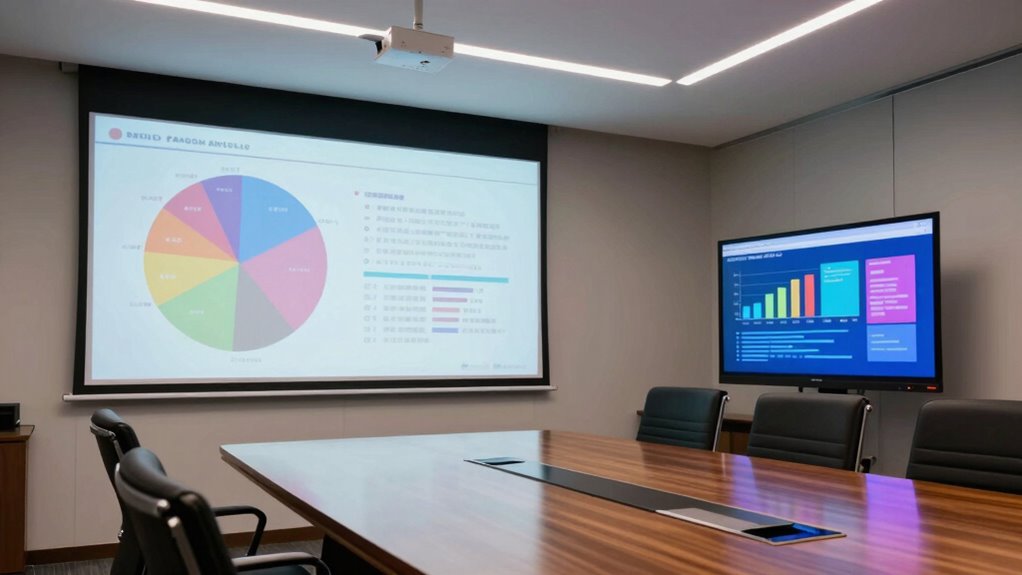

If you’re choosing between projectors and TVs for client presentations or team meetings, consider your space and portability needs. Projectors are great for flexible, large displays and are easy to move around, but they work best in dark rooms with lower resolutions. TVs offer crisp images, bright visuals, and simple setup, especially in well-lit areas. To make the best choice for your environment and expectations, keep exploring how each option fits your specific needs.

Get business pricing on tech for your team
- Business-only prices and quantity discounts
- Tax-exempt purchasing
- Multiple users, one account, clear invoices
Key Takeaways
- TVs offer higher native resolutions (4K/8K) for detailed visuals, ideal for close-up viewing in meetings.
- Projectors provide larger image sizes and portability, suitable for flexible or larger group presentations.
- Built-in wireless features in modern TVs simplify content sharing without extra devices, enhancing convenience.
- Ambient lighting impacts projector clarity more than TVs, influencing device choice based on room lighting.
- Portability and setup ease make projectors preferable for mobile presentations, while TVs suit fixed, quick setups.
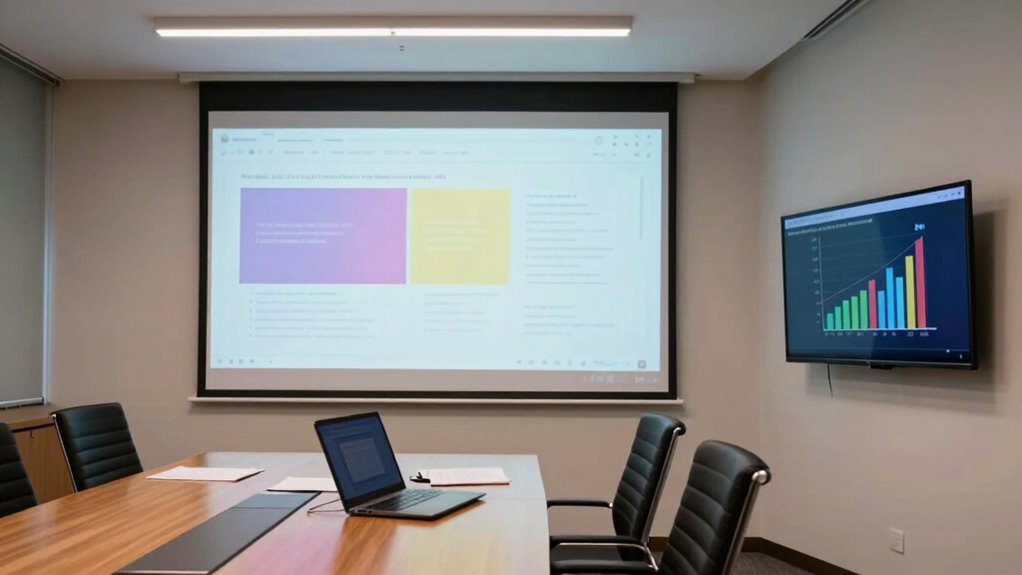
When choosing the right display solution for presentations and meetings, understanding the differences between projectors and TVs is essential. You need to consider how each device handles wireless connectivity and screen resolution, as these factors significantly impact your meeting experience. Projectors often require a separate device or adapter for wireless connectivity, but many newer models now offer built-in options like Wi-Fi or Bluetooth, making it easier to connect your laptop or mobile device without cumbersome cables. TVs, on the other hand, usually come equipped with seamless wireless streaming features, such as AirPlay or Chromecast, allowing you to effortlessly mirror your screen from multiple devices. This convenience can streamline your setup, saving you time and avoiding clutter. Additionally, wireless connectivity has become a key feature to look for, as it enhances ease of use and reduces setup time during meetings. Furthermore, the stability and speed of your wireless connection can significantly influence the quality of your presentation, especially when streaming high-resolution content. Incorporating reliable wireless technology can help prevent interruptions and maintain a smooth presentation flow. Screen resolution is another critical aspect. TVs generally boast higher native resolutions, often 4K or even 8K, providing sharp, vibrant images that are easy for everyone in the room to see clearly. This high resolution makes TVs ideal for detailed visuals or visuals with fine text, ensuring your audience doesn’t strain to interpret your content. Projectors, however, tend to have lower native resolutions, especially in budget models. While some high-end projectors offer impressive resolution capabilities, many still project slightly softer images. This can be a drawback when displaying detailed charts or text, but it’s manageable if you choose a projector with at least 1080p resolution. Keep in mind that ambient lighting also affects image clarity; projectors often perform best in darker rooms, whereas TVs can deliver bright, vivid images even in well-lit environments. Size and portability also play a role in your decision. Projectors are typically more portable and can create large images on any blank wall or screen, making them perfect if you need flexibility or a big display for larger groups. TVs are bulkier but tend to offer more straightforward setup and consistent image quality, especially in fixed locations. When considering wireless connectivity, a TV with built-in smart features can connect directly to your Wi-Fi network, allowing you to access streaming apps or share content with minimal fuss. Projectors, especially portable ones, might require additional accessories like dongles or adapters to unlock the same wireless capabilities. For frequent presentations or mobile setups, the portability of projectors can be a decisive factor.
4K portable projector for presentations
As an affiliate, we earn on qualifying purchases.
As an affiliate, we earn on qualifying purchases.
Frequently Asked Questions
Which Option Offers Better Long-Term Cost Efficiency?
A TV generally offers better long-term cost efficiency because of lower maintenance costs and consistent performance, leading to more predictable cost savings. Projectors may initially be cheaper but often require frequent bulb replacements and more upkeep, increasing overall expenses. Over time, the durability and lower maintenance needs of TVs make them a smarter investment, helping you save money and avoid unexpected costs during client presentations and team meetings.
How Do Projectors Perform in Brightly Lit Rooms?
A projector in a bright room is like trying to see stars through fog—challenging. Bright ambient lighting washes out the image, reducing clarity and making details hard to distinguish. If your space is well-lit, a projector struggles to deliver sharp, vibrant visuals, often requiring dimmed lights or blackout curtains. For bright environments, a TV offers superior image clarity, maintaining vividness even under strong ambient lighting.
Are There Health Concerns With Prolonged TV Use?
Prolonged TV use can lead to health concerns like eye strain and visual fatigue, especially if you don’t take regular breaks. You might notice discomfort, headaches, or blurry vision after long hours of viewing. To minimize these issues, follow the 20-20-20 rule: every 20 minutes, look at something 20 feet away for at least 20 seconds. Adjust your screen brightness and maintain proper distance to protect your eyes.
What Are the Setup Time Differences Between Projectors and TVS?
You’ll find that setting up a TV is faster—just mount it on the wall and connect, taking minutes. In contrast, projectors require more effort: you need to find the right screen size, adjust the placement for ideal screen brightness, and mount or place the projector securely. This makes projectors more time-consuming, especially when considering alignment and calibration, whereas TVs streamline setup with simpler mounting and quick connections.
Which Device Is More Eco-Friendly for Frequent Use?
TVs are generally more eco-friendly for frequent use because they tend to have lower energy consumption over time compared to projectors. They also usually have a smaller manufacturing impact due to fewer moving parts and simpler technology. While projectors use less power initially, their higher energy consumption during operation and shorter lifespan can lead to a larger environmental footprint over time. As a result, for regular use, TVs are the greener choice.
wireless smart TV with screen mirroring
As an affiliate, we earn on qualifying purchases.
As an affiliate, we earn on qualifying purchases.
Conclusion
So, as you weigh your options, picture your next big presentation—will it be a room filled with the sharp clarity of a TV or the immersive reach of a projector? Both have their strengths, but the choice could change how your message lands. Are you ready to make that call? The right decision could elevate your meetings to a whole new level—one where your audience is not just watching, but truly engaged. The future of your presentations awaits.
high resolution home theater projector
As an affiliate, we earn on qualifying purchases.
As an affiliate, we earn on qualifying purchases.
business meeting projector with Wi-Fi
As an affiliate, we earn on qualifying purchases.
As an affiliate, we earn on qualifying purchases.
Halloween Picks
halloween
As an affiliate, we earn on qualifying purchases.