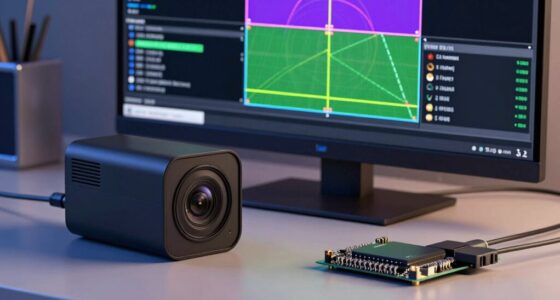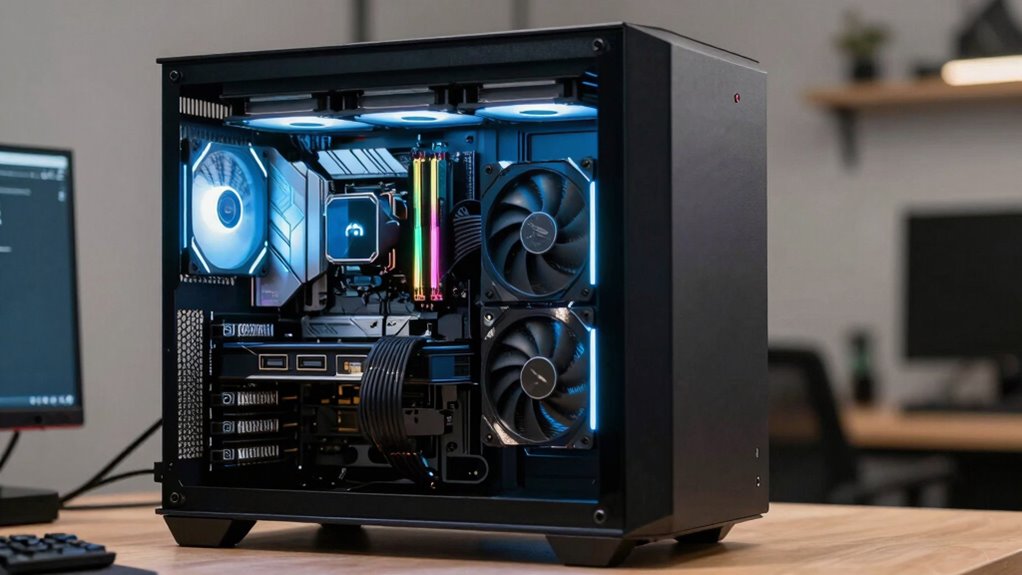

In an AI workstation, your CPU acts as the brain, managing instructions and coordinating tasks, while a powerful GPU handles parallel processing for neural network training. Ample RAM guarantees quick access to large datasets, preventing bottlenecks, and fast SSD storage speeds up data transfer for big models. Compatibility and power are essential to keep everything running smoothly. Continue exploring to discover how each component works together for peak AI performance.

Get business pricing on tech for your team
- Business-only prices and quantity discounts
- Tax-exempt purchasing
- Multiple users, one account, clear invoices
Key Takeaways
- CPUs coordinate tasks and handle complex calculations, acting as the system’s brain in AI workstations.
- GPUs accelerate parallel processing for neural network training, requiring high VRAM and CUDA cores.
- RAM provides quick access to large datasets, with 32GB or more recommended for intensive AI workloads.
- SSDs, especially NVMe types, ensure fast data access and reduce bottlenecks during training and inference.
- Compatibility and power supply capacity are crucial for stable operation and efficient performance of all components.
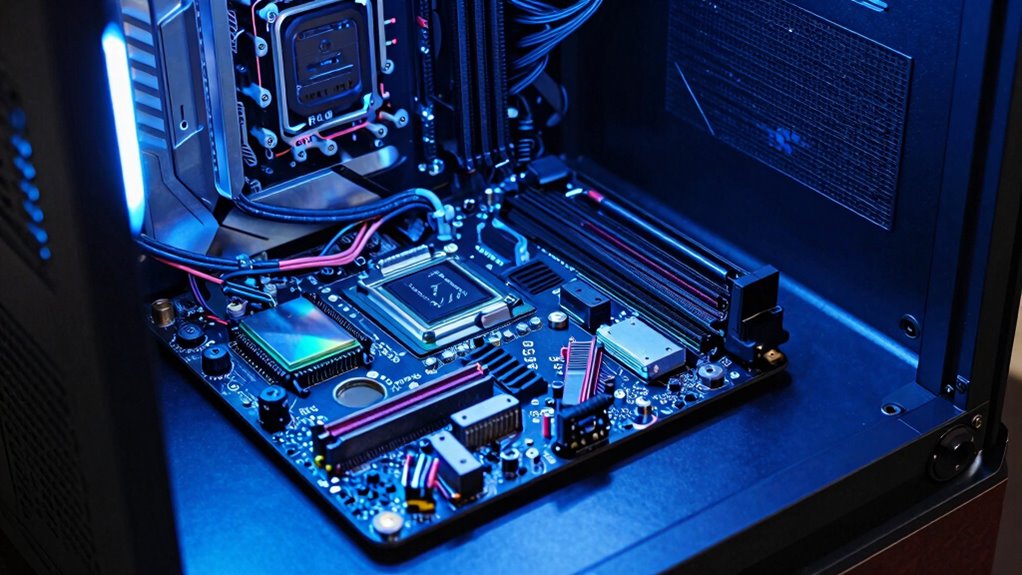
AI workstations are powerful computers designed specifically to handle the demanding tasks of artificial intelligence and machine learning applications. When you’re choosing or building one, understanding how each component works together is vital for maximizing performance. The CPU acts as the brain of the system, managing all instructions and coordinating tasks. For AI workloads, you’ll want a high-performance processor with multiple cores and threads, enabling your workstation to handle complex calculations and multitasking efficiently. Compatibility is key here; make sure your CPU matches the motherboard’s socket type and supports the necessary chipset. This hardware compatibility extends to other components as well, like RAM and storage, which need to work seamlessly to avoid bottlenecks and guarantee your system runs smoothly.
The GPU is arguably the most essential component in an AI workstation. It handles parallel processing tasks, making it ideal for training neural networks and running large-scale data analyses. When selecting a GPU, focus on models with substantial VRAM and high CUDA core counts, as these directly influence your training speeds and model complexity. Keep in mind that GPUs can be power-hungry, so power consumption is an important factor. A high-end GPU might require a robust power supply and efficient cooling solutions to prevent overheating and guarantee stability during intensive workloads. Balancing performance and power efficiency helps you avoid excessive energy costs and hardware wear, which can be costly over time. Additionally, understanding the power requirements of your GPU ensures your workstation is equipped to handle peak loads safely.
RAM, or memory, is equally vital because AI applications demand quick access to large datasets. More RAM allows you to load bigger models and datasets into memory without slowing down your workflow. For most AI tasks, 32GB is a good starting point, but high-end projects might benefit from 64GB or more. Make sure your motherboard supports the amount and type of RAM you need, maintaining hardware compatibility. Fast RAM with low latency can improve data transfer speeds, resulting in better overall performance. An understanding of hardware compatibility can help prevent issues that might limit your system’s potential. Storage choices also play a significant role; SSDs are recommended for their speed, reducing data bottlenecks during training and inference. Opt for NVMe SSDs if possible, as they offer higher throughput and lower latency.
high performance CPU for AI workstation
As an affiliate, we earn on qualifying purchases.
As an affiliate, we earn on qualifying purchases.
Frequently Asked Questions
How Do AI Workstations Differ From Standard Gaming PCS?
AI workstations differ from standard gaming PCs because they focus on hardware customization and software optimization to handle complex AI tasks. You’ll find more powerful CPUs, GPUs, and larger RAM capacities tailored for machine learning workloads. Unlike gaming PCs, which prioritize graphics and frame rates, AI workstations are built to maximize processing power and data handling, ensuring smoother, faster AI model training and deployment.
What Is the Ideal CPU Speed for AI Workloads?
For AI workloads, an ideal CPU speed is around 3.5 to 4.0 GHz, ensuring efficient neural network optimization. You want a processor that can handle intensive tasks without overheating, so good thermal management is essential. Higher clock speeds boost performance in training models, but balancing speed with effective thermal management prevents throttling. Focus on a high-performance, multi-core processor to optimize your AI workflows seamlessly.
How Does Storage Type Affect AI Training Performance?
Choosing the right storage type greatly impacts your AI training performance. Faster storage like SSDs reduces data transfer times, preventing storage bottlenecks that slow down training. Traditional HDDs can cause delays due to slower read/write speeds, limiting your workstation’s efficiency. Opting for high-speed NVMe SSDs ensures quick data access, minimizes bottlenecks, and accelerates your training process, making your AI workflows much more responsive and effective.
Can I Upgrade GPU Components Easily in AI Workstations?
They say, “A chain is only as strong as its weakest link,” and upgrading your GPU is no different. You can usually upgrade GPU components easily in AI workstations, but you need to check GPU compatibility first. Follow proper upgrade procedures: power down, disconnect, remove the old GPU, and install the new one carefully. Make sure your system’s motherboard and power supply support the new GPU for a smooth upgrade.
What Security Measures Are Important for AI Workstation Data?
You should prioritize data encryption and access controls to secure your AI workstation data. Encrypt sensitive files both at rest and in transit to prevent unauthorized access. Implement strict access controls, like multi-factor authentication and user permissions, to limit data exposure. Regularly update security protocols and monitor access logs. These measures help safeguard your data from breaches, ensuring your AI projects stay protected and confidential.
NVIDIA RTX GPU for neural network training
As an affiliate, we earn on qualifying purchases.
As an affiliate, we earn on qualifying purchases.
Conclusion
Now that you understand the roles of CPU, GPU, RAM, and storage in AI workstations, you’re better equipped to make informed decisions. Think of these components as the four pillars supporting your AI projects—strengthen one, and the whole system benefits. Don’t put all your eggs in one basket; balance your workstation’s specs to maximize performance. With the right setup, you’ll be ready to tackle any AI challenge that comes your way.
As an affiliate, we earn on qualifying purchases.
As an affiliate, we earn on qualifying purchases.
Halloween Picks
halloween
As an affiliate, we earn on qualifying purchases.