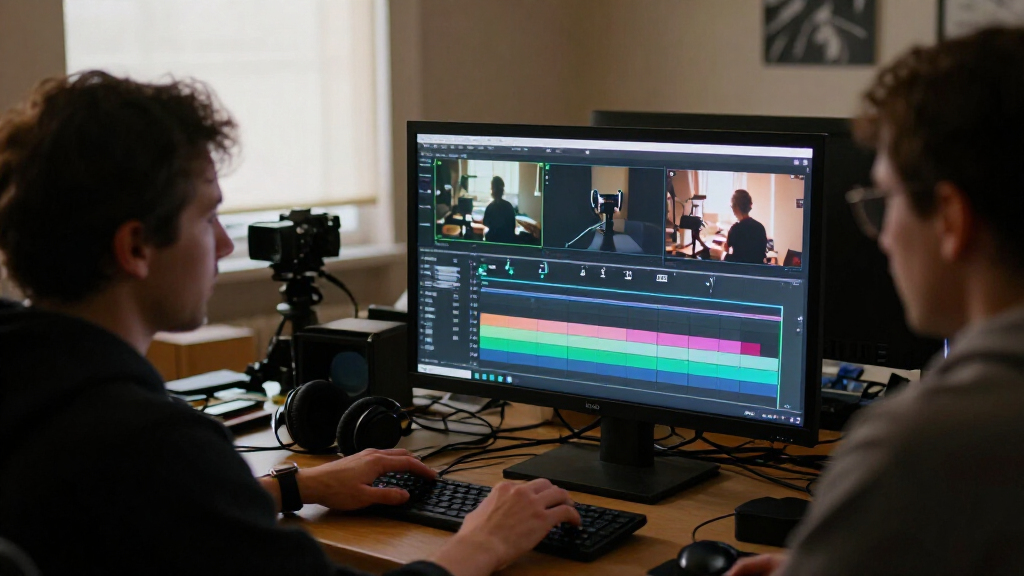
🔍 Read the full analysis: 2027 Guide To 3 Best AI Video Makers on ThorstenMeyerAI.com

Get business pricing on tech for your team
- Business-only prices and quantity discounts
- Tax-exempt purchasing
- Multiple users, one account, clear invoices
TL;DR
The three picks differ in kind: CyberLink PowerDirector 2027 Ultra is a documented Windows editing bundle, MiniMax H3 Mastery is a guide to building a local AI video studio, and the AI Video Generator listing provides too little information to assess. The comparison is based on the supplied product descriptions, not hands-on testing, and does not establish which option produces the best-looking video.
A 2027 buyer’s guide identifies CyberLink PowerDirector 2027 Ultra as the clearest ready-to-use option among three AI video picks, while describing MiniMax H3 Mastery as a technical guide rather than finished software and flagging a third listing as too vague to evaluate. The distinctions matter because the products are not direct substitutes: they represent a desktop editing bundle, a self-hosted setup guide and an underspecified generator listing.
CyberLink’s bundle is specified for 64-bit Windows 10 and Windows 11, including Windows 11 on Arm, and requires an internet connection. The supplied description lists PowerDirector video editing, PhotoDirector image tools, screen recording and Auto Reframe. It also states that buyers receive 800 AI credits for the first year. The description does not establish how long those credits last in a particular workflow or what happens after the first year, so buyers should check the current terms.
MiniMax H3 Mastery is presented as instructions for building a locally hosted AI video studio. Its appeal, according to the description, is local control and a workflow that may support native 2K output; that is not the same as purchasing a ready-made editor. The guide is aimed at technically confident users, and its listing warns that setup can be demanding and hardware requirements may be substantial, particularly for real-time rendering.
The third product, titled AI Video Generator, comes with no description or specifications in the supplied material. That leaves basic buying questions unanswered, including its platform support, generation method, editing controls, output quality and usage limits. The guide ranks it cautiously rather than treating its generic title as evidence of specific capabilities. The comparison is based on available product information, not reported testing of the tools.
The 3 picks
- 1
 MiniMax H3 Mastery: The Local AI Video Studio – Build a Free, Self-Hosted AI…View on Amazon →
- 2
 AI Video GeneratorView on Amazon →
- 3
 CyberLink PowerDirector 2027 Ultra and PhotoDirector 2027 Ultra for WindowsView on Amazon →
Which Workflow Each Pick Serves
The practical choice is less about declaring a universal winner than identifying the work a buyer needs done. Someone who wants a named Windows application for editing footage and using listed AI features has the most concrete starting point in CyberLink’s bundle. A user who wants to assemble a local system and is prepared to handle installation and hardware decisions may find MiniMax’s guide more relevant.
That distinction can affect both cost and effort. A packaged application may offer a more familiar route into editing, but its Windows and internet requirements exclude some workflows, and its AI-credit allowance has limits that should be checked. A self-hosted approach may offer more local control, but it shifts setup and troubleshooting onto the user. With the third listing, the lack of basic specifications makes it difficult to judge whether it fits any particular need before purchase.
Products Worth Considering

Amazon Kindle Paperwhite (12th Generation, 2024), 16 GB, 7-inch Display, Black

Apple Watch Series 8 GPS 41mm Smartwatch with Midnight Aluminum Case and Midnight Sport Band (S/M)

Samsung Odyssey G5 32-Inch QHD 180Hz Gaming Monitor (G51F)
As an affiliate, we earn on qualifying purchases.
How the Three Picks Differ
The guide compares products under the broad label of AI video maker, but that label covers different categories. CyberLink is described as software for editing and related media tasks, with named applications and specific features. MiniMax H3 Mastery is a how-to resource for assembling a local studio. The available description for AI Video Generator does not say whether it is an application, a service or another type of product.
The ranking weighs the clarity of the supplied descriptions, platform information and disclosed operational requirements. It is not a head-to-head performance test and does not make a verified claim about which option creates the highest-quality video. The source also advises buyers to confirm current compatibility, feature availability and AI-use terms before paying, particularly where the listing leaves details open.
Details Buyers Still Need
The available information does not provide independent testing, pricing comparisons or examples that would establish output quality across the three picks. It also does not identify the platform, features, limits or workflow for the AI Video Generator listing. Its capabilities cannot be inferred from its name alone.
For CyberLink, the description gives an AI-credit figure but does not spell out the precise terms for using credits or what applies after the first year. For MiniMax, it describes local control and native 2K output but does not give specific hardware configurations or enough detail to judge how readily different computers can run the workflow. These points require confirmation from current product documentation before purchase.
Check Terms Before Buying
Buyers can start by deciding whether they need an editor, a guide to building a local system or a direct generation service. They should then check the current listing for supported operating systems, hardware needs, connectivity and AI-use limits. For CyberLink, verify the credit terms and feature availability; for MiniMax, assess whether the required setup matches the user’s skills and computer.
Anyone considering the AI Video Generator listing should seek a fuller product description before relying on it for a particular workflow. Until those details are available, the comparison supports a judgment about documented fit and transparency, not a definitive assessment of performance.
Key Questions
Which pick is the most clearly specified?
CyberLink PowerDirector 2027 Ultra has the clearest supplied description, including supported Windows versions, an internet requirement, named applications, listed features and 800 AI credits for the first year.
Is MiniMax H3 Mastery a video editing application?
The supplied description presents it as a guide to building a locally hosted AI video studio, not as a ready-made editing application. It also warns that setup and hardware demands may be substantial.
What is known about the AI Video Generator listing?
Only its title is provided in the source material. It does not specify features, platforms, output quality or usage limits, so buyers cannot assess its capabilities from that information.
Does this comparison show which product makes the best video?
No. The ranking is based on the clarity and practical detail in the supplied descriptions, not hands-on testing or comparative output-quality results.
Source: ThorstenMeyerAI.com