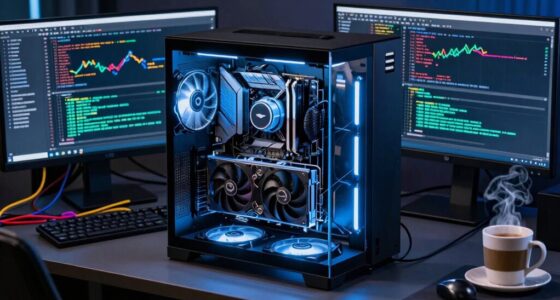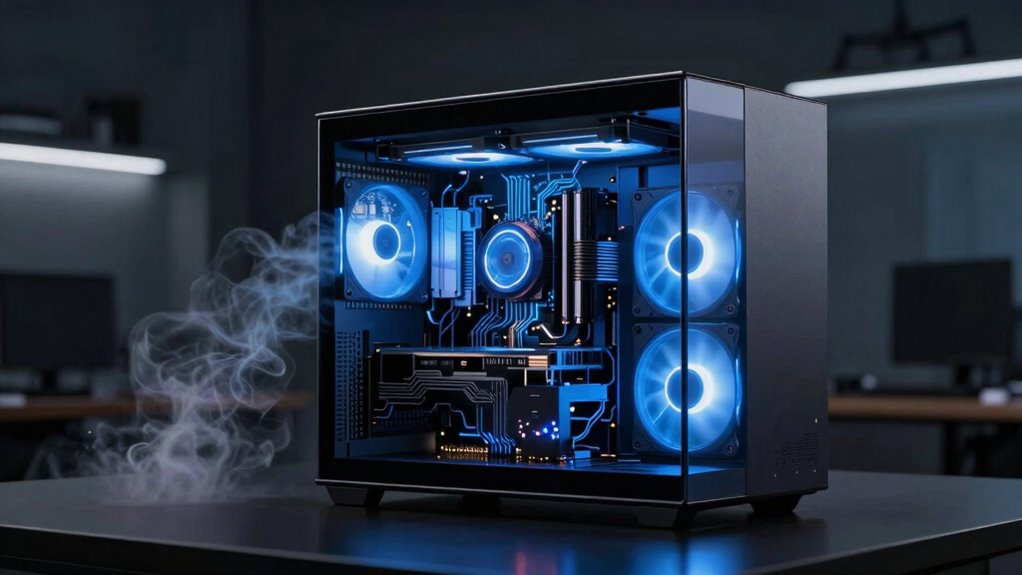

In AI PCs, cooling matters more than many beginners think because these systems generate considerably more heat from powerful processors and GPUs. Without proper thermal management, you risk thermal throttling, decreased performance, or even hardware damage. Effective cooling keeps temperatures stable, enabling faster processing and longer hardware lifespan. Overclocking amplifies heat, making advanced cooling essential. Staying on top of cooling ensures your AI system runs reliably and efficiently, and there’s much more to understand about achieving ideal thermal management as you move forward.

Get business pricing on tech for your team
- Business-only prices and quantity discounts
- Tax-exempt purchasing
- Multiple users, one account, clear invoices
Key Takeaways
- AI workloads generate higher heat levels, requiring advanced cooling to prevent overheating and maintain system stability.
- Proper thermal management enables overclocking, increasing AI processing speeds safely and efficiently.
- Efficient cooling reduces thermal throttling, ensuring consistent performance during intensive AI training and inference tasks.
- Long-term hardware reliability depends on effective cooling, preventing damage from thermal stress over time.
- Specialized cooling solutions optimize energy use and system longevity in high-performance AI hardware environments.
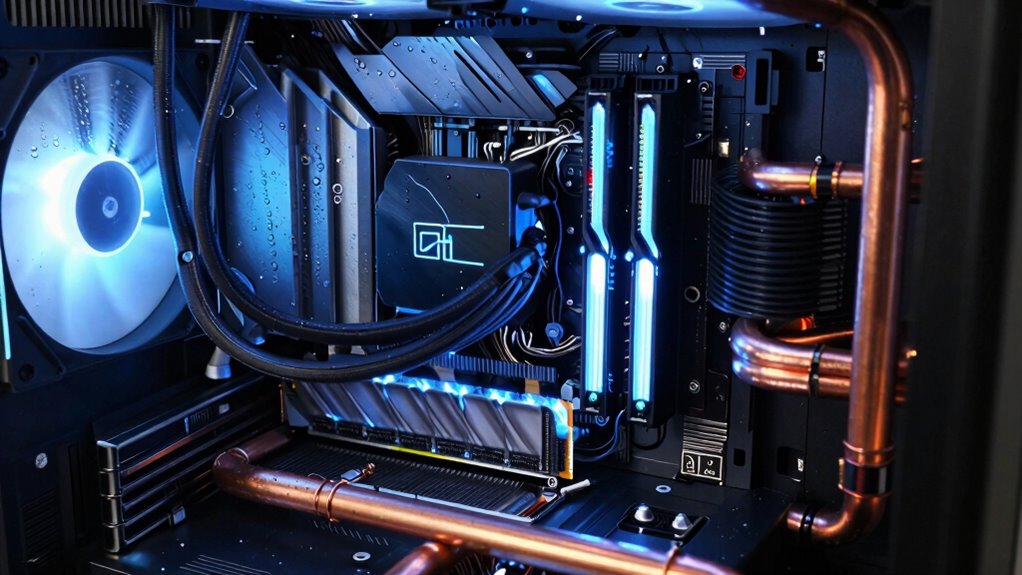
As artificial intelligence continues to advance, AI-powered PCs generate considerably more heat than traditional computers, making effective cooling essential. When you’re working with high-performance AI hardware, managing thermal output isn’t just about keeping things from overheating; it directly impacts your system’s stability and overall performance. Proper thermal management ensures that your processors and GPUs stay within safe temperature ranges, preventing thermal throttling that can reduce computational speed and efficiency. If you ignore cooling, you risk system crashes, hardware damage, and compromised AI processing accuracy.
You might think that standard cooling solutions are enough, but AI workloads push your hardware to its limits. The increased heat from intensive AI tasks means you need more advanced cooling strategies—liquid cooling, heat pipes, or custom airflow setups—so your system stays cool under pressure. Effective cooling also enhances overclocking efficiency, which is *essential* if you’re trying to squeeze extra performance out of your hardware. When your system runs cooler, you can push your CPU and GPU frequencies higher without risking overheating, *unlocking* additional processing power for complex AI models.
Overclocking your hardware can *considerably* boost AI training and inference speeds, but it’s a double-edged sword. Without proper thermal management, overclocking can cause temperatures to spike dangerously high, leading to thermal throttling or even permanent damage. Adequate cooling solutions help maintain *ideal* temperatures, allowing you to safely push your hardware further and maximize overclocking efficiency. This results in faster training times, quicker data processing, and better overall performance, which is *crucial* when handling large datasets or deploying real-time AI applications. Additionally, efficient cooling systems are vital to prevent thermal buildup, which can significantly impair hardware performance during extended AI workloads. Maintaining proper airflow and cooling can also help reduce hardware stress, prolonging component lifespan and ensuring consistent operation. Proper cooling also plays a role in system stability, especially during prolonged high-load tasks, preventing unexpected shutdowns. Implementing advanced cooling techniques can also help optimize energy consumption, reducing overall power costs and environmental impact. Moreover, employing specialized cooling methods tailored to high-performance hardware can further improve thermal management and overall system reliability.
liquid cooling system for high-performance PC
As an affiliate, we earn on qualifying purchases.
As an affiliate, we earn on qualifying purchases.
Frequently Asked Questions
How Does Cooling Affect AI PC Performance During Intensive Tasks?
When you run intensive AI tasks, cooling directly impacts your AI PC’s performance by managing GPU temperature. If the GPU overheats, it throttles, reducing speed and efficiency. Proper airflow optimization keeps temperatures low, ensuring your GPU stays in the ideal range. This prevents thermal throttling, allowing continuous high performance during demanding workloads. So, good cooling isn’t just about hardware longevity; it’s essential for maintaining peak AI processing power.
What Are the Long-Term Risks of Inadequate Cooling in AI PCS?
Inadequate cooling accelerates thermal degradation, risking your AI PC’s components failing prematurely. Over time, excessive heat weakens the hardware, considerably reducing its lifespan and leading to costly repairs or replacements. You might think your system can handle the heat, but neglecting proper cooling invites long-term damage, making your investment less reliable. To guarantee longevity and peak performance, prioritize effective cooling solutions from the start.
Can Overclocking AI Components Cause Thermal Issues?
Yes, overclocking AI components can cause thermal issues because it increases power consumption and heat output. Overclocking hazards include higher temperatures that can damage hardware or reduce lifespan. Effective thermal management becomes essential to prevent overheating. By ensuring proper cooling solutions, like advanced fans or liquid cooling, you can mitigate these risks, maintain stability, and keep your AI PC running efficiently under overclocked conditions.
Are Liquid Cooling Systems Better Than AIr Cooling for AI PCS?
Are liquid cooling systems better than air cooling for AI PCs? Absolutely, especially if you’re aiming for efficient heat management and quieter operation. Liquid cooling offers superior thermal performance, which is vital when running demanding AI workloads. Plus, it reduces noise markedly compared to traditional air coolers. If you want to keep your AI components cool under pressure and enjoy a quieter workspace, liquid cooling is the smarter choice.
How Often Should AI PC Cooling Systems Be Maintained?
You should check and maintain your AI PC’s cooling system every 3 to 6 months. Regularly clean dust buildup from fans and heatsinks to prevent overheating and reduce fan noise. If you notice increased noise or temperatures, it’s time for a thorough cleaning. Keeping your cooling system well-maintained guarantees peak performance, prolongs component lifespan, and keeps your AI PC running smoothly without overheating or excessive fan noise.
As an affiliate, we earn on qualifying purchases.
Conclusion
You see, cooling isn’t just a minor detail—it’s the backbone of your AI PC’s performance. When temps rise, your system can slow down or even crash, wasting your effort and resources. Think of it as keeping your engine running smoothly; you can’t afford to let things overheat. Remember, a well-cooled PC keeps everything ticking like clockwork, so don’t wait until it’s too late. Stay ahead, stay cool, and your AI projects will thank you for it.
As an affiliate, we earn on qualifying purchases.
As an affiliate, we earn on qualifying purchases.
Fall Picks
fall essentials
As an affiliate, we earn on qualifying purchases.