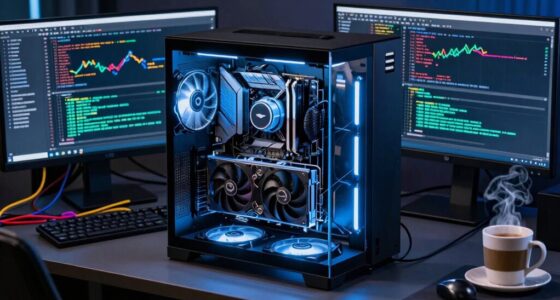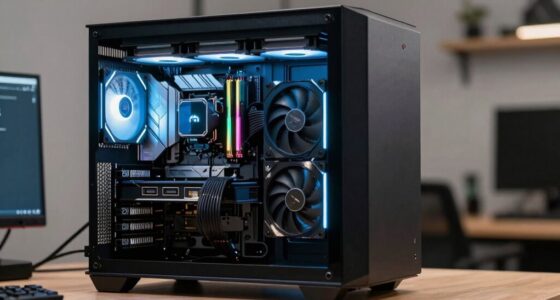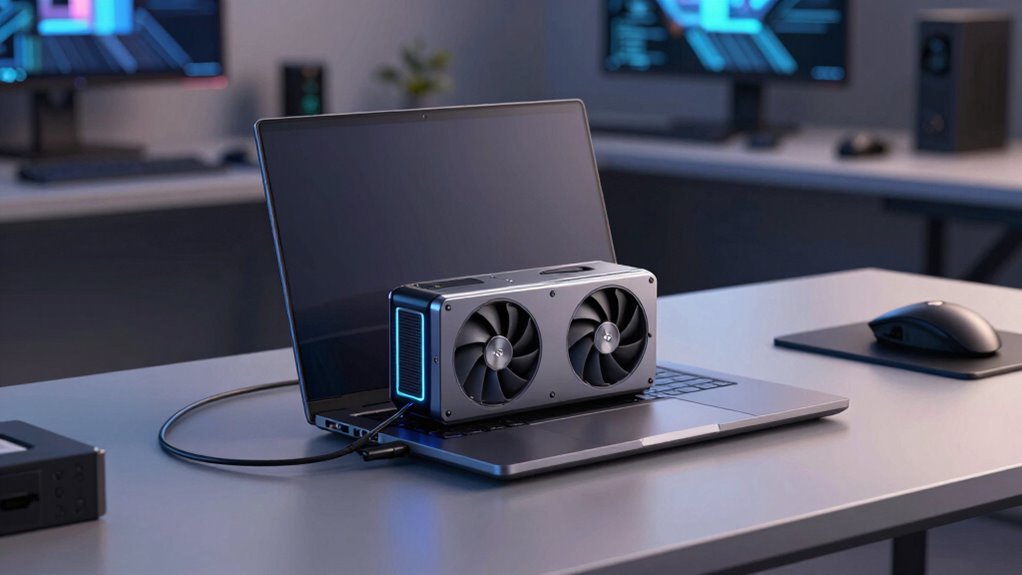

Using an external GPU for your AI laptop boosts processing power, making it ideal for demanding tasks like model training and simulations. However, it reduces portability, adds bulk, and can impact battery life, so it’s less convenient when you’re on the go. Compatibility and setup can also be tricky, but upgrading the GPU is easier and more cost-effective long-term. Want to know how to maximize these benefits while managing the tradeoffs? Keep exploring.

Get tech for your team delivered free — and shop member deals
- Fast, free delivery on millions of items
- Access to Prime Big Deal Days deals on October 6–7
- Prime Video, Amazon Music and more included
Key Takeaways
- External GPUs significantly boost AI processing power but increase setup complexity and reduce portability.
- They improve performance and upgradeability, extending the lifespan of laptops for demanding AI tasks.
- Power consumption rises with eGPU use, potentially shortening battery life and requiring constant power sources.
- Compatibility issues and hardware limitations can hinder seamless integration and future upgrades.
- The added bulk and setup effort may outweigh benefits for users prioritizing mobility and simplicity.
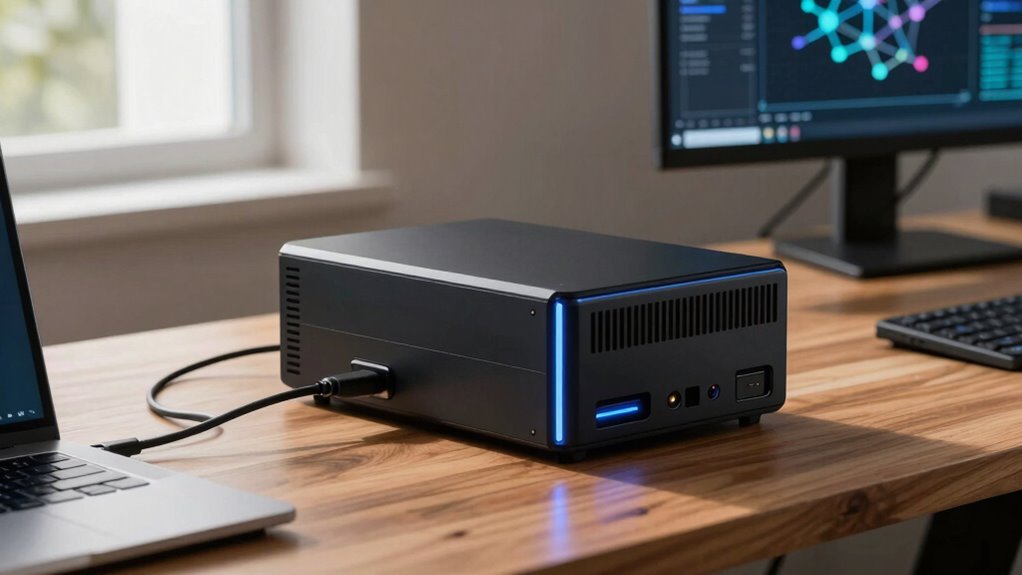
If you’re looking to boost your AI laptop’s performance, external GPUs (eGPUs) offer a powerful solution. They can markedly enhance processing capabilities, especially for demanding AI tasks like training models or running complex simulations. However, before diving in, it’s crucial to understand the limits, wins, and tradeoffs involved. One key factor to contemplate is power consumption. Connecting an eGPU demands more energy, which can impact your laptop’s battery life and require a stable power source. This means you’ll often need to stay plugged in to avoid performance dips, limiting portability and making it less convenient for on-the-go use. If mobility is a priority, this increased power draw might be a dealbreaker, as you’ll need to carry additional power adapters or stay near outlets more frequently.
Portability concerns are another critical aspect. Although eGPUs are designed to be external and relatively compact, they still add bulk to your setup. Compared to a standalone laptop, an eGPU enclosure, along with the GPU itself, can be hefty and less easy to transport. This can be frustrating if your work involves frequent travel or working in different locations. Furthermore, the setup process can sometimes be cumbersome, requiring you to connect multiple cables and ensure proper ventilation. All these factors can make your portable workspace feel less seamless, especially if you’re used to working solely with a lightweight laptop. Additionally, understanding the power requirements of an eGPU setup is essential to ensure compatibility with your existing hardware and power sources. Being aware of hardware compatibility can help prevent potential issues during setup and use. Moreover, considering the future upgradeability of your eGPU setup can help you plan for long-term performance improvements. A well-informed choice can also help you avoid compatibility issues that might otherwise hinder your workflow.
Furthermore, it’s worth noting that the rapid pace of GPU development means that upgradability can significantly extend the usefulness of your eGPU over time. Despite these tradeoffs, eGPUs come with notable wins. They offer a cost-effective way to extend your existing laptop’s lifespan and capabilities without investing in a new high-end machine. Instead of replacing your device, you can attach an eGPU to upgrade its graphics and processing power substantially, especially for AI workloads that rely on GPU acceleration. This flexibility can save you money over time while giving you access to faster computation. Additionally, eGPUs can be upgraded independently — swapping out the GPU inside the enclosure for a newer model is easier than replacing your entire laptop. This makes them a scalable investment as your AI projects grow more complex.
external GPU enclosure for laptops
As an affiliate, we earn on qualifying purchases.
As an affiliate, we earn on qualifying purchases.
Frequently Asked Questions
How Do External GPUS Affect Laptop Battery Life During AI Workloads?
Using external GPUs during AI workloads increases your laptop’s power consumption, which can considerably drain the battery faster. The added thermal management demands from the GPU also cause the system to work harder, further reducing battery life. You may notice shorter runtime because the GPU draws extra power and generates heat, forcing your laptop to use more energy to maintain performance. To optimize battery life, consider plugging in your laptop during intensive AI tasks.
Are External GPUS Compatible With All AI Laptop Models?
External GPUs aren’t compatible with all AI laptop models. You need to check hardware compatibility first, ensuring your laptop supports Thunderbolt 3 or 4 ports, which are essential for connection. Power supply considerations also matter; your external GPU needs adequate power, and some laptops might require additional power adapters. Always verify the specific requirements and compatibility before investing, as not all laptops can seamlessly support external GPU setups.
What Are the Long-Term Durability Considerations for External GPU Enclosures?
Did you know that the average external GPU enclosure lasts around 3-5 years? Durability depends on enclosure material and thermal management. Metal enclosures are more durable but may conduct heat poorly, while plastic ones may wear down faster. Make certain good thermal management to prevent overheating, which can damage components over time. Regular cleaning and proper ventilation help extend your enclosure’s lifespan, keeping your AI laptop running smoothly longer.
How Does External GPU Performance Vary Across Different AI Application Types?
Your external GPU performance varies with different AI applications because GPU bandwidth impacts data transfer speed, essential for complex tasks like deep learning. For intensive workloads, thermal throttling can reduce performance as the enclosure heats up, limiting sustained processing. Lighter tasks, however, benefit from higher GPU bandwidth and less thermal stress, so you’ll notice better responsiveness and efficiency. Monitoring cooling and bandwidth can help you optimize your AI work across diverse application types.
Can External GPUS Be Upgraded Independently of the Laptop?
You can generally upgrade external GPUs independently of your laptop, giving you fresh upgrade options to boost performance. However, compatibility challenges might arise, especially with newer GPU models or specific enclosures. While the external GPU itself is designed for easy swaps, make certain your laptop’s ports and software support these upgrades. Staying aware of these tradeoffs helps you enjoy continued AI performance improvements without the need for a full device overhaul.
As an affiliate, we earn on qualifying purchases.
Conclusion
So, if you’re dreaming of turning your sleek AI laptop into a powerhouse with an external GPU, just remember—it’s a glamorous fix that comes with a hefty price tag, limited portability, and sometimes, a dash of frustration. Sure, you’ll get a boost, but don’t expect it to turn your modest device into a supercomputer overnight. In the end, it’s all about weighing those shiny wins against the inevitable tradeoffs—because who doesn’t love a good tech gamble?
high performance external GPU for AI tasks
As an affiliate, we earn on qualifying purchases.
As an affiliate, we earn on qualifying purchases.
portable external GPU for AI laptops
As an affiliate, we earn on qualifying purchases.
As an affiliate, we earn on qualifying purchases.
Halloween Picks
halloween
As an affiliate, we earn on qualifying purchases.