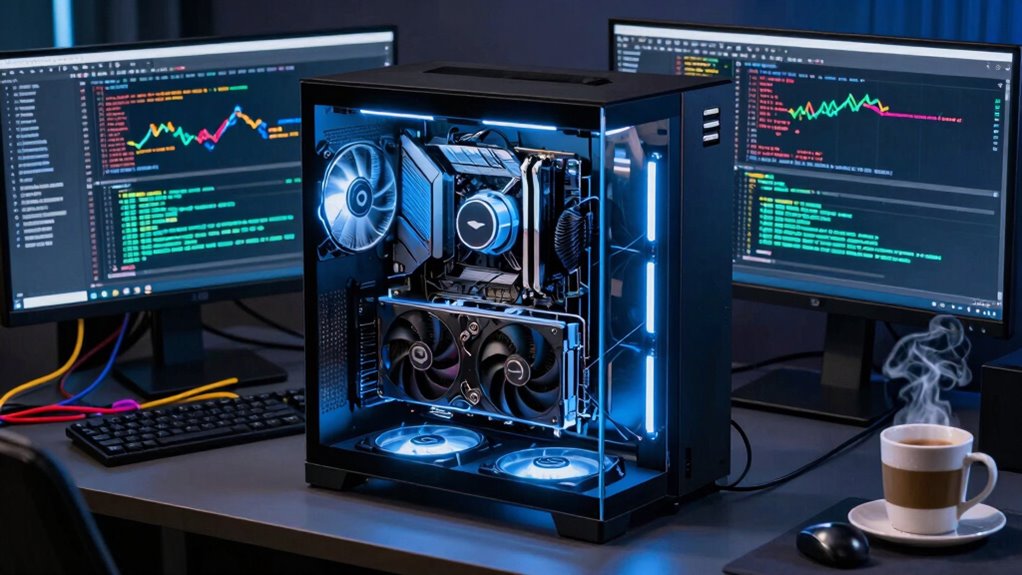

For local AI workflows, you typically need at least 8GB of GPU memory for small models and datasets. Larger models like transformers or deep CNNs may require 16GB or more to run smoothly. If you work with massive datasets or plan to train complex models, consider GPUs with 24GB or higher. Knowing your specific tasks helps determine the right amount. Keep exploring to discover how to optimize your setup for best performance.

Get business pricing on tech for your team
- Business-only prices and quantity discounts
- Tax-exempt purchasing
- Multiple users, one account, clear invoices
Key Takeaways
- The required GPU memory depends on dataset size, model complexity, and training or inference tasks.
- Large models like transformers may need hundreds of GB of VRAM for efficient training.
- Optimization techniques such as pruning and quantization can reduce memory demands.
- Multi-GPU setups help distribute memory load for larger workloads.
- Planning for future growth ensures hardware can handle increasing dataset and model sizes.
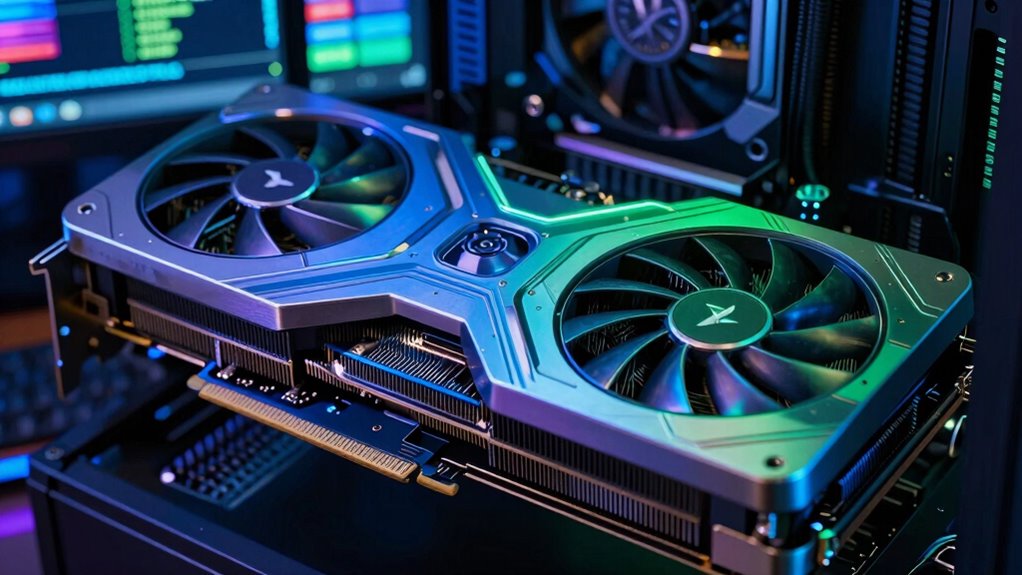
Managing GPU memory effectively is vital when running local AI workflows, as it directly impacts performance and scalability. When you think about the amount of GPU memory needed, it’s natural to compare it to cloud deployment options, where resources are often abstracted and scaled automatically. In a local setup, however, you’re responsible for guaranteeing your hardware can handle the workload. This means choosing the right GPU with sufficient memory to support your models without bottlenecks. The key lies in understanding your specific needs—whether you’re training large neural networks or running inference on smaller models.
Effective GPU memory management is essential for optimal performance and scalability in local AI workflows.
The amount of GPU memory you require depends largely on the size of your datasets and models. For example, training complex models like transformers or deep convolutional networks can demand hundreds of gigabytes of memory. If your GPU doesn’t have enough memory, you’ll encounter issues such as out-of-memory errors or sluggish performance. To prevent this, you might need to optimize your hardware by selecting GPUs with higher VRAM or implementing techniques like model pruning and quantization to reduce memory footprint. Hardware optimization becomes a vital part of your setup; it guarantees you get the most out of your GPU’s capacity while keeping costs manageable. Additionally, understanding GPU memory management can help you fine-tune your setup and avoid common pitfalls.
Additionally, when working with local workflows, you have the advantage of customizing your hardware to fit your specific tasks. Unlike cloud deployment, where resources are often fixed and shared among multiple users, a well-optimized local environment allows you to allocate memory precisely where you need it. This can mean upgrading your GPU, adding more RAM, or configuring multiple GPUs for parallel processing. Such hardware optimization can considerably enhance your workflow efficiency, especially when handling large datasets or training models that demand high memory bandwidth. Understanding your hardware’s memory capacity helps you plan for project scalability and avoid bottlenecks down the line. Moreover, being aware of the memory requirements of your models can help you make informed decisions when upgrading or expanding your hardware setup. Recognizing the importance of hardware compatibility ensures that all components work together seamlessly, avoiding potential technical issues.
It’s also worth considering how your workflow might evolve. As your projects grow more complex, your GPU memory needs will increase. Planning for scalability means investing in hardware that can accommodate future demands. This might involve opting for GPUs with larger VRAM or exploring multi-GPU configurations, which can distribute the workload and improve memory management. Remember, the goal is to strike a balance between hardware costs and performance requirements, avoiding the pitfalls of under-provisioning or overspending.
Ultimately, understanding how much GPU memory your local AI workflows need involves analyzing your specific tasks and scaling requirements. By focusing on hardware optimization and taking cues from cloud deployment strategies, you can build a robust, efficient environment that supports your AI projects without unnecessary bottlenecks. This proactive approach guarantees your workflows stay smooth, scalable, and ready for whatever challenges lie ahead.
As an affiliate, we earn on qualifying purchases.
Frequently Asked Questions
How Does GPU Memory Impact Training Time?
GPU memory directly impacts your training time by influencing memory bottlenecks and data throughput. When memory is limited, your system struggles to handle large models or datasets efficiently, causing delays. Insufficient memory forces frequent data transfers between the GPU and CPU, slowing down the process. To optimize training, guarantee your GPU has enough memory to support high data throughput and reduce bottlenecks, speeding up your AI workflow.
Can I Upgrade My GPU Memory Later?
Yes, you can upgrade your GPU memory later, but it depends on GPU compatibility and your system’s architecture. Most modern GPUs have fixed memory capacity, so upgrading often means replacing the entire GPU. Check your motherboard’s compatibility and available slots first. Upgrading can considerably improve your AI workflow performance, especially if you work with large datasets. Make sure the new GPU’s memory capacity aligns with your project needs for ideal results.
What Are the Signs of Insufficient GPU Memory?
Imagine your GPU struggling like a crowded highway, slowing down under pressure. Signs of insufficient GPU memory show up as memory bottlenecks—longer processing times, frequent crashes, or errors during intensive tasks. Compatibility issues may also arise, where your GPU can’t handle new model demands. If you notice these signs, it’s time to contemplate upgrading or optimizing your system to prevent bottlenecks and ensure smooth AI workflows.
How Does GPU Memory Usage Vary Across AI Models?
GPU memory usage varies considerably across AI models, depending on their complexity and size. Larger models like transformers demand more memory, impacting scalability. To optimize memory, you should focus on model scalability strategies, such as pruning or quantization, which reduce memory needs without sacrificing performance. Monitoring memory usage during training helps identify bottlenecks, allowing you to implement effective memory optimization techniques for smoother, more efficient workflows.
Is GPU Memory More Important Than GPU Processing Power?
GPU memory is vital, but processing power often matters more for performance. While hardware bottlenecks can limit your AI workflows, having enough memory helps with memory optimization, reducing bottlenecks caused by limited space. If your model requires large datasets or complex calculations, prioritizing processing power guarantees faster training and inference. Ultimately, balancing both GPU memory and processing power depends on your specific AI tasks and workflow demands.
high VRAM graphics card for AI training
As an affiliate, we earn on qualifying purchases.
As an affiliate, we earn on qualifying purchases.
Conclusion
As you navigate the maze of GPU memory needs, remember it’s not just about size—it’s about fitting your unique AI dreams. Think of your GPU as a garden; planting too many seeds at once can choke growth, but with the right space, your ideas bloom. So, measure carefully, choose wisely, and watch your local AI projects flourish like a well-tended paradise. Your perfect GPU memory balance is the key to discovering endless creative horizons.
multi-GPU setup for machine learning
As an affiliate, we earn on qualifying purchases.
As an affiliate, we earn on qualifying purchases.
As an affiliate, we earn on qualifying purchases.
Halloween Picks
halloween
As an affiliate, we earn on qualifying purchases.