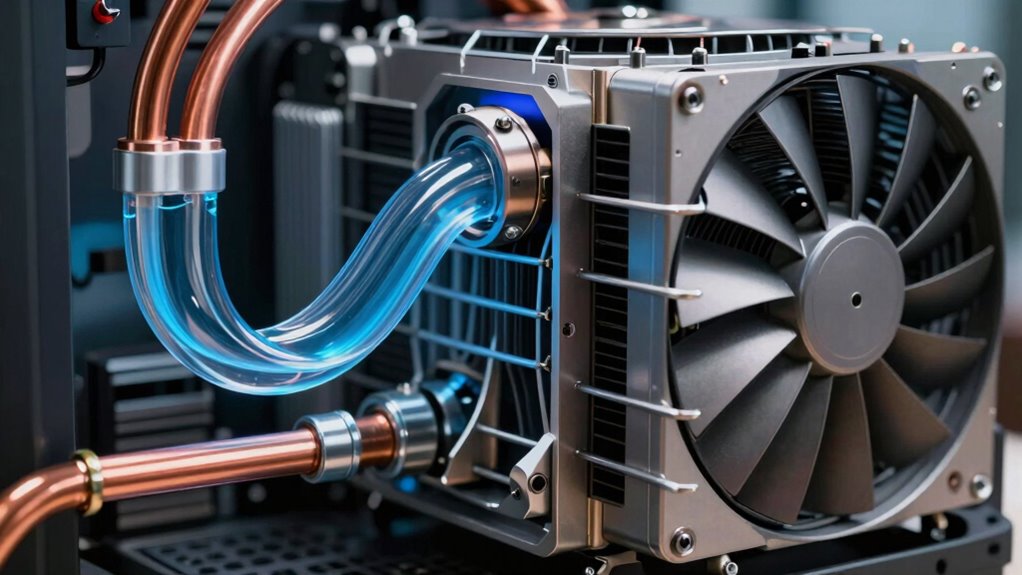

If you’re choosing between liquid and air cooling for your local AI machine, remember that liquid cooling offers better thermal performance, helping your hardware run at higher speeds without overheating. However, it’s more complex and requires regular maintenance, like checking for leaks and coolant levels. Air cooling is simpler, cheaper, and easier to manage, but might struggle with intense workloads, leading to higher temperatures. Keep exploring to discover which option suits your setup best.

Get business pricing on tech for your team
- Business-only prices and quantity discounts
- Tax-exempt purchasing
- Multiple users, one account, clear invoices
Key Takeaways
- Liquid cooling offers higher thermal efficiency, enabling better performance under intensive AI workloads.
- Air cooling is simpler, more affordable, and easier to maintain, suitable for less demanding setups.
- Liquid cooling can be more compact, ideal for tight spaces, but involves complex installation and regular leak checks.
- Air cooling may lead to higher temperatures and thermal throttling during high workloads, affecting performance.
- Upfront costs are higher for liquid cooling due to additional components, while air cooling is more cost-effective.
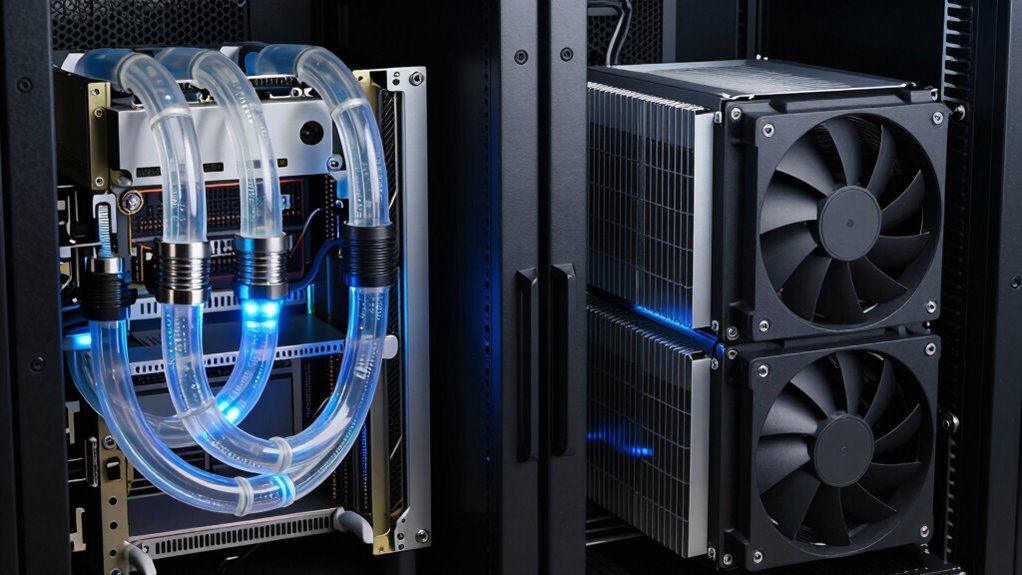
When it comes to managing the heat generated by local AI machines, choosing the right cooling system is essential for performance and longevity. Your goal is to maintain optimal thermal efficiency, ensuring your hardware runs smoothly without overheating. Two primary options are liquid cooling and air cooling, each with distinct advantages and drawbacks that directly impact how well your system performs and how much effort you’ll need to invest in maintenance. Liquid cooling systems excel in thermal efficiency. They transfer heat away from components more effectively than air cooling, which means your AI machine can operate at higher speeds without risking thermal throttling. This efficiency is particularly valuable if you’re running intensive AI workloads that produce significant heat. However, this increased thermal performance comes with a trade-off: maintenance complexity. Liquid cooling setups are more intricate, involving pumps, reservoirs, and specialized tubing. They require regular checks for leaks, coolant levels, and pump functionality. If not properly maintained, leaks or blockages could damage your hardware, leading to costly repairs and downtime. Despite this, many find that the performance benefits outweigh these concerns, especially in high-demand environments. Additionally, cooling system maintenance can be more involved, requiring careful monitoring of components to prevent failures. Properly managing the coolant levels and quality is crucial for sustained performance and avoiding potential damage. Understanding the thermal management principles can help you optimize your cooling setup and prevent overheating issues. Choosing the right cooling method also depends on your space constraints, as liquid cooling systems can be more compact and efficient in tighter setups. On the other hand, air cooling is simpler and generally more straightforward to implement. It relies on fans and heatsinks to dissipate heat, making it easier to install and manage. For users prioritizing ease of maintenance and lower upfront costs, air cooling offers a practical solution. Routine maintenance mainly involves cleaning dust from fans and heatsinks, which is less complex compared to managing a liquid cooling loop. However, air cooling typically falls short in thermal efficiency when compared to liquid systems. As your AI workload intensifies, you might notice higher temperatures, which could lead to thermal throttling and reduced performance. Additionally, air cooling solutions tend to be bulkier to achieve the same cooling capacity, potentially limiting your hardware placement options.
As an affiliate, we earn on qualifying purchases.
Frequently Asked Questions
How Does Cooling Efficiency Impact AI Model Training Speed?
Cooling efficiency directly impacts your AI model training speed by maintaining ideal thermal regulation, preventing overheating that can throttle performance. When your system manages heat better, it stays stable longer, allowing continuous operation at peak power. Improved thermal regulation enhances power efficiency, meaning your hardware uses less energy to stay cool. This combination lets your AI models train faster, as the hardware remains consistently performant without thermal-induced slowdowns or shutdowns.
Are Liquid Cooling Systems More Environmentally Friendly Than Air Cooling?
Liquid cooling systems are generally more environmentally friendly than air cooling because they typically use less energy, reducing your overall energy consumption. This lower energy use means a smaller environmental impact, as less power generation is needed, which often results in reduced greenhouse gas emissions. By choosing liquid cooling, you support a greener approach to managing your AI hardware, making your setup more sustainable and eco-conscious.
What Are the Long-Term Maintenance Costs for Each Cooling Method?
You’ll find that liquid cooling generally has higher long-term maintenance costs because it requires regular checks for leaks, coolant replacements, and cleaning to maintain ideal thermal management. Conversely, air cooling involves less upkeep, needing only periodic cleaning of fans and heatsinks. While liquid cooling can reduce energy consumption by providing more efficient thermal management, its maintenance demands might offset some energy savings over time.
Can Existing Hardware Be Easily Retrofitted With Liquid Cooling?
Think of retrofitting your hardware with liquid cooling as rewriting a classic novel—challenging yet rewarding. You’ll face retrofit challenges and compatibility issues, especially with older components not designed for liquid cooling systems. Upgrading may require substantial modifications, like removing existing parts or adding custom fittings. While it’s doable, consider whether the effort aligns with your goals, or if sticking with air cooling might be a smoother, more reliable choice.
How Do Cooling Solutions Affect Hardware Lifespan in AI Setups?
Cooling solutions markedly impact your hardware’s lifespan in AI setups. Effective thermal management prevents overheating, reducing thermal stress that can degrade components over time. Liquid cooling generally offers better thermal management, maintaining lower temperatures and enhancing hardware durability. Air cooling is simpler but may not dissipate heat as efficiently, possibly shortening hardware lifespan under intense workloads. Choosing the right cooling solution guarantees your AI machine stays reliable and prolongs its operational life.
As an affiliate, we earn on qualifying purchases.
Conclusion
When choosing between liquid cooling and air cooling for your local AI machine, consider the balance of performance, noise, and maintenance. Liquid cooling offers superior heat dissipation and quieter operation, but requires more upkeep. Air cooling is simpler and more affordable, yet may struggle with higher temperatures and noise levels. Ultimately, your decision hinges on your priorities—whether you value efficiency, ease, or cost—and understanding these trade-offs helps you optimize your setup for peak performance.
As an affiliate, we earn on qualifying purchases.
liquid cooling pump and reservoir
As an affiliate, we earn on qualifying purchases.
As an affiliate, we earn on qualifying purchases.
Halloween Picks
halloween
As an affiliate, we earn on qualifying purchases.