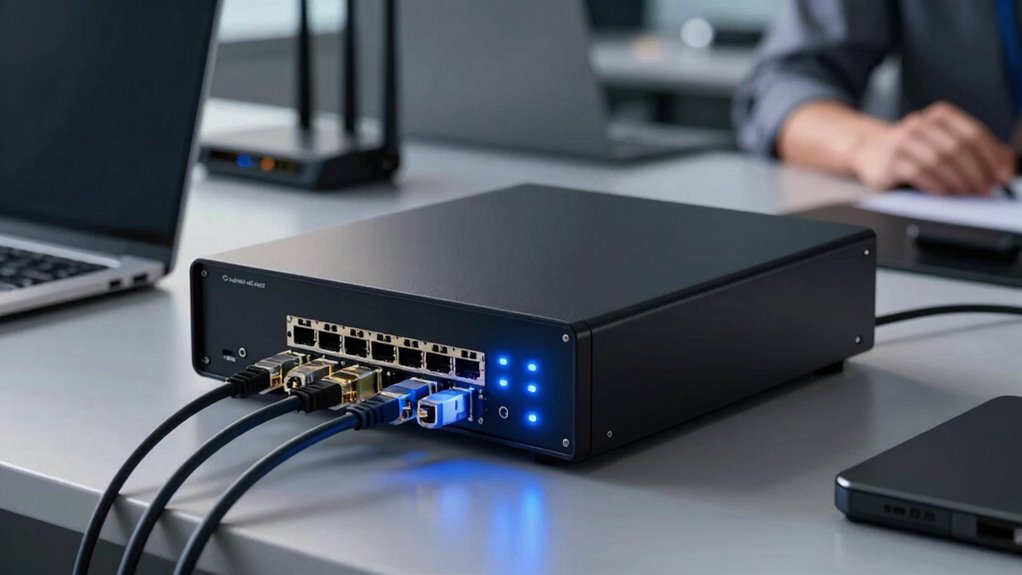

Firewall appliances for small offices act as your network gatekeepers, actively monitoring and controlling data flow to protect sensitive information like passwords and client data. They enable secure remote access via VPN, encrypt your data, and perform deep packet inspection to detect malware or suspicious activity. Automatic threat detection helps respond quickly to emerging threats, creating a secure environment without complicating setup. Keep going to discover how these features work together to keep your business safe.

Get business pricing on tech for your team
- Business-only prices and quantity discounts
- Tax-exempt purchasing
- Multiple users, one account, clear invoices
Key Takeaways
- Monitor and control data flow to prevent unauthorized access and cyber threats.
- Encrypt data during transmission to protect sensitive business information.
- Enable secure remote access via VPN for employees working outside the office.
- Perform deep packet inspection to detect malware and suspicious activities.
- Manage user access permissions to restrict sensitive data and reduce insider risks.
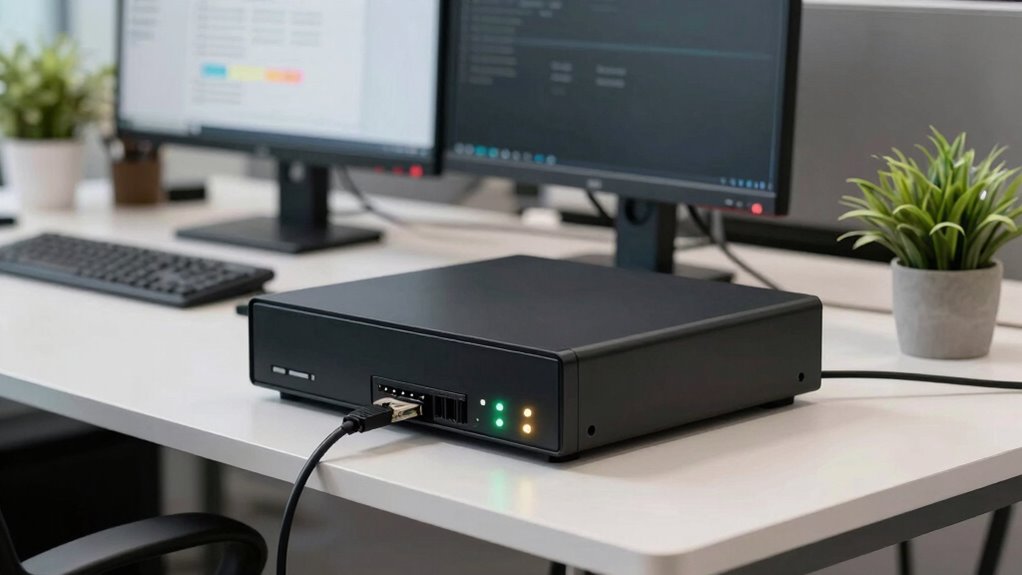
Small offices often face the challenge of balancing security with budget constraints, making a dependable firewall appliance essential. A good firewall acts as a gatekeeper for your network, monitoring and controlling the data that flows in and out. One of its core functions is network encryption, which safeguards sensitive information by converting it into unreadable code during transmission. When you implement network encryption, you guarantee that even if someone intercepts your data—like passwords, client info, or financial records—they can’t access its contents. This layer of security is critical, especially when your team accesses cloud services or remote servers over the internet. Not only does this protect your data from malicious actors, but it also helps you stay compliant with data protection regulations.
User access management is another essential aspect that firewalls handle. You need to control who can get into your network and what they can see or do once inside. Firewalls enable you to set rules for user access, such as restricting certain employees from reaching sensitive files or limiting external access during non-business hours. By doing this, you reduce the risk of insider threats and accidental data leaks. For small offices, this means you can tailor permissions based on roles, making it easier to manage security without overcomplicating your setup. Good user access controls also mean you can quickly revoke permissions if an employee leaves or if a device is lost, minimizing potential vulnerabilities. Understanding network security practices can help you optimize these controls effectively.
Beyond just blocking unauthorized users, your firewall appliance performs deep packet inspection, which looks at the data packets traveling through your network. This helps detect suspicious activity or malware trying to sneak in. The appliance can be configured to alert you or automatically block malicious traffic, giving you real-time protection. Many firewalls also include features like VPN support, allowing remote workers to connect securely to the office network. This is especially important for small teams that rely on remote work or mobile devices. Additionally, understanding the core functions of firewalls can help you select the right device to meet your specific security needs. Incorporating encryption protocols into your network security strategy further enhances protection by securing data in transit. Implementing proper user permissions is also vital for maintaining a secure environment. Moreover, choosing a firewall with automatic threat detection can significantly reduce response times to emerging threats, providing an added layer of security.
Ultimately, a firewall appliance for your small office does much more than just keep hackers out. It creates a secure environment where network encryption keeps your data confidential, and user access controls ensure only authorized personnel can reach sensitive information. By investing in a reliable device, you gain peace of mind, knowing your business-critical data is protected without breaking the bank. In today’s digital landscape, having a robust firewall isn’t optional—it’s a fundamental part of safeguarding your small office’s future.
As an affiliate, we earn on qualifying purchases.
Frequently Asked Questions
Can Firewall Appliances Prevent All Cyber Attacks?
Firewall appliances can’t prevent all cyber attacks, but they greatly improve your security. They provide advanced threat mitigation by filtering malicious traffic and blocking unauthorized access. They also help with insider threat prevention by monitoring network activity for suspicious behavior. However, no device offers complete protection, so you should combine firewalls with other security measures like regular updates, employee training, and strong passwords to better defend your small office network.
How Often Should Firewall Firmware Be Updated?
You should update your firewall firmware regularly, ideally every one to three months, to keep your security patches current. Firmware updates fix vulnerabilities, improve performance, and add new features, so staying up-to-date helps protect your small office network from emerging threats. Check your firewall manufacturer’s website or management console frequently for alerts about new updates, and apply them promptly to maintain maximum security.
Do Small Office Firewalls Support VPNS?
Yes, small office firewalls typically support VPN compatibility, enabling you to set up secure remote access for employees working outside the office. This feature helps guarantee data security while allowing remote workers to access essential resources safely. You can usually configure these VPNs easily through the firewall’s management interface, providing a seamless way to maintain secure connections and protect your network from potential threats.
Are Firewall Appliances Easy to Configure for Non-It Staff?
Yes, firewall appliances are generally easy to configure for non-IT staff thanks to their user-friendly setup features. Many models offer DIY security options, making it straightforward to implement basic protections without technical expertise. You can manage settings through simple interfaces or guided setup wizards, which help you customize security rules effortlessly. This approach allows small office staff to maintain network security confidently without needing extensive IT knowledge.
What Are the Costs Associated With Firewall Appliance Maintenance?
The costs for firewall appliance maintenance include regular expenses like updates, patches, and potential hardware replacements. You should do a cost analysis to understand ongoing costs, which typically involve yearly or quarterly maintenance fees. Maintenance frequency depends on your network activity and threat landscape, but generally, you’ll need to review and update settings monthly or quarterly. Budget for unexpected issues and consider professional support to keep your firewall effective and secure.
As an affiliate, we earn on qualifying purchases.
Conclusion
Think of your firewall appliance as the vigilant gatekeeper of your small office — a sturdy fortress guarding your valuable data from unseen threats. Just like a lighthouse guides ships safely to harbor, it steers your network clear of danger and keeps your business afloat. When you trust this silent sentinel, you’re not just protecting your digital assets — you’re anchoring your peace of mind amidst the stormy seas of cyber threats.
As an affiliate, we earn on qualifying purchases.
network security device for small business
As an affiliate, we earn on qualifying purchases.
As an affiliate, we earn on qualifying purchases.
Fall Picks
fall essentials
As an affiliate, we earn on qualifying purchases.