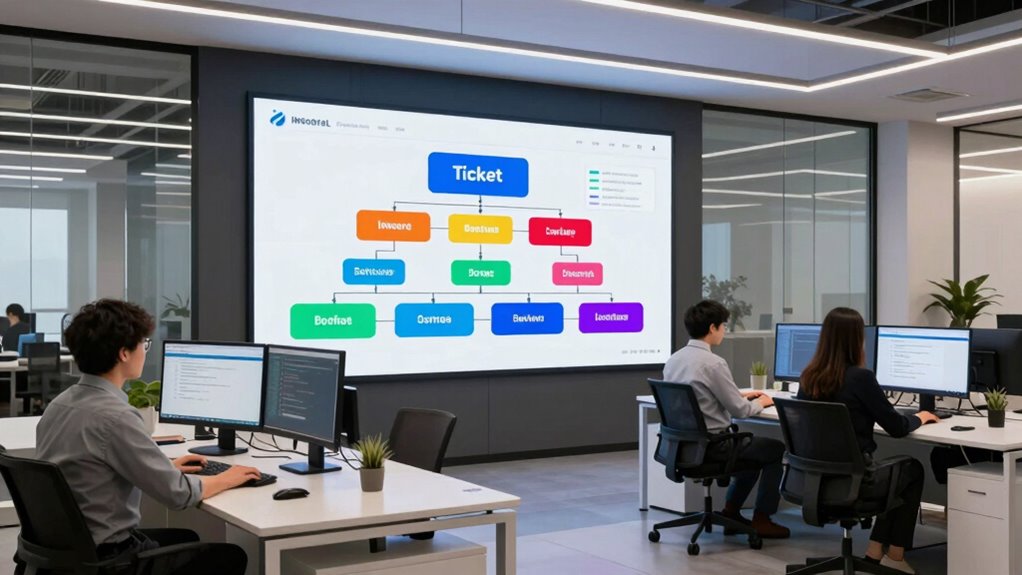

A well-structured knowledge base speeds up support tickets by organizing content into clear categories, with prioritized and relevant articles that address common issues efficiently. Use logical hierarchies, intuitive navigation, and effective search functions like keywords and suggestions to help agents find solutions quickly. Keep your content up-to-date and actionable. By focusing on these elements, you’ll reduce ticket volume and resolution times — and there’s more to optimize, which you’ll discover next.
Key Takeaways
- Organize content into clear, logical categories with intuitive labels for quick navigation.
- Prioritize articles using metadata tags like urgency, complexity, and frequency to address top issues first.
- Incorporate visual aids and step-by-step guides to streamline troubleshooting and reduce resolution time.
- Optimize search functionality with keywords, synonyms, and auto-suggestions to surface relevant articles instantly.
- Regularly review analytics and user feedback to update content, close knowledge gaps, and prevent outdated information.
How a Well-Structured Knowledge Base Speeds Up Support Tickets

A well-structured knowledge base directly reduces the time support teams spend searching for information. When you organize content effectively, you close knowledge gaps that cause delays. Additionally, incorporating clear categorization ensures that information is logically grouped, making it easier for support staff to find what they need. By regularly updating your knowledge base with insights from user feedback, you guarantee that common issues and solutions are easily accessible. This ongoing process ensures that content accuracy remains high, helping support agents find reliable answers quickly. Including interactive elements like FAQs or troubleshooting guides can further streamline problem resolution. Clear categories and targeted content help support staff quickly pinpoint relevant answers, speeding up ticket resolution. Additionally, a proactive approach to identifying knowledge gaps through user feedback allows you to add new articles or improve existing ones. Overall, a thoughtfully arranged knowledge base streamlines your support process and minimizes the time spent on each ticket.
Organizing Your Knowledge Base: Categories, Priorities, and Content Strategy

Have you ever struggled to find the right information quickly in a cluttered knowledge base? To improve efficiency, focus on metadata organization and content categorization. Use clear, consistent categories that reflect common support topics, making it easier to locate relevant articles. Prioritize your content by tagging articles with metadata like urgency, complexity, or frequency, so you can surface the most critical information first. Develop a logical hierarchy that groups related topics, reducing search time and confusion. Regularly review and update categories to keep them relevant. Additionally, understanding the importance of contrast ratio can help tailor your content to emphasize key factors affecting image quality, speeding up decision-making. Implementing metadata best practices ensures your knowledge base remains organized and scalable. With well-structured metadata and thoughtful categorization, your knowledge base becomes a powerful tool that speeds up ticket resolution and minimizes support delays. This organization ensures your team can find answers fast and work more effectively.
How to Identify the Most Critical Support Topics for Fast Resolution
Wondering how to pinpoint the support topics that impact your team’s efficiency the most? Focus on identifying priority issues that directly address customer pain points. Start by analyzing ticket data to spot recurring problems and high-impact cases. Use this table to visualize which issues demand immediate attention:
| Issue Type | Customer Pain Point | Priority Level |
|---|---|---|
| Login failures | Can’t access account | High |
| Billing errors | Unexpected charges | High |
| Slow response times | Delays in issue resolution | Medium |
Additionally, understanding lease terms, including mileage limits and wear-and-tear policies, can help prioritize technical support for high-impact cases. Regular review of support metrics ensures that your team remains focused on resolving the most critical issues swiftly. Recognizing the importance of effective communication can also enhance resolution speed and customer satisfaction. Incorporating knowledge of proper maintenance routines can prevent many common issues before they escalate, saving time and resources.
Designing Navigation and Search to Help Agents Find Answers Fast
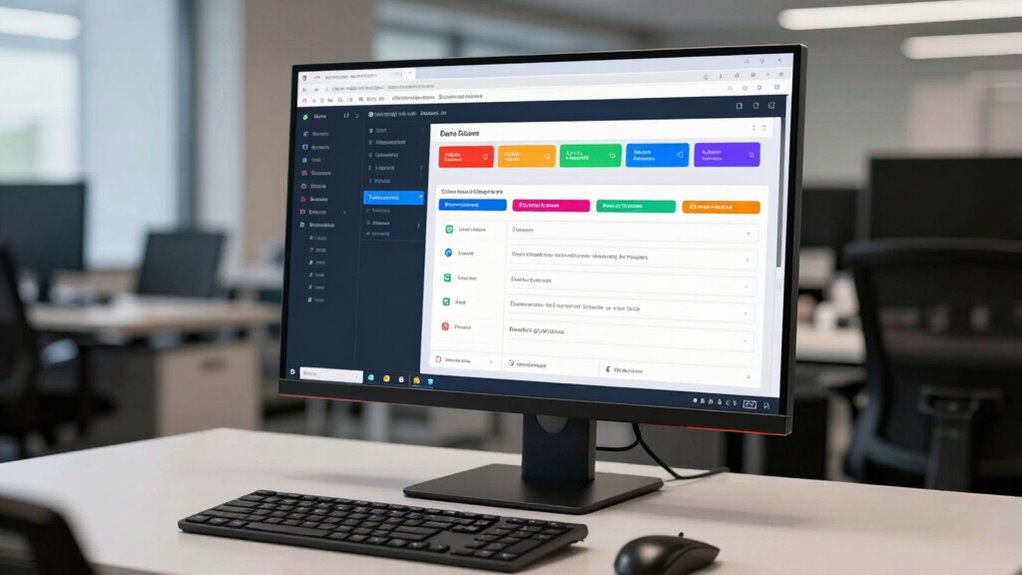
How can you guarantee agents locate the right information quickly? Focus on designing intuitive navigation that guides users effortlessly through your knowledge base. Use clear labels, logical categories, and a streamlined menu structure so agents can find relevant topics without confusion. Complement this with search optimization techniques—like keyword tagging, synonyms, and auto-suggestions—that enhance search accuracy and speed. Make certain your search bar is prominent and responsive, delivering relevant results instantly. Regularly analyze search queries and navigation patterns to identify bottlenecks or confusing pathways. Additionally, incorporating sound healing science into your content can improve the relevance and richness of your knowledge base, making it easier for agents to find precise answers. Ensuring that your system accounts for cloud service dependencies can prevent unexpected delays and improve troubleshooting efficiency. Implementing user-centric design principles can further streamline the process, ensuring that information is accessible and easy to interpret. Incorporating visual cues such as icons or color-coding can further guide users through complex information. By prioritizing intuitive navigation and search optimization, you empower agents to access exact answers rapidly, reducing ticket resolution times and improving overall support efficiency. This strategic setup creates a seamless experience that cuts down on unnecessary searching.
Creating Clear, Actionable Articles That Support Rapid Troubleshooting
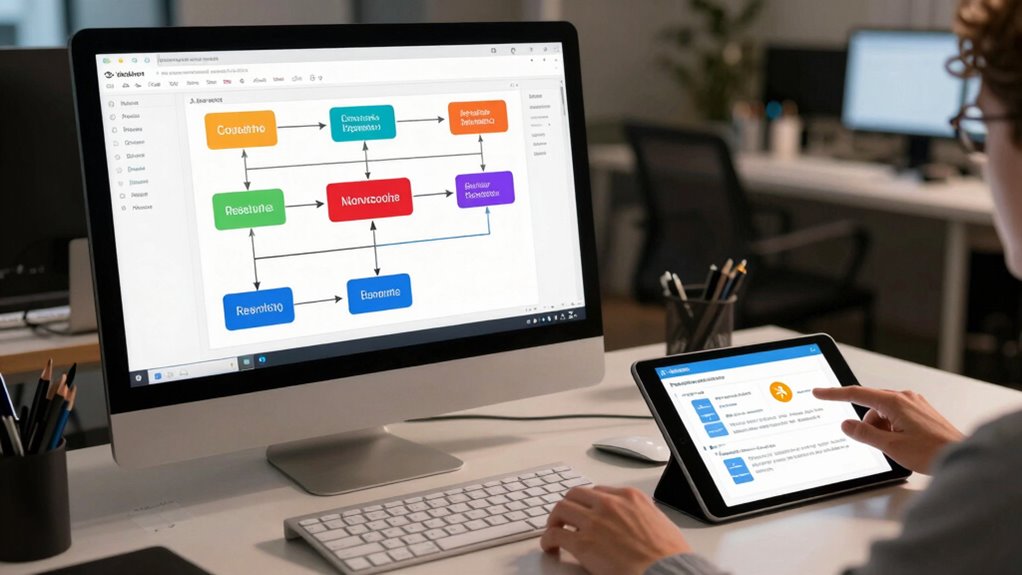
To help agents troubleshoot quickly, you need to write articles with clear, straightforward language. Including step-by-step guides guarantees users can follow instructions easily without confusion. When your articles are precise and easy to understand, troubleshooting becomes faster and more efficient. Additionally, detecting passive voice ensures your writing remains direct and engaging, making it easier for users to grasp key information quickly. Highlighting popular destinations for retreats can also assist users in providing accurate suggestions and guidance. Incorporating relevant spinal alignment tips from our resources can further improve the effectiveness of your troubleshooting guidance.
Use Clear Language
Have you ever struggled to follow an instruction because the language was confusing or vague? Clear language is essential for quick troubleshooting. Avoid jargon unless you’re certain your audience understands it, as jargon avoidance keeps articles accessible. Use simple, direct sentences to convey instructions effectively. Incorporate visual aids, like diagrams or screenshots, to clarify complex steps and reduce misunderstandings. Write as if you’re speaking directly to the user, eliminating ambiguity. Keep your instructions precise and to the point, so users don’t waste time deciphering vague wording. Remember, clear language helps users solve issues faster, reducing support tickets and frustration. When your articles are straightforward and easy to understand, users gain confidence and resolve problems independently, speeding up the troubleshooting process. Additionally, referencing familiar concepts like gelato quality can help clarify product descriptions and enhance understanding. Embracing artistic expression in your communication style can also make instructions more engaging and memorable. Ensuring your language is clear and straightforward is a fundamental step toward effective support documentation. Using plain language demonstrates respect for the user’s time and promotes better comprehension. Incorporating structured formatting can further improve readability and quick navigation through the instructions.
Include Step-by-Step Guides
Would you like to help users troubleshoot issues quickly? Including step-by-step guides makes your articles actionable and easy to follow. Break down complex processes into clear steps, and use precise language to avoid confusion. Proper metadata tagging and content categorization guarantee these guides are easy to find when needed. Tag each step with relevant keywords so users can quickly navigate relevant sections, reducing search time. Visual aids, like screenshots or numbered lists, enhance understanding. Keep instructions concise but thorough, focusing on what the user needs to do next. Well-structured, actionable guides not only improve user satisfaction but also cut ticket volume by enabling self-service. When you organize content this way, your knowledge base becomes a powerful tool for rapid troubleshooting.
Keeping Your Knowledge Base Up-to-Date to Reduce Resolution Times
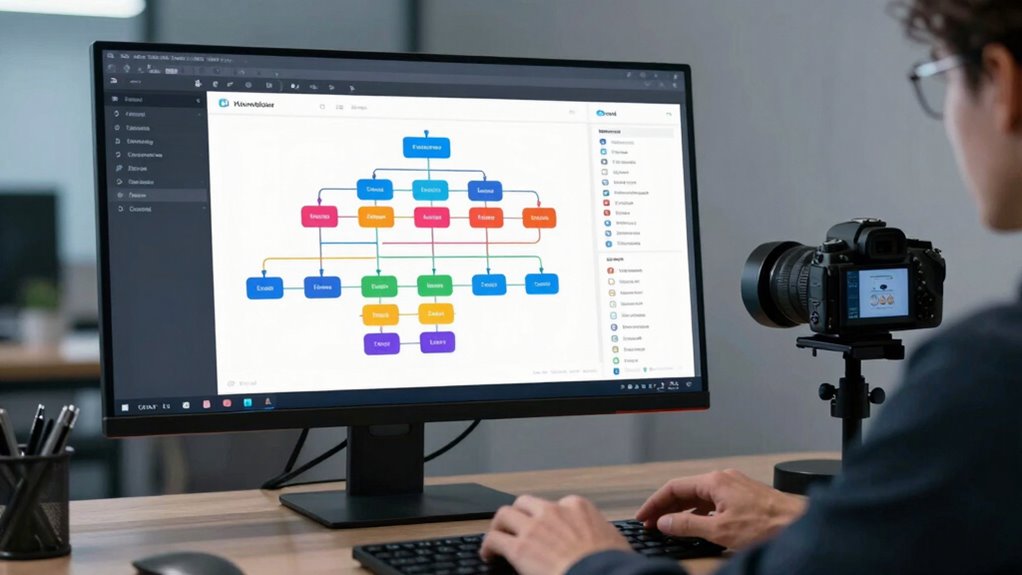
Keeping your knowledge base up-to-date is vital for reducing resolution times, as outdated information can lead to confusion and delays. Regularly performing content updates ensures that all support articles reflect the latest product features, policies, and troubleshooting steps. By scheduling routine reviews, you prevent the accumulation of obsolete details that slow down support teams. Additionally, invest in team training to familiarize staff with recent changes and best practices. Well-trained agents can quickly locate accurate information, minimizing ticket resolution times. Encouraging feedback from support agents also helps identify gaps or outdated content needing refinement. An up-to-date knowledge base empowers your team to resolve issues efficiently, enhances customer satisfaction, and reduces the overall support workload. Staying proactive in content management is vital for fast, effective support.
Using Analytics to Find and Fix Slow-Resolving Support Articles

Analyzing your support article data is essential for pinpointing content that slows down resolution times. By leveraging analytics insights, you can identify which articles have high bounce rates, long viewing times, or low helpfulness ratings. These indicators reveal where users struggle or get stuck, highlighting areas for improvement. Use this data to optimize articles by clarifying instructions, updating outdated information, and adding relevant visuals. Regularly reviewing analytics insights helps you track the impact of your adjustments and ensures your content remains effective. This targeted approach streamlines support responses, reduces resolution times, and ultimately improves customer satisfaction. Consistently refining your articles based on data ensures your knowledge base stays efficient, relevant, and easy to navigate for both your team and users.
Frequently Asked Questions
How Often Should I Review and Update My Knowledge Base?
You should review and update your knowledge base regularly, ideally every three to six months. Conducting an article refresh guarantees content stays accurate and relevant, while periodic content auditing helps identify outdated information or gaps. By staying proactive with these updates, you make sure your knowledge base remains a reliable resource, reducing ticket volume and improving user satisfaction. Consistent updates keep your articles effective and aligned with changing needs.
What Tools Can Help Automate Knowledge Base Maintenance?
You can use tools with AI integration like chatbots and automated content management systems to streamline maintenance. These tools help by automatically tagging content, identifying outdated info, and suggesting updates. Content tagging, in particular, keeps your knowledge base organized and easy to search. Regularly using AI-driven tools safeguards your knowledge base stays current, ultimately cutting ticket resolution times and improving support efficiency.
How Do I Train Support Agents to Use the Knowledge Base Effectively?
Sure, because support agents naturally absorb knowledge without guidance, right? To guarantee they use the knowledge base effectively, you should implement interactive tutorials and onboarding strategies that actually teach them how to navigate and apply the info. Make training engaging and hands-on, so they see it’s more than just reading. Reinforce learning with regular refreshers, encouraging questions and feedback, turning them into confident, efficient users rather than passive observers.
How Can I Incorporate Customer Feedback Into Article Improvements?
You can incorporate customer feedback into article improvements by actively collecting and analyzing their comments and suggestions. Encourage support agents to note recurring issues or questions raised by customers, and prioritize updates based on this feedback. Regularly review feedback and implement changes to clarify content or add new information. This continuous process helps guarantee your knowledge base remains relevant, effective, and tailored to customer needs, ultimately reducing support tickets.
What Are Common Pitfalls That Slow Down Ticket Resolution?
You often slow down ticket resolution when your articles lack clarity or consistency. If instructions are confusing or steps vary across articles, customers and support agents spend extra time clarifying issues. To speed things up, make certain your articles are clear, concise, and follow a consistent format. Regularly review and update content based on feedback, which helps prevent misunderstandings and reduces resolution time.
Conclusion
So, next time your support tickets crawl along, remember: a well-structured knowledge base isn’t magic, it’s just good organization—no wand required. With clear categories, sharp search, and up-to-date content, you’ll zip through issues faster than ever. Or, keep ignoring these tips and watch your support team drown in endless queries. Your call. But hey, who needs efficiency when chaos is so much more fun, right?