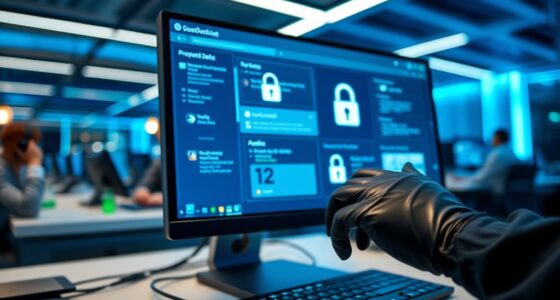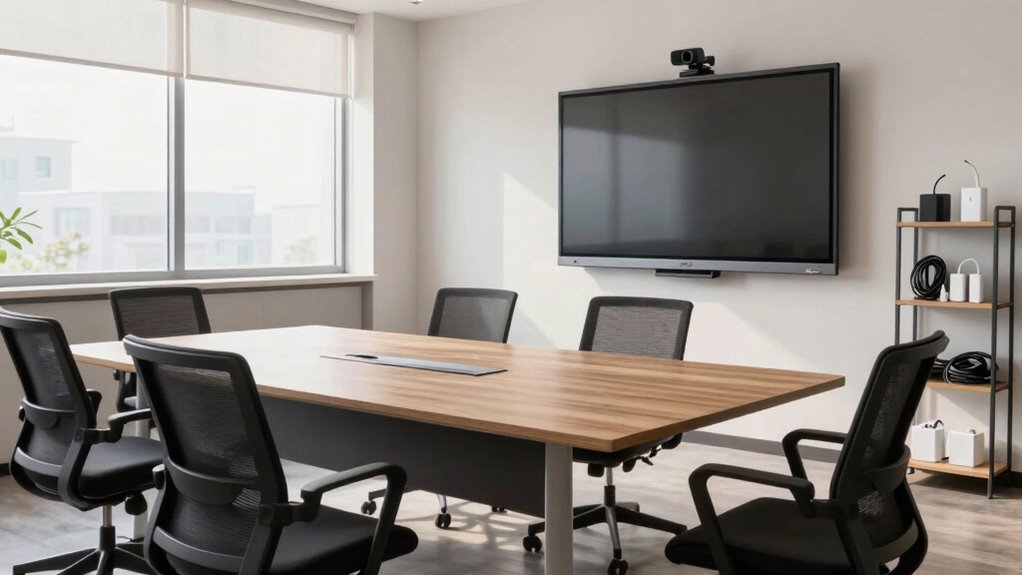

To set up a support training room, start with reliable computers, noise-canceling headsets, webcams, and strong networking equipment to guarantee smooth operations. Create dedicated support stations with virtual environments or devices for troubleshooting practice, and include multiple monitors for efficiency. Use large displays and recording tools for reviews, and design the setup to mirror real support environments for authenticity. Keep connectivity seamless and maintain hardware regularly—you’ll discover more tips to improve your setup along the way.

Get business pricing on tech for your team
- Business-only prices and quantity discounts
- Tax-exempt purchasing
- Multiple users, one account, clear invoices
Key Takeaways
- Equip computers with reliable performance, noise-canceling headsets, and webcams to facilitate effective training and customer interaction simulations.
- Ensure a strong, stable network with dedicated Wi-Fi or wired connections using high-quality routers and switches.
- Create dedicated support stations with multiple monitors and virtual environments to replicate real customer issues.
- Incorporate large displays, recording tools, and visual aids for interactive group training and performance review.
- Design the environment to mimic actual support scenarios, fostering hands-on practice and seamless connectivity.
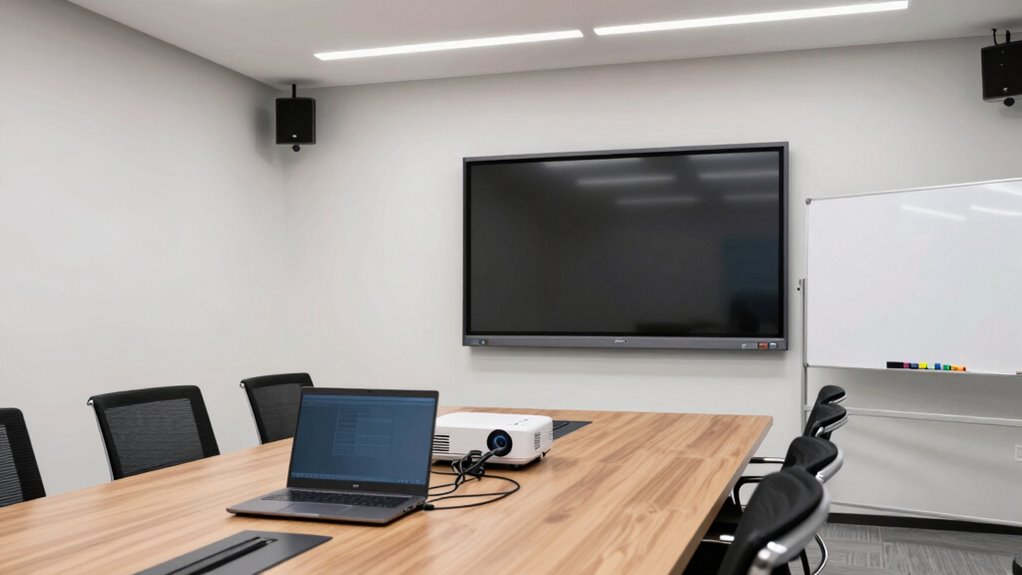
Have you ever wondered how to create an effective support training room that boosts learning and engagement? Setting up the right hardware is vital if you want your team to excel at customer engagement and technical troubleshooting. The goal is to create an environment that feels realistic, interactive, and equipped with the tools necessary for hands-on practice. Your first step is selecting the hardware that mimics the actual support environment as closely as possible. This includes computers, headsets, webcams, and networking equipment. High-quality computers with reliable performance allow trainees to navigate support software smoothly, reducing frustration and keeping focus on learning. Invest in headsets with noise-canceling features; these help simulate real customer calls and improve listening skills, which are essential for customer engagement. Good webcams make it easier to conduct video training sessions, enabling trainers to observe body language and facilitate more engaging, interactive lessons.
Creating a realistic, interactive support training environment with quality hardware enhances learning and customer engagement skills.
Networking hardware is equally important. A strong local network ensures that all devices stay connected during training scenarios, preventing lag or disruptions that could hinder technical troubleshooting exercises. Consider setting up a dedicated Wi-Fi network or wired connections to maximize stability. This creates a controlled environment where trainees can troubleshoot issues as they would in real-world situations, building their confidence and skills in resolving technical problems efficiently. Reliable network infrastructure is a fundamental component that ensures seamless connectivity and smooth training sessions. Additionally, incorporating appropriate hardware like routers and switches that are designed for high-performance environments further enhances the reliability of your setup. Using up-to-date networking equipment ensures compatibility with current support tools and software, reducing potential technical issues during training. Regular maintenance and updates to your network hardware can also prevent unexpected failures and downtime, keeping training sessions uninterrupted and effective.
Another vital aspect of hardware setup involves creating simulation stations or labs where trainees can practice real-world scenarios. These stations should include dedicated support devices or virtual environments that replicate common customer issues. By doing so, you enable learners to develop their troubleshooting skills in a safe, controlled setting. You might also incorporate multiple monitors or split screens, allowing trainees to view customer profiles, support documentation, and troubleshooting steps simultaneously. This setup promotes a thorough understanding of the support process and enhances customer engagement skills, as they learn to navigate complex issues with ease. Having training-specific hardware designed for interactive learning can significantly improve the effectiveness of your support training program.
Finally, don’t forget about audio-visual aids and recording equipment. A projector or large display can be invaluable for group training, demonstrations, and collaborative problem-solving. Recording sessions allows trainees to review their interactions, identify areas for improvement, and reinforce best practices for customer engagement and technical troubleshooting. When your hardware is thoughtfully chosen and properly configured, you create a training environment that not only accelerates skill acquisition but also fosters confidence, teamwork, and mastery of support techniques. This way, your team will be better prepared to handle real support situations with professionalism and efficiency.
professional noise-canceling headsets for customer support
As an affiliate, we earn on qualifying purchases.
As an affiliate, we earn on qualifying purchases.
Frequently Asked Questions
What Is the Ideal Room Size for a Support Training Area?
You should aim for a training room around 300 to 500 square feet, depending on your group size. This space allows for good room acoustics and prevents noise overload, ensuring clear communication. Make sure the furniture is ergonomic, so participants stay comfortable during sessions. Adequate space fosters engagement and helps maintain focus, creating an effective learning environment where everyone can comfortably participate without feeling cramped.
How Much Should I Budget for Hardware in a Support Training Room?
You should budget around $10,000 to $20,000 for hardware, depending on your training needs. Conduct a thorough cost analysis to identify essential equipment like computers, projectors, and networking gear. Focus on equipment selection that balances quality and affordability, ensuring reliable performance for your support team. Prioritize versatile, durable devices that can handle multiple training sessions, and remember to allocate funds for maintenance and future upgrades.
Which Lighting Conditions Are Best for Training Sessions?
You should aim for a lighting ambiance that’s bright but comfortable, avoiding harsh glares. Natural illumination is ideal, so position your training room to maximize sunlight without causing distractions. Use adjustable lighting fixtures to fine-tune the brightness as needed. This balance helps keep participants alert and engaged, ensuring the environment is conducive to learning. Proper lighting conditions boost focus and reduce eye strain during training sessions.
How Can I Ensure the Room Is Accessible for All Trainees?
You can guarantee the room is accessible by providing wheelchair-friendly pathways and doorways, making sure furniture is movable, and installing ramps if needed. Incorporate assistive technology, like screen readers or captioning tools, to support diverse learning needs. Regularly check that all equipment and resources are reachable and functional for everyone. By prioritizing these features, you create an inclusive environment where all trainees can participate comfortably and effectively.
What Are the Best Practices for Maintaining Hardware Longevity?
Coincidentally, maintaining hardware longevity starts with regular hardware maintenance. You should schedule routine inspections, keep equipment clean, and update software promptly. Use surge protectors to prevent power surges and handle equipment with care to improve equipment durability. Avoid overuse and give devices time to cool down. Proper storage and consistent cleaning extend hardware life, ensuring your training room stays reliable and functional for long-term success.
high-performance desktop computers for training rooms
As an affiliate, we earn on qualifying purchases.
As an affiliate, we earn on qualifying purchases.
Conclusion
Now that you know how to set up your support training room with the right hardware, you’re ready to create an engaging learning environment. Imagine your team confidently handling support queries, armed with the best tools and technology. Isn’t it worth investing in the right setup to boost efficiency and customer satisfaction? With these tips, you’ll turn your training space into a powerhouse of support excellence. Ready to get started?
dual monitor setup for support stations
As an affiliate, we earn on qualifying purchases.
As an affiliate, we earn on qualifying purchases.
reliable wired and wireless networking equipment
As an affiliate, we earn on qualifying purchases.
As an affiliate, we earn on qualifying purchases.
Halloween Picks
halloween
As an affiliate, we earn on qualifying purchases.