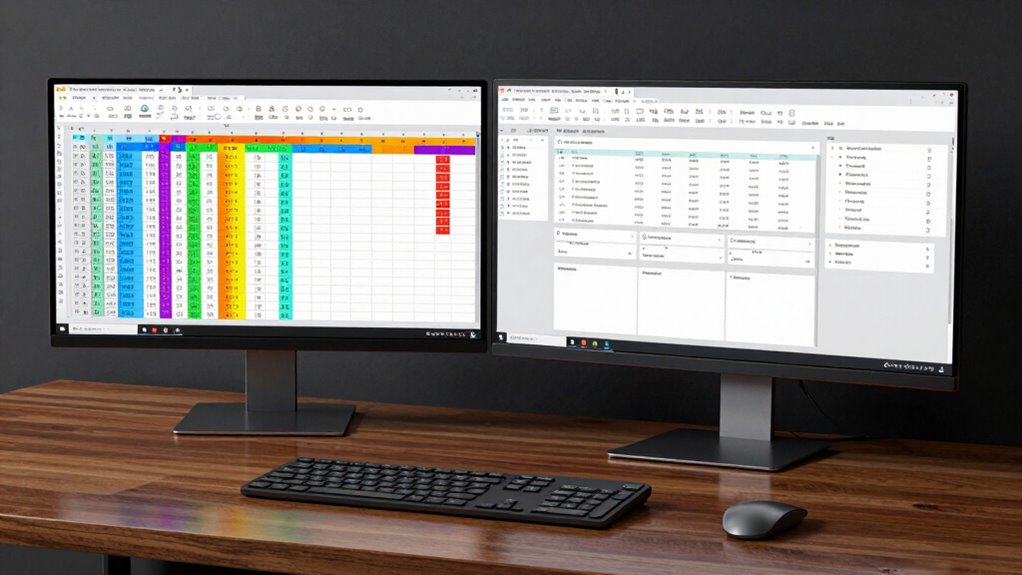

If you mainly work with detailed spreadsheets and need precise visuals, a 4K monitor is best as it offers sharp clarity and lets you see tiny fonts clearly. But if multitasking and managing multiple windows is your priority, an ultrawide monitor gives you expansive space for side-by-side views and real-time data streams. Your choice depends on whether you value detailed accuracy or workspace flexibility—if you keep exploring, you’ll find ways to make either option work for you.

Get business pricing on tech for your team
- Business-only prices and quantity discounts
- Tax-exempt purchasing
- Multiple users, one account, clear invoices
Key Takeaways
- 4K monitors provide sharp, detailed visuals ideal for complex spreadsheets with tiny fonts.
- Ultrawide screens offer expansive horizontal space for viewing multiple spreadsheets side by side.
- 4K enhances precision in data analysis, while ultrawide improves multitasking and workflow efficiency.
- Choose 4K if detailed accuracy is priority; opt for ultrawide for managing multiple applications simultaneously.
- Both options boost productivity but cater to different work styles: detailed work vs. multitasking.
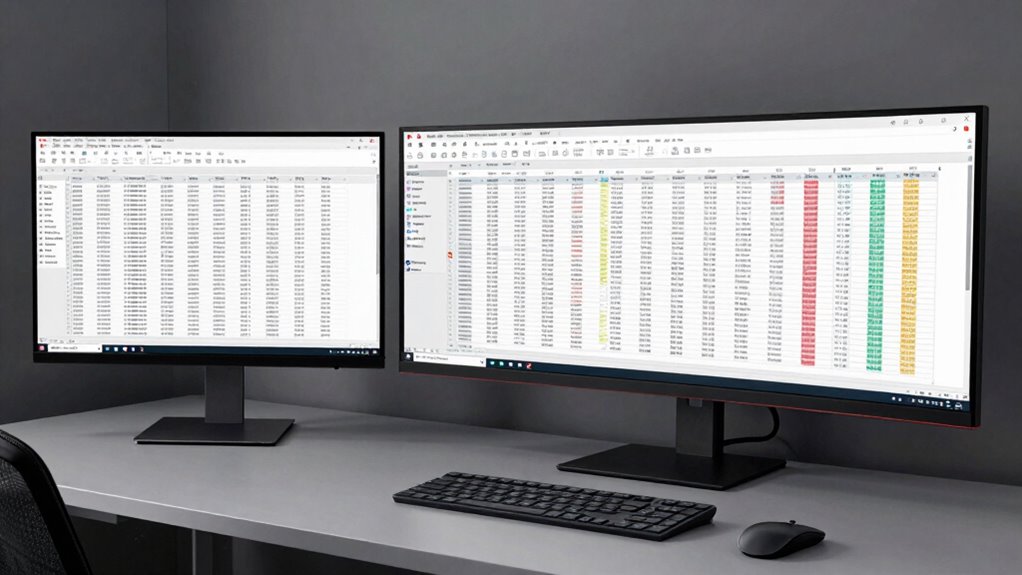
When it comes to maximizing productivity for spreadsheet power users, choosing the right display can make a significant difference. Your monitor influences how efficiently you can navigate complex spreadsheets, analyze data, and switch between multiple tasks. If you’re aiming for better multitasking efficiency, both 4K and ultrawide monitors offer compelling advantages, but they serve different needs.
A 4K display delivers sharp, detailed images with high resolution, allowing you to fit more data and multiple windows on the screen without sacrificing clarity. This means you can open several spreadsheets side by side, review detailed charts, and compare data points easily. The crisp visuals help reduce eye strain during long work sessions, enabling you to focus on intricate details without squinting. For those who work with precise, data-heavy content, a 4K monitor provides the visual clarity needed to maintain accuracy and speed.
In contrast, ultrawide monitors excel in providing visual workspace flexibility. Their expansive horizontal real estate allows you to spread out multiple applications or windows, making it easier to multitask without constantly toggling between tabs. Whether you’re referencing a data set on one side and inputting information on the other, or monitoring multiple dashboards simultaneously, ultrawide screens streamline your workflow. This broad view reduces the need for multiple monitors and minimizes clutter, helping you stay organized and focused.
Choosing between a 4K and ultrawide display ultimately depends on your specific work style. If your priority is detailed data analysis, and you often work with tiny fonts and complex spreadsheets, a 4K monitor’s high pixel density offers superior clarity. On the other hand, if your tasks involve juggling several applications or monitoring real-time data streams, an ultrawide monitor gives you the flexibility to see everything at once, enhancing your multitasking efficiency. Understanding monitor resolution and its impact on visual clarity can help you make a more informed decision based on your needs. Additionally, considering your preferred work environment can influence which display will integrate best into your setup.
Both options improve your productivity, but they do so in different ways. A 4K monitor sharpens your visual detail, supporting meticulous work, while an ultrawide expands your visual workspace flexibility, making it easier to manage multiple tasks simultaneously. To optimize your workflow, consider your specific work style and your need for either detailed precision or expansive multitasking space. Choose the display that best aligns with your needs to enhance your efficiency, comfort, and overall performance as a spreadsheet power user.
As an affiliate, we earn on qualifying purchases.
Frequently Asked Questions
How Does Screen Size Affect Multi-Monitor Spreadsheet Workflows?
A larger screen size boosts your multitasking efficiency by increasing screen real estate, making it easier to view multiple spreadsheets or data sets simultaneously. With more space, you can work comfortably without constantly switching tabs, reducing errors and saving time. This setup allows you to see more details at once, streamlining your workflow and improving productivity. Ultimately, a bigger screen helps you manage complex spreadsheet tasks more effectively.
Which Resolution Offers Better Color Accuracy for Data Visualization?
You’ll find that higher resolutions, like 4K, generally offer better color accuracy for data visualization because they often come with superior color calibration and enhanced visual fidelity. This means more precise and vibrant colors, which help you distinguish data points clearly. Ultrawide screens can also deliver good color performance, but 4K displays typically have more advanced calibration options, making them ideal for detailed, accurate visualizations.
Are There Compatibility Issues With Older Spreadsheet Software?
You might face some software compatibility issues with older spreadsheet applications on newer displays. Outdated applications may not fully support high-resolution screens or ultrawide formats, causing display glitches or limited functionality. To avoid problems, check your software’s compatibility updates or consider running older programs in compatibility mode. Updating your spreadsheet software or using virtualization tools can also help guarantee smooth operation across different display types.
How Does Refresh Rate Impact Prolonged Spreadsheet Editing?
A higher refresh rate reduces input lag, making prolonged spreadsheet editing smoother and more responsive. If your monitor has a low refresh rate, you might notice delays when scrolling or entering data, causing frustration. For power users, a refresh rate of 75Hz or higher can enhance your experience by minimizing input lag, ensuring your actions register quickly. This helps you work efficiently during long editing sessions without lag-induced errors.
What Are the Long-Term Ergonomic Effects of Ultrawide Monitors?
Think of an ultrawide monitor as a trusty sidekick that can boost your posture and reduce eye strain over time. By providing ample screen space, it encourages better posture, preventing slouching and neck pain. However, if you don’t set it up correctly or take regular breaks, you may still experience eye strain. Proper positioning and ergonomic adjustments guarantee long-term benefits, keeping you comfortable during those long spreadsheet sessions.
ultrawide monitor for multitasking
As an affiliate, we earn on qualifying purchases.
As an affiliate, we earn on qualifying purchases.
Conclusion
As you sit before your screen, imagine the vast landscape of data stretching endlessly before you, whether in crisp 4K or expansive ultrawide. Each offers a different horizon—sharp details or panoramic views—tailored to your workflow’s demands. Choose the one that transforms your workspace into a command center, where every cell, chart, and formula becomes part of a seamless, powerful vista. Your perfect setup awaits; it’s time to elevate your spreadsheet game.
high resolution 4K computer monitor
As an affiliate, we earn on qualifying purchases.
As an affiliate, we earn on qualifying purchases.
ultrawide curved monitor for productivity
As an affiliate, we earn on qualifying purchases.
As an affiliate, we earn on qualifying purchases.
Fall Picks
fall essentials
As an affiliate, we earn on qualifying purchases.