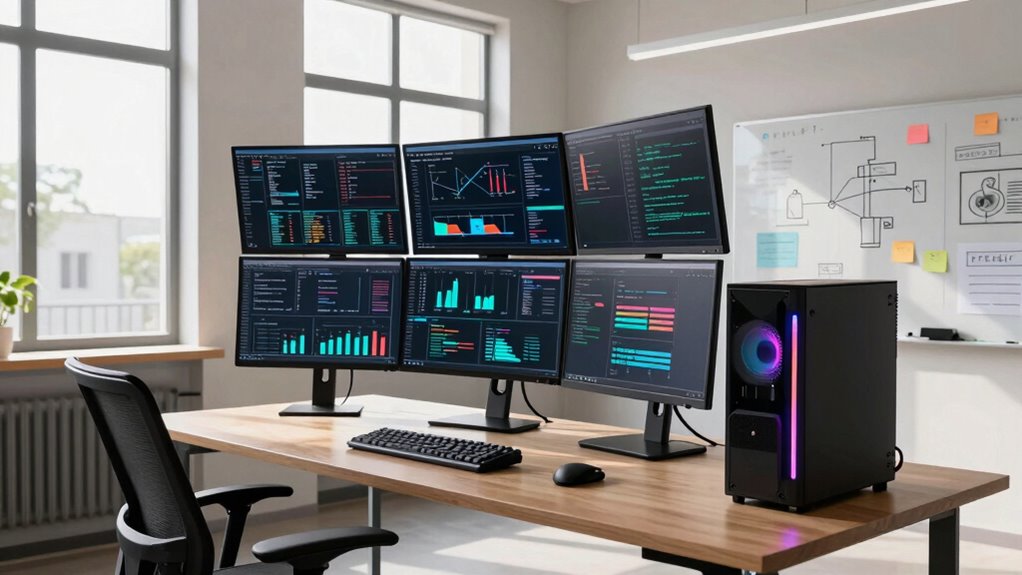

You need a workstation instead of a laptop when you handle large datasets, run complex simulations, or develop resource-heavy applications. Workstations offer high processing power, extensive memory, and advanced graphics, ensuring smooth, reliable performance for demanding tasks. They’re built to stay cool and operate continuously without overheating. Plus, they support hardware upgrades, making them suitable for long-term use. Keep going to find out more about when a workstation truly becomes essential for your work.

Get business pricing on tech for your team
- Business-only prices and quantity discounts
- Tax-exempt purchasing
- Multiple users, one account, clear invoices
Key Takeaways
- When handling large datasets or complex simulations that require high processing power and extensive storage.
- During long, resource-intensive analysis sessions where hardware reliability and cooling are critical.
- When running multiple demanding applications simultaneously without performance degradation.
- For software development tasks needing advanced environments, virtual machines, or multi-OS testing.
- When multiple high-resolution monitors and extended uptime are essential for productivity.
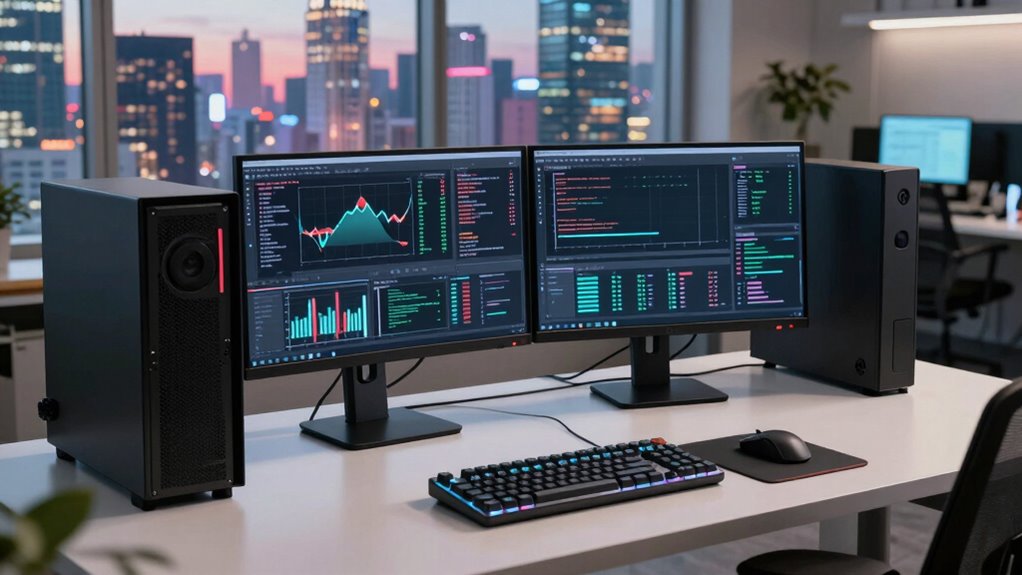
When analysts face demanding tasks that require high processing power, ample storage, and advanced graphics, a workstation often outperforms a laptop. This is especially true in fields like data processing and software development, where speed and reliability are critical. While laptops offer portability and convenience, they can fall short when it comes to handling intensive workloads. Workstations are built with robust hardware designed to manage large datasets and complex applications without slowing down or overheating. If your work involves analyzing massive data sets, running simulation models, or developing sophisticated software, a workstation provides the stability and performance you need.
In data processing, efficiency is everything. You can’t afford delays caused by limited RAM, slow processors, or insufficient storage. Workstations typically come equipped with high-capacity drives, fast multi-core CPUs, and large amounts of memory, enabling you to process data swiftly and smoothly. This means less waiting and more time focusing on insights and decision-making. For tasks like machine learning, big data analysis, or financial modeling, a workstation’s hardware ensures you can run multiple applications simultaneously without compromising performance. It handles large files and heavy computations better than most laptops, making it an essential tool for analysts who need rapid, reliable results. Additionally, hardware reliability is a key factor in choosing a workstation, as it ensures consistent performance over long periods of intensive work. A workstation’s expandability also allows for future upgrades, extending its lifespan and adaptability to evolving technological needs.
Similarly, in software development, the demands are equally high. Developing, testing, and deploying complex applications requires a machine that can handle resource-intensive tasks. Workstations excel here because they support advanced development environments, virtual machines, and multiple operating systems. This flexibility allows you to test code in various scenarios without lag or crashes. Furthermore, the expansive storage options and high-speed processors mean you can compile code faster and run multiple debugging sessions simultaneously. When your work involves building and refining software that needs to perform flawlessly, a workstation offers the power and consistency you need to stay productive.
Portability is often a consideration, but when the focus is on heavy data processing or intricate software development, the benefits of a workstation outweigh the convenience of a laptop. Workstations are designed to stay cool under pressure and run non-stop for long hours, ensuring your work isn’t interrupted by hardware limitations. They also support multiple high-resolution monitors, which is invaluable when working on complex projects that benefit from extra screen real estate. For professionals who need reliable performance over long periods, workstations are a dependable investment that can handle continuous, demanding workloads.
high performance workstation for data analysis
As an affiliate, we earn on qualifying purchases.
As an affiliate, we earn on qualifying purchases.
Frequently Asked Questions
How Much More Do Workstations Typically Cost Compared to Laptops?
Workstations typically cost considerably more than laptops, often ranging from two to five times the price. The cost comparison depends on pricing factors like hardware specs, expandability, and specialized features. You pay extra for higher-end processors, professional-grade graphics, and enhanced durability. If your analysis work requires robust performance, investing in a workstation might be worth it, but for basic tasks, a high-performance laptop could suffice and save you money.
Are Workstations Portable Enough for Field Analysts?
Workstations can be portable enough for field analysts if they’re designed with remote connectivity and durability in mind. Look for models with rugged exteriors, shock resistance, and strong battery life. These features guarantee the workstation withstands harsh conditions and stays connected in remote locations. While they’re generally bulkier than laptops, many modern workstations balance portability with durability, making them suitable for demanding fieldwork where reliable performance and tough construction matter most.
Which Software Benefits Most From a Workstation Setup?
You’ll find that software like graphics rendering and data visualization benefits most from a workstation setup. An impressive 70% of professionals report smoother, faster performance with high-end workstations for these tasks. Workstations provide powerful GPUs and ample RAM, making rendering complex visuals or analyzing large datasets more efficient. If your work involves intensive graphics or data analysis, upgrading to a workstation guarantees you won’t experience lag, improving your productivity and results.
How Long Does a Workstation Typically Last Before Upgrades Are Needed?
A workstation typically lasts around 3 to 5 years before you need upgrades, depending on hardware durability and your usage intensity. You’ll find that upgrade frequency increases as hardware components become outdated or less capable of handling new software demands. To maximize your workstation’s lifespan, keep an eye on performance decline and plan timely upgrades for components like RAM or storage, ensuring smooth operation throughout its lifecycle.
Can a Workstation Be Customized for Specific Analytical Tasks?
Yes, you can customize a workstation for specific analytical tasks through hardware customization. You can upgrade components like RAM, storage, graphics cards, and processors to optimize performance for data analysis or modeling tasks. This tailored approach guarantees your workstation handles demanding software efficiently, reduces bottlenecks, and improves overall productivity. Customization allows you to align hardware capabilities directly with your analytical needs, making your workstation a powerful tool for complex data tasks.
professional workstation for software development
As an affiliate, we earn on qualifying purchases.
As an affiliate, we earn on qualifying purchases.
Conclusion
So, next time you’re debating between a laptop and a workstation, remember that 70% of analysts find that workstations markedly boost their productivity. If your tasks involve heavy data processing or complex simulations, a powerful workstation isn’t just an upgrade—it’s a game-changer. Don’t settle for limitations. Investing in the right equipment can mean the difference between just getting by and truly excelling in your work. Make the smart choice and upgrade where it counts.
expandable desktop workstation for heavy workloads
As an affiliate, we earn on qualifying purchases.
As an affiliate, we earn on qualifying purchases.
workstation with high RAM and multi-core CPU
As an affiliate, we earn on qualifying purchases.
As an affiliate, we earn on qualifying purchases.
Halloween Picks
halloween
As an affiliate, we earn on qualifying purchases.