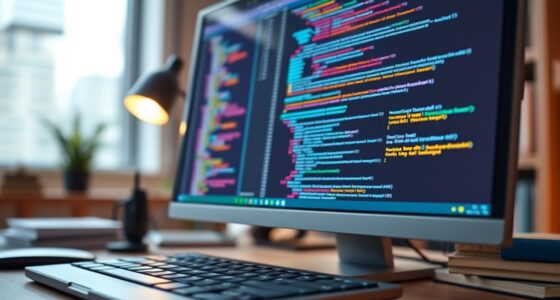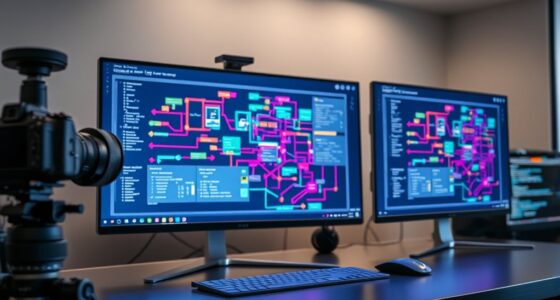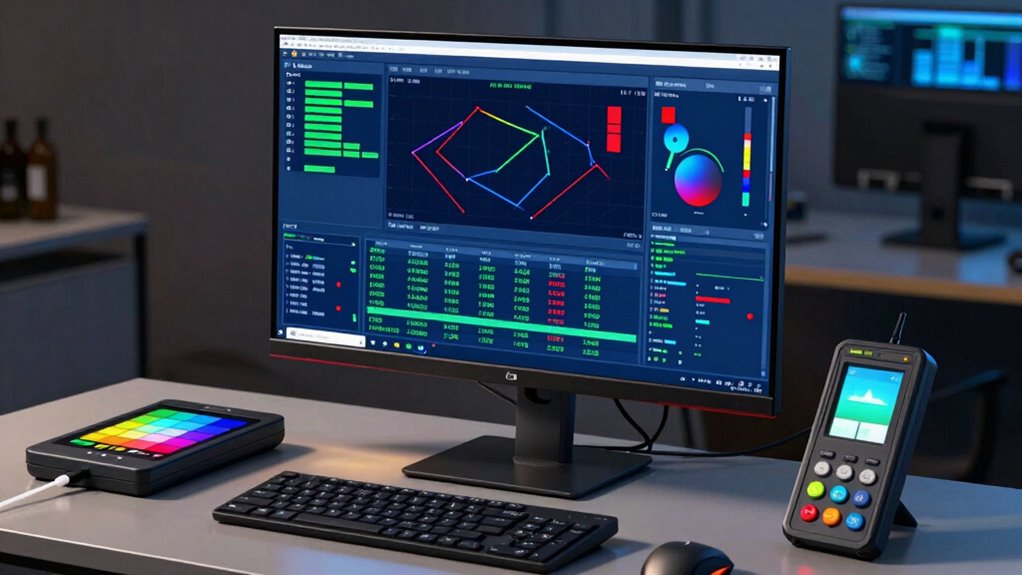

To guarantee your data visualizations are accurate and trustworthy, you need proper display calibration. This involves adjusting your monitor’s settings like gamma, brightness, contrast, and color balance with calibration tools or software. Regular calibration helps maintain color consistency over time, avoiding misinterpretations caused by inaccuracies. A calibrated display guarantees your visuals are precise, reliable, and consistent across projects. Keep exploring to discover how to set up an effective calibration process for the best results.

Get business pricing on tech for your team
- Business-only prices and quantity discounts
- Tax-exempt purchasing
- Multiple users, one account, clear invoices
Key Takeaways
- Proper display calibration ensures accurate color and detail representation essential for precise data visualization.
- Regular calibration maintains color consistency and prevents misinterpretation caused by monitor drift over time.
- Using calibration tools and profiles aligns display output with industry standards for reliable data analysis.
- Consistent calibration supports collaborative workflows by providing uniform visualizations across different devices and users.
- Incorporating controlled lighting and profile management enhances overall color fidelity and visualization accuracy.
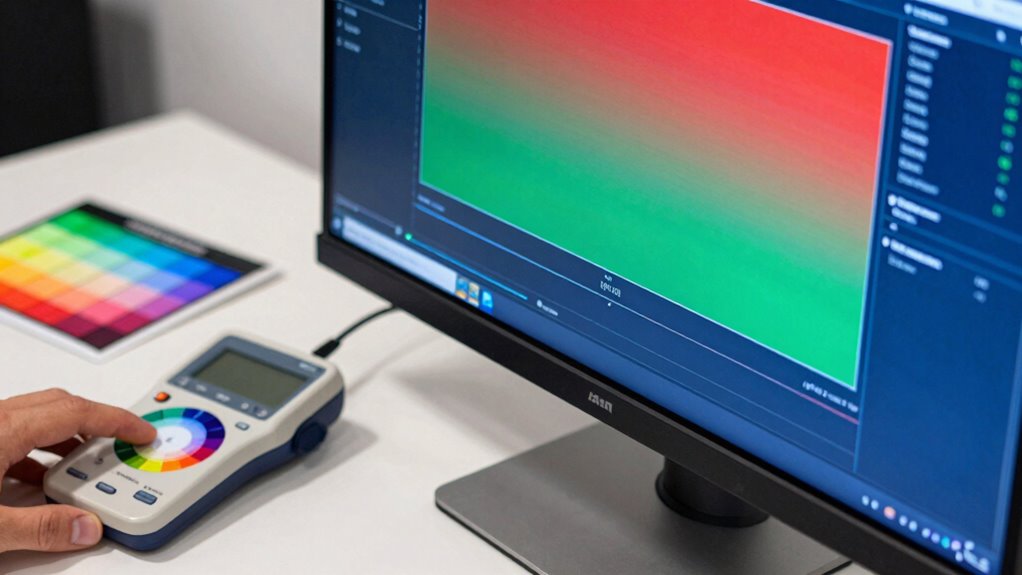
When working with data visualization, guaranteeing your display is properly calibrated is essential for accurate and consistent results. Your visualizations rely heavily on how colors and details appear on your screen, so achieving ideal color accuracy is a critical step. If your monitor isn’t correctly calibrated, the colors you see may not represent the true data, leading to misinterpretations or flawed analysis. Hardware calibration is the key to aligning your display’s output with industry standards, providing a reliable foundation for your visual work.
Performing hardware calibration adjusts your monitor’s internal settings—like gamma, brightness, contrast, and color balance—to match a standardized color profile. This process involves using calibration tools or software that measures your screen’s output and then guides you through fine-tuning the display. When you calibrate your hardware properly, you eliminate inconsistencies caused by factory defaults or environmental factors, ensuring that every pixel displays the accurate hue, saturation, and luminance. This is especially important in data visualization, where subtle color differences can greatly impact interpretation.
A calibrated display offers a stable color environment, enabling you to trust that your visualizations will look consistent across different projects and when shared with others. It also helps in maintaining color accuracy over time, as monitors can drift from their original settings due to aging or temperature fluctuations. Regular calibration sessions are recommended to keep your display aligned with your color management workflow. By doing so, you uphold the integrity of your visual data and prevent costly mistakes that arise from viewing inaccurate colors. Additionally, understanding display calibration can help you select the right tools and techniques to ensure ongoing accuracy.
Furthermore, hardware calibration isn’t just about initial setup; it’s an ongoing process. Many calibration tools allow you to create and save custom profiles that your operating system can automatically apply each time you work. This ensures that your display remains true to color standards without requiring manual adjustments every session. When you combine proper hardware calibration with a controlled lighting environment, you can greatly improve your color consistency and overall data visualization quality. Regularly updating your calibration profile also accounts for monitor drift, helping to maintain precise color reproduction over time. From a laboratory safety perspective, ensuring accurate color display can also prevent misinterpretation of critical data in scientific settings. Moreover, understanding the importance of color management can assist in establishing a comprehensive workflow for your visual projects.
As an affiliate, we earn on qualifying purchases.
Frequently Asked Questions
How Often Should I Recalibrate My Display?
You should recalibrate your display at least once a month to maintain accurate color management. Regular calibration guarantees your visuals stay true to their intended colors, which is vital for data visualization work. If you work in a highly color-sensitive environment, consider calibrating weekly. Factors like ambient light and display age can affect calibration, so adjusting your calibration frequency helps keep your color accuracy consistent and reliable for precise data analysis.
What Tools Are Best for Accurate Display Calibration?
You should use tools like color profiling software and hardware calibration devices, such as a colorimeter or spectrophotometer, for accurate display calibration. These tools help guarantee your monitor displays colors precisely, which is vital for data visualization. Hardware calibration provides consistent results, while color profiling fine-tunes the display’s color accuracy. Regularly using these tools will keep your display properly calibrated, enhancing your data visualization work’s quality and reliability.
Does Calibration Affect Color Accuracy Across Different Devices?
Think of calibration as tuning a symphony; it guarantees every device plays the same note. Yes, calibration directly affects color accuracy across devices, fostering color consistency and device synchronization. When you calibrate, you’re aligning each display’s “instrument,” so colors remain true regardless of the screen. This harmony helps you make accurate, reliable visualizations, preventing misinterpretations caused by color discrepancies between your monitors.
Can Calibration Improve Visibility in Bright or Outdoor Environments?
Yes, calibration can improve outdoor visibility in bright environments. When you calibrate your display, you optimize brightness, contrast, and color settings, making content clearer in outdoor or sunny conditions. Proper calibration reduces glare and enhances visibility, so you don’t struggle to see details in bright environments. This adjustment guarantees your data visualization remains accurate and easily readable, even under challenging lighting conditions, providing a better viewing experience outdoors.
Is Calibration Necessary for All Types of Data Visualization?
Ever wondered if calibration is necessary for every data visualization? The answer is no, but it’s highly beneficial. Proper calibration guarantees color consistency across different displays, reducing misinterpretation of data. However, calibration challenges like varying lighting conditions and hardware differences can make it tricky. If your work demands precise color accuracy or compares visuals across multiple screens, calibration becomes essential to maintain clarity and trustworthiness in your visualizations.
hardware monitor calibration software
As an affiliate, we earn on qualifying purchases.
As an affiliate, we earn on qualifying purchases.
Conclusion
By calibrating your display, you guarantee your data visualizations are as accurate as they can be — almost like having a superpower for precision. When your colors and brightness are spot-on, your insights become crystal clear, making complex data feel like child’s play. Don’t underestimate this step; it’s the secret weapon that transforms good visuals into breathtaking masterpieces. Take control of your display, and let your data shine brighter than ever before!
color calibration device for monitors
As an affiliate, we earn on qualifying purchases.
As an affiliate, we earn on qualifying purchases.
professional display calibration kit
As an affiliate, we earn on qualifying purchases.
As an affiliate, we earn on qualifying purchases.
Halloween Picks
halloween
As an affiliate, we earn on qualifying purchases.