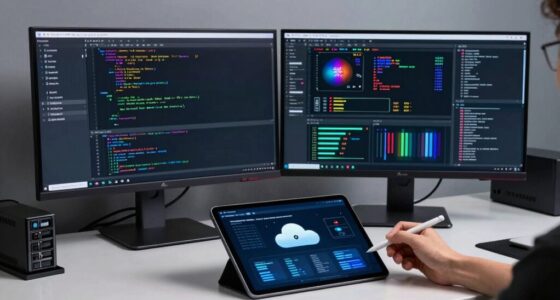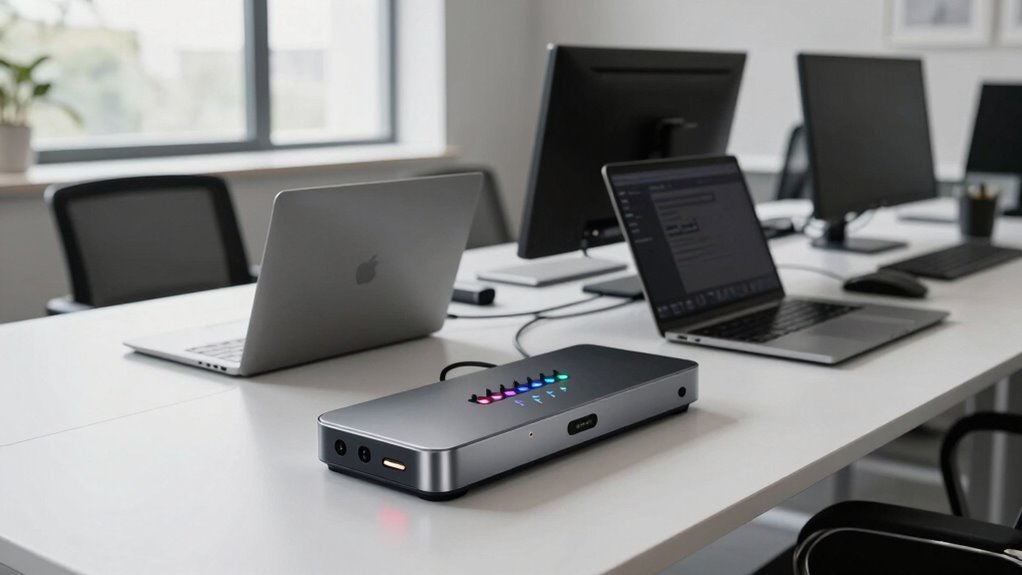
KVM switches make shared desks much better than most developers expect by streamlining control over multiple computers with just one set of peripherals. They help reduce clutter, improve workflow, and support remote management so you can troubleshoot or update without leaving your seat. Plus, they’re compatible with various devices and offer easy setup, making your workspace more organized and efficient. Keep going to discover how these may change your work environment even further.
Key Takeaways
- KVM switches simplify managing multiple computers, reducing desk clutter and improving workflow efficiency for developers.
- They enable seamless device switching, boosting productivity during multitasking and code testing.
- Remote management features allow developers to troubleshoot and control systems without physical access.
- Compatibility with various peripherals and high-resolution displays ensures smooth integration into diverse setups.
- Overall, KVM switches create organized, flexible workspaces that enhance collaboration and future-proof hardware investments.
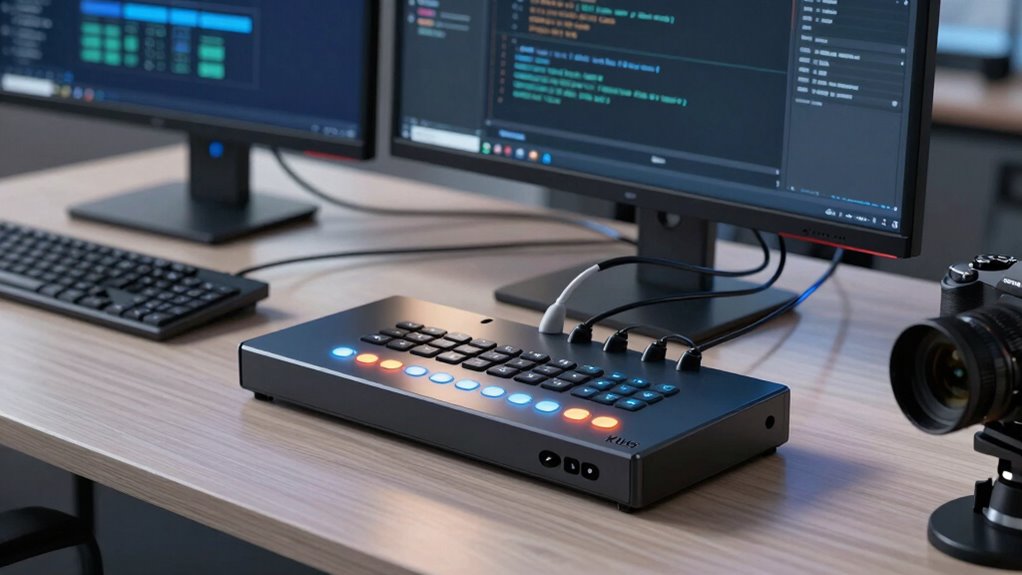
Many developers underestimate how much a KVM switch can improve their shared desk setup. When you’re juggling multiple computers or working in a collaborative environment, having seamless control over all your devices becomes essential. A KVM (Keyboard, Video, Mouse) switch simplifies this by allowing you to switch between different computers with just a press of a button. It’s not just about convenience; it’s about boosting productivity and reducing clutter. With a good KVM switch, you can manage multiple systems without needing separate keyboards, mice, or monitors for each device. This setup minimizes desk clutter and helps you focus on your work instead of fiddling with cables or peripherals.
A KVM switch streamlines device control, boosts productivity, and reduces desk clutter for a more efficient workspace.
One major benefit you might not immediately consider is remote management. Some advanced KVM switches support remote access, letting you monitor and control connected computers from anywhere. Whether you’re working remotely or managing servers in a data center, this feature lets you troubleshoot, update, or reboot systems without physically being there. It’s a game-changer for developers who need quick access to multiple servers or workstations outside regular office hours. This remote management capability makes shared desks more flexible, allowing team members to collaborate more efficiently without the need to be physically present at each workstation. Additionally, many KVM switches are designed with hardware compatibility in mind, supporting a wide range of devices and operating systems, which further enhances their versatility in various work environments. Supporting multiple device types is another key feature that often surprises users, ensuring seamless integration with existing hardware.
Hardware compatibility is another aspect that often surprises users. Many assume that setting up a KVM switch will lead to compatibility issues with their existing hardware. The truth is, most modern KVM switches support a wide range of devices, including different operating systems, USB peripherals, and even high-resolution displays. You’ll find options that support 4K video, multiple monitors, and various input devices, ensuring your current hardware works seamlessly. This broad compatibility means you don’t have to worry about replacing equipment or dealing with complicated configurations. In some cases, users may also benefit from automatic detection features that simplify setup and ensure optimal performance. The ongoing advancements in hardware technology ensure that future upgrades remain compatible, making your investment more resilient. Moreover, some KVM switches now come with plug-and-play features that further streamline the setup process, saving you time and effort. Instead, you get a straightforward solution that integrates smoothly into your current setup.
Ultimately, a well-chosen KVM switch transforms a shared desk from a cluttered, inefficient workspace into a well-organized, collaborative environment. You gain control, flexibility, and streamlined management of your devices, making your workday smoother. The added benefits of remote management and robust hardware compatibility mean you’re prepared for future upgrades and diverse work scenarios. Many developers discover that once they start using a KVM switch, they wonder how they ever managed without it. It’s an investment that pays off in productivity, simplicity, and adaptability, making shared desks better than most expect from the start.

UGREEN 8K@60Hz HDMI Displayport KVM Switch 3 Monitors 2 Computers, Aluminum
- Supports 3 Monitors and 2 Computers: Switch effortlessly with one click
- Ultra HD 8K@60Hz Resolution: Supports high-resolution displays and HDR10+
- Multiple Switching Methods: Button and desktop controller options
As an affiliate, we earn on qualifying purchases.
As an affiliate, we earn on qualifying purchases.
Frequently Asked Questions
How Secure Are KVM Switches for Sensitive Data?
KVM switches offer decent security for sensitive data when combined with data encryption and physical security measures. They prevent unauthorized access by isolating signals and controlling device connections. However, their security depends on your setup—using encrypted connections and ensuring physical security around the device is essential. While not foolproof, proper implementation considerably reduces risks, making KVM switches a reliable choice for safeguarding sensitive information in shared workspace environments.
Can KVM Switches Support Multiple Monitor Setups?
Did you know that over 60% of professionals now use multiple monitors for productivity? Yes, KVM switches can support multiple monitor setups, enhancing your workspace. They handle high monitor resolutions and guarantee device compatibility, allowing you to switch seamlessly between systems. This makes managing multiple screens easier, whether you’re coding, designing, or multitasking. You’ll find KVM switches a versatile tool that adapts to your multi-monitor needs effortlessly.
What’s the Typical Setup Time for a Shared KVM System?
You can typically set up a shared KVM system within an hour, depending on your hardware compatibility. The process involves connecting your monitors, keyboards, and mice to the switch, then configuring it for your devices. User training is minimal but essential to guarantee smooth switching between computers. Most setups are straightforward, and manufacturers often provide clear instructions, making the entire process quick and manageable.
Are There Compatibility Issues With Certain Operating Systems?
You might encounter compatibility issues with certain operating systems due to hardware limitations or driver compatibility problems. Some KVM switches may not support specific OS versions, causing functionality hiccups. To avoid this, check the switch’s specifications and confirm it works seamlessly with your OS before purchasing. Updating drivers or firmware can often resolve these issues, but always verify compatibility to guarantee smooth switching across your devices.
How Do KVM Switches Impact Network Performance?
You’ll find that KVM switches typically don’t slow down your network performance, with most adding negligible latency—around 1-2 milliseconds. This means remote access remains smooth and responsive. However, hardware compatibility is key; verify your devices support the switch’s connections. When set up correctly, KVM switches optimize your workflow without compromising network speed, making them a smart investment for seamless remote work and efficient device management.

USB3.0 HDMI KVM Switch 4 Computers EDID 4K60Hz 4 Port KVM for 4 PC Sharing 1 Monitor and 4 USB 3.0 Devices with Controller
- Supports 4 Computers and 1 Monitor: Shares display and USB devices across 4 PCs
- 4K@60Hz Ultra HD Resolution: Delivers sharp, vibrant images with high clarity
- Backward Compatible Resolutions: Supports 4K@30Hz, 1080P@60Hz, 720P@60Hz
As an affiliate, we earn on qualifying purchases.
As an affiliate, we earn on qualifying purchases.
Conclusion
Think of KVM switches as your modern-day Excalibur, transforming shared desks from chaos to control. They empower you to seamlessly switch between devices, just like a knight wielding a legendary sword. With this simple tool, you’ll find your workspace more efficient and less cluttered—surpassing even your own expectations. Embrace the switch, and turn your shared desk into a domain of mastery, where productivity reigns supreme and confusion becomes a thing of the past.

Hearvo USB 3.0 HDMI KVM Switch for 2 Computers 1 Monitor, 4K@60Hz, S7232H
- Controls Two Computers with One Monitor: Share monitor, keyboard, and mouse
- Supports Multiple Input Devices: Compatible with PCs, laptops, PS4, and more
- Four USB 3.0 Ports: Includes 3 USB-A and 1 USB-C ports
As an affiliate, we earn on qualifying purchases.
As an affiliate, we earn on qualifying purchases.
UGREEN 8K@60Hz HDMI Displayport KVM Switch 3 Monitors 2 Computers, Aluminum
- Supports 3 Monitors and 2 Computers: Switch effortlessly with one click
- Ultra HD 8K@60Hz Resolution: Supports high-resolution displays and HDR10+
- Multiple Switching Methods: Button and desktop controller options
As an affiliate, we earn on qualifying purchases.
As an affiliate, we earn on qualifying purchases.