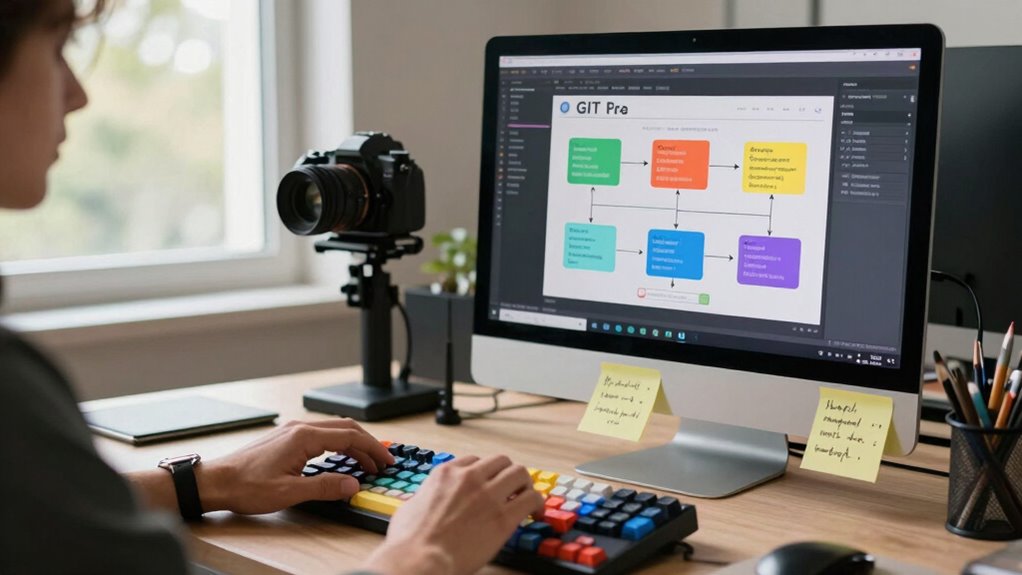

To avoid merge hell, adopt a structured Git workflow like Git Flow. It helps you organize work with dedicated feature, release, and hotfix branches, reducing conflicts and making reviews easier. By merging frequently and following best practices for branch naming and code reviews, you keep your project clean and manageable. Continuing with these strategies will help you streamline your development process and maintain a stable codebase.

Get tech for your team delivered free — and shop member deals
- Fast, free delivery on millions of items
- Access to Prime Big Deal Days deals on October 6–7
- Prime Video, Amazon Music and more included
Key Takeaways
- Implement Git Flow with dedicated feature, release, and hotfix branches to organize development and reduce merge conflicts.
- Use clear, descriptive branch names and commit messages to improve clarity and facilitate easier merges.
- Merge frequently from main branches to keep branches synchronized and prevent large, complex conflicts.
- Conduct regular code reviews and automated testing to catch issues early and ensure high-quality merges.
- Address conflicts promptly through team communication and strategic branching to maintain a smooth workflow.
Why Traditional Git Merging Creates Headaches
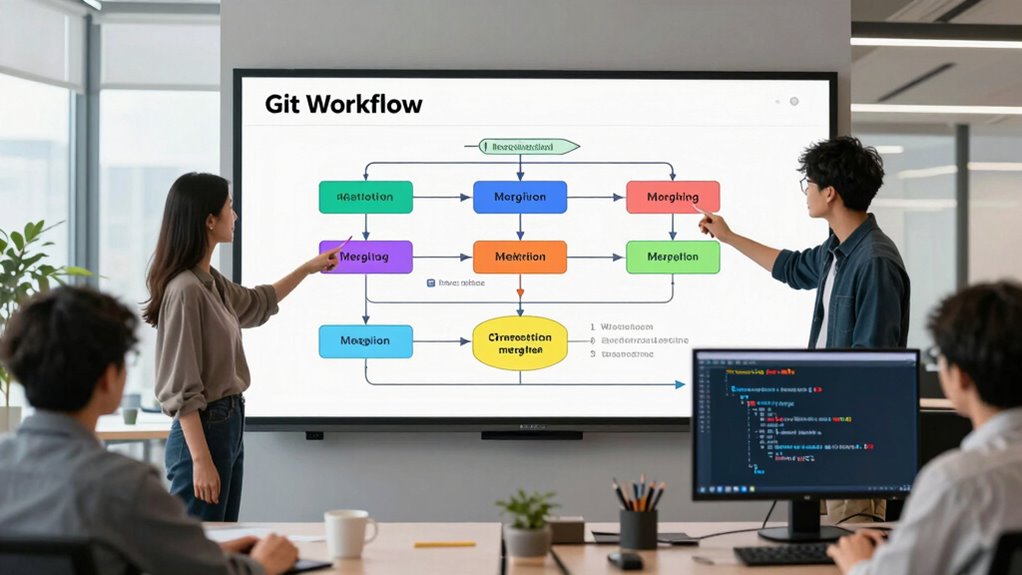
Traditional Git merging often leads to headaches because it can create complex, hard-to-follow commit histories. When branches aren’t clearly named or don’t follow consistent commit standards, tracking changes becomes confusing. Poor branch naming can make it difficult to identify feature development, bug fixes, or releases at a glance. Without strict commit standards, merge conflicts multiply, and understanding the evolution of the codebase gets tricky. These issues cause frustration, especially when multiple team members work on overlapping areas. As branches grow tangled and commits become messy, it’s harder to review changes or isolate issues. Implementing version control best practices can also significantly improve your workflow and prevent headaches before they even start. Enforcing branch management strategies can help keep your history organized, reducing the chaos and making merges smoother. Emphasizing consistent documentation enhances team collaboration and makes resolving conflicts more straightforward.
What Is Git Flow? A Simple Strategy to Reduce Conflicts

Implementing a structured workflow like Git Flow can considerably reduce merge conflicts and keep your project organized. It uses feature branches to develop new functionalities without disrupting the main codebase. This approach also streamlines release management, ensuring releases are stable and well-planned. Here’s how it works:
Adopting Git Flow reduces conflicts and streamlines development with dedicated feature, release, and hotfix branches.
- You create feature branches for specific tasks, preventing disruptions to the main branch.
- When features are complete, you merge them into a develop branch for integration.
- Releases are prepared from dedicated release branches, reducing last-minute bugs.
- Hotfixes are handled promptly with separate branches, minimizing downtime.
- Incorporating media literacy helps teams better evaluate online information and avoid conflicts caused by misinformation. Additionally, understanding testing methodologies is crucial for effective quality assurance processes within this workflow. Employing collaborative tools further enhances communication and coordination among team members, making the development process more efficient. Recognizing version control best practices ensures that teams can track changes effectively and prevent conflicts before they occur.
Furthermore, adopting branching strategies can optimize workflow efficiency and reduce integration issues. This strategy helps teams coordinate better, minimizes conflicts, and maintains a clear development process, making development smoother and more predictable.
How to Set Up and Maintain an Effective Branching Strategy

Establishing an effective branching strategy starts with planning how your team will organize code changes to minimize conflicts and streamline collaboration. Feature branching allows you to isolate new development work, making it easier to test and review before merging into main branches. This approach supports smooth release management by clearly separating ongoing features from stable code. Decide on naming conventions and branch lifecycles early to keep everyone aligned. Regularly review and update your strategy to adapt to project needs. Use branches for specific features, bug fixes, or releases, ensuring that each task stays contained and manageable. Maintaining a disciplined approach helps prevent merge conflicts and keeps your development process predictable and efficient. An effective branching strategy is essential for a healthy, scalable codebase. Incorporating version control best practices ensures that your team can effectively manage code changes and resolve conflicts when they arise. Additionally, documenting your branching policies can enhance team coordination and reduce misunderstandings. Incorporating clear branch management practices can further streamline collaboration and prevent integration issues. Implementing consistent review processes can also help catch potential conflicts early, maintaining the integrity of your codebase.
Best Practices for Regular Merging and Code Reviews

To keep your codebase healthy and prevent integration headaches, it’s crucial to merge changes regularly and conduct thorough code reviews. Consistent merging helps catch issues early and keeps branches aligned. During reviews, focus on adhering to branch naming conventions and commit message standards, which streamline the process and improve readability. Here are best practices to follow:
- Use clear, descriptive branch names that reflect their purpose.
- Commit small, focused changes with meaningful messages.
- Merge frequently into main branches to minimize conflicts.
- Review code promptly, providing constructive feedback and requesting revisions when necessary.
- Maintain branch consistency by following structured naming and organizational standards.
- Incorporate automated testing to catch errors early and ensure code stability before merging. Additionally, establishing coding standards can improve overall code quality and consistency across teams. Consistently applying best practices in your workflow fosters a more predictable and reliable development process. Regularly updating documentation ensures all team members stay informed about workflow procedures and standards.
Implementing these practices ensures smoother integration, better collaboration, and a more manageable workflow. Staying disciplined with naming and messaging standards keeps the process organized and efficient.
Troubleshooting Merge Conflicts and Improving Your Workflow Over Time
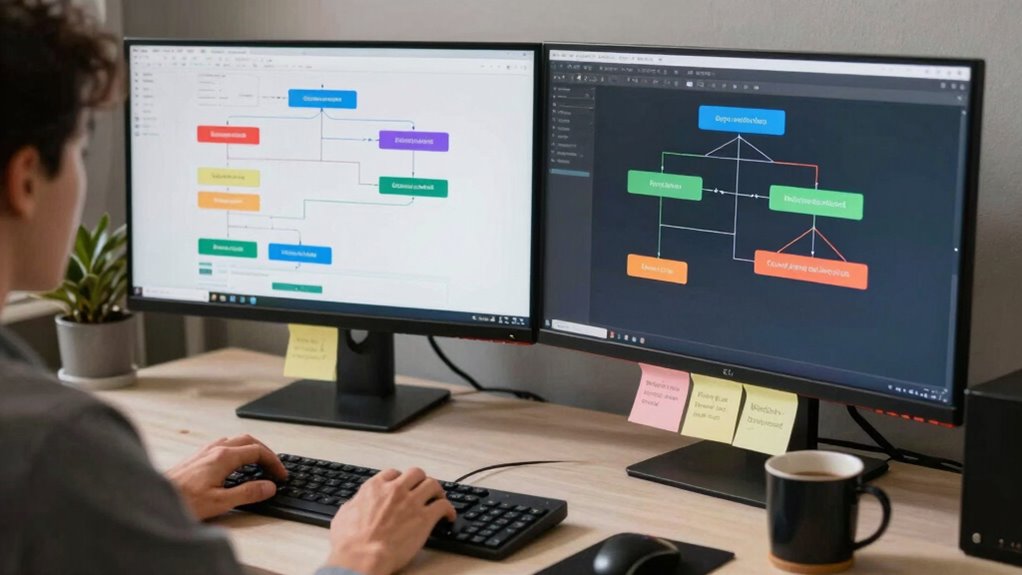
When merge conflicts occur, they can disrupt your workflow and cause frustration, but addressing them effectively can turn these challenges into opportunities for learning and improvement. To troubleshoot conflicts, review the code carefully, use version control tools, and communicate with your team. Implement feature toggles to minimize conflicting changes and enable safer feature integration. Automated testing helps catch issues early, reducing conflicts before they reach the main branch. Additionally, adopting a branching strategy can further streamline collaboration and prevent conflicts from becoming overwhelming. Regular conflict resolution practices foster a more resilient development process over time, making your team more adaptable to change. Understanding the importance of version control systems can also help teams manage changes more efficiently. Here’s a quick comparison:
| Strategy | Benefit |
|---|---|
| Use feature toggles | Isolates changes, reduces conflicts |
| Automated testing | Detects issues early |
| Regular communication | Keeps everyone aligned |
Frequently Asked Questions
How Can Automation Tools Improve My Git Workflow?
Automation tools improve your git workflow by enforcing commit best practices, ensuring your commits are clear and consistent. They also help with conflict resolution by automatically detecting and even resolving conflicts, saving you time and reducing errors. With automation, you can streamline your development process, stay organized, and focus on coding rather than manual management. This leads to smoother collaboration and fewer merge issues, making your team more efficient overall.
What Are the Common Mistakes to Avoid During Merging?
To avoid commit conflicts and merge chaos, always update your branch frequently with the main branch to catch conflicts early. Don’t skip reviewing changes carefully before merging, which can cause unexpected issues. Avoid force pushes unless necessary, as they overwrite history and complicate collaboration. Communicate with your team about merges, and resolve conflicts promptly. Staying vigilant and disciplined helps keep your merge process smooth and minimizes chaos.
How Do I Handle Large Binary Files in Git?
A picture is worth a thousand words, so handle large binary files carefully. For large file management, avoid storing them directly in Git; instead, use Git Large File Storage (LFS). It replaces large files with lightweight pointers, making binary file storage more efficient. This way, you prevent repository bloat, improve performance, and keep your workflow smooth. Remember, smart management today saves headaches tomorrow.
Can Branching Strategies Differ for Open-Source Projects?
Yes, branching strategies do differ for open-source projects. You typically use forking models, where contributors create separate forks and submit pull requests, rather than direct branches. Branching policies often emphasize protecting main branches and encouraging feature branches for new work. This setup helps manage contributions from multiple developers, maintains code stability, and streamlines review processes, ensuring that everyone’s changes are integrated smoothly without merge conflicts or chaos.
How Does Continuous Integration Integrate With Git Workflows?
You integrate continuous integration with git workflows by automating builds and tests for every commit, ensuring code quality. Use commit squashing to keep history clean and feature toggles to control feature releases without disrupting the main branch. This setup helps catch issues early, reduces merge conflicts, and streamlines collaboration, allowing your team to deploy confidently and maintain a stable codebase throughout development.
Conclusion
So, now you’re armed with a workflow that supposedly saves you from merge hell. But don’t get too comfortable—conflicts still lurk around every commit. Remember, no strategy is foolproof, and even the best workflows can turn into chaos if you ignore best practices. So go ahead, embrace the chaos a little, and maybe, just maybe, your team will finally enjoy the sweet, sweet sound of a clean merge. Or not. Happy coding!
Evergreen bestsellers Picks
bestsellers
As an affiliate, we earn on qualifying purchases.