
Choosing between mini PCs, servers, and workstations depends on your project needs. If you’re working in a small space with light development tasks, a mini PC offers compactness and cloud integration. For handling heavy workloads, a server provides robust processing power and customization. If your tasks demand high performance, like 3D rendering or machine learning, a workstation is ideal. Each option offers flexibility and scalability; exploring further will help you find the perfect fit.

Get business pricing on tech for your team
- Business-only prices and quantity discounts
- Tax-exempt purchasing
- Multiple users, one account, clear invoices
Key Takeaways
- Mini PCs are ideal for small spaces and light tasks, offering cloud integration for scalability.
- Servers provide robust, continuous processing power suitable for hosting, large storage, and centralized management.
- Workstations are designed for high-performance tasks requiring powerful CPUs, GPUs, and extensive RAM.
- Hardware customization and upgradeability across all options enable tailored setups and future-proofing.
- Cloud integration enhances flexibility, remote collaboration, and resource offloading for all device types.
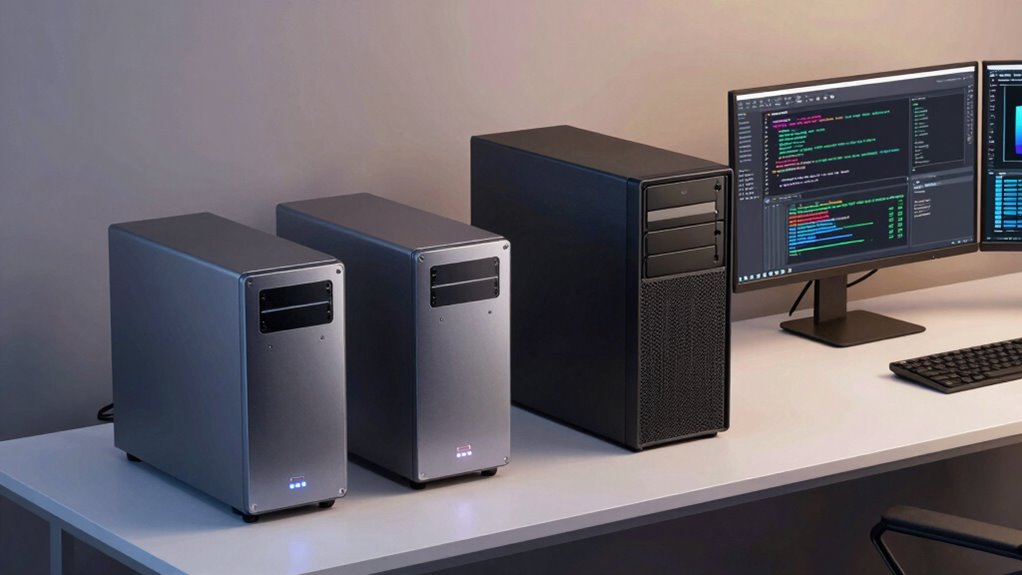
In today’s tech landscape, choosing the right computing solution depends on your specific needs, whether it’s a compact Mini PC, a powerful server, or a high-performance workstation. If you’re focused on a small footprint with enough power for everyday tasks or light development work, a Mini PC might be your best option. These tiny machines are surprisingly capable, especially when they support cloud integration, allowing you to offload demanding tasks or access remote resources seamlessly. You can often customize the hardware to suit your needs, choosing options like increased RAM or storage, which makes Mini PCs versatile for various development environments. Their compact size also means they fit easily into tight spaces, making them ideal for home offices or small studios. Understanding hardware customization options helps you tailor your setup more effectively to your development requirements. Additionally, the ability to integrate with cloud services enhances flexibility and scalability, enabling seamless expansion as your projects grow. Recognizing the importance of hardware flexibility in your setup can help you adapt to evolving project demands over time. Moreover, selecting hardware that supports future-proofing can ensure your setup remains relevant and efficient for years to come. Incorporating hardware upgradeability options can further extend the lifespan of your investment, especially as technology advances.
Mini PCs offer a compact, customizable solution ideal for light tasks and small spaces, with seamless cloud integration.
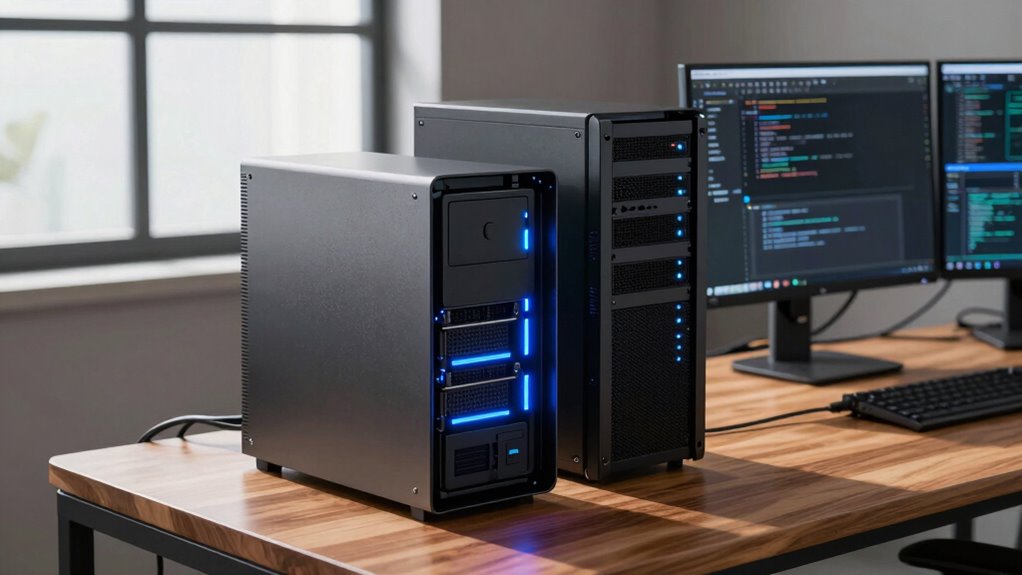
On the other hand, if your projects demand robust processing power, large storage capacity, or continuous uptime, a server becomes essential. Servers excel in handling multiple workloads, supporting cloud integration, and providing centralized resources for your team or infrastructure. They’re designed for scalability and can be tailored with hardware customization to meet your specific requirements, whether that’s adding more RAM, faster drives, or specialized networking components. With a server, you gain control over your environment, enabling you to deploy containerized apps, manage databases, or host development environments securely. The ability to integrate with cloud services also means you can extend your on-premises infrastructure, creating a hybrid setup that maximizes flexibility and resilience.
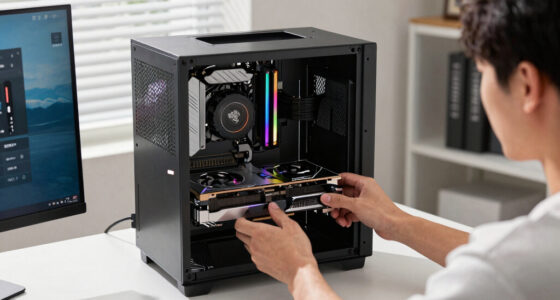
If your focus is on high-performance development, such as 3D rendering, machine learning, or software compilation, a workstation offers the power and stability you need. Workstations often come with high-end CPUs, professional-grade GPUs, and extensive RAM, all supporting hardware customization to optimize performance for demanding tasks. They’re built to handle intensive workloads and can connect to cloud platforms for distributed computing or backup solutions. The integration of cloud services enhances your workflow, enabling you to run complex simulations or data analysis remotely while keeping local hardware focused on core tasks. Choosing a workstation means investing in a machine that can be tailored to your precise development needs, ensuring smooth workflows and future-proofing your setup.
Ultimately, your choice hinges on balancing size, power, and flexibility. Mini PCs shine for portability and simplicity, servers offer scalability and control, and workstations deliver performance for specialized tasks. Understanding how cloud integration and hardware customization fit into each option helps you craft a development setup that’s efficient, adaptable, and aligned with your project goals.
As an affiliate, we earn on qualifying purchases.
Frequently Asked Questions
How Do I Upgrade Components in Each Device Type?
To upgrade components in each device type, start by checking hardware compatibility to guarantee new parts fit and work properly. Follow specific upgrade procedures for each device; for mini PCs, you might replace RAM or storage, while servers require careful handling of power supplies and cooling. Workstations often allow more extensive upgrades like graphics cards and CPUs. Always power off, unplug, and ground yourself before upgrading to avoid static damage.
Which Device Offers the Best Portability for Remote Work?
For remote work, a mini PC offers the best device portability, allowing you to effortlessly carry your essential tools wherever you go. Its compact size ensures it slips easily into a backpack or briefcase, making your workflow seamless across various locations. While servers and workstations excel in power, they’re less suited for on-the-move productivity. Embrace the convenience of a mini PC to stay connected and productive, no matter where your work takes you.
What Are the Security Features for Mini PCS Versus Servers?
Mini PCs typically have basic security features like built-in security protocols and data encryption, but they may lack advanced options. Servers, on the other hand, often offer robust security protocols, hardware encryption, and multi-layered protection, making them better for sensitive data. If security is a priority, servers give you more extensive options, whereas mini PCs are suitable for lighter, less critical tasks.
How Do Power Consumption and Efficiency Compare Across Options?
You’ll find mini PCs typically consume 30-50% less power than servers, making them highly energy efficient for light workloads. Servers, designed for constant operation, often prioritize power management features that optimize energy use during peak times. Workstations generally fall in between. Your choice depends on your needs—if energy efficiency matters most, mini PCs or well-managed servers could save you significant power and reduce costs over time.
Can These Devices Run High-End Gaming or Graphic-Intensive Applications?
You can run high-end gaming and graphic-intensive applications on these devices, but performance varies. Mini PCs might struggle with demanding titles or complex graphic rendering, while servers and workstations are better suited for intensive tasks. For smooth gaming performance and detailed graphic rendering, opt for a powerful workstation with high-end GPU capabilities. Keep in mind, the device’s specifications directly impact gaming performance and your ability to handle demanding graphic tasks effectively.
high performance workstation for 3D rendering
As an affiliate, we earn on qualifying purchases.
As an affiliate, we earn on qualifying purchases.
Conclusion
Ultimately, choosing the right setup depends on your needs. Mini PCs might be perfect for portability and simplicity, while servers serve serious storage and scalability. Workstations work wonders for demanding development tasks and detailed design. Consider your constraints, capabilities, and creative cravings. By balancing your budget and bandwidth, you’ll build a brilliant, bespoke setup that boosts your productivity and passion. Make your choice wisely, and watch your work-wonders flourish!
As an affiliate, we earn on qualifying purchases.
customizable mini PC with cloud integration
As an affiliate, we earn on qualifying purchases.
As an affiliate, we earn on qualifying purchases.
Fall Picks
fall essentials
As an affiliate, we earn on qualifying purchases.