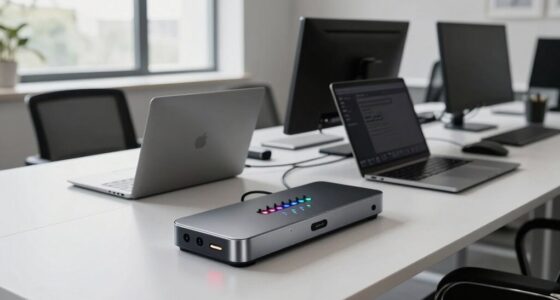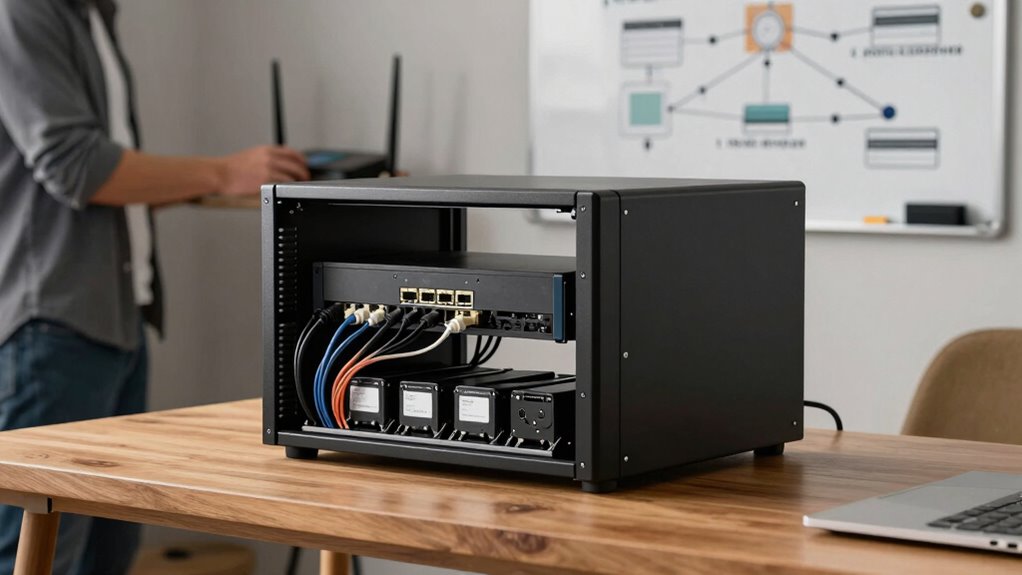

To plan a reliable self-hosting setup at home, start by choosing quality hardware with redundancy, like RAID configurations, to prevent data loss. Implement your backup strategy using the 3-2-1 rule, ensuring automated, tested backups stored off-site or in the cloud. Secure your network with strong passwords, firewalls, and VPNs, and use UPS systems to protect against power outages. Document every step to simplify maintenance and future expansion. Continue exploring to discover how these elements come together for a resilient setup.

Get business pricing on tech for your team
- Business-only prices and quantity discounts
- Tax-exempt purchasing
- Multiple users, one account, clear invoices
Key Takeaways
- Select reliable hardware with redundancy features like RAID to minimize failure risks.
- Implement a comprehensive backup strategy following the 3-2-1 rule, including off-site/cloud storage.
- Integrate cloud services for data synchronization, redundancy, and remote accessibility.
- Secure your network with strong passwords, firewalls, VPNs, and keep systems updated.
- Maintain detailed documentation of configurations, backups, and recovery procedures for troubleshooting and scalability.
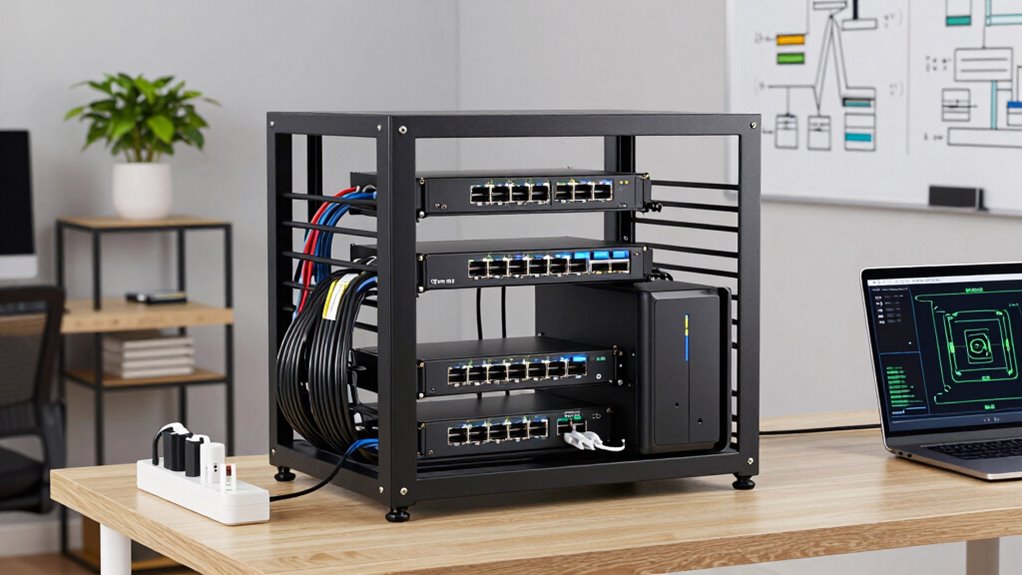
Setting up a reliable self-hosting environment at home might seem intimidating, but with careful planning, you can create a secure and efficient system that meets your needs. The key is understanding how to integrate cloud services and implement robust backup strategies. Cloud integration allows you to extend your home server’s capabilities by syncing data with cloud platforms like Google Drive or Dropbox, providing off-site redundancy and easy access from anywhere. This integration safeguards against hardware failures and guarantees your data remains accessible even if your local setup encounters issues. When planning your setup, consider which cloud services best align with your storage needs and privacy preferences, and guarantee your server can seamlessly connect with these services through APIs or synchronization tools.
Integrate cloud services like Google Drive or Dropbox for off-site redundancy and easy access.
Backup strategies are equally crucial. You want to be confident that your data is protected against accidental deletion, corruption, or hardware failures. Implementing a 3-2-1 backup rule is a good starting point: keep three copies of your data, store two on different media types, and keep one off-site or in the cloud. Regular automated backups reduce the risk of human error and minimize downtime if something goes wrong. Use reliable backup software that supports incremental backups, so you’re not wasting storage space and can quickly restore your system to a previous state if needed. Remember to test your backups periodically to verify that they work correctly and that you can recover your data swiftly. Additionally, understanding the importance of hardware reliability can help you select components that minimize the risk of failures and ensure system stability. Incorporating redundant hardware such as RAID configurations can further enhance your system’s resilience against hardware issues.
Furthermore, considering power management solutions like uninterruptible power supplies (UPS) can prevent data loss during outages and protect your hardware from power surges. Proper planning for network security is also essential to safeguard your data and prevent unauthorized access. As you develop your self-hosting environment, consider the hardware you’ll need. A dedicated server or a powerful NAS (Network Attached Storage) device can provide the stability and performance required for your applications. Keep in mind that your network setup should prioritize security. Use strong passwords, enable firewalls, and set up VPN access if you need to connect remotely. This way, you prevent unauthorized access and protect sensitive data. Also, guarantee your system is kept up-to-date with the latest security patches and updates.
Finally, document your setup thoroughly. Record your hardware specifications, software configurations, cloud integrations, and backup procedures. This documentation will be invaluable when troubleshooting issues or expanding your system later. Planning your self-hosting environment with a focus on cloud integration and robust backup strategies guarantees that your setup will be reliable, scalable, and secure—giving you peace of mind knowing your data is protected and easily accessible.
As an affiliate, we earn on qualifying purchases.
Frequently Asked Questions
What Is the Best Hardware for a Home Server?
You should choose hardware with reliable performance, like a mini PC or a NAS with a quad-core processor, ample RAM, and multiple drive bays. Focus on a solid network configuration with a wired connection for stability. Prioritize hardware redundancy—like RAID setups and dual power supplies—to make sure your server stays online even if components fail. This combination guarantees a dependable home server tailored to your needs.
How Much Does a Self-Hosted Setup Cost?
A self-hosted setup costs roughly $300 to $1,000, depending on your hardware choices. You’ll need a reliable server, storage, and power supply, but investing in energy-efficient components helps reduce ongoing costs. With cloud integration, you can sync your data effortlessly, making your setup smarter and more flexible. While the initial investment may seem steep, the long-term savings and control make it worth every penny.
How Do I Ensure Data Security and Privacy?
To guarantee data security and privacy, you should implement strong encryption protocols for all data in transit and at rest. Also, set up strict access controls, allowing only authorized users to access sensitive information. Regularly update your software to patch vulnerabilities, and use strong, unique passwords. Consider enabling two-factor authentication for added security, and routinely back up your data to prevent loss.
What Are Common Issues Faced During Self-Hosting?
Imagine your system crashing unexpectedly, or a cloud storage sync failure causing chaos. Common issues include hardware compatibility problems, where your components don’t work seamlessly together, and cloud storage integration hurdles, leading to data loss or access delays. These challenges often stem from overlooked details or mismatched hardware, making troubleshooting frustrating. Staying vigilant about hardware specs and testing your cloud solutions beforehand helps you avoid these pitfalls and maintain a smooth self-hosting experience.
How Often Should I Perform Maintenance and Updates?
You should perform maintenance and updates regularly—ideally, monthly or bi-weekly—to keep your setup secure and efficient. During these sessions, focus on network optimization, ensuring your connection runs smoothly, and verify your backup strategies are working correctly, safeguarding your data. Consistent updates also patch vulnerabilities and improve system performance. By staying proactive, you reduce downtime and maintain a reliable, secure self-hosted environment at home.
uninterruptible power supply UPS for home server
As an affiliate, we earn on qualifying purchases.
As an affiliate, we earn on qualifying purchases.
Conclusion
Think of your self-hosting setup as a sturdy ship sailing smoothly through unpredictable waters. By carefully choosing reliable hardware, setting up proper backups, and maintaining security, you’ll keep it afloat even during storms. Regular updates and monitoring act as your ship’s compass and radar, guiding you safely forward. With these steps, your home server becomes a resilient vessel, ready to navigate the digital seas with confidence and peace of mind.
As an affiliate, we earn on qualifying purchases.
As an affiliate, we earn on qualifying purchases.
Halloween Picks
halloween
As an affiliate, we earn on qualifying purchases.