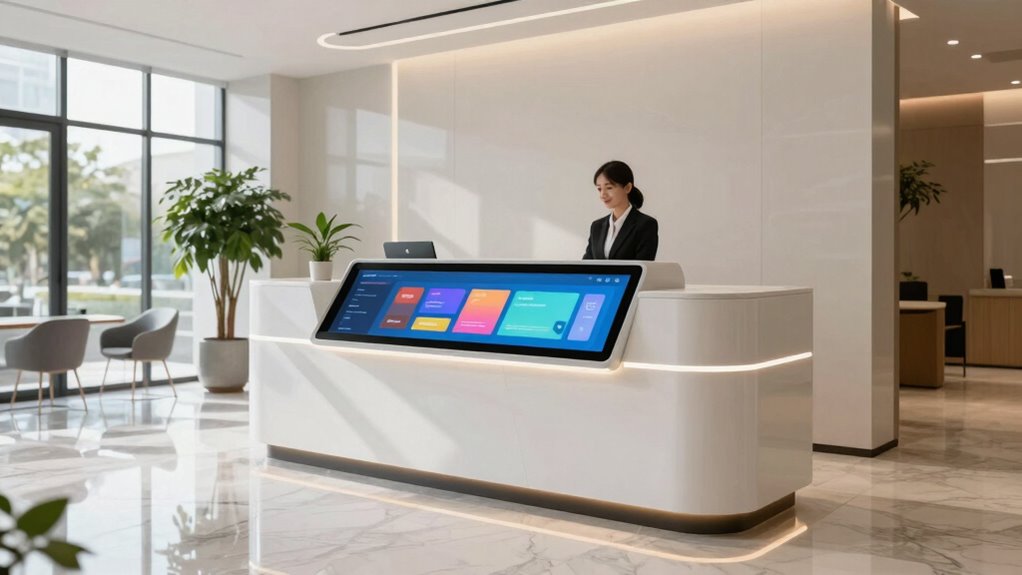
A reception kiosk makes sense for a growing business when you’re experiencing increased visitor traffic, long wait times, or want to free up staff from manual check-ins. It helps you automate visitor management, reduce contact points, and improve overall efficiency. With a user-friendly interface, visitors can self-register quickly, badges are printed automatically, and staff can focus on personalized service. Keep exploring to discover how these solutions can transform your operations even further.

Get business pricing on tech for your team
- Business-only prices and quantity discounts
- Tax-exempt purchasing
- Multiple users, one account, clear invoices
Key Takeaways
- To handle increasing visitor volume efficiently and reduce wait times during peak hours.
- When staff need to focus on personalized service instead of administrative check-in tasks.
- To ensure accurate, automated record-keeping for compliance and security audits.
- When health safety measures require contactless check-in options for visitors and staff.
- To gain operational insights through visitor data, optimizing staffing and managing visitor flow.
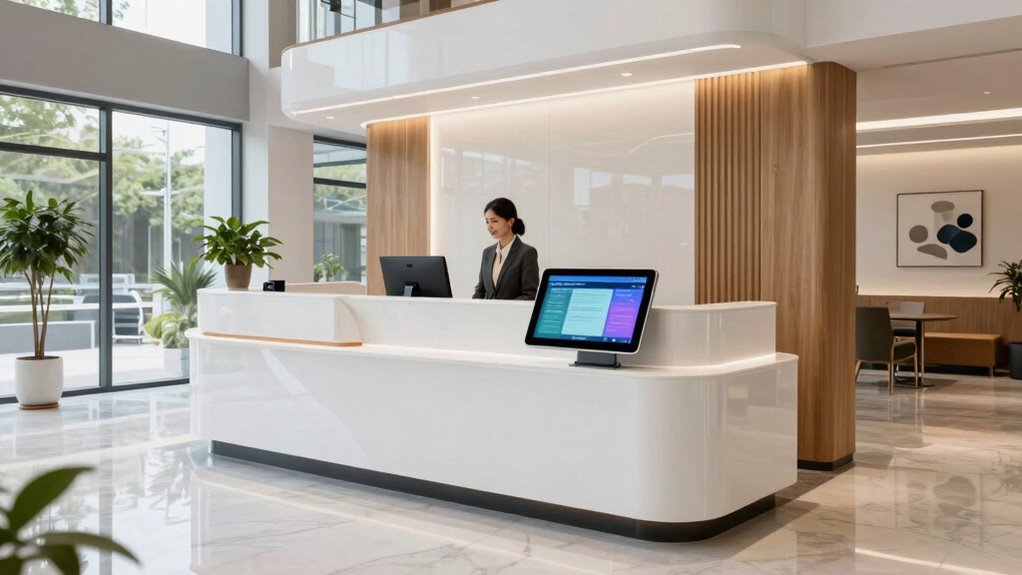
As your business grows and the number of visitors increases, managing front desk operations can become overwhelming, making a reception kiosk a smart solution. When your team handles check-ins, visitor management, and inquiries manually, it not only slows down the process but also strains staff efficiency. A reception kiosk streamlines these tasks, allowing visitors to check in independently and reducing wait times. This automation improves overall visitor experience and frees up your staff to focus on more complex or personalized interactions.
With a reception kiosk, you gain better control over visitor management. Instead of relying solely on front desk personnel to log each guest, the kiosk can handle check-ins, print badges, and even gather essential information such as health screenings or appointment details. This minimizes human error and ensures accurate record-keeping. Additionally, it allows visitors to self-register quickly, which is especially valuable during busy hours or when your staff is occupied with other responsibilities. The kiosk’s user-friendly interface guides visitors seamlessly through the process, making their experience smooth and hassle-free.
A reception kiosk streamlines check-ins, reduces errors, and offers quick, self-guided registration for visitors during busy times.
Staff efficiency sees a significant boost when you implement a reception kiosk. Your employees no longer need to spend their time managing check-in sheets or answering basic questions repeatedly. Instead, they can focus on providing personalized service, handling emergencies, or managing visitor flow more effectively. This shift not only enhances productivity but also improves your team’s overall morale, as they’re freed from repetitive tasks. Plus, the kiosk can be programmed to alert your staff when a visitor arrives, ensuring prompt attention and reducing the chances of missed appointments or miscommunications. Understanding visitor management is crucial for optimizing your reception processes as your business expands.
Another advantage lies in data collection and security. Reception kiosks can automatically log visitor details, making it easier to maintain accurate records for security and compliance purposes. If your business requires visitor logs for safety protocols or legal reasons, the kiosk simplifies this process. It can also integrate with your existing security systems, providing a centralized platform for managing visitor information. This integration helps you maintain a safer environment and monitor visitor traffic patterns, which can inform staffing needs and operational adjustments. Incorporating visitor data into your overall security strategy ensures a comprehensive approach to safety and efficiency. Additionally, the use of automated check-in systems helps reduce contact points, which is especially important in health-conscious environments. Implementing these systems also facilitates seamless visitor analytics, offering insights into peak hours and visitor demographics.
self-service visitor check-in kiosk
As an affiliate, we earn on qualifying purchases.
As an affiliate, we earn on qualifying purchases.
Frequently Asked Questions
How Much Does a Reception Kiosk Typically Cost?
A reception kiosk typically costs between $3,000 and $8,000, depending on features and customization. You’ll want to take into account the visitor experience, as kiosks streamline check-ins and reduce wait times, enhancing your service quality. When doing a cost comparison, remember that kiosks may offer long-term savings by decreasing staffing needs. Investing in a kiosk can improve efficiency, professionalism, and overall visitor satisfaction for your growing business.
What Maintenance Is Required for a Reception Kiosk?
Think of your reception kiosk as a trusted team member—you’ll need to keep it in top shape. Regular software updates guarantee smooth operation and security, while cleaning the ergonomic design prevents wear and tear. Check connections, monitor for glitches, and keep the screen clean to maintain a professional appearance. By staying proactive, you’ll guarantee your kiosk continues to serve visitors efficiently, just like a dedicated receptionist.
Can Kiosks Be Customized for Specific Branding?
Yes, kiosks can be highly customized to match your branding options. You have flexibility in design, colors, logos, and interfaces, allowing you to create a cohesive look that reflects your business identity. This customization flexibility guarantees your kiosk seamlessly integrates with your brand’s aesthetic, enhancing professionalism and recognition. You can tailor the user experience to meet your specific needs, making the kiosk more engaging and aligned with your brand image.
How Secure Are Visitor Data on Kiosks?
You’ll be glad to know visitor data on kiosks is quite secure, with over 80% of systems employing data encryption. This safeguards visitor privacy, ensuring sensitive info stays protected. Kiosks often include security features like user authentication and encrypted storage, making data breaches unlikely. Still, it’s essential to choose reputable providers and regularly update security protocols, so your visitors’ privacy remains a top priority.
What Is the Typical Installation Process for a Kiosk?
You start by selecting a location that guarantees good user experience and access. Then, you connect the kiosk to power and the internet, ensuring the hardware is durable enough for daily use. Next, you install the software, configure settings, and test the system thoroughly. Finally, you train staff on operation and maintenance. This process guarantees a smooth setup, prioritizing user experience and hardware durability for long-term reliability.
As an affiliate, we earn on qualifying purchases.
Conclusion
As your business expands, a reception kiosk can streamline visitor check-ins and enhance security. It’s a smart investment that offers efficiency and a modern touch to your space. Imagine guests maneuvering a sleek, self-service station—doesn’t that leave a lasting positive impression? When you consider the convenience and professionalism it brings, can you afford to stay without one? Embrace the future of reception, and watch your business grow with confidence.
As an affiliate, we earn on qualifying purchases.
automated visitor management system
As an affiliate, we earn on qualifying purchases.
As an affiliate, we earn on qualifying purchases.
Halloween Picks
halloween
As an affiliate, we earn on qualifying purchases.