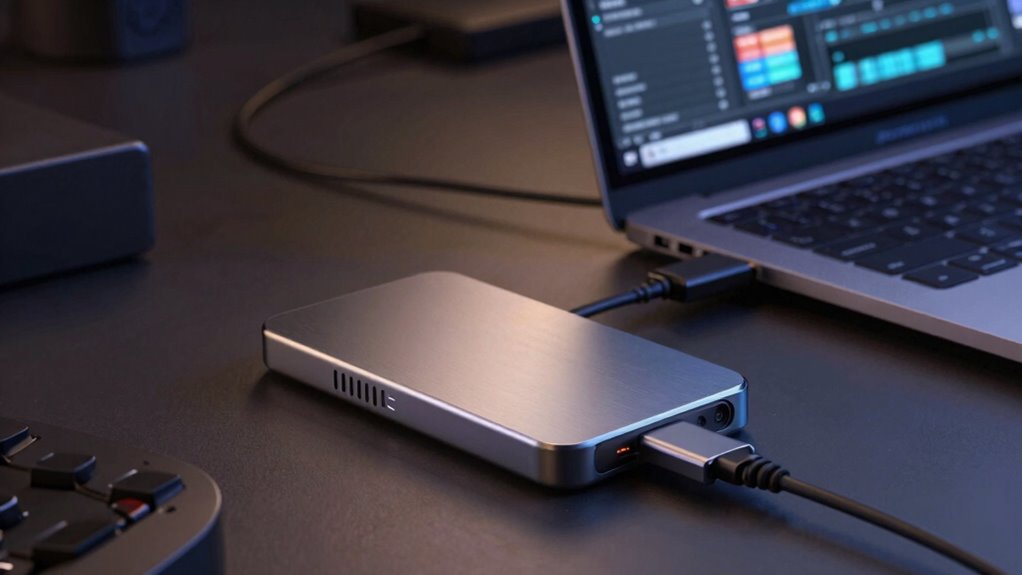

To optimize your editing workflow, choose an external SSD with high transfer speeds to handle large video files smoothly and reduce lag. Make sure it has durable, shock-resistant build quality for reliable use on the go. Good heat management features, like heat sinks or ventilation, prevent overheating during extended sessions, maintaining consistent performance. Prioritizing durability, heat dissipation, and speed will help you stay productive—stick around to discover how to select the best options for your needs.

Get business pricing on tech for your team
- Business-only prices and quantity discounts
- Tax-exempt purchasing
- Multiple users, one account, clear invoices
Key Takeaways
- Prioritize high data transfer rates to ensure smooth editing, preview, and rendering of large files.
- Choose rugged, durable SSDs with shock and water resistance for reliable use in various environments.
- Select drives with effective heat management features like heat sinks to prevent thermal throttling during prolonged tasks.
- Consider device compatibility with existing hardware to avoid connectivity issues and ensure seamless workflow integration.
- Opt for SSDs with thermal regulation and robust build quality to maintain consistent performance and extend device lifespan.
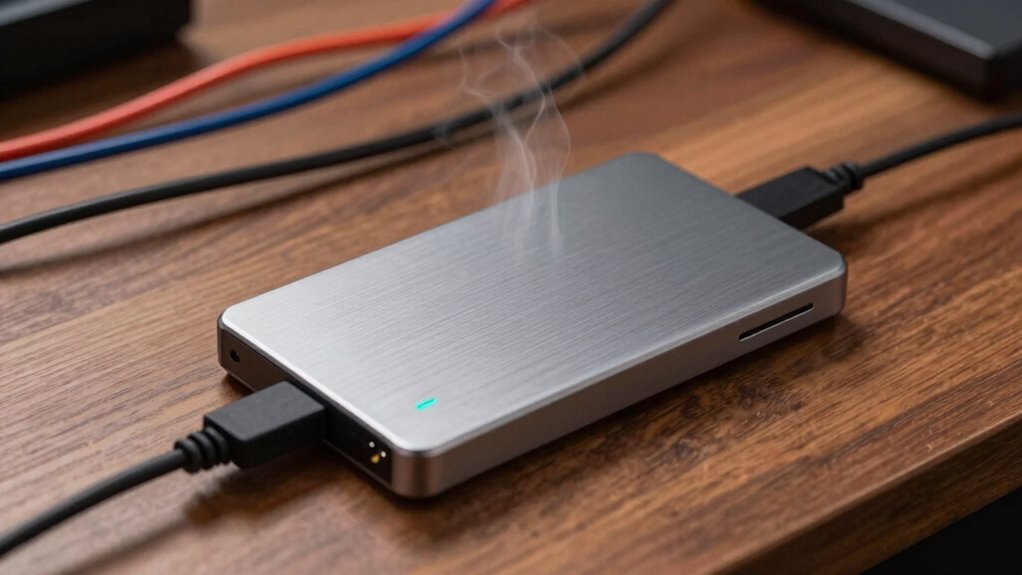
In today’s fast-paced editing workflows, external SSDs have become essential tools for professionals seeking speed and reliability. When you’re working with large video files or high-resolution images, fast data transfer rates are crucial. An external SSD with high transfer speeds minimizes lag, allowing you to preview, edit, and render content without frustrating delays. This efficiency can significantly impact your overall productivity. The importance of data transfer rates can’t be overstated — a slow drive hampers productivity, while a high-speed SSD keeps your creative process smooth and uninterrupted.
Device durability is another vital factor when choosing an external SSD. Editing often involves traveling between locations, working in different environments, or handling your gear regularly. You want a drive that can withstand the rigors of daily use, accidental drops, or temperature fluctuations. Many SSDs are built with rugged casings, shock resistance, and water-proof features, so you can trust your data remains safe no matter where your work takes you. Durability not only protects your investment but also ensures your workflow isn’t disrupted by hardware failures. When you select an SSD known for its sturdy design, you’re investing in peace of mind and consistent performance over time. Additionally, understanding the device’s compatibility with your existing setup can prevent future connectivity issues.
Choosing a rugged, shock-resistant SSD ensures your data stays safe during travel and daily use.
Heat management is an often-overlooked aspect that affects both data transfer rates and device longevity. During extended use, external SSDs can generate heat, which, if not properly dissipated, might lead to thermal throttling or hardware damage. Many high-end models incorporate advanced heat sinks or ventilation systems to keep the drive cool under heavy workloads. This thermal management preserves the drive’s performance, maintaining high data transfer rates even during prolonged editing sessions. By choosing an SSD that effectively manages heat, you prevent potential slowdowns, ensure reliable operation, and extend the lifespan of the device. Additionally, understanding the heat dissipation capabilities can help you select a drive suitable for intensive editing tasks. Proper heat management is crucial for maintaining consistent performance and guarding against hardware failures. Incorporating thermal regulation features in your choice of SSD can further enhance its longevity and stability during demanding tasks. Furthermore, considering the device’s temperature thresholds can help prevent overheating issues during prolonged use.
external SSD high transfer speed for editing
As an affiliate, we earn on qualifying purchases.
As an affiliate, we earn on qualifying purchases.
Frequently Asked Questions
How Do External SSDS Compare to Internal SSDS for Editing?
External SSDs generally offer comparable data transfer speeds to internal SSDs, but their performance depends on port compatibility—Thunderbolt or USB-C deliver faster transfers. Internal SSDs often have lower latency and better heat management, making them slightly more reliable for continuous editing. However, external SSDs provide flexibility and easy portability, making them ideal for editing on different devices. Your choice depends on your workflow needs and the ports available.
Can External SSDS Handle 8K Video Editing Smoothly?
Yes, external SSDs can handle 8K video editing smoothly if they have high data transfer rates, usually 1,000 MB/s or more, and effective heat dissipation features. Look for models with robust cooling solutions to prevent overheating during intensive tasks. Proper heat dissipation maintains performance, ensuring your workflow remains seamless. Investing in a high-quality external SSD with fast data transfer and good heat management keeps your 8K editing efficient and reliable.
What’s the Typical Lifespan of an External SSD Used for Editing?
An external SSD used for editing typically lasts around 5 to 10 years, depending on usage. You can extend its lifespan by ensuring proper data encryption and using reliable transfer protocols like Thunderbolt or USB 3.2. Regular backups and avoiding extreme temperatures help maintain performance. Keep in mind, frequent read/write cycles may wear out the drive faster, but overall, with proper care, it remains a dependable editing tool.
Are There Specific Brands Recommended for Professional Editing Workflows?
For professional editing, you should consider brands like Samsung, Western Digital, and LaCie, as they’re known for their reliability and durability. These brands often offer solid warranties, ensuring peace of mind. While they might be a bit pricier, the cost considerations are justified by their proven performance and long lifespan. Investing in a reputable brand helps prevent data loss and keeps your workflow smooth and efficient.
How Do I Optimize External SSDS for Maximum Speed and Reliability?
Did you know that using the right connection type can boost SSD speeds by up to 3x? To optimize your external SSD for maximum speed and reliability, guarantee you use high-speed connection types like Thunderbolt 3 or USB-C. Enable data encryption for added security, and avoid crowded ports to prevent bandwidth sharing. Regularly update firmware and keep backups to maintain consistent performance and protect your valuable editing data.
As an affiliate, we earn on qualifying purchases.
Conclusion
Choosing the right external SSD can markedly boost your editing workflow, offering faster speeds and better reliability. Did you know that some high-end SSDs can reach transfer rates of over 3,500 MB/s? This means less waiting and more creating. Keep heat management and durability in mind, and you’ll enjoy a seamless editing experience. With the right drive, you’re not just working faster—you’re working smarter.
As an affiliate, we earn on qualifying purchases.
compatible external SSD for video editing
As an affiliate, we earn on qualifying purchases.
As an affiliate, we earn on qualifying purchases.
Halloween Picks
halloween
As an affiliate, we earn on qualifying purchases.