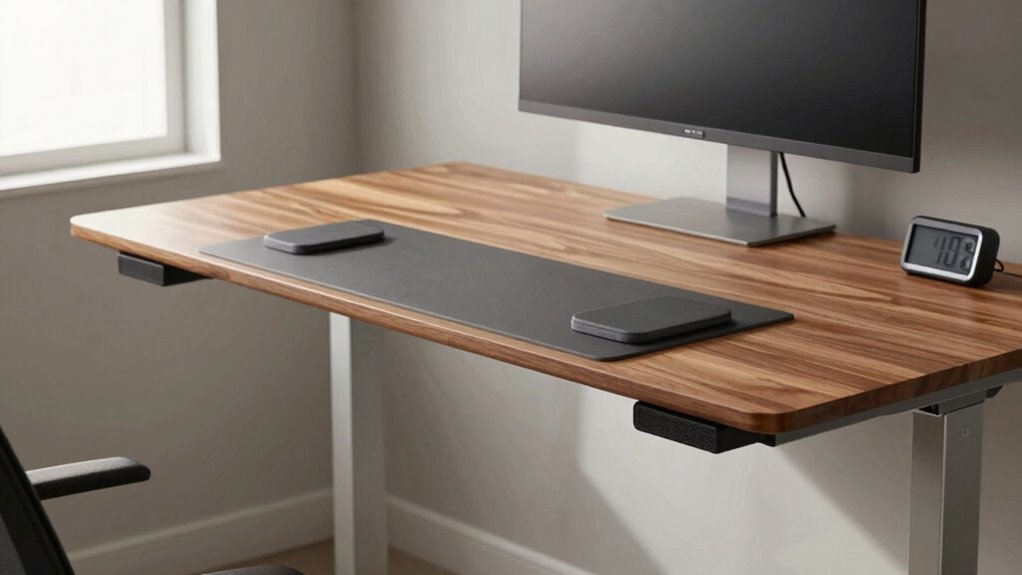

Most people get their standing desk height wrong, leading to discomfort and long-term strain. To avoid this, set your desk so your elbows are at a 90-degree angle and your forearms are parallel or slightly downward. Your monitor should be at eye level to prevent neck strain. Make sure your wrists stay neutral and that you’re using slight movements throughout the day. Want to find out how to perfect your setup? Keep going to discover expert tips and tricks.

Get business pricing on tech for your team
- Business-only prices and quantity discounts
- Tax-exempt purchasing
- Multiple users, one account, clear invoices
Key Takeaways
- Many people set their standing desk too high or low, causing shoulder, neck, or wrist strain.
- Correct desk height aligns forearms parallel to the ground, not just eye level.
- A common mistake is ignoring proper monitor height, leading to awkward neck positions.
- People often neglect adjusting desk height for natural arm and shoulder relaxation.
- Failing to incorporate movement and periodic adjustments reduces ergonomic benefits and comfort.

Have you ever wondered what the correct height for a standing desk is? Many people assume it’s simply about aligning the monitor at eye level or keeping your elbows at a 90-degree angle. But the truth is, the ideal standing desk height involves more precise ergonomic adjustments that promote posture correction and reduce strain. If you get the height wrong, you could end up doing more harm than good, leading to discomfort, fatigue, and long-term musculoskeletal issues. That’s why understanding the proper way to set your desk is vital for your health and productivity.
The first step is to contemplate your body’s natural position when standing comfortably. Your elbows should be close to your sides, with your forearms parallel to the ground or slightly angled downward. When you adjust your desk to this height, your wrists remain in a neutral position, preventing unnecessary strain. Many people incorrectly set their desks so that their hands extend too far forward or downward, which can compromise ergonomic adjustments and cause shoulder and neck tension. Proper posture correction begins with guaranteeing your keyboard and mouse are at the right height so that your shoulders stay relaxed, and your elbows stay close to your sides at about a 90-degree angle.
Your monitor should be positioned so that the top of the screen is roughly at eye level. This prevents you from tilting your head up or down, which can lead to neck pain over time. When your monitor is too low or too high, it disrupts your ergonomic adjustments and creates unnecessary strain on your neck and shoulders. To fine-tune your standing desk height, stand comfortably with your arms at your sides, then raise or lower the desk until your forearms are parallel to the ground. Adjust the monitor height accordingly, ensuring your gaze is naturally directed straight ahead. This holistic approach helps you maintain a neutral posture, reducing fatigue and preventing repetitive strain injuries. Additionally, paying attention to ergonomic principles can significantly improve your long-term comfort and health. Incorporating dynamic adjustments throughout the day, such as shifting your stance or taking brief breaks, is essential for avoiding stiffness and promoting circulation. Many people overlook the importance of movement variety and the role it plays in maintaining musculoskeletal health. Standing in one position for too long can cause discomfort, regardless of how perfectly your desk is set up. Incorporate slight movements, shifting your weight or adjusting your stance, to promote circulation and avoid stiffness. Regularly reassessing your ergonomic setup ensures that your posture correction efforts stay effective and comfortable. Remember, the goal isn’t just to hit a specific number but to create a setup that supports your body’s natural alignment, encourages good posture, and minimizes strain. When you pay attention to these ergonomic adjustments, you’ll find that working at a standing desk becomes healthier and more sustainable over time.
As an affiliate, we earn on qualifying purchases.
Frequently Asked Questions
How Do I Measure My Ideal Standing Desk Height Accurately?
To measure your ideal standing desk height, stand naturally with an ergonomic chair nearby. Keep your elbows at a 90-degree angle and your wrists straight while typing. Adjust the desk so that your keyboard is at elbow level, ensuring comfortable keyboard positioning. This way, your shoulders stay relaxed, and you avoid strain. Remember, your monitor should be at eye level for maximum comfort, completing an ergonomic setup.
Should My Elbows Be at a 90-Degree Angle When Standing?
Yes, your elbows should be at a 90-degree angle when standing at your desk. This promotes an ergonomic posture, reducing strain on your shoulders and neck. Keep your wrists in a neutral position, avoiding bending or twisting, to maintain proper wrist alignment. Adjust the height of your desk so your forearms are parallel to the ground, ensuring comfort and minimizing the risk of repetitive strain injuries.
How Often Should I Adjust My Standing Desk Height During the Day?
You should adjust your standing desk height about every 30 to 60 minutes to maintain ergonomic comfort. Incorporate ergonomic accessories like a footrest or anti-fatigue mat for added support, and make sure your desk remains stable during adjustments. Frequent changes prevent strain and fatigue, helping you stay comfortable throughout the day. Keep an eye on your posture, ensuring your elbows stay at a 90-degree angle, and prioritize desk stability for safety.
Does Desk Height Vary for Different Types of Work Tasks?
Yes, desk height varies depending on your work tasks, following ergonomic principles. For tasks like typing, keep your elbows at a 90-degree angle with your wrists straight, which may require adjusting your desk for ideal desk customization. For reading or writing, you might raise the desk slightly. Tailoring your standing desk height to each task helps prevent strain and promotes comfort, ensuring you stay productive and pain-free throughout the day.
What Are Common Mistakes to Avoid When Setting Standing Desk Height?
To avoid mistakes when setting your standing desk height, guarantee your monitor is eye level and your elbows are at a 90-degree angle for ideal posture correction. Don’t forget ergonomic accessories like a footrest or anti-fatigue mat to improve comfort. Avoid setting the desk too high or low, which can cause neck or wrist strain. Regularly adjust your position and take breaks to maintain proper ergonomics and prevent discomfort.
As an affiliate, we earn on qualifying purchases.
Conclusion
So, after all this, it’s almost amusing how many people overlook the simplest rule: your elbows should be at a 90-degree angle. You’d think that standing desks would be intuitive, yet here we are, misjudging height and risking discomfort. Ironically, the most straightforward setup often gets ignored while we chase complex solutions. Next time you adjust your desk, remember—sometimes, the right height is just a bend away from common sense.
ergonomic keyboard and mouse set
As an affiliate, we earn on qualifying purchases.
As an affiliate, we earn on qualifying purchases.
As an affiliate, we earn on qualifying purchases.
Fall Picks
fall essentials
As an affiliate, we earn on qualifying purchases.