Encrypted external SSDs protect your business backups by using advanced encryption protocols like AES-256, making your data unreadable without the correct key or password. They secure your backups during transfer and storage, preventing unauthorized access, even if the drive is lost or stolen. Hardware-based encryption boosts both security and speed, ensuring your data stays safe from cyber threats. To discover more about how this technology can bolster your data security, keep exploring.
Key Takeaways
- They encrypt data using advanced protocols like AES-256, making backups unreadable without the correct key or password.
- Hardware-based encryption enhances security and speed, reducing vulnerabilities associated with software-only solutions.
- Encrypted SSDs ensure data integrity and confidentiality during transfers and storage, preventing unauthorized access.
- They facilitate secure backups and restorations, minimizing risks of exposure during manual handling or data recovery.
- Using encrypted external SSDs aligns with industry standards, helping businesses comply with data protection regulations.
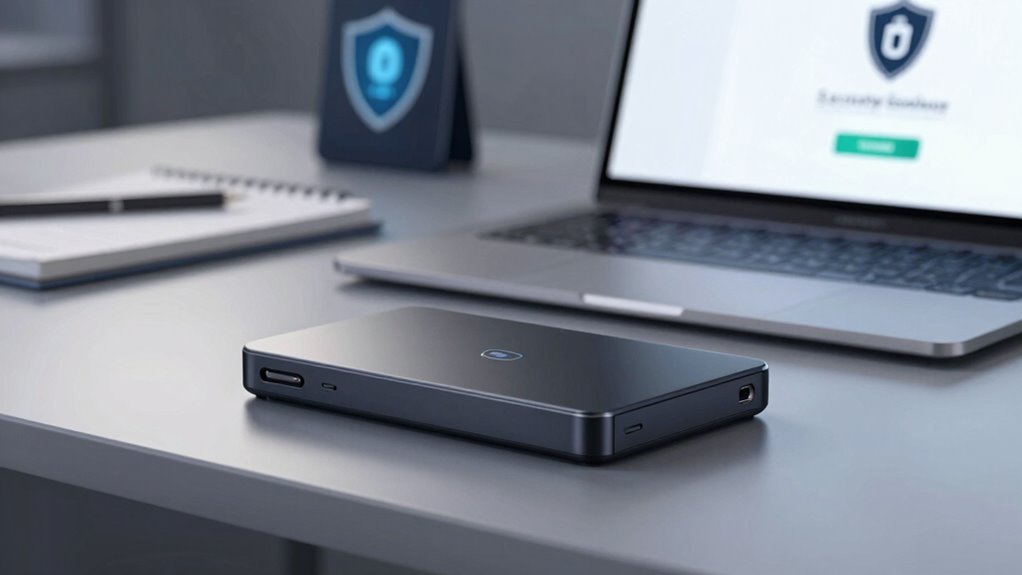
In today’s digital landscape, safeguarding sensitive business data is more vital than ever, and encrypted external SSDs offer a reliable solution. When you back up essential information, a data breach can have severe consequences, including financial loss, reputational damage, and legal penalties. That’s why choosing an external SSD with robust encryption protocols is vital. These devices use advanced encryption methods—such as AES-256—that scramble your data into unreadable code unless you have the correct password or key. This layer of security ensures that even if someone gains physical access to the drive, they can’t access your data without proper authorization.
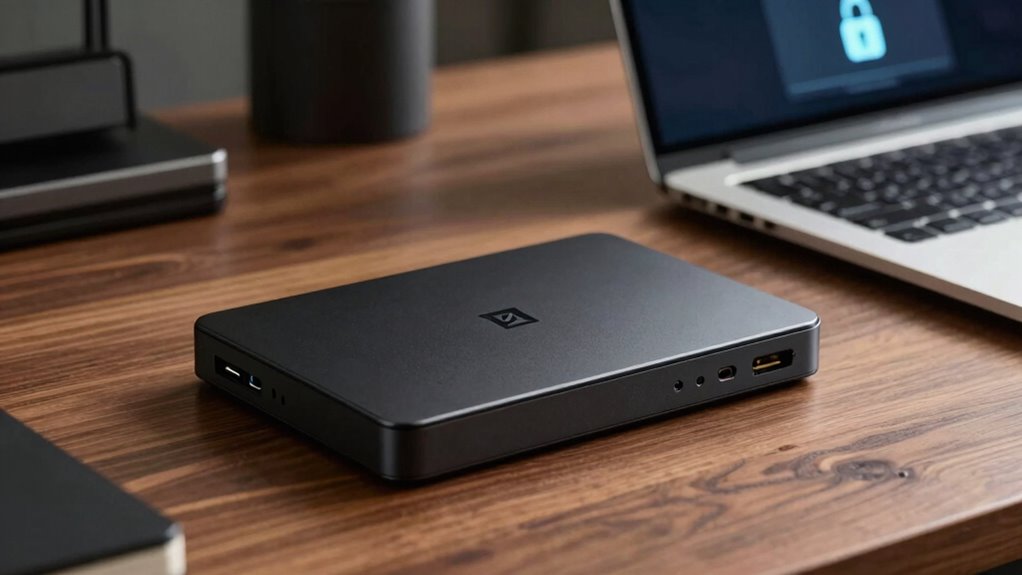
Protect your business with encrypted external SSDs using AES-256 for secure, unreadable data even if the drive is lost or stolen.
Encryption protocols are the backbone of secure external SSDs. They automatically encrypt your files as you transfer them to the device, providing seamless protection without slowing down your workflow. When you store backups on an encrypted external SSD, you’re effectively creating a digital vault that guards your business-critical information against unauthorized access. If your drive is lost or stolen, the encryption acts as a barrier, preventing cybercriminals or malicious actors from extracting sensitive data. This means you can maintain compliance with data protection regulations and avoid hefty fines that come with data breaches. Additionally, hardware-based encryption enhances both security and speed, making it an optimal choice for business environments that demand efficiency. Implementing encryption protocols is essential to ensuring the integrity and confidentiality of your business data. Moreover, understanding data security standards can help you select the most appropriate devices for your needs.
Using encrypted external SSDs also simplifies your backup procedures. You can automate backups knowing that your data remains protected at all times. When it’s time to restore files, you simply connect the SSD, authenticate yourself, and access your backups securely. This streamlined process saves you time and reduces the risk of accidental exposure during manual handling or transfer. Moreover, choosing devices with robust encryption standards helps ensure long-term security against evolving cyber threats. Incorporating hardware-based encryption further enhances your data’s security, as it minimizes vulnerabilities associated with software-only solutions. Additionally, selecting drives with compliance with industry standards can provide extra assurance that your data protection methods meet recognized security benchmarks.
In essence, encrypted external SSDs provide a dual benefit: fast, reliable backups and peace of mind knowing your data is shielded by strong encryption protocols. They’re an indispensable part of any well-rounded data security strategy, especially in today’s environment where data breaches are increasingly common. By investing in these devices, you’re not just safeguarding your backups—you’re actively defending your business’s future against cyber threats and unauthorized access.

SANDISK 1TB Extreme Portable SSD (Old Model) – Up to 1050MB/s, USB-C, USB 3.2 Gen 2, IP65 Water and Dust Resistance, Updated Firmware – External Solid State Drive – SDSSDE61-1T00-G25
Get NVMe solid state performance with up to 1050MB/s read and 1000MB/s write speeds in a portable, high-capacity…
As an affiliate, we earn on qualifying purchases.
As an affiliate, we earn on qualifying purchases.
Frequently Asked Questions
How Do Encrypted SSDS Impact Data Transfer Speeds?
Encrypted SSDs can marginally impact data transfer speeds due to encryption overhead, which adds extra processing time. You might notice increased data transfer latency, especially with large files or high-speed transfers. However, modern hardware minimizes this impact, so while encryption offers security benefits, it usually doesn’t substantially slow down your data transfers. Your overall performance remains efficient, balancing security with speed effectively.
Are Encrypted External SSDS Compatible With All Operating Systems?
Yes, encrypted external SSDs are compatible with most operating systems, but it varies. While encryption algorithms and user authentication add robust security, some devices may require specific software or drivers. For example, Windows, macOS, and Linux often support these drives, but always check for compatibility. Think of it like a universal key—most doors open, but some may need an extra twist or a special lock.
What Are the Long-Term Durability Considerations for Encrypted SSDS?
Encrypted SSDs are generally durable, but you should consider encryption standards and durability testing. Look for drives with high-quality encryption protocols to prevent data corruption and guarantee long-term security. Durability testing helps you gauge how well the SSD withstands environmental factors like temperature and physical shocks. Regularly backing up data and following manufacturer recommendations can extend your drive’s lifespan, making it a reliable long-term storage solution.
How Often Should Encryption Keys Be Changed or Updated?
A stitch in time saves nine, and regularly updating your encryption keys keeps your data safe. You should change your encryption keys periodically, ideally every three to six months, depending on your security needs. Implement key rotation with robust encryption algorithms to prevent potential breaches. Regular updates guarantee that even if a key is compromised, your data remains protected, keeping your business resilient against evolving cyber threats.
What Are the Costs Associated With High-Security Encrypted SSDS?
High-security encrypted SSDs can be costly due to advanced encryption algorithms like AES-256, which guarantee robust data protection. Costs vary based on capacity, hardware features, and data residency requirements, with premium options often offering enhanced compliance and localized data storage. You might pay more for devices with tamper-proof designs or FIPS certification. While initial expenses are higher, they provide peace of mind by safeguarding sensitive business backups against cyber threats.

Apricorn 2TB Aegis Padlock USB 3.0 256-Bit AES XTS Hardware Encrypted Portable External Hard Drive (A25-3PL256-2000)
Hardware encrypted drive
As an affiliate, we earn on qualifying purchases.
As an affiliate, we earn on qualifying purchases.
Conclusion
Think of encrypted external SSDs as a fortress guarding your business’s most valuable secrets. Their unbreakable walls and locked gates symbolize the robust security that keeps your data safe from intruders. As you entrust your backups to these digital strongholds, you’re building a resilient shield around your enterprise’s future. With each encrypted drive, you’re not just storing data; you’re planting a steadfast lighthouse that guides your business safely through any storm.
SANDISK 1TB Extreme Portable SSD (Old Model) – Up to 1050MB/s, USB-C, USB 3.2 Gen 2, IP65 Water and Dust Resistance, Updated Firmware – External Solid State Drive – SDSSDE61-1T00-G25
Get NVMe solid state performance with up to 1050MB/s read and 1000MB/s write speeds in a portable, high-capacity…
As an affiliate, we earn on qualifying purchases.
As an affiliate, we earn on qualifying purchases.

ClevX SecureData SecureDrive KP 1TB Hardware Encrypted USB 3.0 External Drive FIPS 140-2 Level 3 Unlock via Keypad TAA Compliant, CJIS, HIPAA, CMMC, GDPR Compliant, Works with Mac and Win Free AV
The External Hard Drive includes both USB-C and USB-A Cables to make your out-of-box experience great. Ready for…
As an affiliate, we earn on qualifying purchases.
As an affiliate, we earn on qualifying purchases.