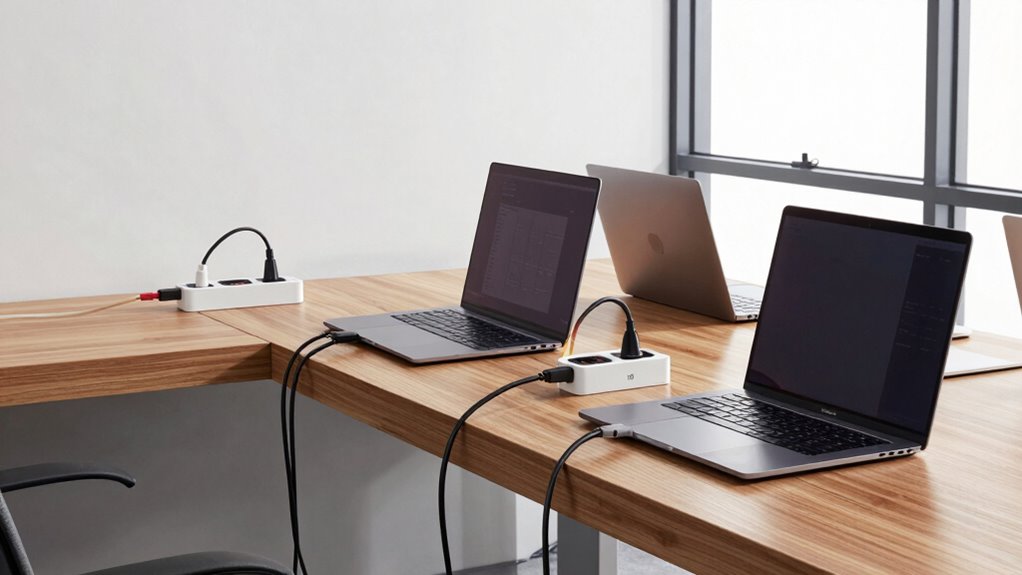

To plan secure laptop charging storage for a growing team, you should prioritize lockable cabinets or enclosures that prevent theft and damage. Create designated zones with multiple charging ports and wireless stations to keep devices organized and accessible. Label cords and stations for quick identification, and incorporate secure, centralized charging stations that monitor power use. Regularly inspect and maintain the setup to confirm safety and efficiency. Continue exploring strategies to keep your workspace secure and well-organized.
Key Takeaways
- Use lockable cabinets or enclosures to secure laptops and charging stations against theft and damage.
- Designate organized charging zones with labeled stations for easy device management and quick access.
- Incorporate centralized wireless charging pads to reduce cable clutter and streamline device charging.
- Implement smart power management systems to monitor, control, and prevent overloads as team size increases.
- Plan for scalable infrastructure by expanding storage, charging stations, and safety features to support growth.
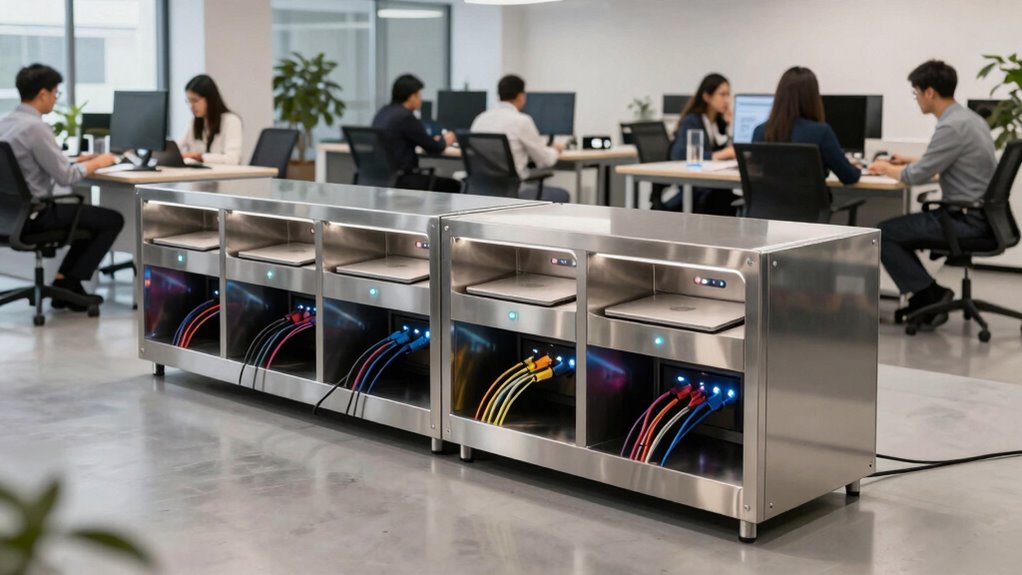
As your team expands, guaranteeing secure and organized storage for laptop chargers becomes increasingly important. You want to prevent clutter, reduce the risk of damage, and maintain a smooth workflow. Incorporating wireless charging options can help streamline the charging process, eliminating tangled cords and reducing wear and tear on cables. Wireless charging pads allow team members to simply place their laptops or compatible devices on designated spots, saving time and keeping workspaces tidy. This setup minimizes the need for multiple chargers scattered across desks, making it easier to keep everything secure and in its place. Additionally, integrating cloud server solutions can enhance remote monitoring and management of your charging infrastructure, ensuring everything remains secure and efficient. Effective power management is critical when planning your charging storage. You need a system that not only organizes chargers but also monitors and controls power distribution to prevent overloads or energy waste. Installing smart power strips or centralized charging stations with built-in management features ensures you can track usage and easily shut off unused chargers, saving on electricity costs. These systems can also alert you to potential issues, like faulty equipment or power surges, allowing you to address problems before they escalate. Proper power management also extends the lifespan of your chargers and devices, as consistent and controlled charging reduces wear and tear. When designing your storage solution, think about security as well. Lockable cabinets or enclosures that house chargers and power strips provide an extra layer of protection against theft or accidental damage. For larger teams, consider creating designated charging zones equipped with multiple charging ports and wireless charging stations to keep everyone’s devices powered up without chaos. Labeling cords and stations helps team members quickly identify their chargers, which reduces confusion and minimizes the risk of unplugging the wrong device. Additionally, establishing a clear protocol for charging and storage can improve overall organization. Encourage team members to plug in devices only when needed, and remind them to disconnect chargers when not in use. Regularly inspecting and maintaining your charging stations ensures everything remains in good working condition, preventing unexpected failures. As your team grows, adapt your storage solutions accordingly—adding more wireless charging stations or expanding power management capabilities as necessary. By proactively planning your storage with security, organization, wireless charging, and power management in mind, you create a more efficient, secure environment that supports your team’s productivity and protects your valuable equipment. Furthermore, considering proper cable management can significantly reduce clutter and potential hazards in your workspace. Additionally, incorporating safety protocols can further safeguard your team and equipment from electrical hazards. Implementing electrical safety standards can help ensure your setup complies with best practices and reduces risk.

Plugsharge 8-Device Tablet & Laptop Charging Cabinet, Lockable Steel Charging Station for Chromebooks, iPads & Devices Up to 14", Fully Assembled Storage Cabinet for Classroom, Office & Library, Black
- Device Capacity: Charges and stores up to 8 devices
- Device Compatibility: Supports devices up to 14 inches
- Secure Locking: Lockable steel cabinet with 2 keys
As an affiliate, we earn on qualifying purchases.
As an affiliate, we earn on qualifying purchases.
Frequently Asked Questions
What Are the Best Materials for Secure Charging Storage Units?
You should choose materials with high durability, like steel or heavy-duty plastic, to guarantee your charging storage units withstand daily use. These materials resist damage and provide long-lasting protection. Pair them with reliable locking mechanisms, such as combination or key locks, to prevent unauthorized access. This combination guarantees your laptops stay safe, organized, and secure as your team grows, giving you peace of mind and efficient charging management.
How Often Should Security Protocols Be Reviewed and Updated?
Think of security protocols as a garden that needs tending regularly. You should review and update them at least quarterly, or more often if your team grows or technology changes. During these reviews, focus on user training and access control measures. Regular updates make sure everyone’s on the same page, reducing vulnerabilities. Staying proactive keeps your laptop charging storage secure and your team confident in the safeguards you set.
Are There Specific Certifications to Look for in Storage Security Products?
Yes, you should look for storage security products with certifications like ISO 27001, which guarantees robust security management. Prioritize solutions with strong digital encryption to protect data and access control features that restrict unauthorized access. These certifications and features guarantee your storage system adheres to industry standards, keeping your laptops safe as your team grows. Always verify certifications and security protocols before making a purchase.
How Can Storage Solutions Accommodate Different Laptop Sizes?
You can accommodate different laptop sizes by choosing storage solutions with adjustable compartments or modular designs. Adjustable compartments let you customize each slot to fit various laptop dimensions securely, preventing damage. Modular designs offer flexibility, allowing you to add or remove sections as your team grows or equipment changes. This adaptability guarantees a secure, organized, and scalable charging station that meets the needs of a diverse team.
What Are Cost-Effective Options for Small Teams?
Imagine building a sturdy bridge with flexible planks—this symbolizes cost-effective storage. For small teams, focus on budget considerations by choosing modular, stackable units that grow with your team. Scalability strategies include affordable wall-mounted chargers and multi-device organizers, which save space and costs. These options are easy to expand, ensuring your storage system remains secure, organized, and adaptable as your team increases without breaking the bank.

GETPALS Wireless Charger iPhone Charging Station for Apple Multiple Devices
- 3-in-1 Wireless Charging Station: Compatible with multiple Apple devices
- Fast Charging Power: Up to 7.5W for phones, 3W for earbuds
- Portable Foldable Design: Lightweight and travel-friendly
As an affiliate, we earn on qualifying purchases.
As an affiliate, we earn on qualifying purchases.
Conclusion
By planning a secure laptop charging storage system, you’re not just protecting valuable equipment—you’re building a sturdy backbone for your growing team’s productivity. Think of it as planting a seed that will flourish with the right care, ensuring safety, efficiency, and peace of mind. With thoughtful organization now, you’ll prevent chaos later, turning your workspace into a well-oiled machine. The foundation you lay today will support your team’s success for years to come.

Tapo Smart Wi-Fi Power Strip – Matter Compatible, Energy Monitoring, Surge Protection, 6 Individually Controlled Outlets & 3 USB Ports, Works with Alexa, Google Assistant, Siri & Bixby – Tapo P316M
- Supports Up to 9 Devices: 6 smart outlets and 3 USB ports
- Energy Monitoring & Cost Saving: Track consumption and schedule device shutdowns
- Compact, Space-Saving Design: Flush-fitting plug and 3-foot cord
As an affiliate, we earn on qualifying purchases.
As an affiliate, we earn on qualifying purchases.

Plugsharge 10-Device Laptop & Tablet Charging Station with 6 AC Outlets & 4 Fast-Charging USB Ports, Charging Rack for Chromebooks, iPads & Devices Up to 15.6", Classroom, Office & Library Organizer
- Device Capacity: Charges and stores up to 10 devices
- Power Outlets: 6 AC outlets and 4 USB ports
- Cable Management: Built-in cable routing system
As an affiliate, we earn on qualifying purchases.
As an affiliate, we earn on qualifying purchases.