
When choosing time clock hardware, you should guarantee it verifies employee identities accurately with biometric scans, swipe cards, or PINs, preventing buddy punching and ensuring payroll accuracy. Check that it encrypts data and complies with security standards like GDPR or HIPAA to protect sensitive information. Make sure it integrates seamlessly with payroll and HR systems, is easy for staff to use, and can grow with your business. Continued details will help you make the right choice.
Key Takeaways
- Ensure biometric or PIN verification methods prevent buddy punching and verify individual identities.
- Confirm data security measures, including encryption and compliance with GDPR or HIPAA standards.
- Verify seamless integration with payroll and HR systems for accurate record-keeping.
- Choose user-friendly hardware and provide employee training to minimize errors and non-compliance.
- Maintain regular system upkeep, support, and scalability to ensure ongoing reliability and legal compliance.

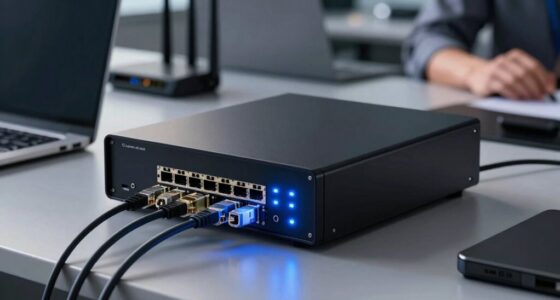
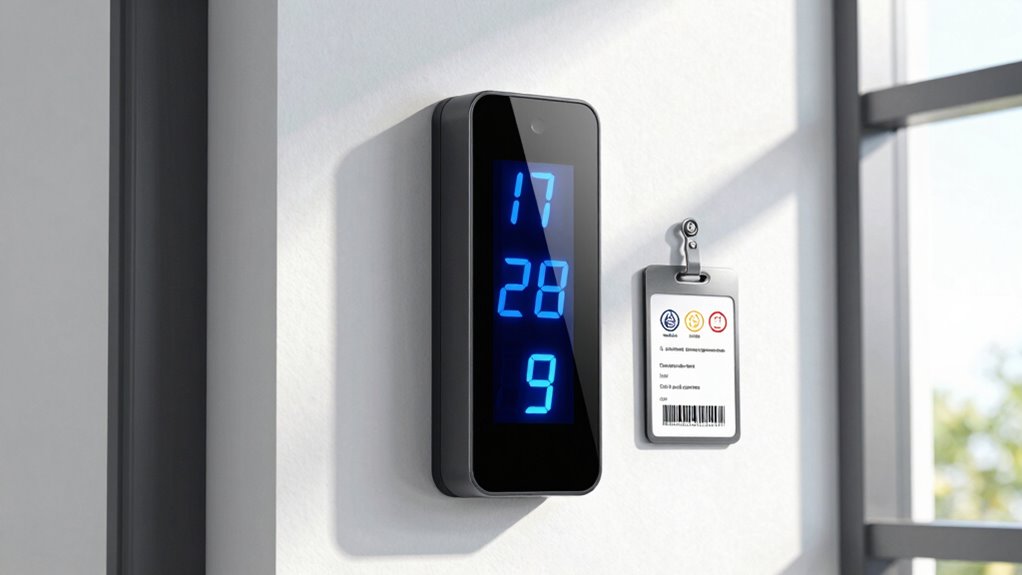
When it comes to managing employee time and attendance, choosing the right time clock hardware is essential for ensuring compliance with labor laws and company policies. One of the key functions of effective time clock systems is employee verification. You need a device that accurately confirms each worker’s identity, whether through biometric scans, swipe cards, or PIN entry. This helps prevent buddy punching and ensures that only authorized employees clock in and out, which is crucial for legal compliance and fair payroll processing. Beyond accuracy, a reliable hardware setup also supports real-time data collection, making it easier to track attendance and manage schedules effectively.
Choosing the right time clock hardware ensures accurate employee verification and seamless attendance management.
Data security is another critical factor you must consider when selecting time clock hardware. Employee attendance data is sensitive, and if mishandled, it can lead to costly legal issues or data breaches. Your chosen hardware should incorporate robust security features, such as encrypted data transmission and secure storage, to protect employee information from unauthorized access. Additionally, compliance standards like GDPR or HIPAA may require specific data protection measures, so make sure the system you select adheres to these regulations. Regular updates and security patches are equally important to prevent vulnerabilities that could jeopardize your data integrity. Ensuring the hardware complies with security standards can help maintain trust and legal compliance. Incorporating data protection best practices into your hardware selection process is essential for safeguarding sensitive employee information.
You should also evaluate the hardware’s ability to integrate seamlessly with your existing payroll and HR systems. Compatibility ensures that data flows smoothly, reducing manual entry errors and saving you time. Look for systems that offer cloud connectivity or API integrations, which facilitate secure data transfer and centralized management. This integration supports compliance by enabling accurate record-keeping and audit trails, making it easier to demonstrate adherence to labor laws if required. Additionally, choosing hardware with scalable options can accommodate future growth without the need for complete system overhauls. Considering the hardware’s vendor support and availability of updates is also important to ensure ongoing compliance and system reliability. A system with comprehensive documentation can further streamline troubleshooting and updates, helping maintain compliance over time.
Another aspect to check is ease of use. Your employees should find the hardware user-friendly, whether they’re clocking in with a fingerprint scanner or entering a PIN. A complicated system can lead to errors or delays, possibly resulting in non-compliance issues. Training your staff on proper usage and ensuring quick technical support can mitigate potential problems down the line.
Lastly, consider the hardware’s scalability and maintenance needs. As your business grows, your time tracking system should adapt without costing you excessive time or money. Regular maintenance and reliable customer support ensure continuous compliance, avoiding downtime or data loss. Choosing the right time clock hardware isn’t just about features; it’s about building a secure, efficient, and compliant system that supports your workforce management goals.
biometric time clock with employee verification
As an affiliate, we earn on qualifying purchases.
As an affiliate, we earn on qualifying purchases.
Frequently Asked Questions
How Often Should Time Clock Hardware Be Calibrated?
You should calibrate your time clock hardware at least once a year, but more frequently if it shows signs of inaccuracies or after hardware maintenance. Regular calibration guarantees precise time tracking, which is essential for compliance and payroll accuracy. Establish clear calibration schedules based on manufacturer recommendations and your usage patterns. Keeping your hardware well-maintained and calibrated helps avoid errors and ensures your timekeeping remains reliable and compliant with labor laws.
What Are the Typical Costs of Updating Time Clock Systems?
Upgrading your time clock system can feel like an investment in peace of mind, with costs ranging from a few hundred to several thousand dollars depending on features and scale. You’ll want to take into account payroll integration capabilities and hardware longevity to facilitate a smooth shift. While initial expenses may seem significant, the long-term benefits of increased accuracy, efficiency, and reliability often outweigh the upfront costs, making it a worthwhile upgrade.
Can Employees Access Their Time Records Remotely?
Yes, employees can access their time records remotely with the right system in place. Remote access promotes employee transparency, allowing staff to view their hours and attendance anytime. To guarantee compliance, you should choose a time clock system that offers secure, user-friendly remote access options. Regularly verify your system’s security features and privacy policies to protect sensitive information while giving employees the transparency they need.
What Are Common Security Risks With Digital Time Clocks?
You face security risks with digital time clocks, especially around biometric security and data encryption. Hackers could compromise biometric data or intercept unencrypted information, leading to identity theft or payroll fraud. To protect your system, guarantee biometric data is securely stored and encrypted, and use strong access controls. Regularly update software and monitor for suspicious activity. These measures help safeguard sensitive employee data and maintain system integrity.
How Do International Labor Laws Impact Time Clock Compliance?
International labor laws greatly impact your time clock compliance because global regulations vary widely and require adherence to local standards. You need to guarantee your time tracking systems support cross border compliance by accommodating different labor laws, overtime rules, and record-keeping requirements. Failing to do so can lead to legal penalties and disputes. Regularly review international regulations, update your systems accordingly, and stay informed to maintain compliance across all regions you operate in.
secure employee time clock with data encryption
As an affiliate, we earn on qualifying purchases.
As an affiliate, we earn on qualifying purchases.
Conclusion
By now, you see the importance of choosing the right time clock hardware and ensuring compliance. Think of it as tending a vintage clock—every gear and spring must be in sync, lest the whole mechanism grind to a halt. Keep your systems updated and audit regularly, so your payroll runs smoothly like a well-oiled machine. Don’t let outdated technology be your Achilles’ heel; stay proactive, and your workforce will thank you for it.
integrated payroll time clock system
As an affiliate, we earn on qualifying purchases.
As an affiliate, we earn on qualifying purchases.
cloud-based biometric time clock
As an affiliate, we earn on qualifying purchases.
As an affiliate, we earn on qualifying purchases.