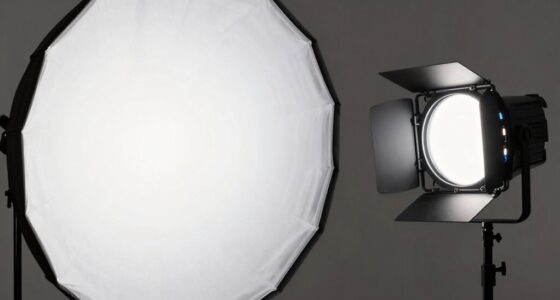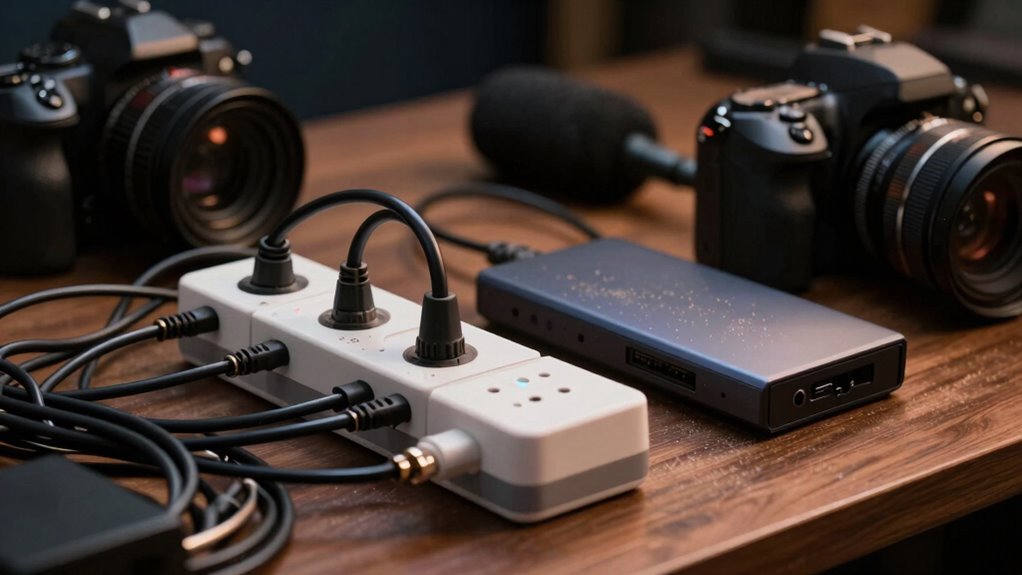

One of the most overlooked hardware pieces in webinar setups is proper lighting. Many underestimate how much good lighting can enhance your appearance and overall professionalism on camera. Wireless microphones are also often dismissed, yet they guarantee clear audio and give you the freedom to move naturally. Ignoring these elements can lead to blurry visuals and poor sound quality, damaging your credibility. Keep exploring to discover how these essential tools can elevate your next webinar.
Key Takeaways
- Wireless microphones are often underestimated, yet they are crucial for clear audio and speaker mobility.
- Proper lighting equipment, like softboxes or ring lights, is frequently overlooked but vital for professional video quality.
- Reliable audio-visual connections and cables are essential to prevent technical disruptions during the webinar.
- Backup hardware, such as spare microphones or lighting, is often neglected, risking interruptions if primary equipment fails.
- Proper placement and calibration of hardware are overlooked, affecting lighting consistency and sound clarity.
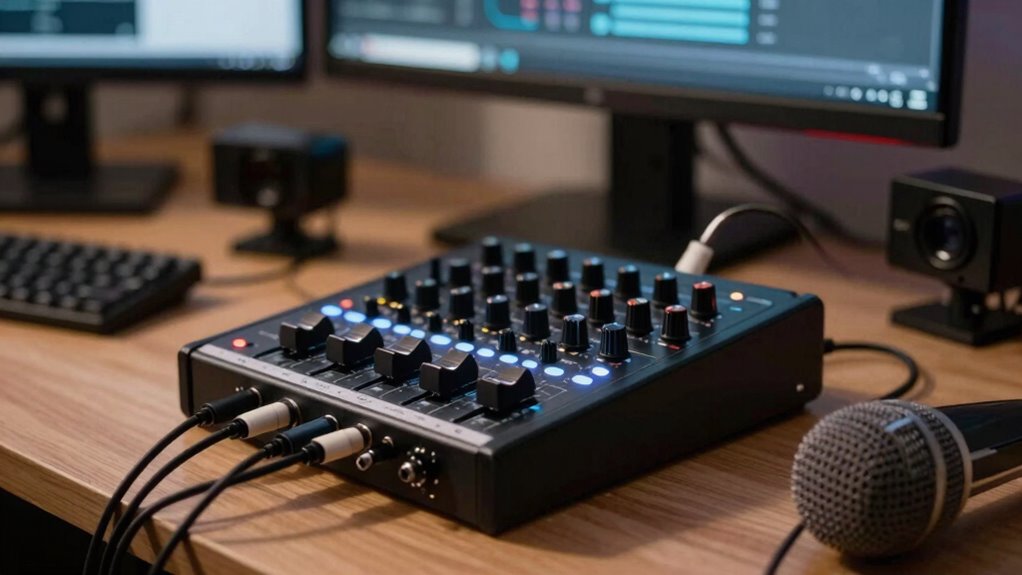
Hosting a successful webinar relies heavily on the right hardware, which forms the backbone of smooth and professional presentations. While most organizers focus on cameras and screens, overlooked pieces like wireless microphones and lighting equipment can make or break your session’s quality. If your audio isn’t clear, your audience loses interest fast, no matter how engaging your content. Wireless microphones are essential for mobility and clarity. They eliminate the clutter of cords and allow you to move freely, creating a more natural and engaging presentation. Yet, many overlook their importance, assuming built-in microphone quality is enough. In reality, investing in a good wireless microphone ensures crisp sound, reduces background noise, and minimizes disruptions during your talk. You’ll want a model with reliable connectivity and sufficient range, especially if you’re moving around or have a multi-person panel. Without it, your voice might cut in and out, leaving your audience frustrated and distracted. Similarly, lighting equipment is often underestimated but plays a vital role in how your video appears. Poor lighting makes your face look dull or unprofessional and can cause harsh shadows or overexposure. Proper lighting enhances your facial expressions, making your delivery more engaging and credible. You don’t need elaborate setups—simple ring lights or softboxes can dramatically improve your appearance on camera. Position your lights at angles that illuminate your face evenly, avoiding glare or shadows. Many hosts neglect lighting because they think natural light or existing room lighting is enough, but even a well-lit room can have uneven or unflattering results. Investing in the right lighting equipment ensures you look polished and confident, which can boost your audience’s trust. Additionally, understanding the importance of biodiversity in your content can help make your presentation more impactful and relevant to your audience. Both wireless microphones and lighting equipment are often overshadowed by more “visible” gear, yet they profoundly impact your webinar’s professional look and sound. Overlooking these elements could lead to technical issues or a less engaging presentation, diminishing your credibility. Paying attention to audio-visual setup is crucial, as it directly affects the perceived professionalism of your webinar. These hardware pieces are not just accessories; they are fundamental tools that elevate your webinar from average to outstanding. Taking the time to select reliable wireless microphones and proper lighting equipment pays off by delivering clearer sound and a more polished visual presentation. Ensuring you understand the importance of proper setup can help prevent common technical problems before they arise. Remember, your goal is to communicate effectively and leave a lasting impression. Investing in these often-overlooked hardware components ensures your webinar is professional, engaging, and memorable.

MAYBESTA Wireless Mini Microphone for iPhone, Android Phone – 2 Pack Lavalier Lapel Mic for Audio Video Recording – Clip on Content Creator Microphones for YouTube Tiktok Podcast Vlogging
- Wide Device Compatibility: Compatible with Android, iPhone, iPad, laptops, tablets
- Extended Receiver Design: Longer receiver for phone case compatibility
- Automatic Connection: Easy setup with no app or adapter needed
As an affiliate, we earn on qualifying purchases.
As an affiliate, we earn on qualifying purchases.
Frequently Asked Questions
How Do I Optimize Audio Quality With Overlooked Hardware?
To optimize your audio quality, start with a good audio interface to guarantee clear sound capture and minimal latency. Use soundproof panels to reduce echo and background noise, creating a cleaner audio environment. Position your microphone correctly and avoid handling noise. Regularly check your connections and settings. These overlooked hardware elements considerably enhance your audio, making your webinars sound professional and engaging for your audience.
What Hidden Hardware Can Improve Lighting Setups?
Imagine adding ambient lighting accessories to your setup; it creates a softer, more professional look that viewers notice. For example, a simple RGB LED strip behind your monitor can subtly enhance your background. Hidden hardware like adjustable lighting accessories and ambient lighting can reduce harsh shadows and create depth, making your video appear more polished. These overlooked elements elevate your lighting setup, ensuring you look confident and engaging on camera.
Are There Budget-Friendly Options for Overlooked Equipment?
Yes, there are budget-friendly options for overlooked equipment. You can find affordable accessories like clip-on ring lights or compact diffusers that enhance your lighting without breaking the bank. For cost-effective upgrades, consider investing in a good-quality microphone arm or a secondary monitor to improve your workflow. These small, inexpensive additions can considerably boost your webinar quality, making your setup more professional and engaging without overspending.
How Does Overlooked Hardware Impact Stream Stability?
Overlooked hardware like network reliability tools and backup power sources play a vital role in stream stability. If your network isn’t reliable, your stream can freeze or drop unexpectedly. Similarly, without backup power, equipment might shut down during outages, causing interruptions. By prioritizing these overlooked components, you guarantee a smoother, more professional webinar experience, minimizing disruptions and maintaining consistent quality for your audience.
What Maintenance Is Required for Rarely Used Webinar Hardware?
You should regularly check your rarely used webinar hardware for hardware compatibility issues and perform firmware updates. Power it on periodically to verify functionality and guarantee firmware remains current, preventing potential glitches during live sessions. Dust off components and inspect cables for wear. This routine maintenance keeps the hardware in good condition, minimizes surprises, and assures smooth performance when you need it most, even if it’s infrequently used.

Cyezcor Video Conference Lighting Kit, Ring Light for Monitor Clip On
- Adjustable Color Temperature: 3200K-6800K with 3 modes
- Brightness Levels: 5 adjustable brightness levels
- High-Quality LED Beads: 48 LEDs with 10W brightness
As an affiliate, we earn on qualifying purchases.
As an affiliate, we earn on qualifying purchases.
Conclusion
Don’t let overlooked hardware be the silent ghost haunting your webinars. Like a sturdy foundation beneath a skyscraper, the right equipment quietly supports your every broadcast, ensuring smooth sailing. When you pay attention to these hidden heroes—microphones, lighting, and backup systems—you build a webinar experience that’s seamless and professional. Remember, in the world of production, it’s often the unseen hardware that keeps your event standing tall amidst the chaos, shining brightly for your audience.

Skytex Softbox Lighting Kit 2Pack 20x28in Soft Box | 85W 2700-6400K E27 LED Bulb Continuous Photography Lighting, Photo Studio Lights Equipment for Camera Shooting, Video Recording
- Kit Includes: 2 Softboxes, LED bulbs, stands, remote, bag
- Dimmable LED Bulbs: 2700-6400K, 85W, adjustable brightness
- Remote Control: Adjusts light, brightness, and color temperature
As an affiliate, we earn on qualifying purchases.
As an affiliate, we earn on qualifying purchases.

Zoom Lighting for Computer, Adjustable Desk Lighting for Video Calls, 30 Light Modes Video Conference Light, Desk Ring Light with Stand for Webcam, Meetings, Live Stream, Home Office. CRI 97.8
- Uniform and Soft Illumination: Even, gentle lighting reduces eye strain
- High CRI for True Colors: CRI 97.8 for vibrant, accurate color rendering
- Customizable Lighting Settings: 3 color temps and 10 brightness levels
As an affiliate, we earn on qualifying purchases.
As an affiliate, we earn on qualifying purchases.