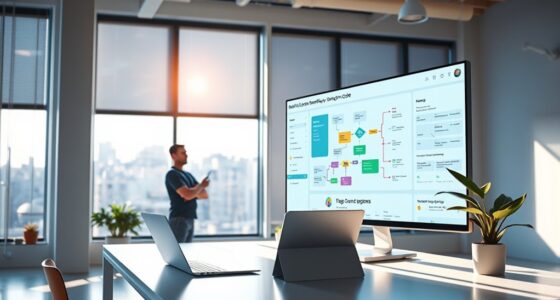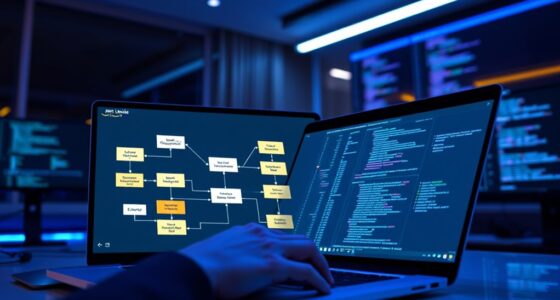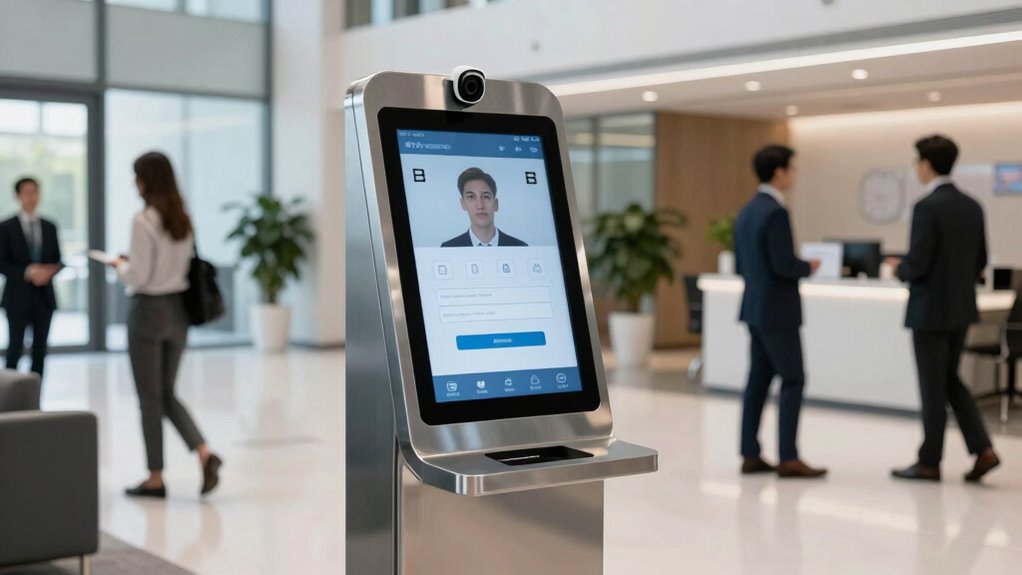

Before automating attendance with hardware kiosks, you need to focus on securing data with strong encryption and access controls, ensuring user privacy through clear communication and compliance with laws like GDPR and HIPAA. Place kiosks securely and maintain them regularly, training staff on security protocols. Make sure the system is easy to use and accessible for all users, including those with disabilities. To learn how to implement these best practices effectively, keep exploring the key considerations.

Get business pricing on tech for your team
- Business-only prices and quantity discounts
- Tax-exempt purchasing
- Multiple users, one account, clear invoices
Key Takeaways
- Ensure robust data security protocols, including encryption, secure authentication, and compliance with regulations like GDPR or HIPAA.
- Clearly communicate data collection practices and obtain user consent to build trust and ensure privacy compliance.
- Choose secure, tamper-proof kiosk locations and implement regular maintenance and updates for ongoing security.
- Design kiosks to be accessible and inclusive, supporting assistive technologies for users with disabilities.
- Establish strict access controls, transparent data management, and user options to access, update, or delete their information.
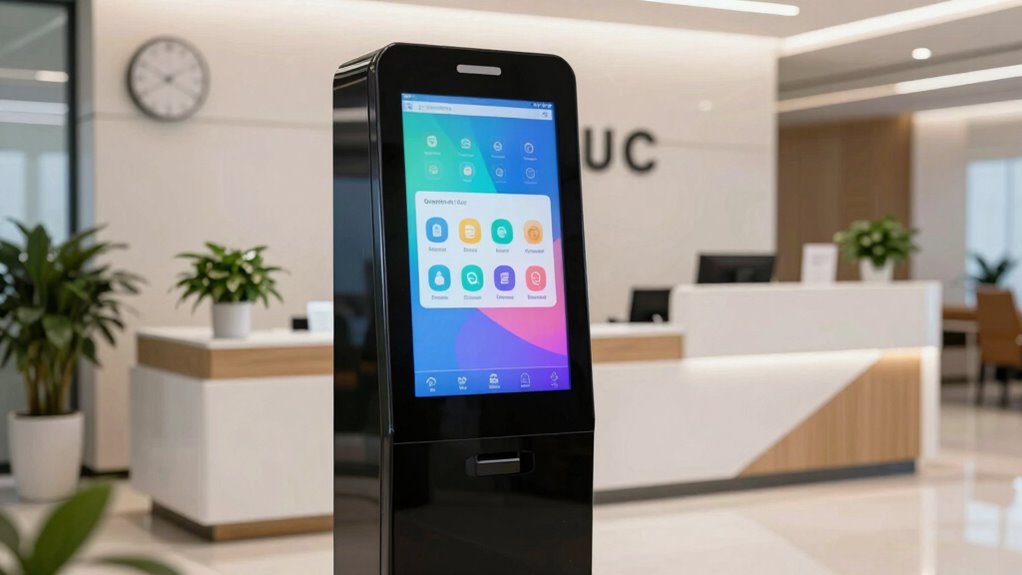
Automating attendance with hardware kiosks can streamline your operations and improve accuracy, but it’s essential to understand the key considerations before implementation. One of your top priorities should be guaranteeing data security. When deploying kiosks that collect employee or visitor information, you’re handling sensitive data that needs protection from cyber threats and unauthorized access. You must select systems with robust encryption protocols and secure authentication methods to safeguard this information. Additionally, consider how data is stored — whether locally or in the cloud — and verify that storage complies with industry standards and regulations, such as GDPR or HIPAA, depending on your location and sector. Implementing data encryption ensures that the information remains protected during transmission and storage, minimizing risk.
Prioritize data security with encryption, secure authentication, and compliant storage to protect sensitive attendance information.
User privacy is another critical aspect to address. As you automate attendance, you’re collecting personal identifiers like fingerprints, facial images, or badge scans. It’s essential to communicate clearly with users about how their data is being collected, used, and stored. Transparency builds trust and helps you avoid privacy violations. Make sure your system adheres to privacy laws by implementing consent mechanisms and providing users with options to access, update, or delete their data if necessary. You also need to establish strict access controls so that only authorized personnel can view or manage attendance records, reducing the risk of misuse or leaks. Ensuring compliance with privacy regulations is vital to protect both your organization and your users. Additionally, understanding data handling practices can help prevent legal complications and foster trust with your users.
Before rolling out hardware kiosks, consider the physical security of the devices themselves. Kiosks should be installed in secure areas to prevent tampering or damage. Regular maintenance and updates are indispensable to keep the system functioning correctly and to patch any security vulnerabilities. Also, think about user experience — the hardware should be intuitive and accessible to everyone, including those with disabilities. Compatibility with various devices or assistive technologies can make your system more inclusive and reduce errors. Incorporating security protocols during installation and operation is crucial to protect against physical tampering and unauthorized access. Properly training staff on these protocols further enhances overall security.
secure biometric attendance kiosk
As an affiliate, we earn on qualifying purchases.
As an affiliate, we earn on qualifying purchases.
Frequently Asked Questions
How Secure Is Data Stored on Attendance Kiosks?
The data stored on attendance kiosks is generally secure if proper measures are in place. You should guarantee the kiosk uses data encryption to protect sensitive information during storage and transmission. Additionally, implementing strict access controls limits who can view or modify the data. Regular updates and security protocols further enhance protection, making your data more resilient against unauthorized access or breaches.
Can Kiosks Integrate With Existing HR Systems?
Yes, kiosks can integrate with your existing HR systems, enhancing user experience and streamlining attendance tracking. Many kiosks offer customization options, allowing you to tailor the interface and data flow to match your HR platform’s requirements. This seamless integration reduces manual input, minimizes errors, and boosts efficiency. Before choosing a solution, verify it’s compatible with your current systems and offers flexible customization options to meet your specific needs.
What Are the Hardware Maintenance Requirements?
Maintaining your hardware kiosks means managing their durability daily. You’ll need to guarantee regular maintenance schedules to prevent problems and prolong lifespan. Keep an eye on hardware durability by cleaning screens, inspecting components, and updating software. Scheduled servicing ensures smooth operation, minimizes downtime, and maximizes functionality. Staying proactive with maintenance helps your kiosks perform perfectly, providing consistent attendance capturing without interruptions or issues.
How Do Kiosks Handle Multiple User Types?
Kiosks handle multiple user types effectively by utilizing customizable interfaces and robust user access controls. You can set different login options or authentication methods for staff, visitors, or students, ensuring each user type accesses relevant features. The interface customization allows you to tailor the experience for each group, streamlining check-ins and maintaining security. This flexibility helps manage diverse user needs while keeping the system efficient and user-friendly.
Is There a Backup Plan for Kiosk Failures?
When kiosks fail, you need a backup plan. Relying solely on hardware isn’t wise, so implement redundancy planning and failure protocols. Keep manual attendance methods ready—like sign-in sheets or digital backups—and train staff to switch seamlessly. Regular maintenance and monitoring are key. This way, you guarantee attendance recording continues smoothly, even during technical issues, minimizing disruption and keeping your operations running efficiently.
privacy compliant access control system
As an affiliate, we earn on qualifying purchases.
As an affiliate, we earn on qualifying purchases.
Conclusion
Now that you’re aware of the key factors, you’re better prepared to implement hardware kiosks for attendance. Remember, rushing in without thorough planning can lead to more trouble than it’s worth. Taking the time to understand your needs, choose the right system, and train your staff will pay off in the long run. Keep your eye on the prize and don’t put all your eggs in one basket—smart preparation is your best bet for success.
hardware attendance scanner with accessibility features
As an affiliate, we earn on qualifying purchases.
As an affiliate, we earn on qualifying purchases.
tamper-proof employee check-in kiosk
As an affiliate, we earn on qualifying purchases.
As an affiliate, we earn on qualifying purchases.
Fall Picks
fall essentials
As an affiliate, we earn on qualifying purchases.