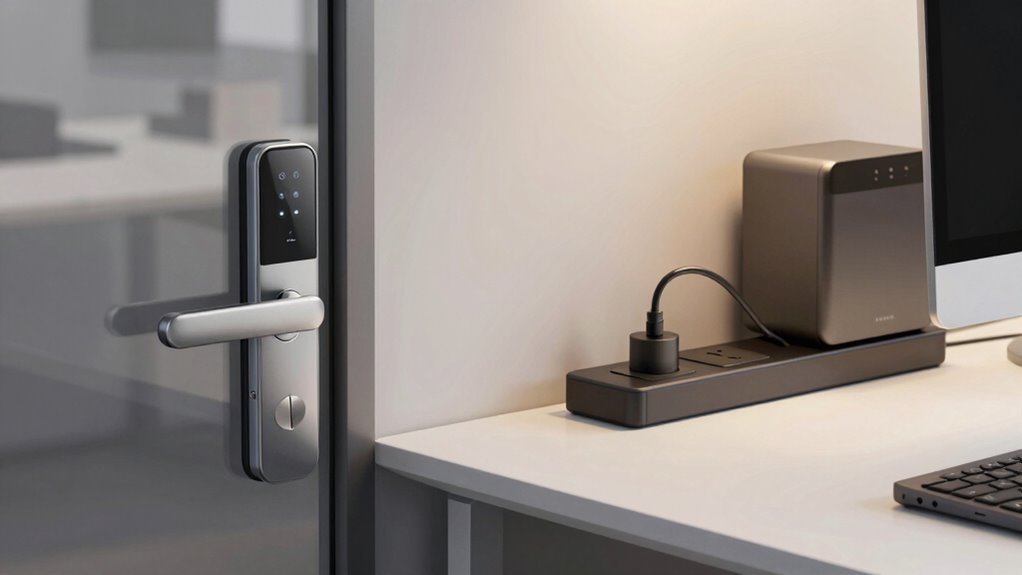

To start automating your office, consider replacing traditional locks with smart locks on key entrances to improve security and remote access management. Next, add smart plugs to energy-consuming devices like lights and computers to save energy and control them remotely. Begin with high-traffic areas or essential equipment and expand gradually. Ensuring proper cybersecurity measures and device integration is vital. Keep exploring for more tips on creating a smarter, more efficient office environment.

Get business pricing on tech for your team
- Business-only prices and quantity discounts
- Tax-exempt purchasing
- Multiple users, one account, clear invoices
Key Takeaways
- Begin by replacing main entrance locks with smart locks to improve access control and security monitoring.
- Install smart plugs on high-energy or frequently used devices to optimize energy management.
- Ensure your Wi-Fi network is secure before integrating smart locks and plugs into your office system.
- Gradually expand smart device deployment, starting with key areas and essential appliances.
- Follow cybersecurity best practices to protect smart devices from potential cyber threats.
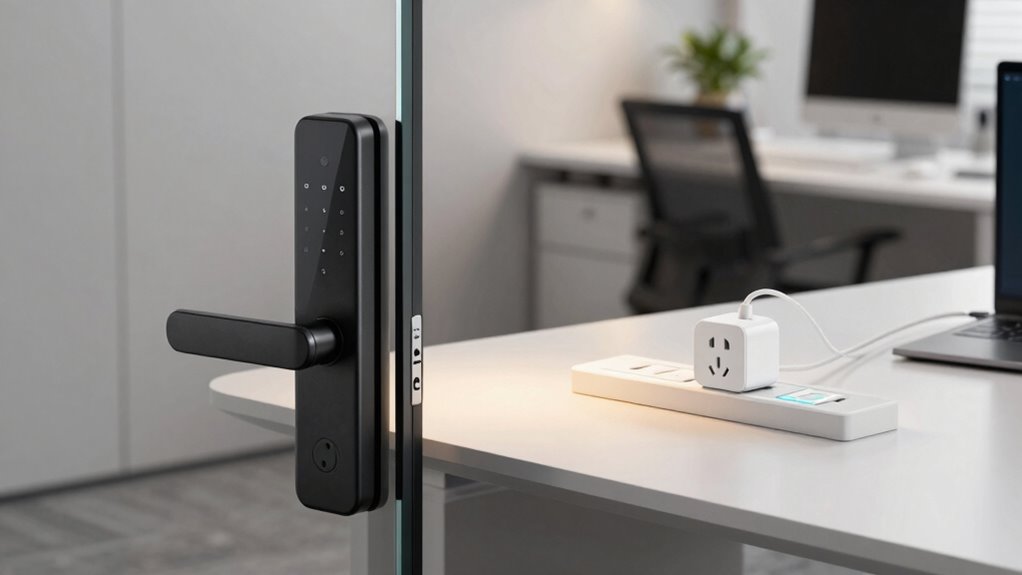
Have you ever wondered how to make your office more efficient and secure? If so, exploring smart locks and smart plugs can be a game-changer. These devices not only streamline daily operations but also improve security protocols and boost energy efficiency. Starting with smart locks allows you to control access remotely, eliminate the hassle of physical keys, and enforce security measures more effectively. You can set temporary access for visitors or maintenance staff, monitor who enters and exits, and even lock or unlock doors from your smartphone. This level of control enhances your security protocols by reducing the risk of unauthorized access and providing a clear audit trail. Plus, smart locks can integrate with your existing security systems, creating a cohesive safety network that’s both proactive and responsive. Additionally, many smart locks feature remote access control, making management even more seamless.
Once you’re comfortable with smart locks, turning your attention to smart plugs is the logical next step. These devices enable you to manage electrical appliances remotely, giving you control over energy consumption without needing to be physically present. For example, you can schedule lights, coffee machines, or computers to turn on or off during specific times, leading to significant energy efficiency improvements. This not only reduces waste but also cuts down on utility costs. Smart plugs can be programmed to shut down idle equipment after hours, preventing unnecessary power drain and extending the lifespan of your devices. Furthermore, they provide insights into your office’s energy usage, helping you identify areas where you can optimize further. Incorporating smart home technology principles into your office setup can help streamline your operations and improve overall productivity. It’s also important to consider cybersecurity features to protect your devices and data from potential digital threats.
Implementing these smart devices may seem intimidating, but starting small makes it manageable. Begin by replacing traditional locks with smart locks on main entrances or sensitive areas. Simultaneously, install smart plugs on devices that are frequently left on, like printers or lighting systems. As you gain confidence, expand your system to include more appliances and security features. Throughout this process, make sure your setup aligns with your organization’s security protocols—ensure that your Wi-Fi network is secure and that your devices are protected against cyber threats. Staying informed about cybersecurity best practices can help maintain your office’s safety in the digital age.
Incorporating smart locks and smart plugs doesn’t just modernize your office; it creates a safer, more efficient environment. You gain better control over access, improve your security protocols, and achieve energy savings that benefit your bottom line. Starting with these smart solutions is a practical way to transform your workspace into a smarter, more responsive office.
As an affiliate, we earn on qualifying purchases.
Frequently Asked Questions
Are Smart Locks and Plugs Compatible With Existing Office Security Systems?
Yes, smart locks and plugs can be compatible with your existing office security systems, enhancing access control through seamless device integration. You should check the compatibility of these devices with your current setup, ensuring they support your security protocols. Many smart locks and plugs offer open APIs or integrate with popular security platforms, making it easier to expand your system without replacing existing components. This way, you improve security and convenience efficiently.
How Secure Are Smart Locks Against Hacking Attempts?
Smart locks are generally secure, but cybersecurity vulnerabilities can exist if they lack robust encryption protocols. Hackers may attempt to exploit weaknesses, so it’s essential you choose locks with advanced encryption and regular firmware updates. You should also enable multi-factor authentication and monitor activity logs to enhance security. While no system is completely hack-proof, proper security measures considerably reduce the risk of unauthorized access through hacking attempts.
What Is the Average Installation Time for Smart Office Devices?
Oh, the joy of waiting for device integration—typically, installing smart office devices takes just about an hour or two, depending on complexity. You’ll quickly set up smart locks and smart plugs, ensuring smooth user access and seamless operation. While some might expect a lengthy process, most installations are straightforward, allowing you to enjoy the benefits of automation without a lengthy downtime. Just prepare your tools and patience for a quick, efficient setup.
Do Smart Plugs Support Energy Monitoring Features?
Yes, most smart plugs support energy monitoring features. They allow you to track energy consumption of connected devices, helping you identify which appliances use the most power. When choosing a smart plug, make sure it’s compatible with your existing system and supports energy monitoring. This feature provides valuable insights into device efficiency, helping you optimize energy use and reduce costs in your office environment.
How Do Smart Locks Handle Power Outages or Wi-Fi Disruptions?
Did you know that over 60% of smart lock users worry about power outages or Wi-Fi issues? When these disruptions happen, smart locks with battery backups keep working, ensuring security isn’t compromised. They also handle signal interference by switching to backup modes or local controls, so you can still gain access to doors manually if needed. This resilience helps maintain safety and convenience, even during technical glitches.
As an affiliate, we earn on qualifying purchases.
Conclusion
By starting with smart locks and plugs, you can easily streamline your office’s security and energy management. Imagine installing a smart lock that automatically discharges when you arrive and turns off unused devices after hours—cutting costs and boosting efficiency. For example, a small business reduced energy bills by 30% after automating their office lights and devices. Taking these simple steps can transform your workspace into a smarter, more secure environment.
As an affiliate, we earn on qualifying purchases.
energy-saving smart plugs for office
As an affiliate, we earn on qualifying purchases.
As an affiliate, we earn on qualifying purchases.
Fall Picks
fall essentials
As an affiliate, we earn on qualifying purchases.