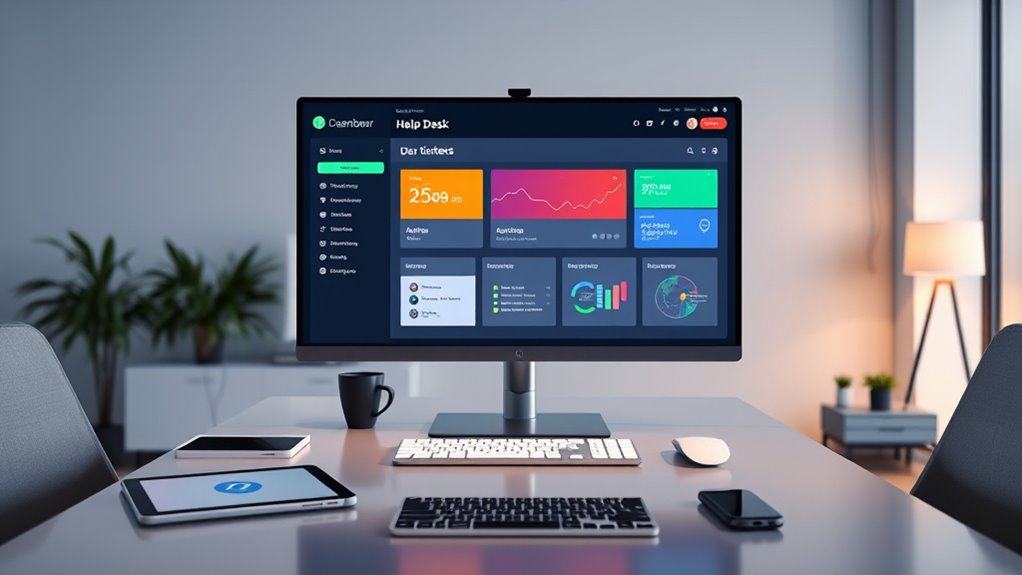

Unified help desk systems streamline your support process by combining ticket prioritization, role-based access, and automation into one platform. They help you categorize requests by urgency, assign tickets efficiently, and control who can view or modify information, enhancing security. These systems improve workflow, reduce resolution times, and boost customer satisfaction. If you’re interested in learning how these features come together to support your team, there’s more to uncover ahead.
Key Takeaways
- Unified help desk systems centralize support requests, enabling streamlined ticket management across multiple channels and departments.
- They prioritize tickets based on urgency, ensuring critical issues are addressed promptly, improving response times.
- Role-based access control maintains data security and ensures only authorized personnel handle sensitive tickets.
- Integration of vetted solutions enhances system security, compliance, and efficient support workflows.
- Automated ticket assignment and visibility features facilitate faster responses and better resource allocation.

Help desk systems are essential tools that organizations use to manage and resolve customer and employee issues efficiently. When you’re handling multiple support requests, effective ticket management becomes crucial. One of the core features you’ll rely on is ticket prioritization. This function helps you categorize incoming tickets based on urgency and impact, ensuring that critical issues get addressed first. By setting priority levels, you avoid wasting time on minor problems while urgent issues, like system outages or security breaches, receive immediate attention. Proper ticket prioritization streamlines your workflow, reduces resolution times, and improves overall service quality. It also helps you allocate resources more effectively, ensuring that the most pressing problems are tackled swiftly.
Effective ticket prioritization streamlines support, reduces resolution times, and ensures critical issues are addressed promptly.
User access management is another vital aspect of a unified help desk system. You need to control who can view, create, or modify tickets to maintain security and data integrity. When your system allows for role-based access, you prevent unauthorized personnel from making changes or viewing sensitive information. This control is especially important if your organization handles confidential data or has multiple departments with varying support needs. By managing user access, you ensure that only trained and authorized staff handle specific tickets, reducing errors and maintaining compliance with company policies. Additionally, user access controls make it easier to track accountability, as you can see who made updates or resolved particular issues. Incorporating vetted solutions can further enhance the effectiveness and security of your help desk system.
A unified help desk system integrates ticket prioritization and user access into a seamless platform, making your support process more organized and transparent. You can automate the assignment of tickets based on priority, ensuring high-impact problems get immediate attention. Automation not only accelerates response times but also minimizes human error in ticket routing. Simultaneously, managing user access levels ensures that each team member only interacts with relevant tickets and information, which enhances data security and workflow efficiency. This combination helps you deliver faster, more reliable support to both internal employees and external customers.
Furthermore, unified systems provide dashboards and reporting tools that give you real-time insights into ticket status, workload distribution, and response times. These features help you identify bottlenecks and adjust priorities on the fly. With clear visibility into your support operations, you can fine-tune your ticket prioritization strategies and user access permissions, ensuring optimal support delivery. Overall, integrating ticket prioritization with user access management in a unified help desk system empowers you to provide responsive, secure, and well-organized support, boosting satisfaction and trust across your organization or customer base.
Frequently Asked Questions
How Does Integration With Existing Tools Impact System Performance?
Integration with existing tools can improve your system’s efficiency, but it may also introduce challenges. You might experience increased system latency if the tools don’t communicate seamlessly or require significant customization. Integration challenges, like compatibility issues or data synchronization problems, can temporarily slow down performance. To minimize these impacts, verify your tools are compatible, and plan for thorough testing and smooth implementation. Proper integration ultimately enhances your overall system performance.
What Customization Options Are Available for Different Industries?
You’ll find that customization options truly tailor the help desk experience to your industry. Industry-specific workflows streamline processes and guarantee relevant support steps are automated, while customizable interfaces allow you to adapt the layout and features to your team’s needs. This flexibility means you can optimize efficiency, improve user satisfaction, and create a system that seamlessly fits your unique business requirements, making your support operations more effective.
How Is User Training and Onboarding Handled?
You’re guided through user onboarding with thorough training programs designed to get you up to speed quickly. The process includes interactive tutorials, step-by-step guides, and hands-on sessions tailored to your industry and role. Support teams are available for ongoing assistance, ensuring you understand how to utilize the system effectively. This structured approach helps you become proficient fast, maximizing your productivity and ensuring a smooth shift into using the help desk system.
What Are the Security Measures for Sensitive Data?
You guarantee sensitive data stays secure by implementing strong security measures like data encryption and access controls. Data encryption protects information both in transit and at rest, making it unreadable to unauthorized users. Access controls limit who can view or modify sensitive data, ensuring only authorized personnel have access. Regularly updating these security protocols and monitoring access logs help you maintain data integrity and prevent breaches effectively.
How Scalable Is the System for Growing Organizations?
Think of your help desk system as a mighty oak tree. As your organization grows, it adapts through growth strategies that address scalability challenges, like expanding branches and deepening roots. This system is designed to be flexible, allowing you to add users and features effortlessly. With scalable infrastructure, your help desk can flourish alongside your business, ensuring seamless support without hitting capacity limits, no matter how much you expand.
Conclusion
So, after all this, you might think a unified help desk system is the ultimate solution. Yet, ironically, even the best tools can’t replace the human touch or eliminate all frustrations. You’ll still face challenges, miscommunications, and the occasional tech glitch. But with a unified system, at least you can say you’re trying to keep it all together—while secretly hoping it doesn’t all fall apart just when you need it most. Sometimes, technology’s promises are just that: promises.