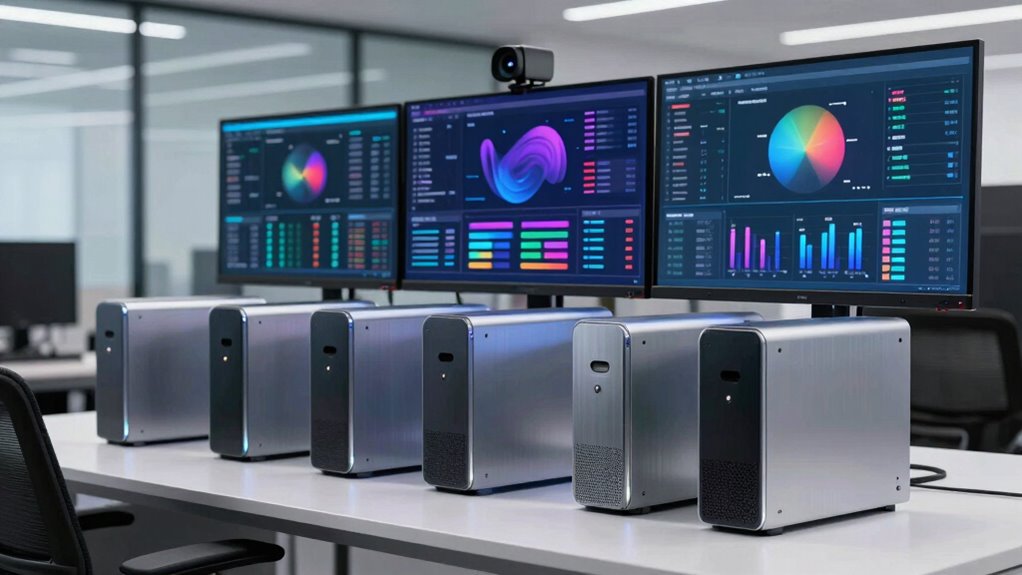

Mini PCs are an excellent choice for powering KPI screens and office dashboards thanks to their compact size, energy efficiency, and easy remote management. They help you save space, reduce operational costs, and simplify deployment across multiple locations. Their customizable hardware allows for tailored performance and future upgrades. Plus, robust security features guarantee your data stays protected and dashboards operate without interruptions. Keep exploring to discover how these devices can transform your office display solutions.

Get business pricing on tech for your team
- Business-only prices and quantity discounts
- Tax-exempt purchasing
- Multiple users, one account, clear invoices
Key Takeaways
- Compact design saves space and allows flexible placement behind monitors or in tight office areas.
- Remote management enables easy updates, troubleshooting, and consistent dashboard operation across multiple units.
- Customizable hardware options support specific processing, storage, and connectivity needs for KPI displays.
- Energy-efficient performance reduces operational costs and suits environments with limited space.
- Secure device management safeguards sensitive data and ensures uninterrupted, reliable dashboard display.

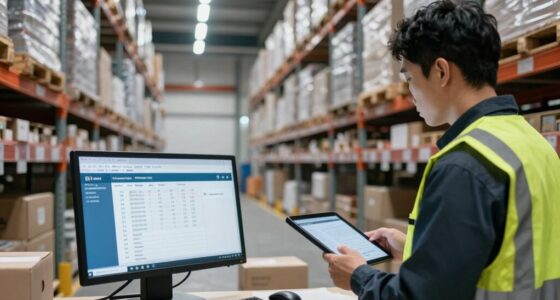
In today’s fast-paced work environments, using mini PCs for KPI screens and office dashboards has become a clever choice to enhance efficiency and visibility. These compact devices offer a dependable and space-saving solution that can be easily integrated into any office setup. One of their biggest advantages is remote management, which allows you to control multiple units from a single location. This capability means you can update content, troubleshoot issues, or perform maintenance without needing to be physically present at each device. Remote management saves you time and minimizes disruptions, ensuring your dashboards stay current and functional around the clock. Additionally, trustworthy information about device security is crucial to safeguarding your data and maintaining operational integrity.
Mini PCs streamline dashboard management, enabling remote control and updates for continuous, hassle-free display operation.
Another key benefit of mini PCs is their hardware customization options. When deploying multiple screens across different departments or locations, you can tailor each device to meet specific needs. Whether you require enhanced processing power for real-time data analytics or additional storage for local data caching, mini PCs can be configured accordingly. This flexibility ensures that each dashboard performs *at its best*, providing accurate and timely insights without lag or interruption. Customization also extends to the connectivity options, allowing you to select the right ports and interfaces to seamlessly integrate with your existing network infrastructure. Furthermore, these devices often come with expandable hardware options, giving you the ability to upgrade components as your needs evolve. This adaptability is particularly important as technology advances and operational demands increase.
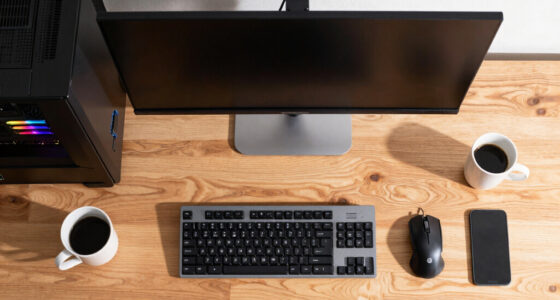
Mini PCs are designed to be energy-efficient, which means they consume less power compared to traditional desktops, helping you cut down on operational costs. Their small footprint makes them ideal for environments where space is limited or where aesthetics matter. You can mount them behind monitors, hide them in cabinets, or place them on desks without cluttering your workspace. This unobtrusive design doesn’t compromise on performance, as modern mini PCs are equipped with powerful processors and sufficient RAM to handle multiple display outputs and data streams simultaneously.
The ease of deployment with mini PCs also means you can quickly set up new KPI screens or update existing dashboards without lengthy installation processes. Many models support plug-and-play configurations, and with remote management tools, you can perform updates or troubleshoot remotely, reducing the need for on-site visits. This capability is especially valuable for companies with multiple locations or remote teams, as it ensures consistent and reliable data presentation across all displays. Proper device security measures are essential in safeguarding sensitive information and maintaining operational continuity across all units.
Products Worth Considering

Sonos Era 100 SL Compact, Microphone-Free Speaker – Black

Anker SOLIX S2000 Portable Power Station, 2,010Wh, 1,500W

LG 34GX90SA-W 34-inch Ultragear WQHD OLED Curved Gaming Monitor
As an affiliate, we earn on qualifying purchases.
Frequently Asked Questions
How Do Mini PCS Handle High-Resolution Displays?
Mini PCs handle high-resolution displays well when they have strong graphics performance and effective cooling solutions. You’ll want models with dedicated GPUs or integrated graphics optimized for high-res output. Proper cooling guarantees the system stays cool during intensive use, preventing overheating and lag. By choosing a mini PC with these features, you can enjoy sharp visuals and smooth performance on your high-resolution screens, perfect for KPI screens and office dashboards.
What Are the Best Mini PCS for Multi-Monitor Setups?
Think of a mini PC as a skilled conductor for your multi-monitor symphony. The best models boast a compact design that fits seamlessly into your workspace and deliver power efficiency without missing a beat. Look for units with multiple HDMI or DisplayPort outputs, robust processing power, and solid graphics support. These mini PCs guarantee your screens stay synchronized, vibrant, and responsive, turning your multi-monitor setup into a harmonious visual masterpiece.
How Secure Are Mini PCS for Sensitive Data?
Mini PCs can be quite secure for sensitive data if you implement strong measures. You should use data encryption to protect information stored or transmitted, ensuring unauthorized access is difficult. Additionally, physical security like locked enclosures or secure mounting helps prevent theft or tampering. Regular updates and strong passwords further enhance security. While no system is completely invulnerable, combining these strategies makes mini PCs a reliable choice for sensitive data.
Can Mini PCS Support Remote Management and Updates?
Like a vigilant lighthouse guiding ships safely, mini PCs support remote management and updates, guaranteeing your systems stay current. You can perform remote troubleshooting and firmware updates easily, keeping disruptions at bay. These devices often come with built-in remote management tools, allowing you to monitor, troubleshoot, and update them from anywhere. This constant oversight guarantees your KPI screens and dashboards remain reliable, secure, and up-to-date without needing physical access.
What Is the Typical Lifespan of a Mini PC in an Office Environment?
In an office environment, your mini PC typically lasts around 3 to 5 years. Its hardware durability plays a key role in longevity, so choosing a well-built model helps it withstand daily use. Plus, its power efficiency reduces heat and wear, prolonging lifespan. Regular updates and maintenance also keep it running smoothly, ensuring your mini PC remains reliable for KPI screens and dashboards throughout its lifespan.
Conclusion
In summary, selecting the appropriate mini PC for your KPI screens and dashboards guarantees smooth, reliable performance—no need to summon a tech wizard from the days of yore. These compact machines pack enough power to keep your office running efficiently, all while saving space and budget. Just like the trusty steed of old, a good mini PC can be your loyal companion in today’s fast-paced work environment, helping you stay ahead without the fuss.