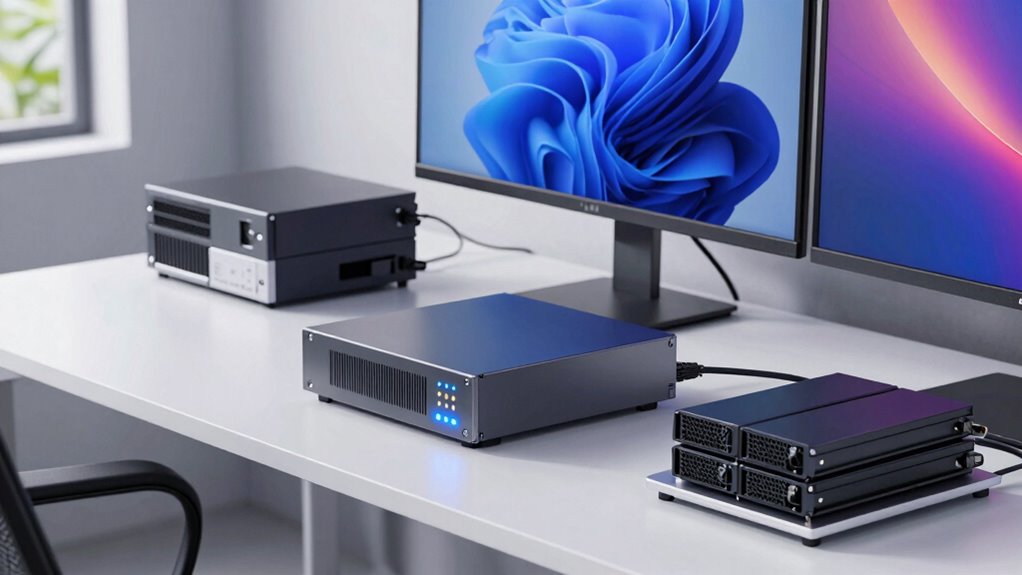

To properly size your UPS for workstations, displays, and storage devices, start by adding up their wattage ratings, including a safety margin of about 20-25% for surges and future upgrades. Choose a UPS with capacity slightly above your total load for reliable backup and enough runtime during outages. Consider features like surge protection and battery quality for long-term durability. Keep these tips in mind, and you’ll be better prepared for power issues—more useful guidance is just ahead.

Get business pricing on tech for your team
- Business-only prices and quantity discounts
- Tax-exempt purchasing
- Multiple users, one account, clear invoices
Key Takeaways
- List all devices’ wattages and sum them to determine total power load.
- Add a safety margin of 20-25% to account for surges and future upgrades.
- Choose a UPS with capacity exceeding the total wattage for reliable backup.
- Consider required backup duration based on operational needs and load size.
- Select UPS features like surge protection and replaceable batteries for longevity.
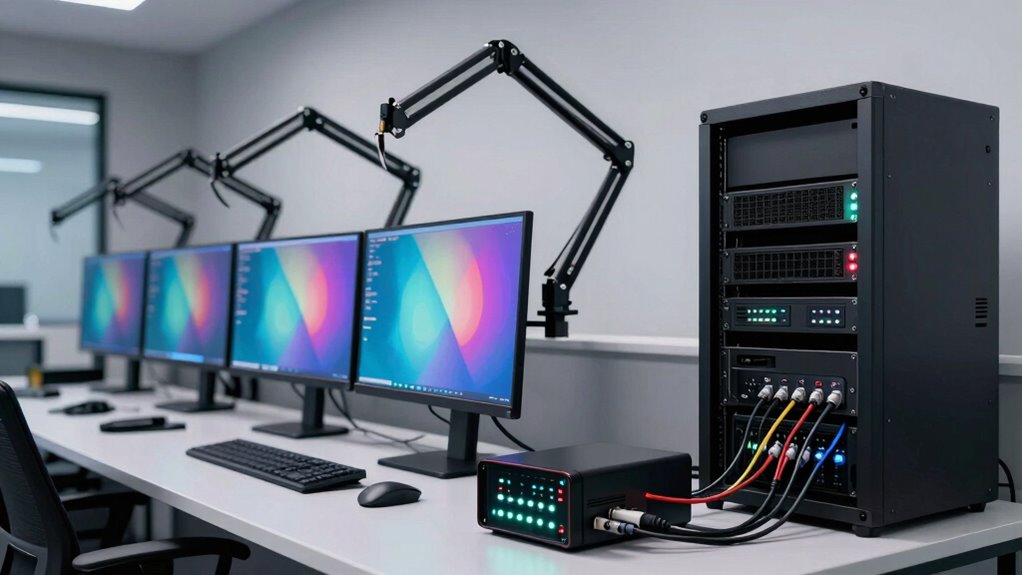
Choosing the right UPS (Uninterruptible Power Supply) size is essential to guarantee your workstations, displays, and storage systems stay powered during outages and surges. Your goal is to ensure that the battery backup provides enough runtime to save your work and shut down systems safely, without risking data loss or equipment damage. To do this, you need to assess the power capacity required for your setup, which involves calculating the total wattage of all connected devices. Power capacity determines how long your UPS can sustain your devices during an outage, so selecting a model with sufficient capacity is crucial. If your UPS is underpowered, it’ll shut down prematurely, leaving you vulnerable during unexpected power interruptions. Conversely, oversizing your UPS might lead to unnecessary expenses, so balance is key.
Start by listing all your equipment—workstations, monitors, storage devices—and find their wattage ratings, usually marked on the labels or in the user manuals. Add these values together to determine the total power load your UPS needs to support. Keep in mind that some devices, especially displays, can draw more power during startup, so factor in a margin of safety—around 20-25%—to accommodate surges and future upgrades. Once you have the total wattage, look for UPS units with a power capacity that exceeds this figure. This ensures your system has enough overhead to handle sudden spikes and provides a comfortable battery backup duration. Additionally, selecting a UPS with advanced surge protection can help safeguard your equipment from electrical disturbances and prolong its lifespan.
Battery backup duration is another critical factor. A higher capacity UPS offers longer runtime, giving you more time to save your work and power down safely. If you primarily need a quick shutdown in a brief outage, a smaller backup time might suffice. However, if you want to maintain operation during extended power failures, look for models with greater battery capacity. Remember, the actual backup time depends on the load; the lighter your connected devices, the longer the runtime you’ll enjoy. Also, consider the quality of the battery and whether it’s easily replaceable, as this impacts long-term reliability and cost-effectiveness. Additionally, understanding your power requirements is essential to selecting the right UPS size effectively.
Products Worth Considering

Jackery Explorer 300 Portable Power Station with 40W Solar Panel

Bose QuietComfort Wireless Bluetooth Headphones with Active Noise Cancellation, Mic, USB‑C Charging, Deep Bass, 24‑Hour Battery – White Smok

Jackery HomePower 1000 Plus v2 Portable Power Station
As an affiliate, we earn on qualifying purchases.
Frequently Asked Questions
How Often Should UPS Batteries Be Replaced?
You should replace UPS batteries every 3 to 5 years, depending on their battery lifespan and usage conditions. Regularly check for signs of battery degradation, such as reduced backup time or difficulty holding a charge. Follow the replacement guidelines provided by the manufacturer to guarantee your UPS remains reliable. Proactive replacement helps prevent unexpected failures, safeguarding your critical equipment and data during power outages.
Can a UPS Protect Against Power Surges?
Yes, a UPS can protect against power surges through built-in surge protection features. It also offers power filtering to smooth out voltage fluctuations, preventing damage to your devices. When you connect your workstations and displays to a UPS with these features, you reduce the risk of sudden electrical spikes causing hardware failure. Always check if your UPS explicitly states surge protection and power filtering capabilities to guarantee maximum protection.
What’s the Difference Between Online and Offline UPS Systems?
Online UPS systems constantly filter power, providing seamless backup and surge protection, unlike offline models that switch on only during outages. You’ll find online units require regular battery maintenance to guarantee reliability. Offline UPSs are simpler and cheaper but offer limited protection against power fluctuations. If you’re seeking continuous surge protection and cleaner power, online UPS systems are your best choice, though they demand more upkeep for peak performance.
How Does Ambient Temperature Affect UPS Performance?
Ambient temperature critically impacts your UPS’s performance and efficiency. When temperatures are too high, your UPS may overheat, leading to decreased efficiency and potential hardware damage. Conversely, cold temperatures can cause battery performance to decline, reducing backup duration. To keep your UPS running at its best, maintain the ambient temperature within the manufacturer’s recommended range, ensuring consistent temperature conditions helps sustain maximum UPS efficiency and prolongs its lifespan.
Are There Portable UPS Options for Mobile Workstations?
Yes, there are portable UPS options designed for mobile workstations. These provide portable power and mobile backup, allowing you to keep your devices running smoothly on the go. Compact and lightweight, they’re perfect for field work or remote locations. You can easily carry them with you, ensuring your workstation stays powered during outages or when access to traditional power sources is limited.
Conclusion
In the grand symphony of your office setup, neglecting UPS sizing is like playing a solo on a broken instrument—sure to cause chaos. So, choose wisely, lest your workstation become a modern-day Pompeii of lost data and fried hardware. Remember, a properly sized UPS isn’t just a safety net; it’s your *savior* in disguise. After all, who wouldn’t want their precious files to survive the next power outage with style and grace?