
If you’re choosing between 4K and ultrawide monitors for coding, think about your workflow needs. A 4K screen offers sharp visuals and precise color accuracy, great for detailed tasks like UI design or graphics. An ultrawide provides a wider workspace, perfect for multitasking and managing multiple windows side-by-side. Both have advantages, but the best choice depends on whether you prioritize detailed visuals or expansive space. Stick around to see which option fits your coding style best.

Get business pricing on tech for your team
- Business-only prices and quantity discounts
- Tax-exempt purchasing
- Multiple users, one account, clear invoices
Key Takeaways
- Ultrawide monitors offer more horizontal space, reducing window switching for multitasking during coding sessions.
- 4K monitors provide higher pixel density, delivering sharper text and detailed visuals ideal for UI design and graphics.
- Higher refresh rates on 4K screens ensure smoother interface interaction, benefiting real-time coding and development tasks.
- Ultrawide setups enhance workflow by allowing side-by-side views of code, documentation, and browsers simultaneously.
- Choice depends on whether prioritizing workspace breadth (ultrawide) or visual detail and color accuracy (4K).
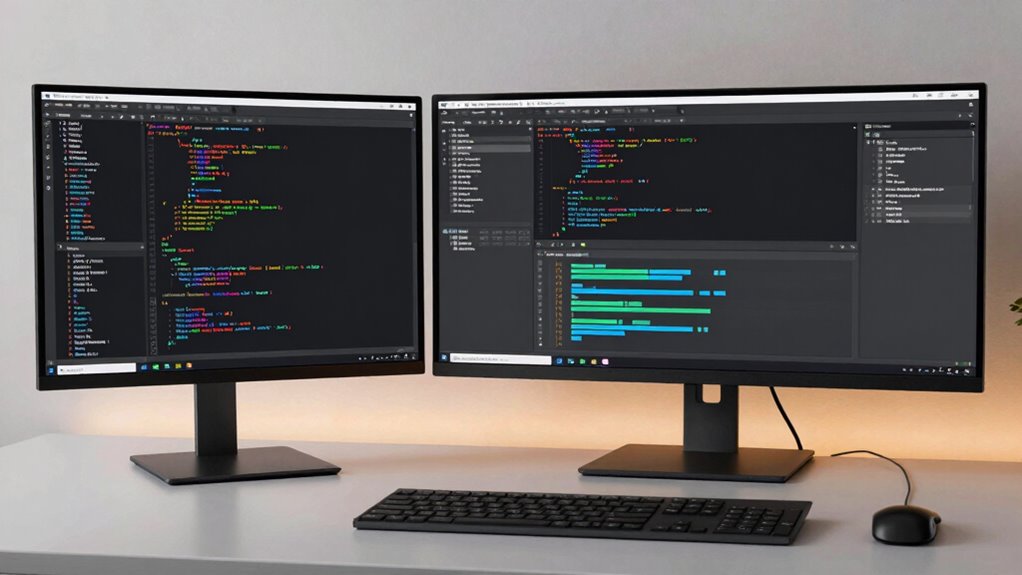
When choosing a monitor for coding, it’s essential to take into account how your workspace layout and workflow will benefit from different screen formats. If you’re considering a 4K or ultrawide monitor, understanding their unique advantages can help you make a more informed decision. For starters, a 4K monitor offers incredible pixel density, which translates into sharp, clear text and detailed visuals. This high resolution is especially beneficial for tasks that demand precise color accuracy, such as UI design or working with graphics, where subtle color distinctions matter. Additionally, 4K screens usually support higher refresh rates, providing smoother visuals that can reduce eye strain during long coding sessions or when multitasking with multiple windows.
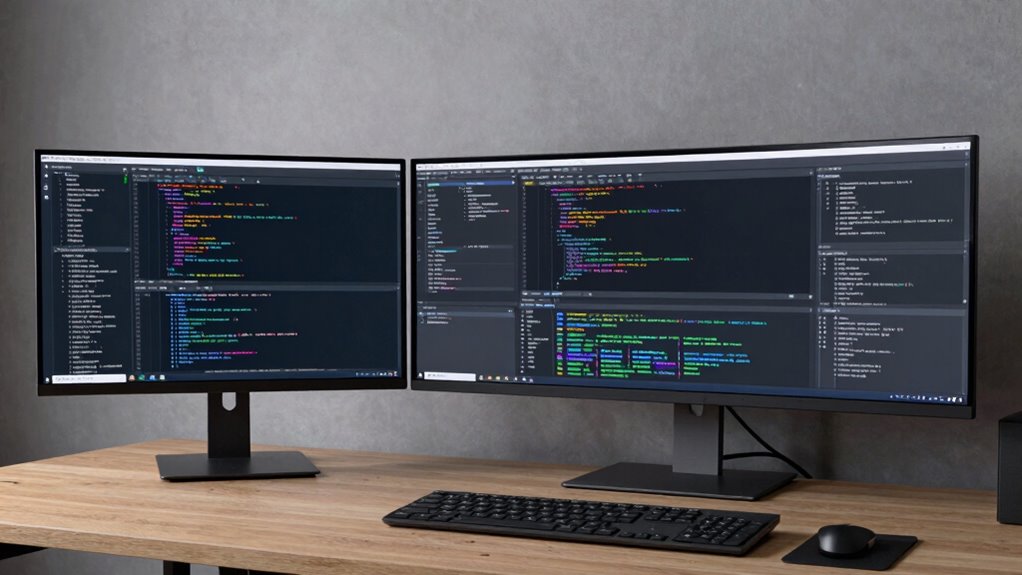
On the other hand, ultrawide monitors excel in providing a wider field of view, creating a more immersive and efficient workspace. They allow you to stretch your code across a broader screen area, minimizing the need to toggle between multiple windows or monitors. This expanded horizontal space is perfect for multitasking, as you can have your code editor on one side and documentation or browser windows on the other. While ultrawide screens generally have lower pixel density compared to 4K displays, many modern models still deliver excellent image quality with impressive color accuracy, ensuring your code and visual elements appear vibrant and true to life.
Furthermore, understanding the pixel density of a monitor can help you determine how sharp your visuals will appear, which is particularly important when working with detailed graphics or text. The refresh rate becomes a vital factor if you’re into real-time coding work, such as game development or interactive applications, where fluid visuals matter. Higher refresh rates on 4K monitors can give you a smoother experience, especially when scrolling through large codebases or working with complex graphical interfaces. Ultrawide monitors, although sometimes lagging behind in refresh rate options, still offer sufficient smoothness for most coding tasks, and their larger size helps reduce visual fatigue by allowing you to see more code at once without strain.
Ultimately, your workflow determines which monitor type suits you best. If crisp image quality, color precision, and high refresh rates are top priorities—particularly for visual design or detailed work—a 4K monitor is a strong choice. Conversely, if you prefer a broader workspace to enhance multitasking, streamline your coding sessions, and reduce window management, an ultrawide monitor will serve you well. Both options have their strengths, but understanding how each impacts color accuracy, refresh rate, and workspace layout helps you pick the setup that aligns perfectly with your coding routine.
As an affiliate, we earn on qualifying purchases.
Frequently Asked Questions
Do Ultrawide Monitors Improve Multitasking Efficiency for Coding?
Yes, ultrawide monitors can improve your multitasking efficiency for coding, especially if you consider ergonomics considerations. They allow you to view multiple windows side-by-side without switching tabs, boosting productivity. However, keep your budget constraints in mind, as ultrawide screens can be pricier than traditional monitors. Balancing ergonomics and cost helps you choose a setup that maximizes your workflow without overspending.
Which Monitor Type Offers Better Color Accuracy for Design Tasks?
Imagine tuning a musical instrument—you want perfect pitch. Similarly, an ultrawide monitor with proper color calibration offers better color accuracy for design tasks. They often provide wider color gamuts and more consistent display calibration, making your work look true-to-life. While 4K screens excel in resolution, ultrawide monitors with calibrated displays give you richer, more precise colors, essential for detailed design work and accurate color matching.
Are Ultrawide Screens More Prone to Distortion or Image Stretching?
Ultrawide screens aren’t necessarily more prone to distortion if you select a monitor with a proper aspect ratio, typically 21:9 or 32:9. However, some models with aggressive screen curvature can cause minor image stretching or distortion, especially at the edges. To prevent this, opt for a monitor with gentle curvature and a standard aspect ratio. This guarantees a more natural viewing experience without compromising image integrity.
How Does Monitor Size Impact Long-Term Eye Comfort During Coding?
Larger monitors can reduce eye strain by allowing you to maintain an ergonomic setup, but they can also cause discomfort if you have to move your head constantly. Smaller screens keep everything within your immediate view, minimizing eye movement. To protect your eyes long-term, choose a size that balances screen real estate with comfort, ensuring you sit at an appropriate distance and take regular breaks to prevent fatigue and eye discomfort.
Can Ultrawide Monitors Be Used Effectively With Multiple Virtual Desktops?
Yes, ultrawide monitors work effectively with multiple virtual desktops because their resolution compatibility allows you to easily split screens, boosting productivity. Their ergonomic design guarantees comfortable viewing, reducing eye strain during extended coding sessions. You can seamlessly manage various workflows, multitask, and access different applications without switching screens. This setup helps you stay organized and focused, making ultrawide monitors a practical choice for coding and multitasking.
ultrawide monitor for multitasking
As an affiliate, we earn on qualifying purchases.
As an affiliate, we earn on qualifying purchases.
Conclusion
Ultimately, choosing between a 4K and an ultrawide monitor depends on your workflow. If you prioritize sharp detail and high resolution for multitasking, a 4K might suit you best. Conversely, if immersive, expansive screens help you code more efficiently, an ultrawide could be the way to go. For example, a developer working with multiple windows found the ultrawide improved productivity, while another appreciated the crisp visuals of 4K for detailed debugging. Consider your specific needs to make the right choice.
As an affiliate, we earn on qualifying purchases.
curved ultrawide monitor for programming
As an affiliate, we earn on qualifying purchases.
As an affiliate, we earn on qualifying purchases.
Halloween Picks
halloween
As an affiliate, we earn on qualifying purchases.