Before buying a rackmount UPS for your lab, guarantee it has enough power capacity to handle all critical devices and allows for future expansions. Check the runtime to keep your equipment safe during outages, and verify that it fits seamlessly into your rack space. Consider cooling features to prevent overheating and confirm compatibility with your existing electrical setup. For more details, you’ll find useful tips to make the best choice for your lab setup below.

Get business pricing on tech for your team
- Business-only prices and quantity discounts
- Tax-exempt purchasing
- Multiple users, one account, clear invoices
Key Takeaways
- Ensure the UPS capacity matches current and future power needs of all critical lab devices.
- Verify compatibility with existing rack dimensions, power infrastructure, and installation space.
- Check battery runtime and ease of replacement for prolonged outages and maintenance.
- Confirm thermal management features and proper ventilation to prevent overheating.
- Evaluate remote monitoring, surge protection, and additional features for operational stability.
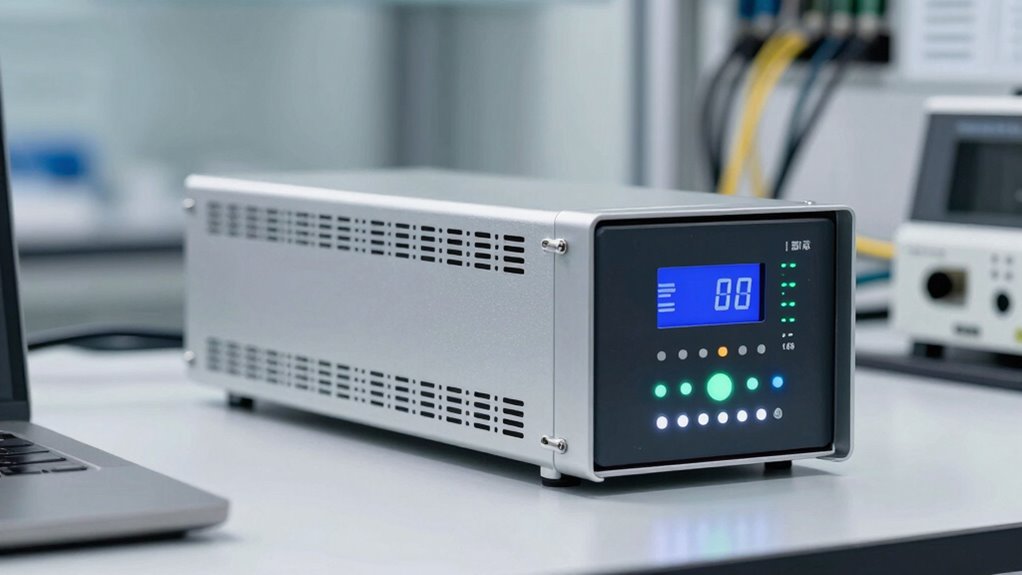
When selecting a rackmount UPS for your lab setup, understanding the specific power needs of your equipment and how the UPS can meet those demands is essential. Your lab’s equipment varies in power consumption, so it’s important to evaluate the total load you plan to support. Start by listing all critical devices, including servers, workstations, networking gear, and specialized instruments. This will help determine the minimum power capacity your UPS must handle. A UPS with insufficient capacity can lead to unexpected shutdowns, risking data loss and equipment damage, while oversizing can be an unnecessary expense.
Battery capacity plays a significant role in guaranteeing your lab remains operational during outages. You want a UPS that provides enough runtime for you to save work, shut down equipment safely, or switch to backup power sources. Check the battery runtime specifications carefully, especially for longer outages, and consider future expansion—adding more devices could increase your power needs. Also, consider the battery’s lifespan and ease of replacement; a UPS with easily replaceable batteries can save you maintenance headaches down the line.
Cooling requirements are another essential aspect often overlooked. Rackmount UPS units generate heat during operation, and inadequate cooling can cause overheating, leading to reduced efficiency or damage. Make sure your lab environment can support the cooling needs of the UPS, whether through proper ventilation, air conditioning, or dedicated cooling systems. Some UPS models come with built-in cooling fans or thermal management features—these can help maintain ideal operating temperatures and extend the lifespan of the UPS. When planning your setup, factor in the physical space available, and make sure the airflow isn’t obstructed by other equipment, which could cause heat buildup. Proper cooling and ventilation are crucial for maintaining optimal performance and longevity of your UPS. Additionally, selecting units with thermal management features can further enhance operational stability. Ensuring adequate cooling can prevent potential downtime caused by overheating, especially in densely packed rack environments. Being aware of the heat dissipation requirements can help prevent equipment failure due to thermal stress. It is also advisable to consider the ambient temperature of the room where the UPS will be installed to prevent thermal issues.
You should also pay attention to the UPS’s form factor and installation requirements. Rackmount units should fit seamlessly into your existing server racks, so verify dimensions beforehand. Additionally, look into the compatibility of the UPS with your existing power infrastructure, including plug types and voltage requirements. Features such as surge protection, network management interfaces, and remote monitoring are also worth considering—they can greatly facilitate ongoing maintenance and quick troubleshooting.
Products Worth Considering

LG 34GX90SA-W 34-inch Ultragear WQHD OLED Curved Gaming Monitor

Anker SOLIX C200 DC Portable Power Station, 192Wh, 200W

Samsung 32-Inch Odyssey OLED G8 (G80SH) 4K Gaming Monitor
As an affiliate, we earn on qualifying purchases.
Frequently Asked Questions
How Long Is the Typical Lifespan of a Rackmount UPS?
A rackmount UPS typically lasts around 3 to 5 years, but this can vary based on usage and maintenance. You should monitor its power capacity and replace the batteries when they degrade to maintain reliability. Regularly checking the battery health and planning for battery replacement guarantees your UPS continues to protect your lab setup effectively. Proper maintenance extends its lifespan and keeps your power backup dependable.
Can a Rackmount UPS Support Future Equipment Upgrades?
Certainly, a rackmount UPS can support future equipment upgrades if you consider capacity carefully. You want to check the battery capacity to guarantee it can handle increased load and provide power redundancy. As technology advances, choosing a UPS with scalable features and ample power reserves ensures your lab stays prepared. By investing in a robust, flexible UPS now, you safeguard your systems against future growth and unexpected outages.
What Maintenance Is Required for a Rackmount UPS?
You need to regularly check the battery health and replace the batteries when capacity diminishes. Keep an eye on cooling requirements; make sure your UPS is well-ventilated to prevent overheating. Regularly inspect for dust and debris, and clean filters if applicable. Also, test the system periodically to verify it switches to backup power correctly. Proper maintenance helps extend your rackmount UPS’s lifespan and guarantees reliable performance when needed.
How Quiet Should the UPS Be During Operation?
You’ll want your rackmount UPS to operate quietly, ideally below 50 decibels—about the noise level of a quiet conversation. Studies show that noise levels above this can cause distractions, especially in lab environments. Check if the UPS has sound insulation to minimize operational noise. A quieter UPS not only improves your workspace comfort but also helps maintain focus during critical tasks, ensuring a productive lab setup.
Are There Any Compatibility Issues With Specific Lab Equipment?
Compatibility concerns can affect your lab setup if the UPS doesn’t support your equipment’s power needs or communication protocols. You should verify that the UPS integrates smoothly with your devices, especially sensitive or specialized lab equipment. Check for compatible connectors, software, and voltage requirements. Testing or consulting with manufacturers can help prevent issues, ensuring seamless equipment integration and reliable power backup during critical operations.
Conclusion
So, before you rush into buying a rackmount UPS, remember—this isn’t just any ordinary gadget! It’s the heartbeat of your entire lab setup. Overlooking essential features could turn your lab into a chaos zone where downtime becomes a daily villain. Make sure you check the power capacity, battery life, and compatibility—because a faulty UPS could be the difference between groundbreaking discoveries and catastrophic data loss. Choose wisely, or risk turning your lab into a disaster zone!