
The most important office access control features like biometric authentication and visitor management guarantee your space stays secure while remaining user-friendly. Biometric methods provide reliable, quick verification that’s hard to duplicate, while visitor management helps pre-register guests and track movements. Layered security strategies combine these tools with other technologies such as mobile credentials and multi-factor options for even better protection. If you want to discover how these features work together to enhance your security, keep exploring the details.

Get business pricing on tech for your team
- Business-only prices and quantity discounts
- Tax-exempt purchasing
- Multiple users, one account, clear invoices
Key Takeaways
- Biometric authentication ensures high security through unique physical trait verification, reducing theft and duplication risks.
- Visitor management enables pre-registration, real-time tracking, and prevents unauthorized access to sensitive areas.
- Layered security strategies combine multiple controls for comprehensive protection and quicker incident response.
- Multi-factor authentication with diverse access methods enhances security even if one layer is compromised.
- Balancing security and usability ensures smooth access processes while safeguarding organizational assets.
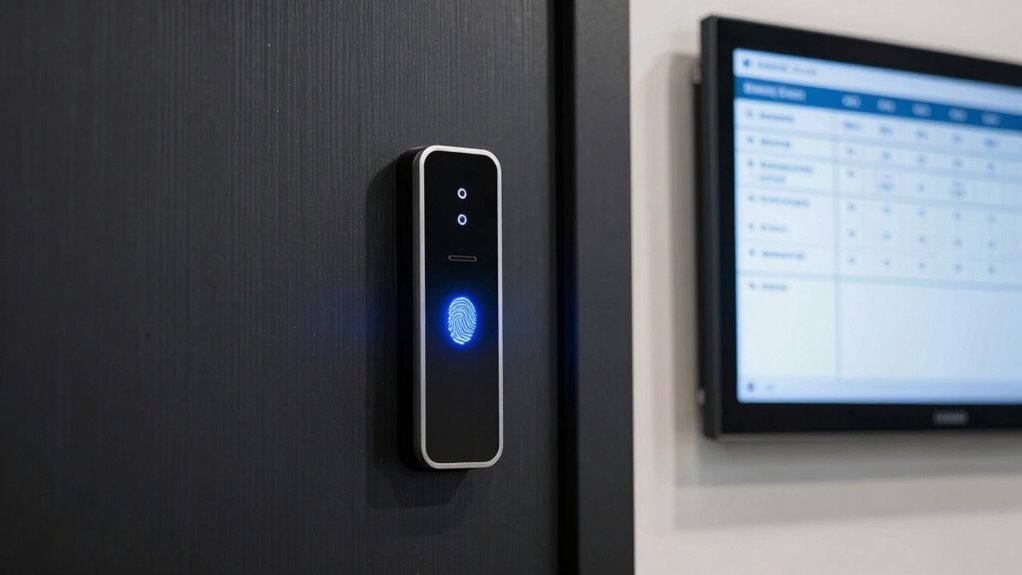
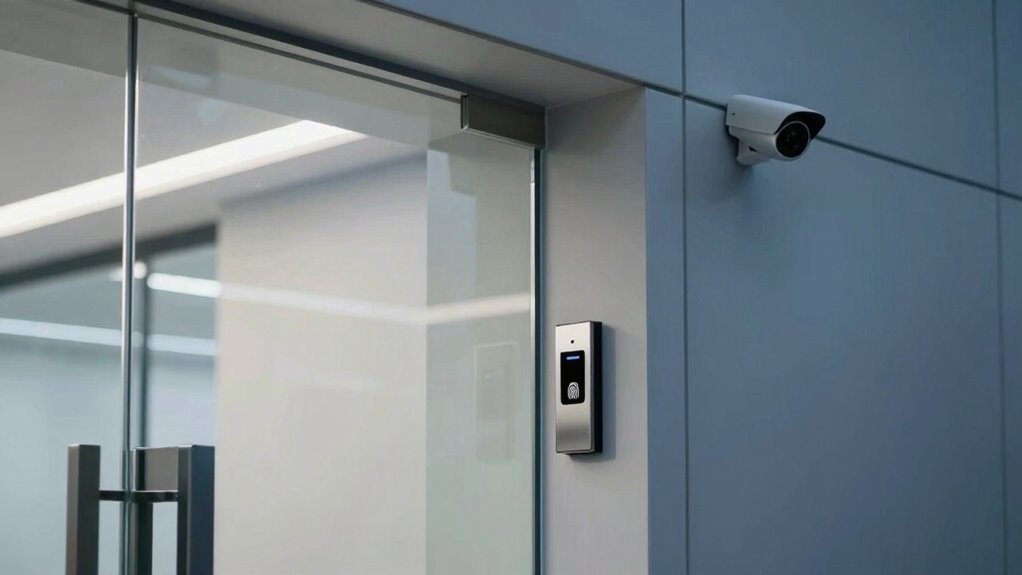
Have you ever wondered how organizations keep their sensitive information secure? The answer lies in their access control features, which are designed to guarantee only authorized individuals gain entry to specific areas. One of the most effective tools in this arsenal is biometric authentication. This technology uses unique physical characteristics—like fingerprints, iris patterns, or facial features—to verify identities. Unlike traditional keycards or PIN codes, biometric authentication provides a higher level of security because these traits are extremely difficult to duplicate or steal. When integrated into your access system, biometric authentication not only reduces the risk of unauthorized access but also speeds up entry for legitimate users. It streamlines the process and minimizes the chance of human error, making your organization more secure and efficient. Incorporating biometric data can further enhance security by leveraging the uniqueness of physical traits for quick verification.
Visitor management is another critical component of an effective access control system. Managing visitors isn’t just about keeping track of who’s coming in; it’s about controlling their access and ensuring they’re only in designated areas. Modern visitor management solutions allow you to pre-register guests, issue temporary access credentials, and monitor their movements in real-time. This way, you can prevent unauthorized visitors from wandering into sensitive zones, reducing security vulnerabilities. Plus, digital visitor logs create an audit trail, which can be invaluable during investigations or compliance checks. When you combine visitor management with other access controls, you create a layered security approach that’s both all-encompassing and adaptable to your organization’s needs. Incorporating layered security strategies enhances overall protection and minimizes potential entry points for intruders. Additionally, integrating these systems with remote management capabilities allows for swift response to security incidents and access changes. Understanding SWIFT codes is also important for organizations that deal with international financial transactions, as it helps ensure secure and accurate payments, further supporting overall organizational security. Staying informed about security protocols is essential for maintaining a resilient access control system that adapts to evolving threats.
Furthermore, access control features like proximity card readers, mobile credentials, and multi-factor authentication enhance security by offering multiple layers of verification. For example, a visitor might scan their ID, be authenticated via biometric scan, and then use a mobile app for entry. This multi-factor approach ensures that even if one method is compromised, others still protect your premises. You should also consider the importance of remote management capabilities, which let you adjust permissions or revoke access instantly from anywhere. This is especially useful in dynamic environments where access needs frequently change.
In the end, the most important access control features are those that create a balance between security and usability. Biometric authentication and visitor management stand out because they address both the need for tight security and smooth user experiences. When you implement these features thoughtfully, you’re not just protecting your organization’s physical assets—you’re also fostering a safer, more efficient environment for everyone involved.
As an affiliate, we earn on qualifying purchases.
Frequently Asked Questions
How Do Access Controls Integrate With Existing Security Systems?
Access controls integrate seamlessly with your existing security systems through centralized management platforms. You can enhance security with biometric authentication, ensuring only authorized personnel gain entry. Visitor management features allow you to monitor and track visitors efficiently, reducing risks. These integrations provide real-time data updates, streamline access processes, and improve overall safety by combining traditional security measures with modern technology, making your office environment more secure and manageable.
What Are the Costs Associated With Implementing Advanced Access Control Features?
Are you wondering about the costs of upgrading your access control? You’ll find that advanced features, like biometric scans or smart card integrations, can vary widely in price. A thorough cost comparison helps you understand expenses, aligning with your budget considerations. While initial setup might be higher, the enhanced security benefits can outweigh costs over time. Planning ahead guarantees you choose solutions that fit your needs without overspending.
How Easy Is It to Update or Change Access Permissions?
You’ll find updating or changing access permissions quite straightforward, especially with systems designed for ease of use. You can quickly modify user access, ensuring user privacy by controlling who sees what. Plus, scalable systems allow you to adapt permissions as your office grows, making updates seamless without compromising security. This flexibility helps maintain security while ensuring your access control system remains efficient and responsive to your evolving needs.
Are Mobile Access Control Options Secure and Reliable?
Mobile access control options are generally secure and reliable when they incorporate biometric authentication and strong encryption protocols. Biometric features like fingerprint or facial recognition add an extra layer of security, making unauthorized access difficult. Encryption protocols protect data transmission, ensuring your credentials stay safe. When these features are properly implemented, you can confidently use mobile access controls, knowing they provide a dependable and secure way to manage office entry.
What Training Is Required for Staff to Use New Access Control Features?
You should provide staff training and user education to guarantee they understand how to operate new access control features effectively. Start with clear instructions on using mobile access or biometric systems, emphasizing security protocols. Conduct hands-on demonstrations and offer ongoing support. Regular updates and refresher sessions help staff stay confident and compliant, reducing errors and security risks. Well-trained staff are essential for maximizing the benefits of your upgraded access control system.
As an affiliate, we earn on qualifying purchases.
Conclusion
When choosing office access control features, focus on options that fit your needs like a tailored suit—precise and comfortable. Prioritize ease of use, security, and flexibility to keep your workspace safe and efficient. Remember, the right system is like a well-choreographed dance, seamlessly guiding everyone through their day. By selecting the features that matter most, you create an environment where safety and productivity move in perfect harmony.
multi-factor authentication device
As an affiliate, we earn on qualifying purchases.
As an affiliate, we earn on qualifying purchases.
As an affiliate, we earn on qualifying purchases.
Halloween Picks
halloween
As an affiliate, we earn on qualifying purchases.