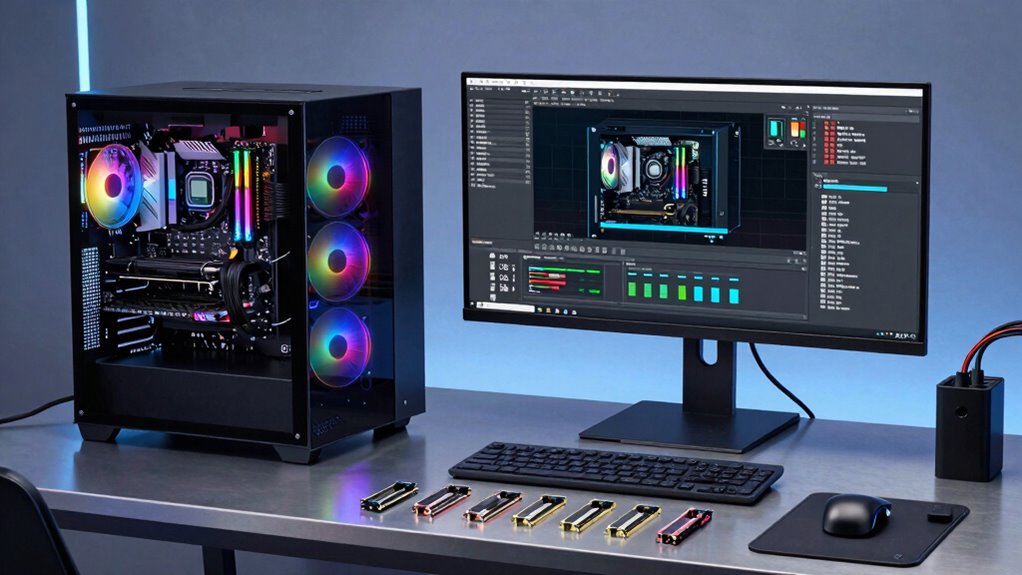

Upgrading to high-performance components like multi-core CPUs, fast NVMe SSDs, and increased RAM can substantially boost your build and test workflows. These upgrades cut down compilation times, allow for smoother multitasking, and enable faster data handling. Improving your network connection also guarantees quick access to cloud resources, reducing delays. Want to see how these enhancements can make a difference? Keep exploring to discover more ways to optimize your setup efficiently.

Get business pricing on tech for your team
- Business-only prices and quantity discounts
- Tax-exempt purchasing
- Multiple users, one account, clear invoices
Key Takeaways
- Upgrading to multi-core CPUs accelerates parallel compilation and testing processes.
- Implementing NVMe SSDs significantly reduces build and data handling times.
- Increasing RAM capacity allows simultaneous handling of large codebases and testing tasks.
- Integrating cloud services enables scalable, offloaded compute resources for intensive workloads.
- Optimizing network infrastructure ensures fast data transfer between local systems and cloud platforms.
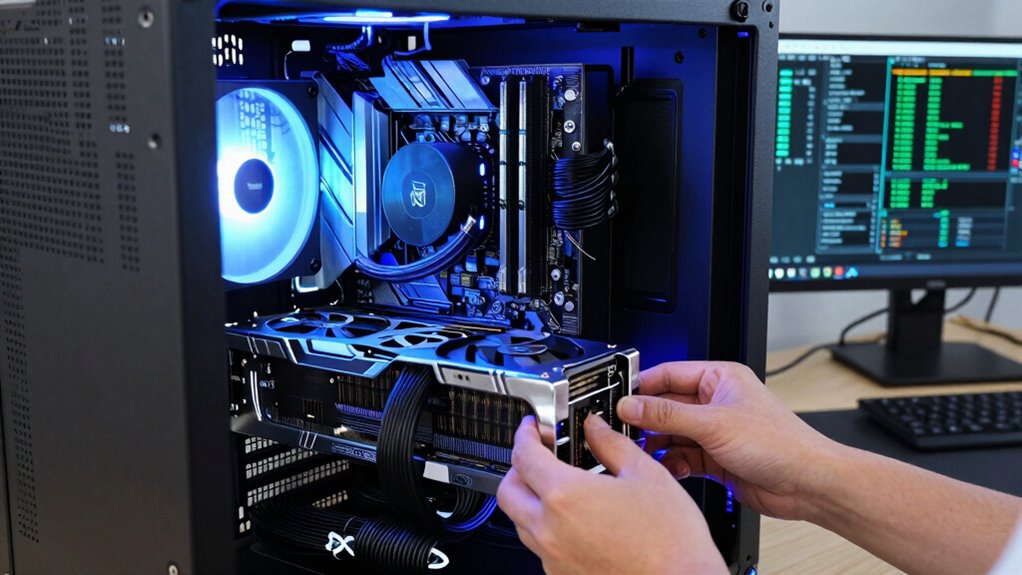
Upgrading your hardware is vital to streamlining build and test workflows, especially as projects grow more complex. When you invest in modern, high-performance components, you enable faster compilation times, quicker testing cycles, and smoother overall development processes. One of the most impactful upgrades you can make is enhancing your system’s integration with cloud services. Cloud integration allows you to offload resource-intensive tasks, run parallel tests, and access scalable computing power without the need for massive on-premises hardware. This flexibility accelerates your workflows and reduces bottlenecks, especially during peak development phases. By connecting your local environment with cloud platforms, you gain the ability to distribute workloads efficiently, guaranteeing that your team can work seamlessly regardless of physical hardware constraints.
Enhance your workflows by integrating your system with cloud services for scalable, efficient development.
Alongside cloud integration, focusing on energy efficiency can considerably improve your build and test workflows. Modern hardware components are designed to deliver high performance while consuming less power, which translates into lower operational costs and less environmental impact. Upgrading to energy-efficient CPUs, GPUs, and power supplies not only reduces your energy bills but also minimizes thermal management issues, leading to more stable and reliable systems. These improvements allow your hardware to run at peak speeds for extended periods without overheating or throttling, ensuring consistent performance during intensive build or test cycles. Additionally, energy-efficient systems tend to generate less heat, reducing cooling requirements and further decreasing operational costs. Incorporating power management features into your hardware setup can optimize energy use even further, helping you achieve a balance between performance and efficiency. Moreover, investing in hardware with modular designs can facilitate future upgrades and maintenance, ensuring your system remains adaptable to evolving workflow demands.
You should also consider upgrading your storage solutions. Switching to NVMe solid-state drives can drastically cut down build times by providing faster read/write speeds, which are vital when handling large codebases or numerous test data sets. Combined with ample RAM, these upgrades allow your system to handle multiple tasks simultaneously without lag, making your workflows more efficient. A robust CPU with multiple cores enhances parallel processing capabilities, enabling you to compile code and run tests concurrently rather than sequentially, saving valuable time. Pairing this with a solid GPU can also offload specific tasks, such as rendering or machine learning workloads, further boosting overall productivity.
Finally, don’t overlook the importance of a well-designed network infrastructure. Faster, more reliable network hardware ensures quick access to cloud resources and efficient data transfer between local and remote servers. When your hardware and network are optimized, you eliminate unnecessary delays, keeping your build and test pipelines flowing smoothly. In brief, upgrading your hardware with a focus on cloud integration, energy efficiency, fast storage, and reliable networking creates a robust environment that greatly enhances your build and test workflows, helping you meet deadlines and maintain quality in increasingly complex projects.
high performance multi-core CPU for development
As an affiliate, we earn on qualifying purchases.
As an affiliate, we earn on qualifying purchases.
Frequently Asked Questions
How Do I Determine the Best Hardware Upgrade for My Specific Workflow?
To determine the best hardware upgrade for your workflow, start by analyzing your current system’s bottlenecks. Focus on hardware compatibility to guarantee new components work seamlessly with existing parts. Consider upgrades that offer upgrade longevity, like more RAM or faster SSDs, to extend your system’s usefulness. Research reviews and consult experts to match upgrades precisely to your needs, ensuring improved performance without unnecessary costs.
What Is the Cost-Benefit Ratio of Upgrading Hardware Versus Optimizing Software?
You should conduct a cost analysis to compare hardware upgrades versus software optimization, focusing on performance metrics like build times and testing efficiency. Upgrading hardware can offer immediate performance boosts, but software improvements may provide long-term cost savings. Consider the ROI by evaluating how each option impacts workflow speed and productivity. Balancing initial investment with sustained benefits helps determine which approach offers the best cost-benefit ratio for your needs.
Are There Compatibility Issues to Consider When Upgrading Hardware Components?
When upgrading hardware components, you should consider potential compatibility issues, especially with firmware updates and power management systems. Make sure that new parts are compatible with your existing motherboard and other hardware, and check for firmware updates that can improve stability and performance. Also, review power management settings to prevent issues like overheating or power surges. Properly researching these factors helps you avoid costly mismatches and ensures smooth upgrades.
How Often Should Hardware Upgrades Be Performed for Optimal Workflow Efficiency?
You should perform hardware upgrades based on your hardware’s lifespan and upgrade frequency to maintain ideal workflow efficiency. Typically, upgrading every 3-5 years ensures your components stay current and prevent performance bottlenecks. Keep an eye on signs like slow processing or frequent crashes, signaling it’s time for an upgrade. Regular assessments help you plan upgrades proactively, ensuring your build and test workflows remain smooth and efficient.
What Are the Common Pitfalls to Avoid During Hardware Upgrades?
During hardware upgrades, avoid neglecting firmware updates, as outdated firmware can cause compatibility issues. Also, don’t overlook power management settings, which can lead to energy inefficiencies or hardware instability. Always back up data before upgrading, verify compatibility with existing systems, and test thoroughly afterward. These steps help prevent issues and ensure your build and test workflows remain smooth and efficient.
As an affiliate, we earn on qualifying purchases.
Conclusion
Upgrading your hardware can transform your build and test workflows, making them faster and more efficient. But the real question is, how much further can you push these improvements? With each upgrade, you open new potential—and new challenges. The next breakthrough might be just around the corner. Are you ready to take that leap? The future of seamless, lightning-fast workflows is waiting—if you’re willing to explore what lies beyond the upgrade.
As an affiliate, we earn on qualifying purchases.
cloud integration hardware for developers
As an affiliate, we earn on qualifying purchases.
As an affiliate, we earn on qualifying purchases.
Fall Picks
fall essentials
As an affiliate, we earn on qualifying purchases.