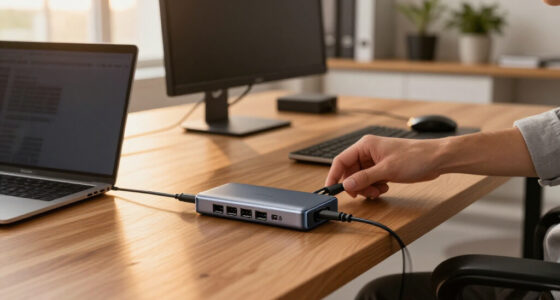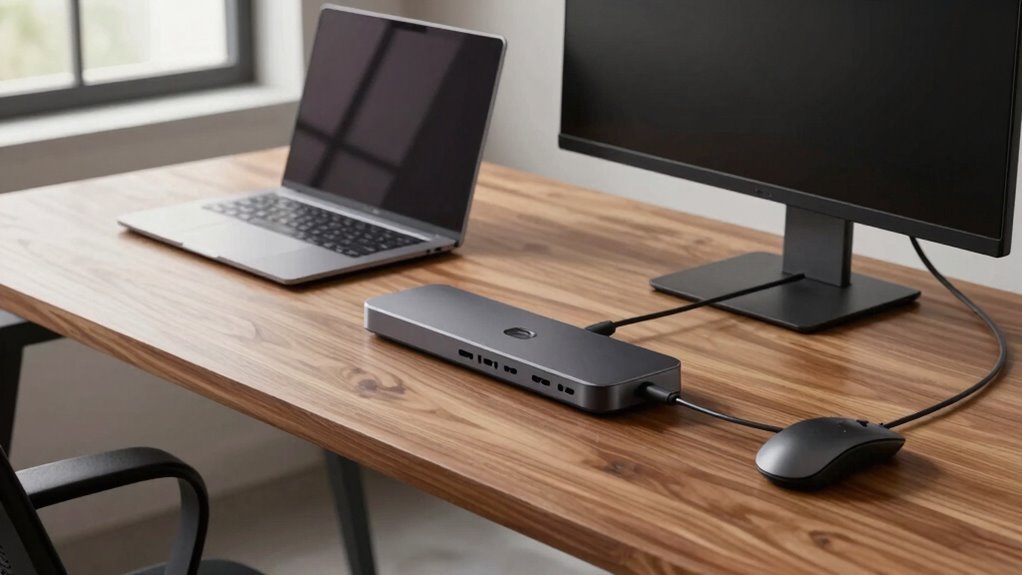

Docking stations do more than just make your workspace neater. They fix common issues like unstable wireless connections, power disruptions, and device compatibility problems. By managing power intelligently, balancing multiple device connections, and providing stable wired or wireless links, they boost your workflow and reduce tech headaches. If you want to understand how they solve these hidden challenges and improve your productivity, there’s more to explore below.

Get business pricing on tech for your team
- Business-only prices and quantity discounts
- Tax-exempt purchasing
- Multiple users, one account, clear invoices
Key Takeaways
- Docking stations centralize device connections, reducing cable clutter and simplifying workspace organization.
- They provide stable wireless and wired connectivity, minimizing disconnection issues during work.
- Docking stations distribute power efficiently, preventing overloads and ensuring device longevity.
- They support diverse ports for seamless data transfer and multiple peripherals, enhancing workflow.
- Docking stations resolve core connectivity and power problems, improving overall device reliability and user productivity.
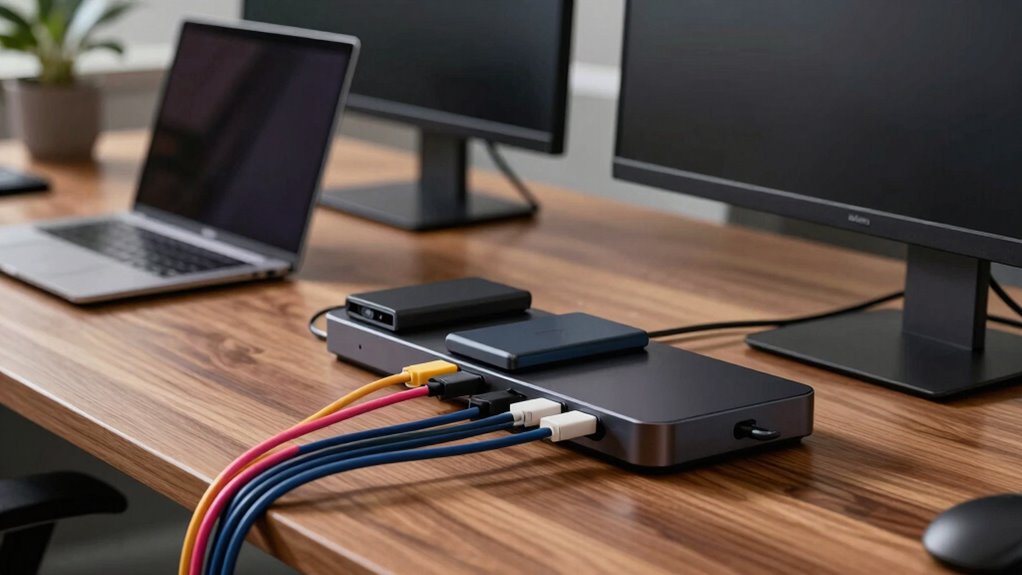
Docking stations have become essential tools for those who need to connect multiple devices quickly and efficiently, especially in a remote or office setting. They streamline your workspace, reducing clutter and making it easier to switch between tasks. But beyond convenience, docking stations resolve more problems than most people expect, particularly when it comes to wireless connectivity and power management. These features aren’t just bells and whistles; they solve real issues that can hamper your productivity.
Docking stations improve wireless stability and power management, solving common productivity disruptions efficiently.
When you work with multiple devices, wireless connectivity often becomes a bottleneck. Wi-Fi signals can be inconsistent, causing connection drops or slow data transfer. A good docking station manages this better by providing a stable, dedicated connection to your network or peripherals. Many modern docks include built-in Wi-Fi or Ethernet ports, ensuring your internet stays reliable even if your laptop’s wireless signal falters. This means fewer frustrations and interruptions during important calls or data transfers. Plus, with improved wireless management, you can seamlessly connect peripherals like wireless keyboards, mice, and printers without worrying about lag or disconnections. This keeps your workflow smooth and uninterrupted.
Power management is another area where docking stations excel, and it’s often overlooked. When you connect multiple devices—laptops, monitors, external drives, and smartphones—power distribution can become chaotic. A high-quality docking station intelligently manages power, ensuring each device receives the right amount of energy without overloading your system. This prevents overheating, extends device lifespan, and ensures your setup remains stable throughout long work sessions. Many docks also feature fast charging capabilities, meaning you can power up your smartphone or tablet quickly while working. Proper power management reduces the risk of system crashes caused by power issues and keeps your workspace tidy by eliminating the need for multiple chargers. Additionally, many docks incorporate power management features that optimize energy usage across connected devices, further enhancing efficiency. Keep in mind that smart power management can also help conserve energy, making your setup more environmentally friendly. Furthermore, the integration of energy-efficient technology in docking stations supports sustainable practices while maintaining high performance. Implementing these energy-saving features contributes to a more sustainable workspace, aligning with broader efforts to promote renewable energy and reduce carbon footprints.
Most people don’t realize that docking stations also fix problems related to device compatibility and data transfer speeds. They act as hubs that support various ports—USB-C, HDMI, DisplayPort, SD cards—making it easier to connect different peripherals without fuss. This versatility solves the headache of incompatible cables or missing ports, letting you work with multiple screens or external storage effortlessly. Additionally, many docks include features like automatic device recognition and optimized data transfer protocols, which speed up workflows and reduce frustration. By providing a centralized connection point, docking stations also help manage device compatibility issues that can otherwise disrupt workflow.
In essence, docking stations do more than just hold your devices — they address core issues like unstable wireless connections, inefficient power distribution, and compatibility problems. They create a more reliable, organized, and efficient workspace, which is why they resolve more problems than most people expect. Investing in a good docking station can considerably enhance your productivity and reduce technical headaches, making your workday smoother and less stressful.
USB-C docking station with Ethernet
As an affiliate, we earn on qualifying purchases.
As an affiliate, we earn on qualifying purchases.
Frequently Asked Questions
Can Docking Stations Improve Laptop Battery Life?
Yes, docking stations can improve your laptop’s battery life. They enhance battery optimization and power management by allowing you to connect multiple peripherals through a single source, reducing the strain on your laptop’s internal components. When you use a docking station, your laptop can manage power more efficiently, avoiding unnecessary energy drain. This streamlined power flow helps extend your battery’s overall lifespan and keeps it healthier over time.
Are Docking Stations Compatible With All Laptop Brands?
A docking station is not a one-size-fits-all magic wand. You might find that laptop compatibility varies, and brand compatibility isn’t universal. It’s like fitting a puzzle piece—you need to check if your laptop’s brand and ports align with the dock. Some docks work seamlessly across multiple brands, while others are tailored for specific ones. Always verify compatibility prior to purchasing to avoid frustration and guarantee smooth connectivity.
Do Docking Stations Support Gaming Peripherals?
Yes, docking stations often support gaming peripherals like controllers and RGB lighting setups. You can connect gaming controllers directly to USB ports on the dock, enhancing your gaming experience. Many docking stations also accommodate RGB lighting accessories, allowing you to sync lighting effects with your gameplay. Just verify the dock has enough USB ports and supports the power requirements for your peripherals, so everything runs smoothly during intense gaming sessions.
How Secure Are Docking Stations Against Data Breaches?
Docking stations deliver data defense, but their security isn’t foolproof. You should stay savvy about wireless security, as vulnerabilities can expose your info. Using data encryption adds an extra layer of safety, safeguarding sensitive files from breaches. While docking stations generally offer secure connections, you must stay vigilant by updating firmware and employing strong passwords. Protect your data proactively, knowing that security depends on both hardware and your own cautious habits.
Can Docking Stations Be Used With Tablets or Smartphones?
Yes, docking stations can be used with tablets and smartphones, enhancing tablet connectivity and smartphone compatibility. Many docking stations feature USB-C or HDMI ports, allowing you to connect your devices easily. You simply plug in your tablet or smartphone, and they can access additional screens, peripherals, or power sources. This setup streamlines your workflow, making it simple to switch between devices and expand your device’s capabilities effortlessly.
multiport laptop docking station with power delivery
As an affiliate, we earn on qualifying purchases.
As an affiliate, we earn on qualifying purchases.
Conclusion
Think of a docking station like a Swiss Army knife for your workspace—compact but incredibly versatile. It fixes more problems than you might expect, from cluttered cables to limited ports, making your setup smoother and more efficient. If you’re tired of juggling devices or dealing with messy cords, a docking station is your simple, reliable solution. Once you add one, you’ll wonder how you ever worked without it. It’s the upgrade your desk has been waiting for.
wireless connectivity docking station
As an affiliate, we earn on qualifying purchases.
As an affiliate, we earn on qualifying purchases.
fast charging docking station for laptops
As an affiliate, we earn on qualifying purchases.
As an affiliate, we earn on qualifying purchases.
Halloween Picks
halloween
As an affiliate, we earn on qualifying purchases.