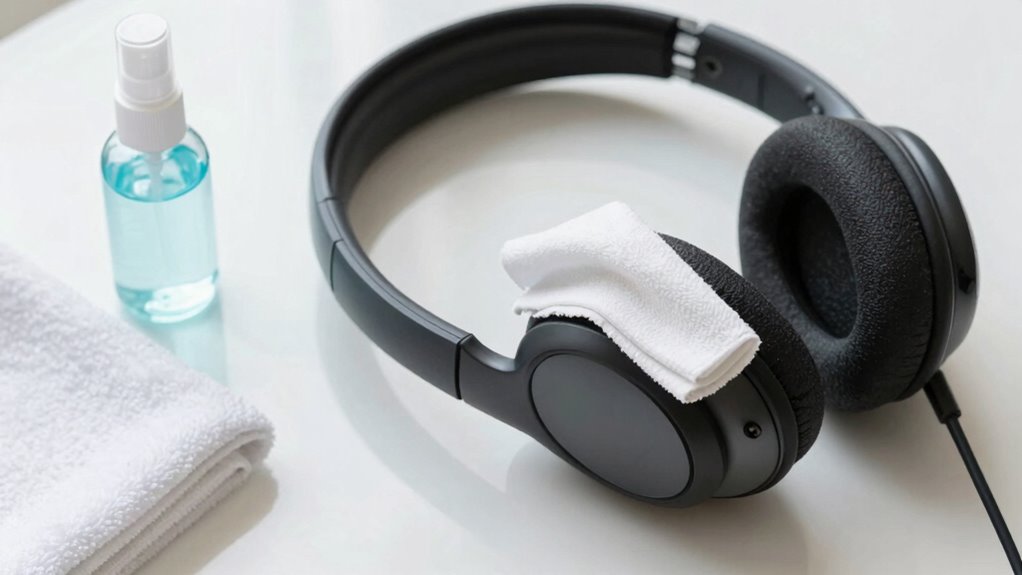

To keep shared headsets and support hardware hygienic, regularly clean surfaces with disinfectant wipes suitable for electronics, focusing on areas in contact with skin or hair. Wear gloves during cleaning to prevent cross-contamination and guarantee devices are fully dry before use. Store equipment properly and schedule deep cleans routinely. Promoting good hygiene habits like hand sanitizing and clear signage helps prevent germs spread and prolongs device life. Discover more tips to maintain a clean environment and support safe usage.
Key Takeaways
- Regularly disinfect headset surfaces and contact points using electronics-safe disinfectant wipes or sprays.
- Implement scheduled deep cleaning routines and allow devices to air dry completely before reuse.
- Promote user hygiene by encouraging handwashing or sanitizing before handling shared headsets.
- Use disposable gloves during cleaning to prevent cross-contamination and follow manufacturer cleaning guidelines.
- Store headsets properly in clean, dry environments to maintain hygiene and prolong device lifespan.
Maintaining proper hygiene for shared headsets and support hardware is essential to prevent the spread of germs and guarantee user safety. When you’re dealing with multiple users, establishing clear hygiene protocols becomes vital. These protocols help ensure everyone’s health isn’t compromised and reduce the risk of transmitting bacteria, viruses, or fungi. It’s not just about cleanliness; it’s about creating a safe environment where users feel confident that their health is prioritized. To achieve this, you need to implement effective cleaning procedures that are easy to follow and consistently applied.
Start by understanding the materials of your headsets and hardware. Some surfaces may require gentle cleaning agents, while others might need specific disinfectants. Regularly cleaning the equipment after each use isn’t enough—consider scheduled maintenance routines that include deep cleaning at least daily or after a set number of uses. Use disinfectant wipes or sprays recommended for electronic devices, ensuring all surfaces, including headbands, ear cushions, and support stands, are thoroughly sanitized. Pay special attention to areas that come into direct contact with skin or hair, as these are the most likely spots for germs to linger. Incorporating proper cleaning techniques can help maximize the effectiveness of your sanitation efforts.
Regular deep cleaning of headsets and hardware ensures hygiene and prevents germ buildup on contact surfaces.
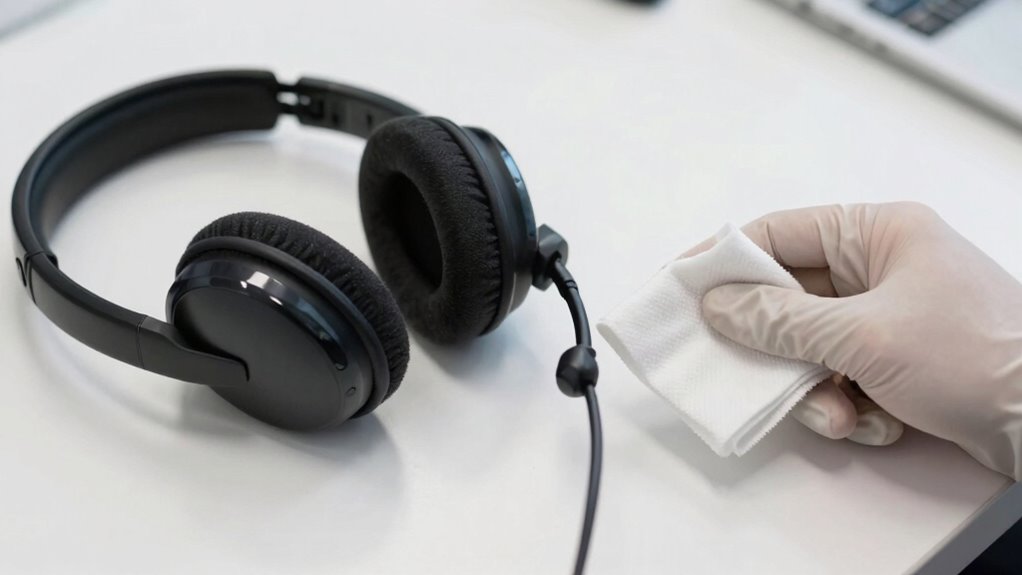
When you’re performing cleaning procedures, always follow manufacturer guidelines to avoid damaging sensitive components. Proper use of cleaning products not only prolongs the lifespan of your hardware but also guarantees that you’re effectively eliminating microbes. It’s best to wear disposable gloves during cleaning to prevent cross-contamination, especially if multiple people are involved in the process. After disinfecting, allow the equipment to air dry completely before reuse to make certain no moisture remains that could promote mold or bacteria growth. Additionally, consistent sanitation practices are crucial in maintaining ongoing hygiene standards and preventing microbial buildup. Incorporating regular sanitation practices into your routine can significantly reduce microbial buildup and ensure a healthier environment for all users. Additionally, implementing proper storage methods for the equipment can help maintain hygiene standards when devices are not in use. Consistent adherence to these routines supports the overall device hygiene and user confidence.
In addition to cleaning, educate users on proper hygiene practices before they handle headsets or hardware. Encourage handwashing or sanitizing, especially in shared environments like gaming centers, VR labs, or corporate settings. Display clear signage or instructions on hygiene protocols, emphasizing the importance of avoiding contact with the face or hair without sanitizing first. This proactive approach minimizes the chance of contamination and emphasizes a culture of cleanliness.

Weiman Disinfecting Electronic Wipes – Safely Clean Your Screen, Laptop, Computer, TV, Equipment-Electronic Cleaner Wipes
- Disinfecting Formula: Keeps devices safe and clean
- Easy Disposal: Wipe and air dry, then discard
- Versatile Use: Suitable for tablets, TVs, computers, smartphones
As an affiliate, we earn on qualifying purchases.
As an affiliate, we earn on qualifying purchases.
Frequently Asked Questions
How Often Should Shared Headsets Be Disinfected?
You should disinfect shared headsets after each use to guarantee proper headset maintenance and promote user hygiene. Regular cleaning prevents the buildup of germs and reduces the risk of infections. Use appropriate disinfectants, like alcohol-based wipes, and follow manufacturer guidelines. By making disinfecting a routine, you help keep the headsets safe and clean, protecting everyone’s health and maintaining ideal device performance.
What Cleaning Products Are Safest for Headset Materials?
Did you know that using the wrong cleaning agents can damage headset material? For safe cleaning, stick to gentle isopropyl alcohol (70%) or mild soap solutions for most headset materials. Avoid harsh chemicals like bleach or ammonia, which can cause deterioration. Always check manufacturer guidelines first. Using appropriate cleaning agents guarantees your headset remains comfortable, functional, and free from germs without compromising its material integrity.
Can Regular Cleaning Damage Headset Electronics?
Regular cleaning can damage headset electronics if you’re not careful, so you need to prioritize electronics safety. Use gentle, electronics-safe cleaning products and avoid excessive moisture. Cleaning frequency matters too; cleaning too often or with harsh chemicals can wear out components or cause corrosion. Be gentle and methodical, and always follow manufacturer guidelines to safeguard your device while maintaining hygiene. Proper care ensures longevity without risking electronic damage.
How to Prevent Cross-Contamination Between Users?
To prevent cross-contamination, you should follow strict hygiene protocols and encourage proper user etiquette. Always disinfect headsets and support hardware between users with appropriate cleaning solutions. Use disposable covers or sanitizing wipes, and remind users to avoid sharing personal belongings that contact the device. Clear signage and training reinforce these practices, ensuring everyone understands the importance of hygiene and respects each other’s health and safety.
Are There Disposable Covers for Shared Headsets?
Yes, there are disposable covers available for shared headsets. You can use headset barriers or disposable covers to maintain hygiene and prevent cross-contamination between users. These covers are typically made from materials like paper or thin plastic, and they’re easy to replace after each use. Using disposable covers helps guarantee cleanliness, reduces the risk of infection, and is a practical solution for shared equipment in busy environments.

SWIFTLITE Disposable Nitrile Gloves, Food Safe, Latex-Free Powder-Free
- Latex-Free Material: Suitable for latex allergy sufferers
- Food Safe & Powder-Free: Ideal for food preparation and handling
- Durable & Flexible: 2.5 mil thickness for comfort and durability
As an affiliate, we earn on qualifying purchases.
As an affiliate, we earn on qualifying purchases.
Conclusion
By keeping your shared headsets and support hardware clean, you guarantee a healthier, more productive environment. Regular disinfecting and proper storage can prevent the spread of germs and keep your equipment in top shape. Think of it like tuning up a trusty steed; neglecting hygiene can lead to a breakdown. Embrace these simple steps, and you’ll avoid ending up in a medieval scriptorium, battling pesky colds instead of focusing on your work. Stay vigilant and tech-savvy!

Airpod Cleaner Kit, Earbud Cleaning Kit for Airpods Pro 1 2 3,Multi-Function Cleaning Pen with Soft Brush Flocking Sponge, Suitable for Bluetooth Headset, Charging Box, Mobile Phone,Earbud (1Pcs)
- Portable Pen-Shaped Design: Lightweight and easy to carry
- Universal Compatibility: Suitable for Bluetooth headsets and devices
- Effective Dirt Removal: Clears ear oil, sweat, and dust
As an affiliate, we earn on qualifying purchases.
As an affiliate, we earn on qualifying purchases.

PRETYZOOM 2 Sets Headset Clean Kit with Soft Brush Hair and Rubber Air Blower, Practical Electronic Cleaning Accessories for Headphone Dust Removal and Maintenance Random Color
- Reusable Ear Cleaner: Suitable for headphones, phones, tablets, laptops
- Hard Brush for Stubborn Stains: Removes stubborn stains from headsets
- Versatile Cleaning Tool: Removes fingerprints, dust, smudges
As an affiliate, we earn on qualifying purchases.
As an affiliate, we earn on qualifying purchases.