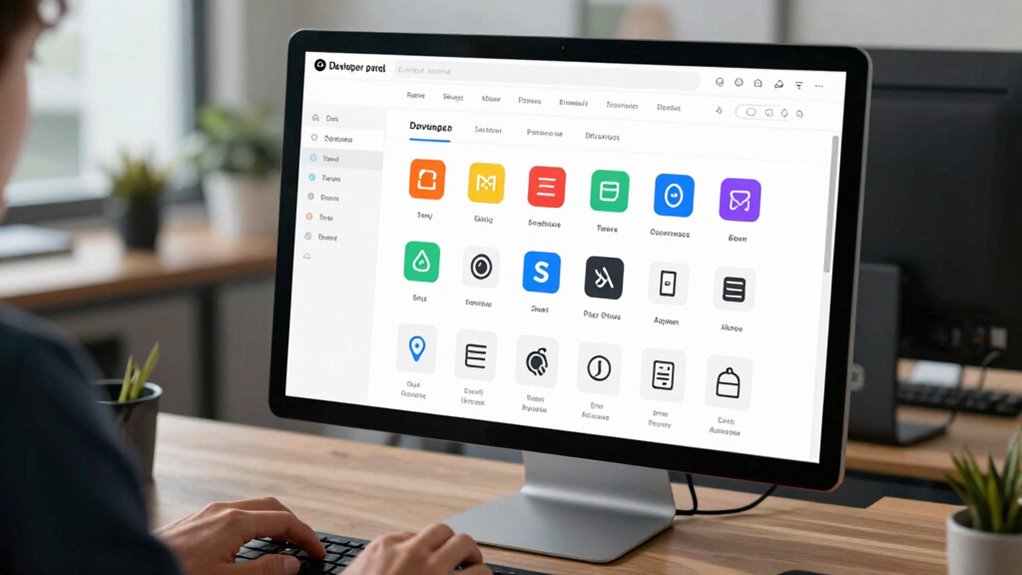

A well-designed developer portal helps you find API information quickly and easily, reducing repetitive questions from users. By offering centralized documentation, step-by-step onboarding, and up-to-date content, you empower users to solve their own issues without reaching out for support. Search features and interactive tools like test sandboxes further streamline the process. Keep exploring to discover how these features boost efficiency and cut down on common queries, saving you time and effort.

Get business pricing on tech for your team
- Business-only prices and quantity discounts
- Tax-exempt purchasing
- Multiple users, one account, clear invoices
Key Takeaways
- Centralized, comprehensive documentation provides quick answers, reducing the need for repetitive support inquiries.
- Interactive features like test consoles empower users to troubleshoot independently.
- Up-to-date content and clear guides prevent confusion and diminish common questions.
- Structured onboarding processes help new users understand systems faster, lowering initial support requests.
- Search functionality enables users to find relevant information swiftly, minimizing back-and-forth inquiries.
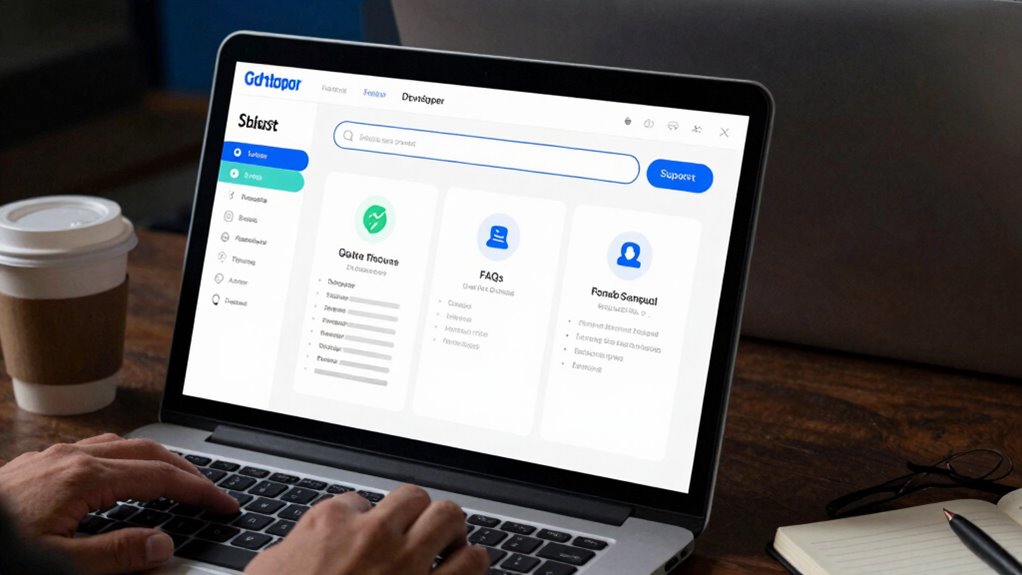
If you’re tired of answering the same questions repeatedly, developer portals can be a game-changer. They serve as a centralized hub where your API documentation is readily available, helping users find answers quickly without pinging you every time. When developers or partners need to integrate with your platform, they often face common hurdles—confusing endpoints, unclear instructions, or missing details. A well-designed developer portal addresses these issues by providing comprehensive API documentation, which reduces the need for ongoing support and accelerates user onboarding.
With API documentation front and center, your users can access the information they need at any time. This means they don’t have to wait for your response or dig through email chains, saving everyone time. Clear, detailed guides, code snippets, and sample requests make it easier for developers to understand how your system works. When they understand your API better, they’re less likely to ask repetitive questions, freeing up your support resources for more complex issues. As a result, your team can focus on strategic tasks rather than repetitive troubleshooting.
API documentation empowers users to find answers quickly, reducing support requests and enabling more efficient, self-guided integration.
User onboarding becomes smoother with a developer portal because it offers a step-by-step process tailored to new users. Instead of overwhelming newcomers with scattered resources, you can guide them through initial setup, authentication, and basic integrations within a single, accessible space. This transparent onboarding process reduces confusion and frustration, making it more likely they’ll stick around and become active users. When onboarding is seamless, developers are more confident in their ability to work with your platform, which leads to fewer support questions early on.
Furthermore, a good developer portal is dynamic and continuously updated. As your API evolves, your portal keeps pace, ensuring users always have the latest information. This proactive approach minimizes outdated questions and clarifies changes before they become issues. When users see that your documentation is accurate and well-maintained, they trust your platform more and are less likely to ask repetitive questions that stem from confusion or outdated info. Incorporating comprehensive API documentation is essential for reducing support queries and ensuring clarity for users. Additionally, understanding SWIFT codes and bank identification details can help users navigate financial integrations more confidently, further reducing common support inquiries. Having a clear onboarding process also contributes significantly to reducing initial questions and building user confidence from the start. A well-structured portal also provides search functionality, allowing users to quickly locate specific topics or troubleshooting steps, further reducing repetitive inquiries.
When your developer portal also includes interactive elements, such as test consoles or sandbox environments, users can experiment and learn without risk, which further minimizes support questions. In essence, developer portals streamline communication, making it easier for users to self-serve their needs. They cut down on unnecessary back-and-forth and create a smoother experience from the first interaction through ongoing use. By focusing on clear API documentation and user onboarding, you empower your users to solve their problems independently. This not only reduces your support load but also enhances user satisfaction, enabling your platform to grow faster with less friction.
Products Worth Considering

LG UltraGear 32GX850A-B 32-inch 4K UHD Glossy OLED Gaming Monitor

Samsung 27 Odyssey OLED G5 (G50SF) QHD Gaming Monitor

Logitech MX Mechanical Wireless Illuminated Keyboard, Tactile Quiet, Graphite
As an affiliate, we earn on qualifying purchases.
Frequently Asked Questions
How Do Developer Portals Impact Overall Developer Productivity?
You’ll notice developer portals boost your productivity by streamlining API integration and user onboarding. They provide clear, centralized documentation, reducing the time spent searching for information. This means you can focus more on building features rather than troubleshooting. By simplifying access and understanding of APIs, developer portals enable you to work faster, reduce errors, and get your applications up and running more efficiently.
What Security Measures Are Essential for Developer Portals?
You need to implement robust security measures like access control and data encryption to protect your developer portal. Access control guarantees only authorized users can access sensitive information or functionalities, while data encryption safeguards data both at rest and during transmission. Regularly updating security protocols, monitoring for vulnerabilities, and enforcing strong authentication methods are essential steps to keep your portal secure and maintain trust among your developers.
Can Developer Portals Be Customized for Different User Roles?
Think of your developer portal as a tailored suit—role-specific customization allows you to fit features precisely to each user’s needs. You can implement user access control, ensuring that different roles see only what’s relevant, creating a seamless experience. This customization boosts efficiency and security, making your portal more intuitive and secure for everyone involved. With these tools, you’re designing a flexible, role-aware environment that adapts to each user’s purpose.
How Often Should Content in the Portal Be Updated?
You should update your portal content regularly to maintain content freshness and guarantee users get accurate, helpful information. The update frequency depends on your project’s pace and industry changes, but aim for at least monthly or quarterly updates. Keep an eye on user feedback and analytics to identify outdated info or gaps, and adjust your update schedule accordingly. Consistent updates help reduce repeated questions and improve user satisfaction.
What Are Common Challenges in Implementing Developer Portals?
Implementing developer portals can feel like climbing Mount Everest! Common challenges include designing an onboarding process that’s intuitive and engaging, which prevents frustration. Content localization becomes tricky, especially when tailoring information for diverse audiences without losing clarity. Ensuring your portal stays updated and relevant requires constant effort. Balancing technical complexity with user-friendly design is key, but these hurdles can slow progress if not addressed early.
Conclusion
By providing clear documentation, fostering open communication, and offering self-service resources, developer portals cut down on repeated questions, saving you time and frustration. They empower developers to find answers quickly, reduce support loads, and streamline your workflow. With consistency, accessibility, and transparency, developer portals create a seamless experience. Embrace these tools to simplify processes, enhance collaboration, and keep your focus on innovation. Make developer portals your go-to solution for faster, smarter, problem-free development.